summer screen time checklist for kids
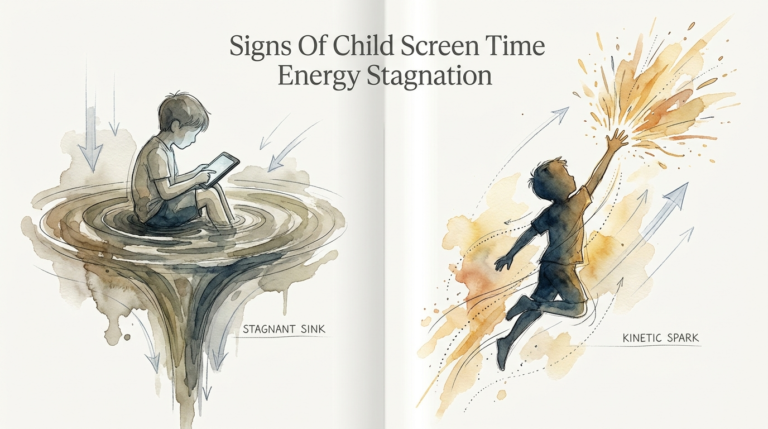
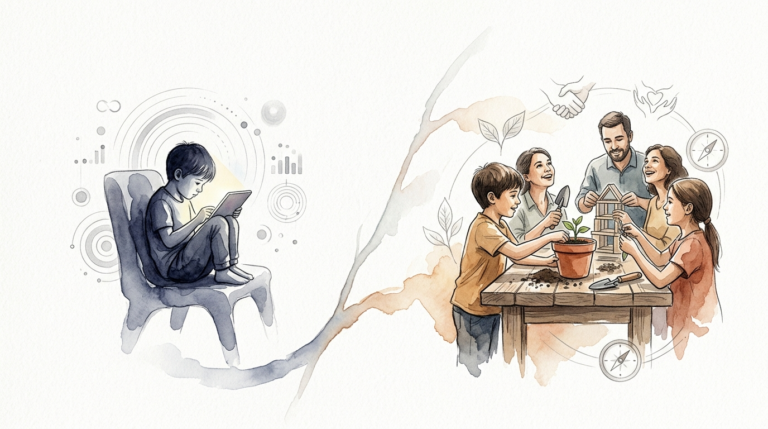
Shift the screen from a drain to a tool. Move them from consumer to creator. The world has enough consumers. This summer, use the checklist to challenge your kids to use technology to produce, create, and document the world around them.
The transition from the school year to summer break often feels like a slow-motion collision with a digital wall. One minute your kids are busy with homework and extracurriculars, and the next, they are staring blankly at a tablet for six hours straight. It is a common struggle for every modern parent. We want them to have fun, but we also want to protect their developing brains from the “summer slide” and the vacuum of mindless scrolling.
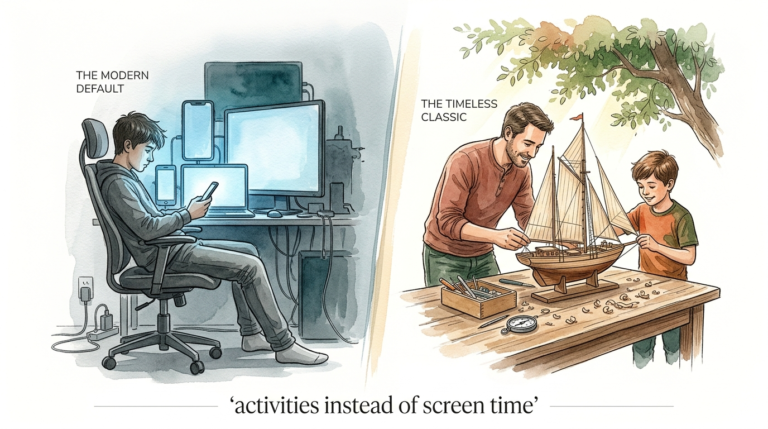
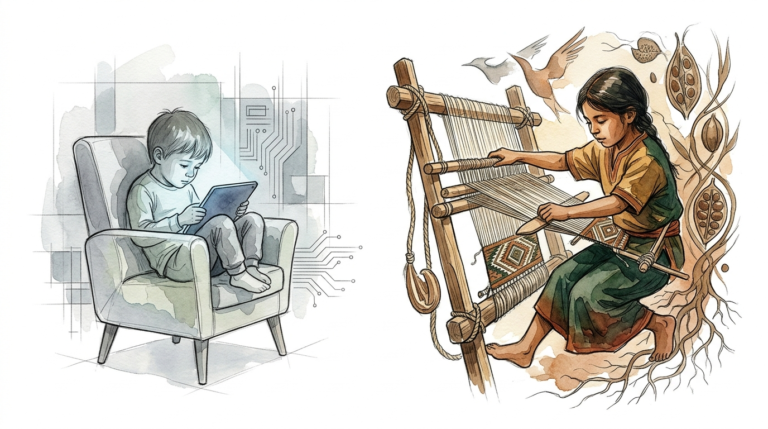
Most screen time advice focuses entirely on restriction. We set timers, we hide chargers, and we enter a constant state of negotiation. But what if the goal wasn’t just to reduce screen time, but to transform its nature? Instead of seeing the iPad as a digital babysitter, we can start viewing it as a high-powered laboratory. This is the difference between being a mindless consumer and a young producer.
When a child shifts from watching YouTube to editing their own video, their brain moves from a passive state to an active one. They stop just absorbing content and start solving problems, practicing sequence, and expressing their unique perspective. This summer, we aren’t just limiting the “drain”; we are handing them the tools to build something meaningful.
summer screen time checklist for kids
A summer screen time checklist is a structured system designed to prioritize essential life activities and creative production before allowing passive entertainment. It is not just a list of chores; it is a roadmap for a balanced day. In the real world, adults call this “work-life balance” or “prioritization.” Teaching these skills early prevents the digital device from becoming the default activity for every spare moment.
This system exists because modern apps are designed with “persuasive design” techniques. Features like auto-play and infinite scroll are built to keep users—especially children—engaged for as long as possible. A checklist acts as a manual override for these biological hooks. It ensures that the “brain food” (reading, moving, creating) happens before the “digital candy” (gaming, scrolling, binging).
Think of the checklist as a physical gatekeeper. Before the Wi-Fi password is handed over or the tablet is unlocked, certain milestones must be met. These milestones typically include physical activity, household contributions, and a specific block of time dedicated to “Production.” This shift ensures that technology remains a tool for enrichment rather than a source of sedentary decay.
How to Implement a Producer-First System
Starting a producer-first system requires more than just printing a piece of paper. It requires a shift in the family culture. You are moving from the role of a “Screen Time Cop” to a “Creative Director.” This process should be collaborative, not combative. Sit down with your kids and explain that this summer, the screens are moving from the toy box to the tool chest.
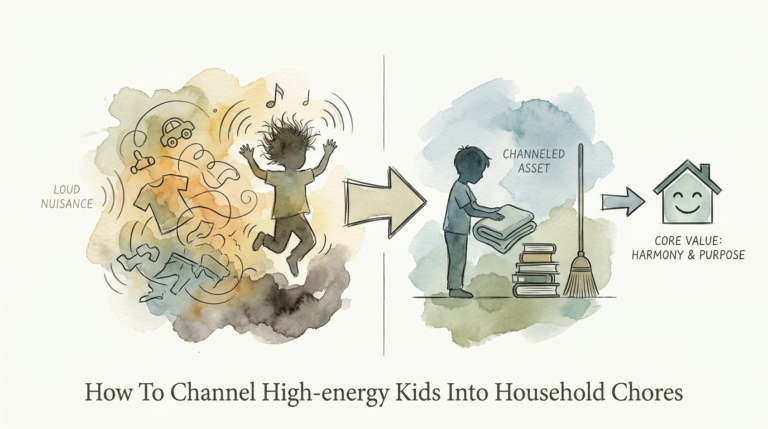
First, define the “No-Screen Until” list. This usually includes basic self-care and household responsibilities. Common items are making the bed, brushing teeth, getting dressed, and completing one daily chore. By finishing these tasks first, children learn that responsibilities come before recreation. It establishes a rhythm of “earning” the leisure time they value so much.
Second, introduce the “Creation Block.” This is a mandatory 30 to 60-minute window where screens can be used, but only for production. They can learn to code on Scratch, edit a movie in iMovie, or design a digital comic book. The rule is simple: if you aren’t making something, the screen stays off during this block. This forces them to explore the creative potential of their devices.
Third, establish clear boundaries for “Consumption Time.” Once the checklist and the creation block are complete, they earn a set amount of time for pure entertainment. This might be 60 minutes of Minecraft or a favorite show. Because they have already moved their bodies and engaged their brains, this passive time is much less likely to lead to the “screen zombie” irritability that parents dread.
Benefits of Active Creation Over Passive Consumption
The practical benefits of shifting to a producer mindset are measurable and immediate. Research shows that interactive and creative screen use can actually support cognitive development, unlike passive viewing which is often linked to shorter attention spans and lower vocabulary scores. When kids create, they are practicing “executive function”—the ability to plan, focus, and multitask.
Problem-solving is another major advantage. When a child is trying to make a stop-motion animation, they have to figure out lighting, frame rates, and physical stability. If the character falls over, they have to troubleshoot. These are high-level cognitive tasks that do not happen when they are simply watching someone else play with toys on a screen. They are building resilience and critical thinking skills that translate directly to school and future careers.
Furthermore, active creation builds a sense of agency. A child who spends the summer documenting the family garden or recording a “podcast” about their favorite books develops a sense of “I can do this.” They stop being just a face in the crowd of billions of viewers and become an individual with a voice. This boost in confidence and self-worth is a powerful antidote to the comparison traps often found in social media environments.
Challenges and Common Mistakes
One of the most frequent errors is making the checklist too long or too complicated. If a child feels like they have to climb Mount Everest before they can play 15 minutes of a game, they will simply give up. Start small. The goal is consistency, not perfection. If they successfully follow a simple three-item list for a week, you can slowly add more depth later.
Another pitfall is the “Checking the Box” syndrome. This happens when kids rush through their reading or chores as fast as possible just to get to the screen. To avoid this, focus on the quality of the “Production” time. Instead of just saying “be creative,” give them a specific challenge. For example, ask them to “Create a 60-second tutorial on how to make the perfect peanut butter sandwich.” This gives them a clear goal and makes the process more engaging.
Parents often fail to provide the necessary tools or training. You cannot expect a child to “produce” if they don’t know how the software works. Spend the first few days of summer sitting with them and learning a new app together. Once they have the basic skills, they will be much more likely to explore on their own. Without this initial investment, the “Creative Block” will just feel like a frustrating chore.
Limitations of the Checklist Method
It is important to realize that a checklist is a tool, not a law. There will be days when the system breaks down. Travel days, family illness, or exceptionally rainy afternoons might require more flexibility. If you are too rigid, the checklist becomes a source of family tension rather than a helpful guide. Allow for “grace days” where the rules are relaxed so that the system feels sustainable long-term.
Additionally, not all kids will naturally gravitate toward digital creation. Some children may prefer physical building, drawing on paper, or playing outside. If your child is thriving in the “real world,” do not force them onto a screen just to meet a “production” quota. The ultimate goal is a balanced life, not necessarily a digital one. The checklist should adapt to the child’s natural interests while still keeping the passive consumption in check.
Finally, remember that the “Producer Mindset” requires more parental involvement than the “Consumer Mindset.” You will be asked to watch their finished videos, listen to their beats, and help them debug their code. If you are looking for a way to simply ignore your kids for four hours, this system is not for you. It requires engagement, feedback, and encouragement to truly work.
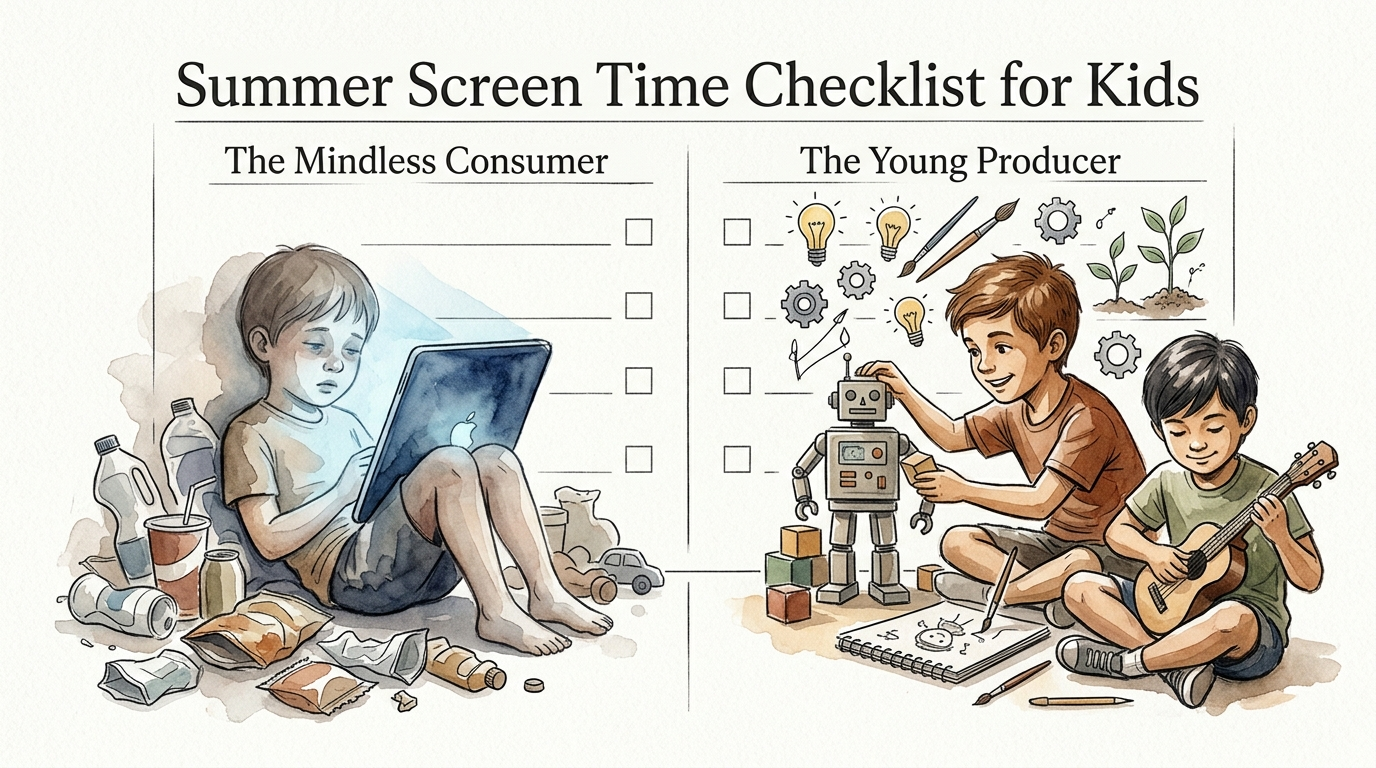
The Mindless Consumer vs. The Young Producer
The differences between these two modes of engagement are stark. While one drains a child’s energy and attention, the other builds skills and confidence. The following table highlights the key distinctions between passive and active technology use.
| Feature | The Mindless Consumer | The Young Producer |
|---|---|---|
| Primary Activity | Watching, scrolling, and tapping for rewards. | Building, coding, filming, and designing. |
| Brain State | Passive; high dopamine, low engagement. | Active; problem-solving and executive function. |
| Outcome | Nothing tangible; time is “lost.” | A finished project or a new digital skill. |
| Post-Screen Mood | Often irritable, lethargic, or “zoned out.” | Proud, energized, and eager to share. |
| Skill Level | Stagnant; no new abilities gained. | Progressive; builds literacy in tech and art. |
Practical Tips and Best Practices
To make the checklist effective, use physical visual aids. A laminated sheet on the refrigerator or a chalkboard in the kitchen works much better than a verbal reminder. Kids love the satisfaction of physically checking off a box. It gives them a clear sense of progress and helps them manage their own time without you having to nag them every ten minutes.
Curate the right tools before summer starts. If you want them to be producers, you need to provide the “digital art supplies.” Here are some highly recommended, kid-friendly tools for creative production:
- Scratch / ScratchJr: Excellent for learning the logic of coding and making interactive stories.
- Stop Motion Studio: A simple way to turn Legos or clay figures into professional-looking movies.
- GarageBand: Perfect for kids who love music and want to experiment with beats and instruments.
- Canva for Kids: A great tool for graphic design, making posters, or creating digital trading cards.
- Tinkercad: An entry-level 3D design software that is fun for kids who like to build.
Gamify the chores and the checklist where possible. You can create a “Screen Time Menu” where different tasks earn different amounts of entertainment time. For example, reading for 30 minutes might earn 30 minutes of gaming, while cleaning the bathroom earns 60. This teaches them the value of their time and rewards higher-effort contributions with more significant rewards.
Advanced Considerations for Older Kids
As children enter their tween and teen years, the checklist needs to evolve. For older kids, production can include more sophisticated projects like starting a blog, learning Python, or diving into digital photography and editing. The focus should shift toward “Portfolio Building.” Challenge them to have three “Major Projects” finished by the end of the summer that they can be proud of.
Digital citizenship becomes crucial at this stage. If they are producing content, they may want to share it. This is a perfect opportunity to discuss online safety, copyright, and the ethics of digital creation. Teach them how to find royalty-free music and how to protect their personal information. These are “real-world” skills that will serve them far beyond the summer months.
Consider the concept of “Monetization” as a learning tool. While you may not want your 12-year-old starting a commercial YouTube channel, you can teach them the principles behind it. How do creators make money? What is an audience? Why do certain things go viral? Understanding the mechanics of the digital economy helps them look at the content they consume with a more critical and informed eye.
Example Scenario: A Week of Young Production
Let’s look at how this might play out in a real home. Imagine a 10-year-old named Leo. Every morning, Leo knows he can’t touch his tablet until his room is clean and he has spent 30 minutes outside. By 10:30 AM, he has finished his chores and his “Brain Quest” workbook. Now, he enters his “Creation Block.”
On Monday and Tuesday, Leo uses the **Stop Motion Studio** app to create a short film about his toy dinosaurs. He has to plan the story, set up the “set” on the kitchen table, and take over 200 individual photos. He is focused, quiet, and deeply engaged. He isn’t asking for a snack every five minutes because his brain is busy.
By Wednesday, he is editing the film, adding sound effects from **GarageBand** and titles he made in **Canva**. On Friday, he holds a “Movie Premiere” for his parents. He has spent ten hours on a screen this week, but he hasn’t “consumed” a single minute of it. He has built a skill, created a product, and feels like a professional filmmaker. This is the power of the Young Producer mindset.
Final Thoughts
The goal of a summer screen time checklist is not to eliminate technology, but to master it. We are living in a world where digital literacy is just as important as reading and math. By encouraging our children to produce rather than just consume, we are giving them a competitive advantage and protecting their mental well-being at the same time.
This summer, try shifting the conversation from “How much screen time?” to “What are you making?” You might be surprised at the creativity and ingenuity your kids show when the “drain” is turned into a tool. It takes a bit more effort upfront, but the payoff—a house full of creators instead of zombies—is worth every second of the investment.
Experiment with different checklists, try out new apps, and be sure to celebrate the things your kids create. The transition from consumer to creator is one of the most important shifts a young person can make in the 21st century. Start today and watch their world expand far beyond the edges of the screen.
Sources
1 stillwareltd.com | 2 betterscreentime.com | 3 loveandrenovations.com | 4 stayfitmom.com | 5 stayfitmom.com | 6 yourmodernfamily.com | 7 thepragmaticparent.com | 8 scholastic.com | 9 lelycee.org | 10 hellopediatrics.com | 11 substack.com | 12 taroo.ai | 13 screenwiseapp.com