screen time limit challenge
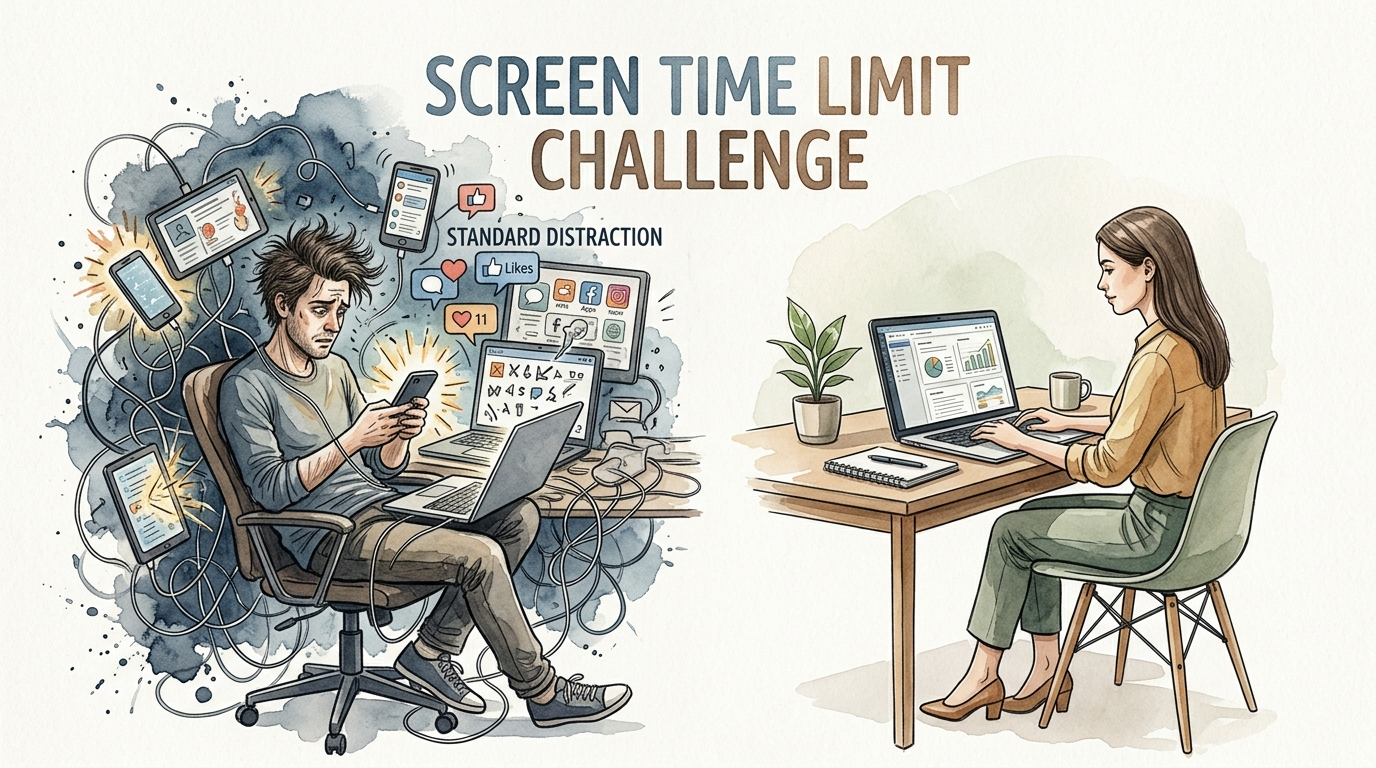
Amateurs scroll. Pros produce. The average person spends 7 hours a day on a screen. The high-performer sets limits. Join the challenge to move from ‘standard’ distraction to ‘pro’ productivity.
Modern life is a battle for your attention. Every app, notification, and infinite scroll is engineered to keep you staring at glass for as long as possible. Research shows the global average for screen time has climbed to nearly 7 hours daily in 2025 [1.1.3, 1.1.7]. If you are awake for 16 hours, that means nearly half of your conscious life is spent in a digital fog.
Taking a screen time limit challenge is not about becoming a hermit. It is about reclaiming the executive function of your brain. High performers understand that focus is a finite resource. When you outsource your focus to an algorithm, you lose the ability to think deeply, solve complex problems, and build real-world relationships [1.6.1, 1.6.6]. This guide will show you how to break the cycle and return to a state of high-output focus.
screen time limit challenge
A screen time limit challenge is a structured period where you intentionally restrict your use of digital devices to reach a specific goal. This goal might be a hard cap of two hours of non-work screen time or a complete “digital detox” for a weekend [1.4.3, 1.4.6]. It exists to reset the dopamine receptors in your brain that have become desensitized by constant “brain rot” content—low-quality digital media that leads to cognitive decline and mental exhaustion [1.6.1].
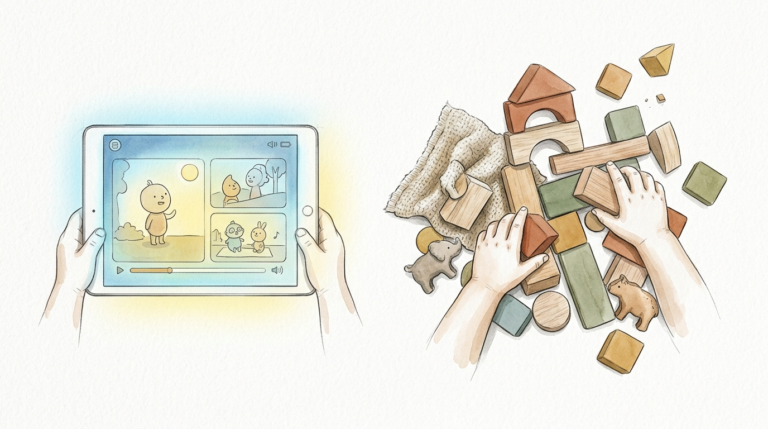
Think of your attention like a muscle. If you spend all day lifting “light” weights like social media memes, your muscle becomes weak and unable to handle the “heavy” lifting of deep work or meaningful conversation. In the real world, this looks like someone who cannot finish a book because they feel the urge to check their phone every three minutes [1.6.4, 1.6.7]. The challenge provides a controlled environment to strengthen that muscle again.
Common versions of this challenge include the “7-Day Reset” or the “30-Day Digital Re-calibration.” These aren’t just for kids or students. Professional athletes, CEOs, and creative leaders use these challenges to clear mental clutter before major projects [1.5.5, 1.5.7]. By setting a boundary, you move from a reactive state—where the phone tells you what to think about—to a proactive state where you control your environment.
How to Start Your Screen Time Limit Challenge
Successful challenges are built on systems, not willpower. If you rely on willpower alone, you will fail the moment you get bored or stressed [1.5.2]. You need to use the tools already built into your hardware to create friction between you and the screen.
Step 1: Audit Your Current Usage
You cannot manage what you do not measure. Go into your phone settings and look at your “Screen Time” (iOS) or “Digital Wellbeing” (Android) report [1.3.6]. Take note of which apps are your “time sinks.” Most people find that social media and entertainment categories account for 80% of their non-work usage [1.1.6, 1.5.1].
Step 2: Set Hard Limits with Passcodes
Enable “App Limits” for specific categories. For a standard challenge, try limiting social media to 30 minutes a day. To make this effective, have a friend or spouse set the Screen Time passcode so you cannot simply click “Ignore Limit” when the time is up [1.3.1, 1.3.8]. This creates the necessary “positive friction” to stop mindless scrolling.
Step 3: Schedule Downtime
Use the “Downtime” feature to block all non-essential apps from 9:00 PM to 8:00 AM. This protects your sleep and your morning routine. During this window, only phone calls and perhaps a meditation or reading app should be allowed [1.3.1, 1.3.6]. Protecting the “bookends” of your day—the first and last hour—is the most impactful move you can make for your mental health [1.4.7, 1.6.2].
Step 4: Curate Your Home Screen
Move distracting apps off your main home screen and into folders on the second or third page. Better yet, delete the apps entirely for the duration of the challenge and only access them via a web browser. This small extra step of logging in through a browser is often enough to deter a quick, mindless check [1.5.7].
Benefits of Reclaiming Your Attention
Reducing your screen time produces measurable physiological and psychological improvements. When you stop bombarded your brain with blue light and rapid-fire content, your body begins to heal in ways you might not expect [1.2.8, 1.6.4].
Deep sleep is often the first benefit. Screens emit blue light that suppresses melatonin production, making it harder to fall asleep and reducing the quality of the sleep you do get [1.4.6, 1.6.7]. Within just three days of a screen-limit challenge, most participants report waking up feeling more refreshed and less groggy. This improved sleep directly feeds into better mood regulation and lower levels of cortisol, the stress hormone [1.2.8, 1.4.2].
Cognitive clarity is another major win. Excessive screen time is linked to “brain rot,” which impairs executive functions like memory, planning, and decision-making [1.6.1]. When you stop “zombie scrolling,” your brain can engage in sustained attention again. You will find that you can read longer articles, follow complex movie plots, and stay present in conversations without feeling a phantom vibration in your pocket [1.4.3, 1.6.1].
Physical health also sees a boost. Reducing screen time naturally encourages movement. Whether it is a walk outside (“green time”) or just standing up more often, you reduce the risk of obesity, neck pain (tech neck), and eye strain [1.2.2, 1.2.8, 1.6.4]. Using the 20-20-20 rule—looking at something 20 feet away for 20 seconds every 20 minutes—can significantly mitigate the eye fatigue associated with computer work [1.6.2].
Challenges and Common Mistakes
The biggest mistake people make is going “cold turkey” without a plan for their newly found free time. If you suddenly have 4 extra hours in your day but no hobbies or tasks to fill them, you will experience intense boredom [1.4.1, 1.4.5]. This boredom is actually your brain trying to recalibrate, but it feels like a physical itch that only a screen can scratch. Prepare by having books, a journal, or a fitness plan ready before you start [1.4.2, 1.4.5].
FOMO (Fear of Missing Out) is a psychological barrier that hits hard in the first 48 hours. You might feel anxious that you are missing a breaking news story, a friend’s update, or a work notification. Remind yourself that the “loop” of social media is designed to create this artificial urgency [1.4.1, 1.4.4]. Most “breaking news” is irrelevant to your daily life, and real emergencies will reach you via a phone call.
Social pressure can also derail a challenge. Friends or family might feel “phubbed” (phone-snubbed) if they are used to you responding instantly to every text. Combat this by informing your inner circle that you are doing a challenge [1.4.2, 1.6.7]. Tell them you will be checking messages only at specific times. This sets expectations and reduces the anxiety of the “unread” notification count.
Limitations and Realistic Constraints
A screen time challenge must be practical to be sustainable. For many professionals, screens are not an option; they are a tool for survival. If your job requires you to be on a computer for 8 hours, counting that as “bad” screen time is counterproductive [1.5.1, 1.5.3]. The challenge should focus on “recreational” or “passive” screen time—the mindless scrolling that happens after work or during breaks [1.2.7, 1.6.2].
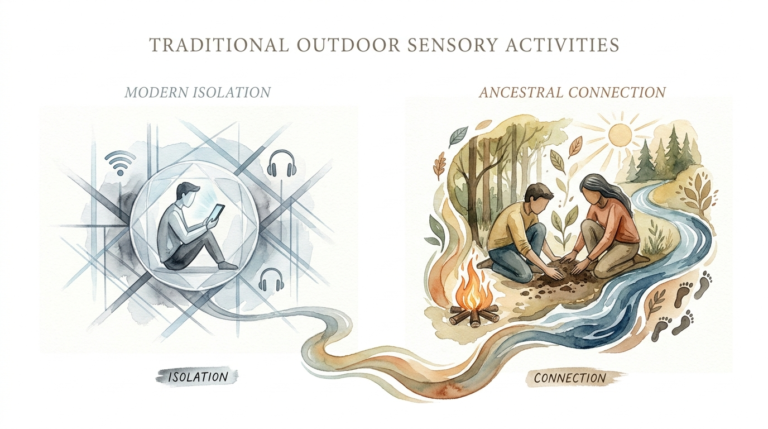
Environmental factors also play a role. If you live in a tiny apartment during a storm, “going outside” isn’t always feasible. In these cases, the challenge should pivot to different *types* of screen use. Interactive and educational screen time—like learning a language or a video call with a distant relative—is significantly better for your brain than passive consumption of short-form videos [1.2.7, 1.5.3].
Life stages also dictate different rules. A student might need screens for research, while a parent might use a screen as a temporary “babysitter” to get through a high-stress moment [1.1.5]. The goal is not perfection but awareness. A high-performer understands that there will be “high-screen days” due to work or family needs, and they compensate by being extra disciplined the following day [1.5.1, 1.5.6].
Comparison: Pro Focus vs. Standard Distraction
To understand the value of this challenge, it helps to see how the “Average Scroller” compares to the “Pro Producer.” The differences are not just in time spent, but in the quality of the attention given to the world.
| Factor | Standard Distraction | Pro Focus (Challenge State) |
|---|---|---|
| Daily Screen Time | 6–9 hours [1.1.3, 1.1.6] | Under 2 hours (recreational) [1.6.2] |
| Morning Routine | Checks phone within 5 mins of waking | No screens for the first 60 mins |
| Attention Span | Fragmented; needs constant stimulation | Deep; can focus for 90+ mins |
| Social Interaction | Frequently interrupted by notifications | Present; phone is out of sight [1.6.7] |
| Sleep Quality | Poor; disrupted by blue light [1.6.7] | High; protected by downtime [1.4.2] |
| Mental State | Reactive, anxious, or overwhelmed | Proactive, calm, and creative |
Practical Tips for Success
Applying friction to bad habits is the secret to long-term change. Here are some actionable adjustments you can make immediately to support your challenge:
- Greyscale Mode: Turn your phone’s display to greyscale in the accessibility settings. This removes the “reward” your brain gets from bright, colorful icons and red notification badges [1.5.6, 1.5.7].
- The 20-Foot Rule: To prevent “brain fog” and eye strain, look at the horizon or a distant object outside for a few minutes every morning instead of your phone [1.6.2].
- “Monk Mode” Blocks: Use apps like Forest or Freedom to block the entire internet for 90-minute “sprints.” These apps reward you for staying off your phone by growing a virtual tree [1.5.7].
- Long Passwords: Set a complex, 15-character password for your phone. The extra two seconds it takes to type it in will often break the “muscle memory” of checking your phone for no reason [1.5.7].
Advanced Considerations for High Performers
For those who have mastered the basic challenge, the next step is “Energy Management.” High performers don’t just manage their time; they manage their cognitive energy [1.5.5]. They recognize that every “ping” of a notification costs a small amount of “switching cost” as the brain moves from a task to the distraction and back again. Over a day, these switching costs can drain 40% of your productivity.
Elite practitioners often use a “Digital Sabbath”—24 hours every week with zero screens. This is not just a break; it is a full neurological reset. It allows the brain to enter the “Default Mode Network,” the state where the most creative connections and breakthroughs happen [1.5.6]. If you find yourself hitting a creative wall, a total screen fast is often the most efficient solution.
Scaling these habits into your professional life is also key. Implementing screen-free meetings and “deep work” hours in your company can raise the collective IQ of your team [1.5.4]. When everyone agrees to put their phones in a basket at the start of a session, the quality of communication and problem-solving skyrockets.
Example Scenario: The 7-Day Reset
Let’s look at how a typical 7-day challenge might play out for a high-performing professional who currently averages 5 hours of non-work screen time.
Days 1-2: The Withdrawal. You set your limits to 1 hour of social media and block all apps after 8 PM. You feel “phantom vibrations” in your pocket and reach for your phone out of habit dozens of times. You fill the gaps with a 20-minute walk and a physical book. You might feel irritable or bored [1.4.1, 1.4.5].
Days 3-5: The Clarity. The “itch” to check notifications begins to fade. You notice that your morning coffee feels more peaceful. You complete a work project in two hours that normally takes four because you didn’t check your phone every ten minutes. Your sleep is deeper, and you stop hitting the snooze button [1.4.3, 1.4.4].
Days 6-7: The New Normal. You find that you don’t even *want* to use the full hour of social media. You have reclaimed nearly 20 hours of your week. You use this time to start a new hobby or spend focused time with your family. You decide to keep the “Downtime” settings active permanently because the peace of mind is worth more than the digital noise [1.5.1, 1.5.2].
Final Thoughts
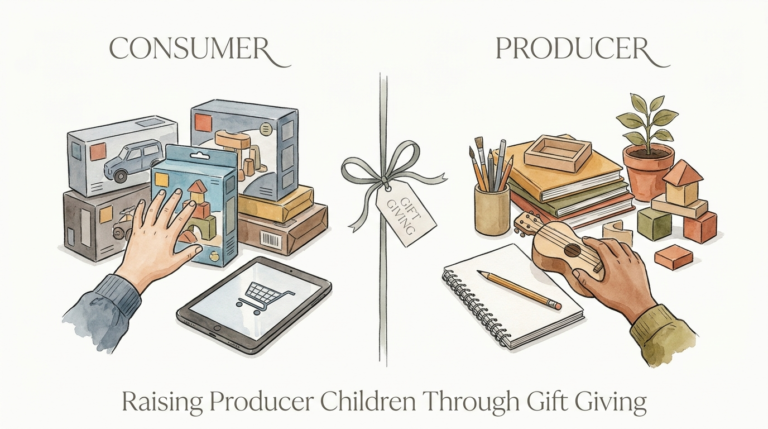
The screen time limit challenge is more than a trend; it is a vital survival skill in the 21st century. By intentionally stepping back from the digital firehose, you give your brain the space it needs to rest, recover, and perform at its peak. You move from being a consumer to a creator, from a scroller to a producer.
Start small if you have to. Even a 30-minute reduction in daily usage can add up to hundreds of hours of reclaimed life over a year. The goal is to build a relationship with technology where you are the master, not the servant. Use the tools mentioned in this guide, set your boundaries, and watch as your focus and energy return.
If you found this challenge helpful, consider exploring “Deep Work” or “Monk Mode” protocols to further sharpen your focus. The world belongs to those who can pay attention when everyone else is distracted. Set your limits today and start producing like a pro.
Sources
1 allconnect.com | 2 nirvanahealthcare.com | 3 neurohealthalliance.org | 4 exonpublications.com | 5 georgetown.edu | 6 nih.gov | 7 itstimetologoff.com | 8 bestself.co | 9 nih.gov | 10 medicalnewstoday.com | 11 centerstone.org | 12 healthywithpardee.com