Educational Apps Vs Brain Rot For Toddlers
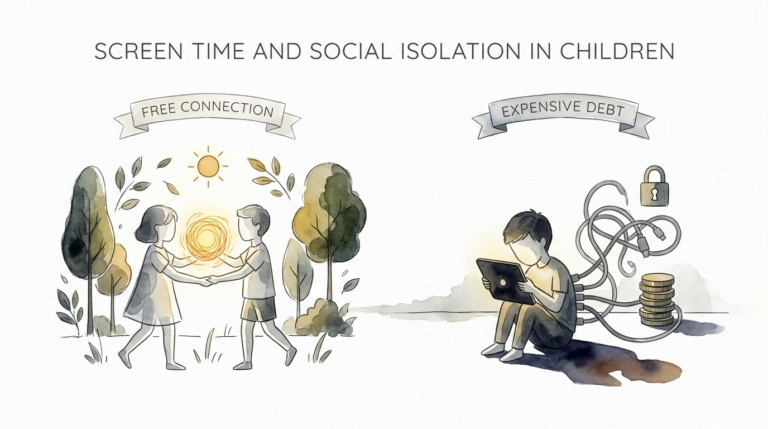
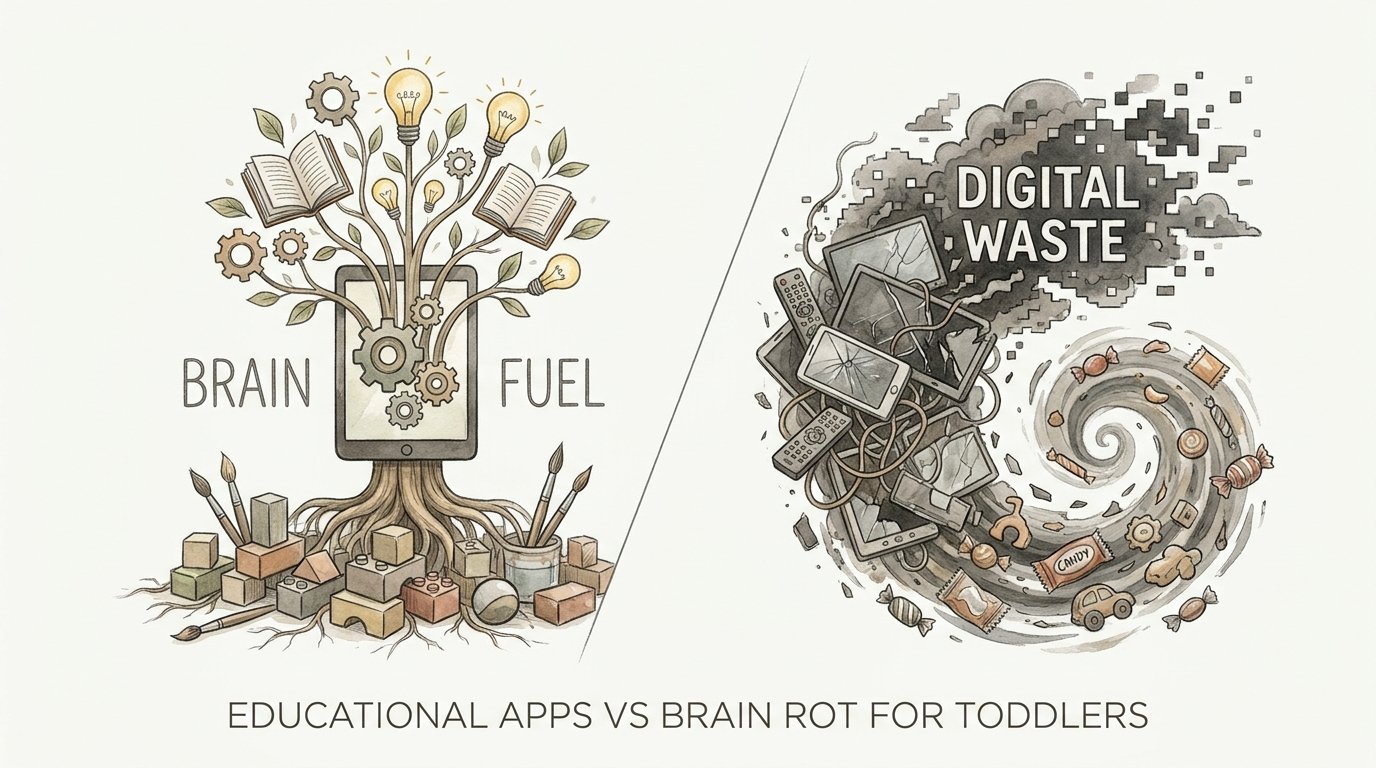
Is your child’s screen time a sugary snack that leads to an emotional crash, or a nutrient-dense meal for their cognitive development? Not all pixels are created equal. High-speed, sensory-overloading ‘brain rot’ content acts like high-fructose corn syrup for the developing mind—causing instant spikes and inevitable meltdowns. On the other hand, intentional, high-quality digital tools act as cognitive fuel. If your child is frustrated after their screen time, you didn’t give them a tool; you gave them a toxin. Here is how to swap the waste for the fuel.
Parenting in the digital age feels like walking a tightrope over a pit of glowing tablets. You want your child to have an edge in a tech-driven world, but you also want to avoid the “zombie” stare that follows a long YouTube session. The truth is that the device itself is rarely the problem. The content vibrating on that glass determines whether your child is building neural pathways or simply burning them out.
Modern research shows that the toddler brain is a sponge for sensory input. When that input is chaotic and fast-paced, it creates a “digital sugar rush.” When the input is structured and interactive, it becomes a building block for literacy and problem-solving. Understanding this distinction is the first step toward a peaceful, productive home environment.
Educational Apps Vs Brain Rot For Toddlers
The term “brain rot” has recently surged in popularity, even becoming the Oxford Word of the Year for 2024. In the context of toddlers, it refers to low-quality, hyper-stimulating content designed to maximize watch time rather than support development. This content is often characterized by rapid-fire cuts, loud nonsensical noises, and repetitive loops that provide frequent dopamine hits.
Brain rot exists because it is profitable. Algorithms favor videos that keep eyes glued to the screen for as long as possible. For a toddler, this looks like “unboxing” videos or shows with scene changes every two seconds. This level of stimulation is far beyond what a child experiences in the real world, conditioning their brain to expect a pace of life that reality cannot provide.
In contrast, educational apps are built on the science of learning. These tools are interactive rather than passive. They require the child to think, choose, and respond. High-quality apps like Khan Academy Kids or PBS Kids use “scaffolded learning.” This means they challenge the child just enough to encourage growth without causing frustration. They are the “nutrient-dense meals” of the digital world.
While brain rot leaves a child feeling overstimulated and irritable, brain fuel leaves them feeling accomplished. One trains the brain to be a passive consumer; the other trains it to be an active problem-solver. Identifying the difference requires looking past the bright colors and checking for meaningful engagement.
How the Digital Sugar Rush Works
To understand why brain rot is so damaging, we have to look at the neuroscience of the toddler brain. Young children are in a critical window of development where the prefrontal cortex—the area responsible for focus and emotional regulation—is still “under construction.”
Dopamine Overload: Content that is too fast-paced triggers constant releases of dopamine. This is the chemical associated with reward and pleasure. When a toddler watches a show with a scene change every three seconds, their brain is flooded with these hits. This creates a “drug-like” addictive cycle where the child becomes dependent on high levels of stimulation to stay engaged.
Sensory Overstimulation: The human brain evolved to process information at a natural pace. Rapid-fire digital input overwhelms the sensory cortices. Studies have shown that infants exposed to high-speed media may develop “specialized” brain networks for visual processing too early. This happens at the expense of “cognitive control” networks, potentially leading to shorter attention spans and higher anxiety later in life.
Passive Consumption vs. Active Thinking: Brain rot content is “lean back” media. The child sits still while the information is shoved at them. Educational apps are “lean forward” media. The child must move a letter to complete a word or solve a puzzle to progress. This active engagement keeps the executive function of the brain online, rather than putting it to sleep.
The “Cocomelon Effect”: Many parents notice that certain shows seem to put their children in a trance. This is often due to the frame rate and saturation levels. When the screen turns off, the “crash” is immediate. The brain is suddenly deprived of its high-intensity dopamine source, leading to what many call “screen withdrawal” meltdowns.
Benefits of High-Quality Cognitive Fuel
When used correctly, digital tools offer measurable advantages for early childhood development. They aren’t just “less bad” than YouTube; they can actually be beneficial. Choosing high-quality media provides several key advantages:
- Early Literacy and Numeracy: Well-designed apps can teach phonics, letter recognition, and basic counting through interactive games that adapt to the child’s skill level.
- Problem-Solving Skills: Puzzle-based games and “coding” apps for toddlers encourage critical thinking. They teach children that if one approach doesn’t work, they can try another.
- Social-Emotional Learning (SEL): Many modern apps focus on identifying emotions and practicing empathy. Characters in these apps often model how to handle frustration or share with friends.
- Hand-Eye Coordination: Precise tapping and dragging tasks in interactive media can help refine fine motor skills in a way that passive viewing never will.
High-quality media also bridges the gap for families who may not have access to a wide variety of physical books or educational toys. It provides a structured environment where a child can explore science, geography, and art at their own pace. The key is that the app acts as a tutor, not a babysitter.
Challenges and Common Mistakes
Even the best intentions can go astray in the face of a toddler’s persistence. Many parents fall into common traps that turn “brain fuel” back into “digital waste.”
Using Screens as a “Digital Pacifier”: One of the biggest mistakes is using a tablet to stop a tantrum. Research published in JAMA Pediatrics suggests that using electronics to soothe a child prevents them from learning how to manage their own emotions. If a tablet is the only way a child can calm down, they miss the opportunity to develop internal self-regulation skills.
The “Educational” Marketing Trap: Not every app labeled “educational” actually is. Many are simply glorified ad-delivery systems. They might have a few letters or numbers, but the core of the app is designed to keep the child clicking on “rewards” or watching ads for other apps. These “empty calorie” apps offer no real cognitive depth.
Ignoring Autoplay: Autoplay is the enemy of the intentional parent. It removes the natural “stop point” of an activity. When one video or game immediately rolls into the next, the child never has a moment to pause and decide they are finished. This leads to longer sessions and harder transitions when it is finally time to turn the device off.
Background TV: Many households keep the TV on as background noise. This is “passive” screen time that has been linked to delays in language development. It distracts the child from play and reduces the number of words they hear from their parents throughout the day.
Limitations and When to Power Down
No matter how educational an app is, it cannot replace the real world. There are hard limits on how much digital input a young brain should receive. Balance is mandatory, not optional.
The American Academy of Pediatrics (AAP) provides clear guidelines for 2024 and 2025. For children under 18 months, screen time should be restricted solely to video chatting with family. Between 18 and 24 months, high-quality programming is acceptable only if a parent watches alongside the child to help them understand what they are seeing. For ages 2 to 5, screen use should be limited to one hour per day of high-quality content.
Physical boundaries are also crucial. Screens should never be allowed in bedrooms or during mealtimes. Blue light from screens suppresses melatonin, the hormone that helps us sleep. Using a tablet within an hour of bedtime can lead to shorter, lower-quality sleep, which in turn leads to more behavioral issues the next day.
Finally, screen time must not “crowd out” essential activities. A child needs several hours of physical play, face-to-face interaction, and “boredom” to develop a healthy mind. If a tablet is replacing the playground, the balance has shifted into the danger zone.
Brain Fuel vs. Digital Waste
| Feature | Brain Fuel (Educational Apps) | Digital Waste (Brain Rot) |
|---|---|---|
| Pacing | Slow, deliberate, and thoughtful. | Fast-paced, frantic, and chaotic. |
| Engagement | Interactive; requires input and thought. | Passive; the child just watches. |
| Rewards | Earned through problem-solving. | Constant, unearned dopamine hits. |
| Post-Screen Mood | Generally calm or ready for a new task. | Irritable, “foggy,” or prone to meltdowns. |
| Ads/Commercials | None (often subscription or non-profit). | Frequent, intrusive, and manipulative. |
Practical Tips for a Balanced Digital Diet
Transitioning from “waste” to “fuel” doesn’t have to be a battle. Use these strategies to reclaim your child’s cognitive health and make screen time a positive experience.
Establish a “Screen-Free” Routine: Don’t just turn off the tablet and leave your child in a vacuum. Provide a transition activity. This could be a five-minute “calm down” period where you look out the window together or do a quick puzzle. This helps the nervous system downshift from digital speed to real-world speed.
Use the “20-20-20” Rule: To prevent eye strain and mental fatigue, encourage your child to look at something 20 feet away for 20 seconds every 20 minutes. For toddlers, you can make this a game: “Let’s see if we can find the red bird in the tree!”
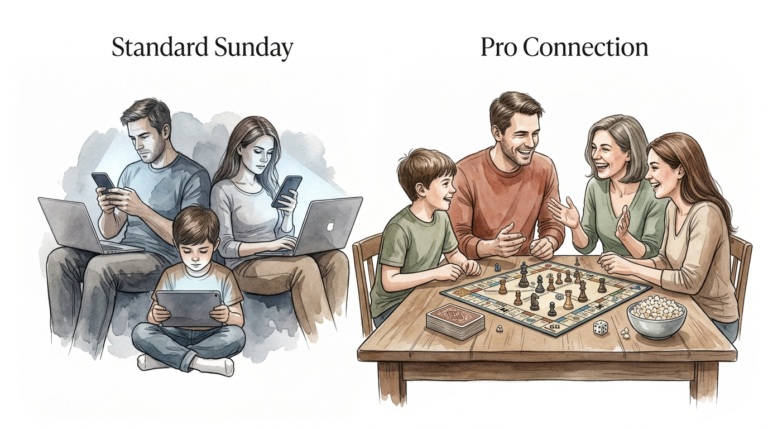
Co-Viewing is Key: Whenever possible, sit with your child. Ask questions about what they are doing. “Why did the bear put the blue block there?” or “Can you show me how to draw that circle?” This turns a solitary digital experience into a social one, which significantly boosts the educational value of the media.
Leverage Visual Timers: Toddlers have no concept of “ten minutes.” A visual timer—like a disappearing red circle or an hourglass—gives them a concrete way to see how much time is left. This reduces the “shock” of the screen turning off and empowers them with a sense of predictability.
Audit Your Apps: Once a month, go through your child’s tablet. Delete anything that feels addictive, has too many ads, or causes a bad mood. Replace them with research-backed options like Khan Academy Kids, Duolingo ABC, or Endless Alphabet.
Advanced Considerations for the Digital Parent
For those who want to go deeper, look into the Four Pillars of Learning. These are principles developed by educational psychologists to determine if media is actually “educational.” To pass the test, an app must be Active (not just tapping), Engaged (not distracting), Meaningful (connected to real life), and Socially Interactive.
Data privacy is another advanced concern. Many free apps for children “pay” for themselves by collecting and selling data on your child’s usage patterns. Stick to apps from reputable non-profits or those that explicitly state they do not track users. Look for the “COPPA compliant” seal in the app store.
Finally, consider the role of Artificial Intelligence. New apps are beginning to use AI to create interactive conversations with characters. While this can maximize learning through dialogue, it also requires closer supervision. Ensure these tools have robust filters to keep the conversation age-appropriate.
Scenarios: Theory in Practice
Imagine a toddler, Leo, who currently watches three hours of “brain rot” unboxing videos daily. When the tablet is taken away, he screams for thirty minutes. His parents decide to pivot to “Brain Fuel.”
The Transition: They start by cutting the time down to one hour but switching the content to Khan Academy Kids. For the first few days, Leo is bored. The app doesn’t have the same “flashy” dopamine hits he is used to. However, his parents sit with him and make it a social game.
The Result: After a week, the post-screen meltdowns decrease. Leo begins to recognize his letters in the grocery store. Because the app is interactive, he is mentally tired in a “good” way, similar to how he feels after a playdate. The screen is no longer a toxin; it has become a tool for his curiosity.
Another scenario involves a 4-year-old using a “coding” app like ScratchJr. Instead of just watching a cartoon, the child is creating one. They have to think about sequence, logic, and cause-and-effect. When they successfully make a cat dance across the screen, the dopamine hit comes from achievement, not just stimulation. This is the ultimate goal of high-quality digital media.
Final Thoughts
The goal is not to eliminate screens, but to curate them. We live in a world where digital literacy is a requirement, not an option. By choosing high-quality, interactive tools over passive “brain rot” content, you are giving your child a massive developmental advantage. You are teaching them that technology is something to be mastered and used for growth, rather than something that simply happens to them.
Remember that you are the architect of your child’s digital environment. Just as you wouldn’t let them eat candy for every meal, you shouldn’t let them consume “digital sugar” for every screen session. Focus on quality, set firm boundaries, and stay engaged. The rewards—better focus, fewer meltdowns, and a genuine love for learning—are well worth the effort.
Experiment with different high-quality apps and see which ones spark your child’s unique interests. Whether it is space, animals, or numbers, there is a “nutrient-dense” digital meal waiting for them. Power down the waste and power up the fuel.
Sources
1 ourtinythinks.com | 2 apa.org | 3 museodeibambini.it | 4 youtube.com | 5 tampabayparenting.com | 6 mother.ly | 7 myboredtoddler.com | 8 biglittlefeelings.com | 9 rochester.edu | 10 neurosciencenews.com | 11 substack.com | 12 care.com | 13 utah.edu | 14 nurture.is | 15 allinahealth.org | 16 myhspediatrics.com | 17 commonwealthpeds.com | 18 nyp.org