Physical Signs Of Screen Overuse In Children
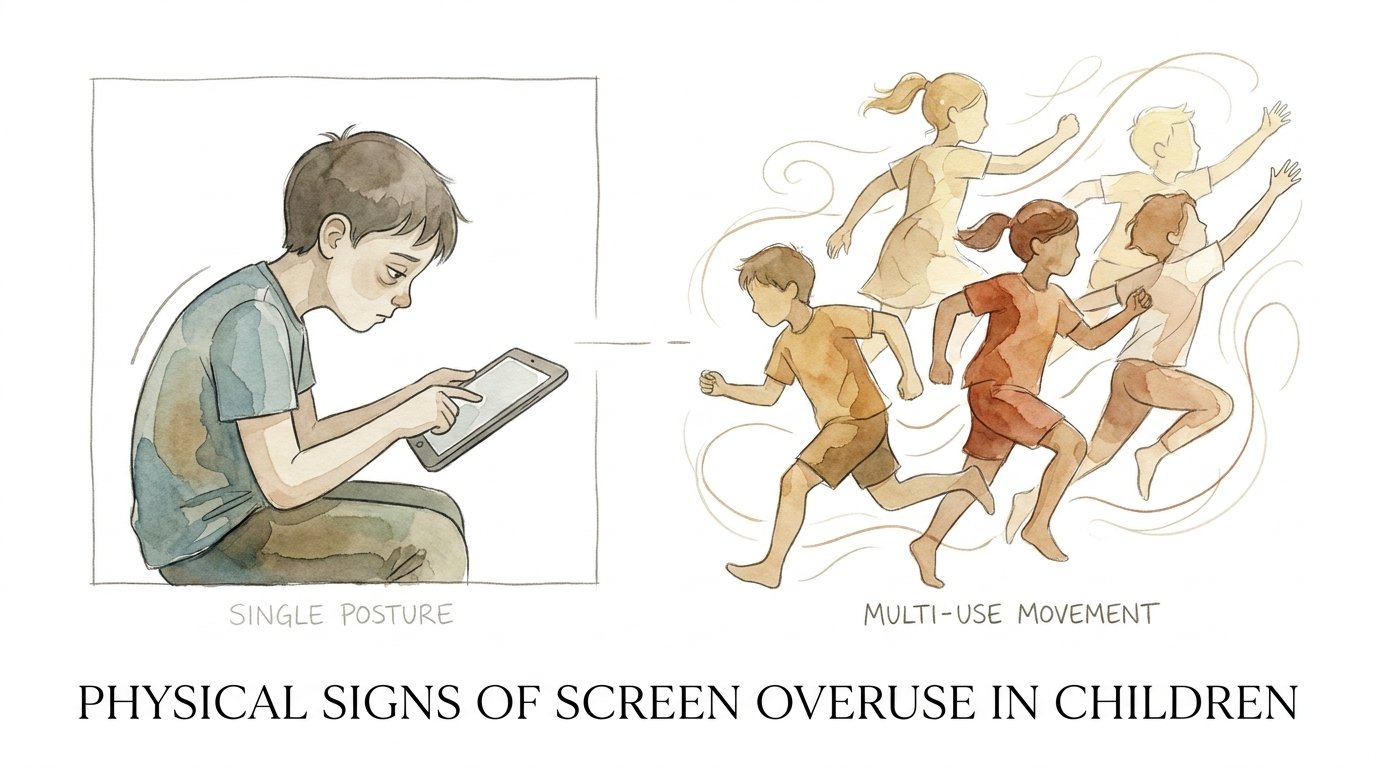
Is your child’s body losing its ability to move in more than one dimension? A major sign that screen time has crossed into overuse isn’t just the minutes on the clock—it’s the ‘locking’ of the body. When a child’s physical versatility vanishes in favor of a single, rigid posture, the habit has become a physical burden. We were born to move in infinite patterns, not just one.
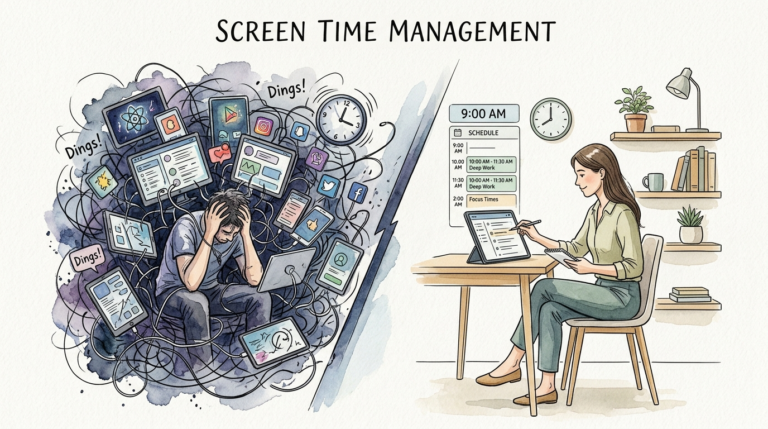
Screen time is no longer just a digital activity. It is a physical event that reshapes the developing body. Every hour spent hunched over a tablet is an hour the body spends “learning” how to stay still. This isn’t just about laziness. It is about biological adaptation.
Young bodies are incredibly plastic. They mold themselves to the demands we place on them. If the primary demand is sitting in a slouched position, the body becomes a master of that single posture. We need to look at the physical toll of this digital “lock-in” to understand how to fix it.
Physical Signs Of Screen Overuse In Children
Screen overuse leaves a visible trail on a child’s physical development. These signs often show up long before a child complains of pain. Identifying them early can prevent long-term musculoskeletal damage.
The most common sign is forward head posture, often called “Tech Neck.” This happens when the neck muscles overwork to support the head while it is tilted down. A child’s head can feel like it weighs 60 pounds when tilted at a 60-degree angle. This constant strain leads to chronic tightness in the upper traps and neck.
You might also notice the “Gorilla Slump.” This is a rounding of the shoulders and a collapse of the chest. It happens because the child is reaching forward for a screen or keyboard. Over time, the chest muscles shorten, and the back muscles become weak and overstretched.
Look at your child’s hands. “Text Claw” is a real phenomenon. It involves cramping and soreness in the thumbs and wrists from repetitive swiping or gripping a smartphone. In some cases, this can lead to tendonitis or carpal tunnel-like symptoms even in prepubescent children.
Eyes provide the clearest window into digital fatigue. Computer Vision Syndrome is on the rise. Signs include frequent blinking, squinting, or rubbing the eyes. You might see “digital eye strain” where the eyes look red or watery after a gaming session. Children may also experience “accommodative lag,” making it hard for them to shift focus from a near screen to a distant wall.
Another subtle sign is “sensory locking.” This occurs when a child becomes so immersed in the screen that they lose awareness of their limbs. They might sit in an awkward, circulation-cutting position for an hour without realizing it. Their body “locks” into a single plane of movement, losing the natural fidgeting that keeps muscles healthy.
How the “Locked” Body Works
The human body operates on a “use it or lose it” principle. Movement is the fuel for development. When a child stays in one position, their nervous system begins to desensitize.
Mechanical sensors in the joints, called mechanoreceptors, send signals to the brain about position and movement. When a child is static for hours, these receptors stop firing. The brain loses its “map” of the body. This is why children who spend all day on screens often seem clumsy or uncoordinated when they finally stand up.
Static loading is the enemy of a growing spine. Unlike dynamic movement, which pumps nutrients into the spinal discs, static sitting compresses them. This starves the discs of the fluid they need to grow. Constant pressure on a single joint angle causes the surrounding ligaments to adapt and stiffen.
Repetitive digital movements also create a narrow “movement vocabulary.” If a child only uses their thumbs to swipe, the brain allocates more neural space to that action while “pruning” away the connections for complex movements like throwing, climbing, or balancing. The body literally forgets how to move in 3D.
Benefits of Multi-Use Movement
Restoring a “multi-use” movement profile offers incredible advantages for a child’s growth. It isn’t just about fitness; it is about building a better brain.
Movement activates the vestibular system in the inner ear. This system controls balance and spatial orientation. When children roll, spin, or jump, they are strengthening the foundation of their attention and focus. A well-developed vestibular system allows a child to sit still in class when they actually need to.
Dynamic movement also improves proprioception. This is the body’s internal GPS. Children with high proprioceptive awareness are less likely to get injured. They have better control over their limbs and can navigate complex environments with ease. This confidence in movement often translates to higher self-esteem.
Active play stimulates the release of Brain-Derived Neurotrophic Factor (BDNF). Think of this as “Miracle-Gro” for the brain. It helps create new neural connections. Children who move in diverse ways—climbing, crawling, and swinging—show better problem-solving skills and higher cognitive flexibility.
Physically, multi-use movement ensures that muscles develop symmetrically. It prevents the muscle imbalances that lead to back pain. It keeps the “movement windows” open, ensuring the child reaches their full athletic and physical potential.
Challenges and Common Mistakes
The biggest challenge is the environment. Modern homes and schools are often designed for sitting. Overcoming this requires a conscious shift in how we view “good behavior.” A quiet, still child is often seen as well-behaved, but they might actually be physically stagnant.
One common mistake is using exercise as a punishment. If you tell a child “No more iPad, go run ten laps,” they will begin to associate movement with loss. Movement should be a reward or a natural part of play, not a chore or a penalty.
Another pitfall is ignoring ergonomics. Many parents allow children to use laptops on their laps or lie on their stomachs for hours. This forces the neck into extreme angles. Even “ergonomic” chairs for adults are often a mismatch for a child’s smaller frame, leading to dangling feet and a slumped lower back.
Parents often focus on quantity over quality. They might track “steps,” but steps don’t fix a “locked” neck. A child can hit 10,000 steps and still have a rigid spine. We need to focus on variety—movements that involve twisting, reaching, and crossing the midline.
Limitations of Movement Solutions
We have to be realistic. We live in a digital world. It is impossible to eliminate screens entirely, and for many children, digital tools are necessary for school.
Environmental constraints can make movement difficult. Apartment living or lack of safe outdoor space limits the ability to engage in “big” movements like running or climbing. In these cases, we have to find creative ways to bring movement indoors.
Another limitation is pre-existing conditions. Children with scoliosis or other musculoskeletal issues might need specialized guidance. Simply telling them to “move more” could aggravate their condition if the movements aren’t supervised by a professional.
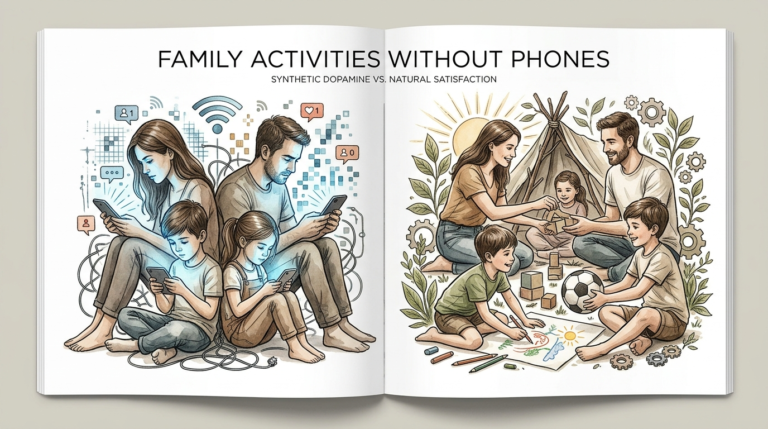
Finally, there is the social pressure. If every one of a child’s friends is online, removing the screen feels like social isolation. The solution isn’t just physical; it’s a social and behavioral shift that requires the whole family to participate.
Single Posture vs. Multi-Use Movement
Understanding the difference between a “locked” body and a “versatile” body is easier when you see them side-by-side.
| Feature | Single Posture (Screen Use) | Multi-Use Movement (Active Play) |
|---|---|---|
| Spinal Shape | Forward head, kyphotic (rounded) curve. | Neutral alignment, dynamic flexibility. |
| Muscle Engagement | Static loading on neck/shoulders; core is “off.” | Full kinetic chain engagement. |
| Visual Stress | Fixed focal distance (High strain). | Varied focal distances (Low strain). |
| Brain Impact | Sensory deprivation; “pruning” of motor maps. | Sensory rich; neurogenesis (new connections). |
| Energy Levels | Low; physical fatigue despite inactivity. | High; improved circulation and metabolism. |
Practical Tips for Parents
Breaking the “screen lock” doesn’t require a gym membership. It requires small, consistent changes to the daily routine.
- Follow the 20-20-20 Rule: Every 20 minutes, have your child look at something 20 feet away for at least 20 seconds. This relaxes the eye muscles and forces a brief postural reset.
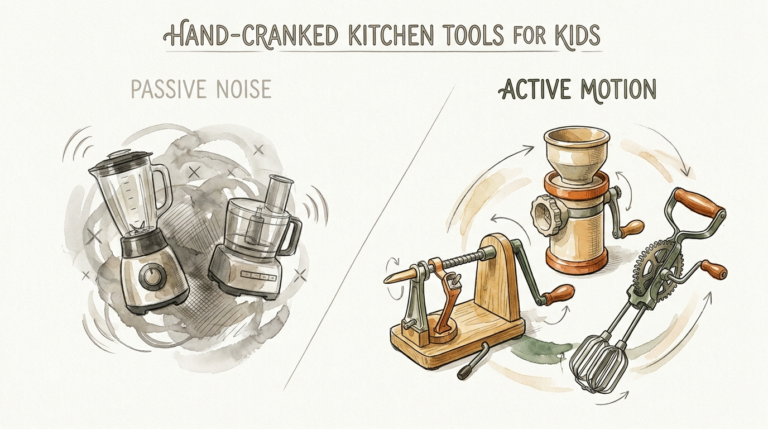
- Use “Movement Snacks”: Set a timer for 30 minutes of screen time. When it goes off, the child must do one minute of a “wild” movement—like a bear crawl, a star jump, or a yoga stretch.
- Change the Setup: Move the screen to eye level. Use a box to raise a laptop or a stand for a tablet. If they are watching a show, encourage them to sit on the floor instead of a soft couch. Floor sitting encourages frequent micro-adjustments in posture.
- Promote “Cross-Midline” Play: Activities that require the right hand to touch the left side of the body (and vice versa) are vital. Think of games like Twister, drawing large infinity signs on a chalkboard, or even a simple game of catch.
- Outdoor Light is Non-Negotiable: Natural light helps prevent myopia (nearsightedness). Aim for at least 60 to 90 minutes of outdoor time daily, regardless of the activity.
Advanced Considerations for Long-Term Health
For those who want to dive deeper, we must look at the fascial system. Fascia is the connective tissue that wraps around every muscle and organ. When a body stays in one position, the fascia begins to “glue” itself in that shape. Over years, this creates permanent changes in a child’s gait and posture.
Regular vestibular stimulation is another advanced strategy. If a child is struggling with focus, it might be because their vestibular system is under-stimulated. Rolling down a hill or using a swing set isn’t just “playing”—it’s calibrating the brain’s ability to process sensory information.
Consider the metabolic “fingerprint” of screen time. Research shows that even if a child is active for an hour a day, six hours of sitting can still negatively impact their insulin sensitivity and blood pressure. We need to focus on reducing the continuous blocks of sitting time, rather than just adding an hour of soccer at the end of the day.
Examples and Scenarios
Let’s look at two different ways a Saturday afternoon could go.
Scenario A: The Locked Saturday. A 10-year-old sits on a beanbag chair with a tablet. Over three hours, their head slowly drops toward their chest. Their legs fall asleep, but they don’t move. When they finally stand up, their back is stiff, they have a slight headache, and they are irritable. Their “movement vocabulary” for the day consisted of 12 inches of space and two thumbs.
Scenario B: The Multi-Use Saturday. The same child uses the tablet for 40 minutes at a desk with the screen at eye level. A timer goes off. They spend five minutes building a fort out of cushions, which involves reaching, crawling, and lifting. They return to the screen for another 40 minutes, then go outside to kick a ball for 20 minutes. At the end of the day, their body has moved through all three planes of motion. Their brain has stayed alert, and their posture remains upright.
The difference isn’t the presence of technology. It is the integration of movement into the digital lifestyle.
Final Thoughts
Is your child’s body losing its ability to move in more than one dimension? The answer depends on the habits we build today. We cannot stop the digital revolution, but we can protect the physical integrity of the next generation. A “locked” body is not a natural state for a child.
Focus on variety over intensity. Your goal isn’t necessarily to raise an elite athlete, but to ensure your child remains physically versatile. A body that can squat, reach, twist, and balance is a body that can support a healthy, active life well into adulthood.
Start small. Change one chair, set one timer, or take one walk. Every time you break the “screen lock,” you are giving your child back a piece of their natural physical freedom. Movement is the language of development—make sure your child is speaking it fluently.
Sources
1 choc.org | 2 sciencenews.dk | 3 iowaclinic.com | 4 phoenixchildrens.org | 5 youtube.com | 6 medrxiv.org | 7 canyonopt.com | 8 tnchiro.com | 9 psu.edu | 10 uchealth.org | 11 permobil.com | 12 raisingchildren.net.au | 13 learnplaychildcare.com | 14 communityplaythings.com | 15 theeducationhub.org.nz