kids screen time help
Stop using screens to distract them. Start using screens to connect with them. When we use screens to ‘shut kids up,’ it becomes a nuisance. When we use it to explore the world together, it becomes a superpower.
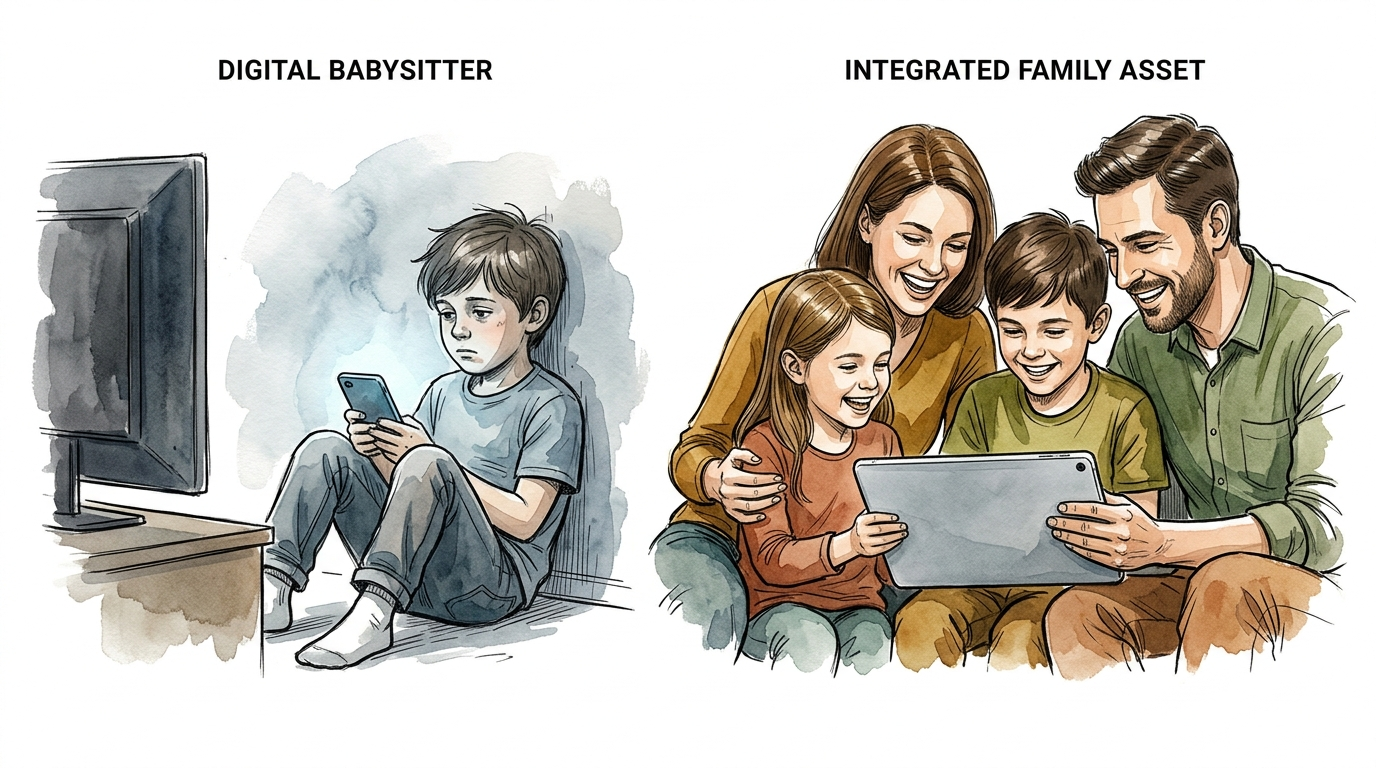
Modern parenting often feels like a constant battle against an invisible digital tide. We feel the weight of the “Digital Babysitter” guilt every time we hand over a tablet to finish a work call or get through a grocery run. But what if the screen wasn’t a barrier between you and your child? What if it was the bridge?
The shift from seeing technology as a necessary evil to an Integrated Family Asset is the most important upgrade you can give your household. It is not about how many minutes are on the clock; it is about what is happening during those minutes. This guide will show you how to move from passive consumption to active connection.
kids screen time help
Understanding the digital ecosystem is the first step toward reclaiming your family’s time. For years, the conversation around technology focused almost exclusively on strict time limits. However, recent guidelines from the American Academy of Pediatrics (AAP) in 2026 have shifted the focus toward content quality, context, and conversation over mere minutes on a clock[1.1.1, 1.1.5].
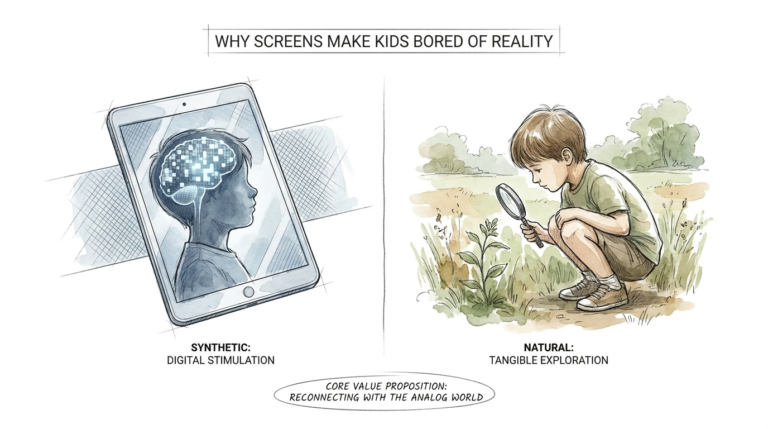
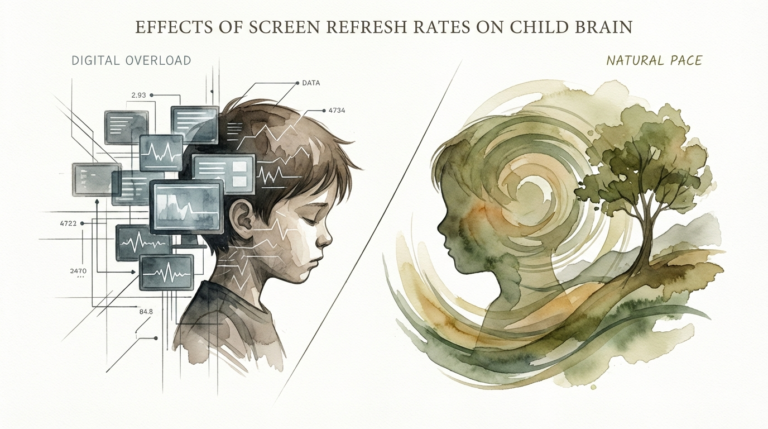
Screens are no longer just “television” in the corner of the room. They are interactive assistants, educational portals, and social connectors. In a real-world setting, this means the difference between a child sitting alone in a dark room scrolling through auto-playing “surprise egg” videos and a child sitting with a parent using an augmented reality app to identify constellations in the backyard.
The “help” most parents need isn’t a better timer; it is a better strategy for active engagement. Research now differentiates between “engagement-based design”—apps built to keep kids clicking for revenue—and “child-centered design,” which prioritizes safety, meaningful experiences, and well-being[1.1.2]. When we talk about screen time help, we are talking about identifying these tools and integrating them into our daily rhythms.
How to Shift from Passive to Active Engagement
The transition from the “Digital Babysitter” to the “Integrated Family Asset” requires a deliberate change in how we interact with devices. The most effective framework for this is called Joint Media Engagement (JME)[1.3.1].
When you practice JME, you are not just a supervisor; you are a participant. Follow these steps to transform your family’s digital habits:
1. Implement Co-Viewing and Co-Playing
Instead of sending your child away with a device, bring the device into the family space. Sit with them while they play a game or watch a show. Ask questions like, “Why do you think that character did that?” or “What do you think happens next?” This turns a solitary activity into a language-building exercise[1.3.8].
2. Prioritize “Digital Play”
Look for apps that function like digital LEGOs rather than digital movies. Tools that allow kids to create, code, or solve problems are considered “active screen time.” This type of engagement supports critical life skills like resilience and empathy because it requires the child to make choices and face consequences in a safe environment[1.2.1, 1.2.4].
3. Use Screens for Real-World Transfer
Use technology to spark offline activities. If you watch a documentary about tide pools, follow it up with a trip to the beach or a DIY science experiment. This “transmedia connection” ensures that the digital experience enriches their physical world rather than replacing it[1.3.5, 1.3.7].
The Measurable Benefits of Technology Integration
Choosing to integrate technology rather than just limiting it provides significant developmental advantages. When parents are involved, children absorb far more information from digital media than they do when left alone[1.3.8].
Cognitive Development and Executive Function: Active media use, such as interactive games that require strategic thinking, can enhance cognitive flexibility and problem-solving skills[1.6.2]. Unlike passive watching, these activities challenge the brain to process information and make decisions in real-time.
Emotional Intelligence and Bonding: Shared digital experiences create a “common language” for the family. Playing a creative game together like ScratchJr allows parents and children to negotiate, collaborate, and celebrate small wins together, strengthening the parent-child bond[1.3.1, 1.5.4].
Digital Literacy: By modeling healthy tech use, you are teaching your child how to navigate a world that will eventually be entirely digital. They learn to recognize “persuasive design” (like autoplay) and understand how to use technology as a tool for curiosity rather than a crutch for boredom[1.6.7].
Common Mistakes and Pitfalls to Avoid
Even with the best intentions, it is easy to fall back into “nuisance” habits. Recognizing these pitfalls is essential for maintaining a healthy digital balance.
The “Screen Soothing” Trap
Using a phone or tablet to stop a public tantrum or “shut a kid up” is known as media emotion regulation[1.6.2]. While it works in the short term, research suggests that frequent “screen soothing” can displace the development of vital self-regulation skills. Over time, kids may struggle to manage their emotions without a digital distraction[1.6.4].
The Danger of “Phubbing”
“Phubbing”—or phone snubbing—happens when a parent ignores a child’s bid for attention because they are focused on their own screen[1.6.6]. This behavior can lead to “insecure attachment” and increased anxiety in children. They may feel devalued or less important than the device in your hand.
Falling for “Educational” Labels
Thousands of apps claim to be educational, but many are simply “glorified flashcard machines” designed to maximize time-on-app[1.5.1]. Avoid apps that use excessive rewards, flashing lights, or “dark patterns” that make it hard for a child to put the device down.
Limitations and Realistic Constraints
Integration is not a silver bullet, and there are situations where screens are simply not the answer. Understanding these boundaries will strengthen your credibility as a digital parent.
Age-Appropriate Realities: For children under 18 months, screen time should be extremely limited, primarily to video chatting with loved ones. Between 18 and 24 months, if media is used, it must be high-quality and always supervised by a caregiver[1.1.4, 1.1.8]. At this stage, children lack the “cognitive processing” to learn effectively from screens without a human translator[1.1.1].
The Displacement Factor: No matter how high the quality of the content, screen time must not displace essential biological needs. If tech use is cutting into sleep (especially 30–60 minutes before bed), physical activity, or face-to-face family meals, it has become a nuisance[1.1.8, 1.2.7].
Individual Child Differences: Some children are more prone to digital overstimulation or “techno-tantrums” than others. A strategy that works for a calm, curious eight-year-old might not work for a high-energy toddler. Flexibility in your approach is mandatory.
The Digital Babysitter vs. The Integrated Family Asset
| Feature | The Digital Babysitter (Nuisance) | Integrated Family Asset (Superpower) |
|---|---|---|
| Primary Goal | To distract or quiet the child. | To explore, learn, or create together. |
| Parental Role | Absent or passive supervision. | Active co-participant (JME). |
| Content Type | Passive scrolling, auto-playing videos. | Interactive apps, coding, documentaries. |
| Long-term Outcome | Potential self-regulation delays. | Increased digital literacy and bonding. |
| Feedback Loop | Dopamine-driven engagement. | Curiosity-driven exploration. |
Practical Tips for a Healthier Digital Home
Transforming your home’s digital culture doesn’t happen overnight. Use these actionable steps to start moving toward integration today:
- Designate Tech-Free Zones: Keep screens out of bedrooms and off the dinner table. This prevents “technoference” during critical connection times[1.1.5, 1.1.8].
- Curate a “Digital Menu”: Instead of letting a child wander into the YouTube algorithm, create a pre-approved list of high-quality apps and streaming services like Curiosity Stream or Disney+[1.5.2].
- Create a Family Media Plan: Sit down as a family and agree on the “when,” “where,” and “how” of tech use. This gives children a sense of agency and helps them understand the logic behind the rules[1.1.6, 1.1.8].
- Model the Behavior: If you want your child to put their phone down, you must do the same. Avoid “phubbing” and show them that human connection always takes priority over a notification[1.6.6].
- Audit for “Persuasive Design”: Check the settings of your child’s favorite apps. Turn off autoplay, disable endless scrolling, and mute non-essential notifications to help them keep control over their attention.
Advanced Considerations: AI and the Future of Learning
For parents who want to go deeper, the rise of AI-powered learning companions offers new opportunities. Tools like “Askie” are designed as AI companions that adapt to a child’s age and curiosity level, allowing them to have voice-based conversations about complex topics without the risks of an open web search[1.5.1].
Similarly, introducing “computational thinking” early through block-based coding (like ScratchJr) helps kids see screens as a canvas rather than just a window[1.5.4]. These advanced tools require more initial parent involvement but pay off by turning the child into a digital creator rather than a digital consumer.
The goal for serious practitioners is to move toward “Digital Citizenship.” This means teaching children not just how to use tools, but the ethics behind them—how to recognize credible sources, protect their privacy, and understand that technology is a designed environment that they can choose to influence or ignore[1.6.7].
Scenarios: Theory in Practice
Scenario A: The Grocery Store Meltdown
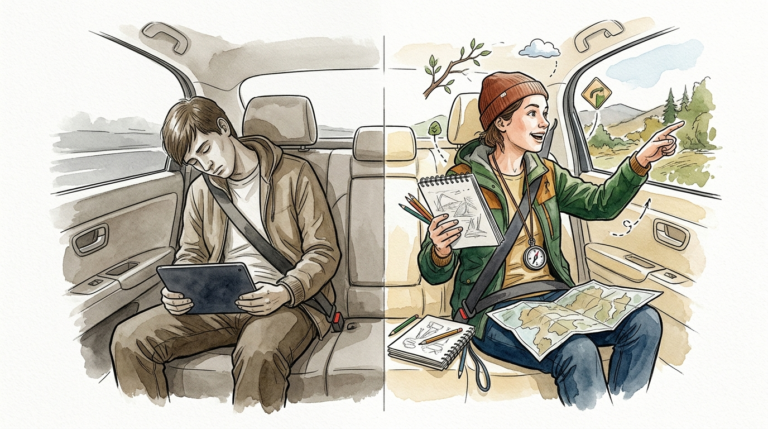
The Nuisance Approach: You hand your screaming toddler a phone with a random YouTube video to finish your shopping. They quiet down immediately, but the “media emotion regulation” pattern is reinforced.
The Asset Approach: You use the phone to play a “Digital Scavenger Hunt.” You ask the child to take photos of five red things or three things that start with the letter ‘B.’ You are using the tool to engage them with their physical environment rather than distracting them from it.
Scenario B: Saturday Afternoon Boredom
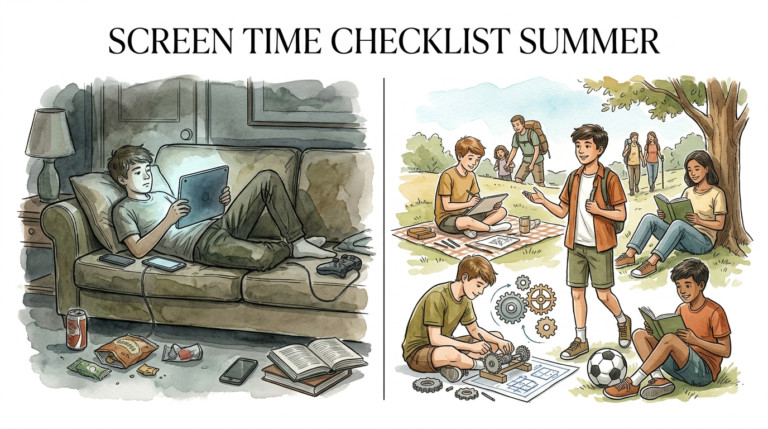
The Nuisance Approach: The kids sit on the couch for three hours watching “Unboxing” videos while you scroll your own feed in the same room. Communication is zero.
The Asset Approach: You decide to “explore the world together.” You use a high-quality app like NASA or Curiosity Stream to watch a video about the Mars Rover, then spend an hour building your own rover out of cardboard boxes[1.5.5].
Final Thoughts
The “Digital Babysitter” is a symptom of a world that demands too much of our time. It is a tool of survival, but it doesn’t have to be the permanent state of your home. By shifting your mindset toward Joint Media Engagement, you can reclaim the power of these devices.
When you stop counting minutes and start measuring thinking, the “nuisance” fades away. You begin to see technology for what it actually is: a library, a laboratory, and a playground that you can explore alongside your child.
Start small. Pick one app to play together this weekend. Put your phone in a drawer during dinner. Most importantly, remember that the most powerful thing in the room isn’t the screen—it is your attention. Use it to connect.
Sources
1 aacap.org | 2 choc.org | 3 childrenandscreens.org | 4 nih.gov | 5 westsidenannies.com | 6 thevoiceofearlychildhood.com | 7 uci.edu | 8 theguardian.com