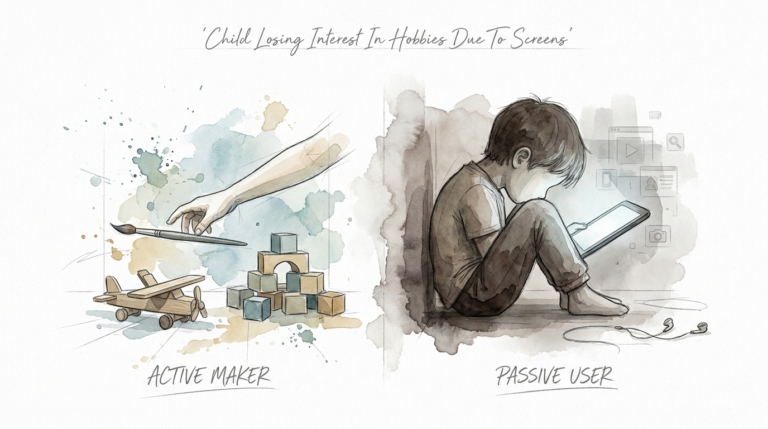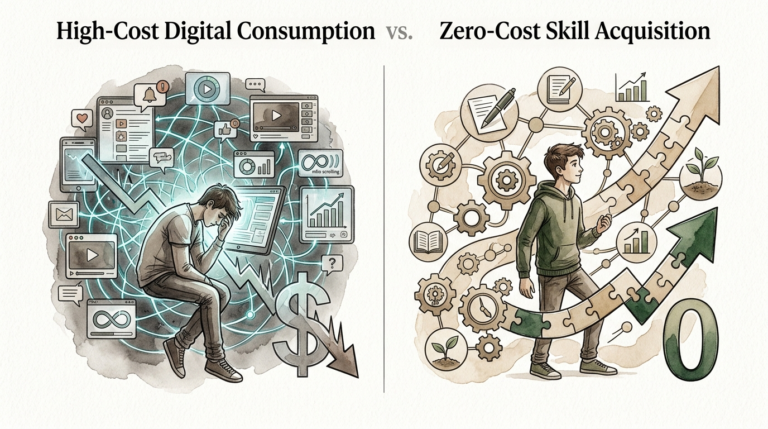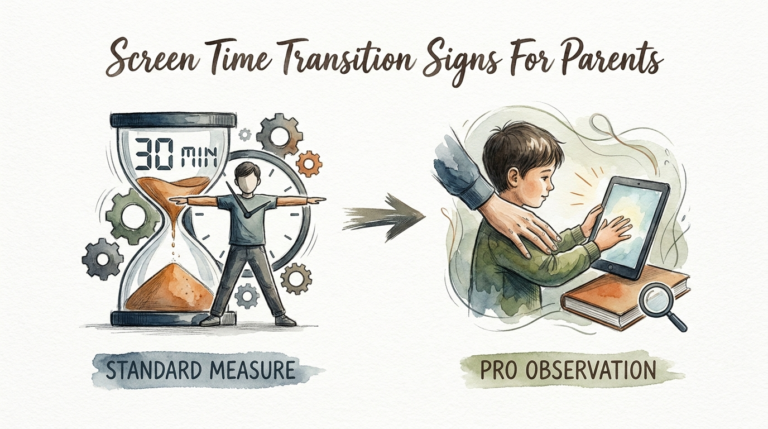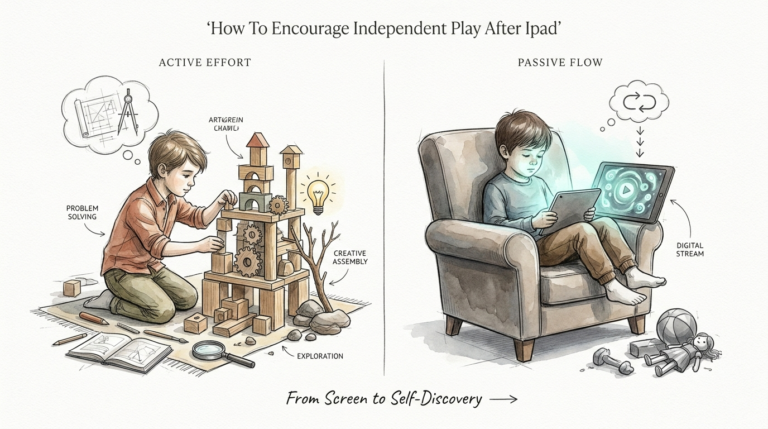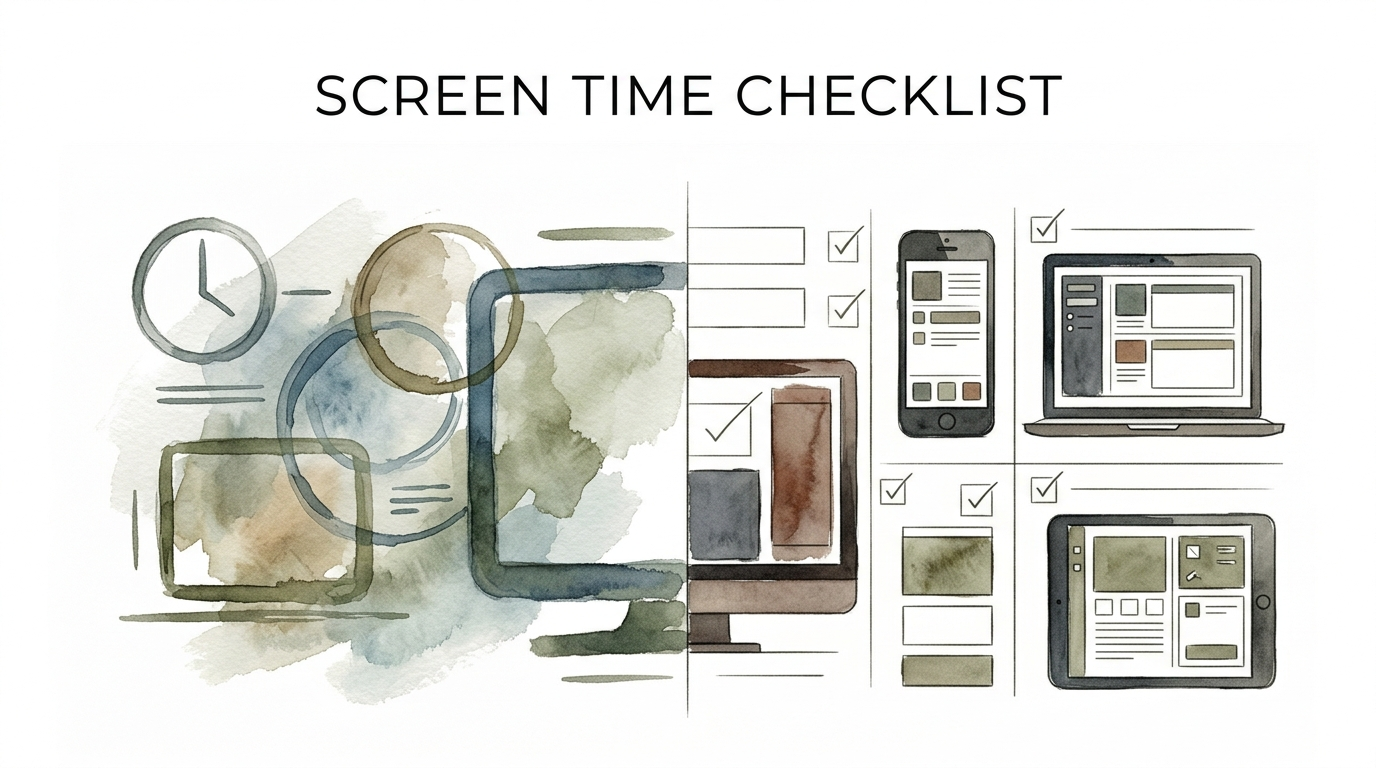
screen time checklist
Vague rules create arguments. Precise checklists create autonomy.

Want the password? Run the checklist. Here’s how to ensure all priorities are met before the screens turn on.
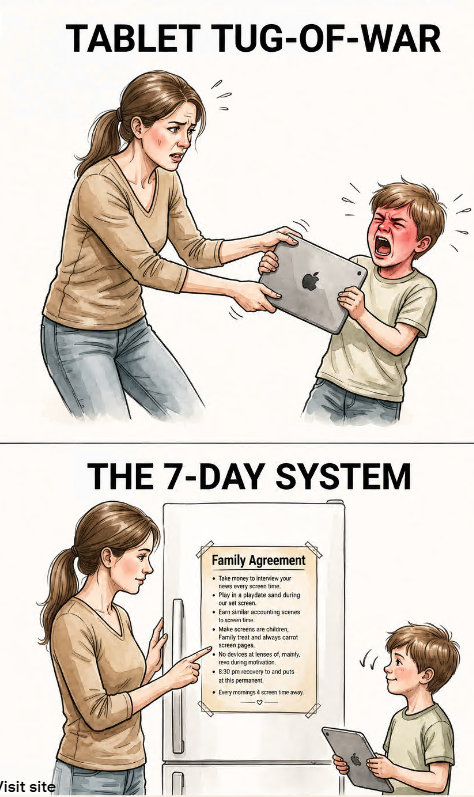
Navigating the digital age as a parent often feels like a constant negotiation. One minute you are trying to enjoy a quiet cup of coffee, and the next, you are locked in a debate about whether “five more minutes” has actually passed. Most of us rely on standard rules that focus on time limits, but these often lead to friction and “screen-time sneakiness.”
The shift from vague boundaries to a precision checklist changes the entire dynamic of the household. Instead of you being the “bad guy” who cuts off the fun, the checklist becomes the objective gatekeeper. It empowers children to manage their own time while ensuring their developmental needs—like physical movement, social interaction, and household responsibilities—are met first.
screen time checklist
A screen time checklist is a structured set of tasks or requirements that a child must complete before they are granted access to digital devices. Unlike traditional time limits, which focus on when a child must stop, a checklist focuses on what must happen before they start. This simple shift in logic moves the responsibility from the parent to the child.
In the real world, adults use checklists to manage complex systems without constant oversight. Pilots use them to ensure safety before takeoff; surgeons use them to prevent errors. In a home environment, a screen time checklist functions as a “pre-flight” routine for the brain. It ensures that the “biological and social basics” are covered before the high-stimulation world of digital media takes over.
For example, a typical list might require a child to finish their homework, spend 30 minutes playing outside, and complete one household chore. By the time they reach for the tablet, they have already engaged in activities that support their physical health and executive function. This approach treats screens as a reward for a balanced day rather than a default state of being.
How It Works: Building Your Gatekeeping System
Transitioning to a checklist system requires a move from “Standard Rules” to “Precision Gatekeeping.” Standard rules are often arbitrary (e.g., “no screens after 6 PM”), whereas a checklist is outcome-based. To make this work, you must define the non-negotiable priorities of your family.
Start by co-creating the list with your child. Research suggests that involving children in the rule-making process increases their willingness to follow those rules. When a child understands the “why” behind a task—such as why the brain needs movement to focus—they are less likely to view the checklist as a hurdle and more as a roadmap to their goal.
Divide the checklist into logical categories that support a child’s development:
- Biological Needs: Getting dressed, brushing teeth, and eating a healthy breakfast.
- Household Contributions: Making the bed, feeding a pet, or clearing the table.
- Brain Development: Reading for 20 minutes, practicing an instrument, or finishing homework.
- Physical Vitality: Spending time outdoors or engaging in “heavy work” like cleaning or organized sports.
Once the tasks are set, use visual tools to make the checklist tangible. For younger children, a picture-based chart on the refrigerator works best. For older kids, a digital list or a dry-erase board in a common area provides a clear sense of progress. The key principle is consistency: the password is never given until every box is checked.
Benefits of the Checklist Approach
The primary advantage of a screen time checklist is the development of autonomy. When children know exactly what is required of them, they no longer have to ask for permission at every turn. They learn to prioritize their responsibilities to “earn” their leisure time, which is a fundamental life skill.
From a neurobiological perspective, checklists help mitigate the “dopamine loop” created by modern apps and games. Digital content is designed to be highly rewarding, often making real-world tasks feel boring by comparison. By requiring low-stimulation activities (like reading or chores) to happen first, you ensure the brain’s reward system isn’t solely dependent on the “instant hit” of a screen.
Additionally, this system drastically reduces parental burnout. You no longer need to nag or monitor the clock constantly. The argument is settled by the list. If a child asks for the iPad, the answer is always the same: “Check the list.” This removes the emotional weight from the parent and places it on the child’s own actions.
Challenges and Common Mistakes
One frequent pitfall is the “Check-Box Mentality.” This happens when a child rushes through tasks with zero effort just to get to the screen. If a child “cleans their room” by shoving everything under the bed, the checklist has failed. To avoid this, you must define quality standards for each task. A task isn’t “done” until it meets the agreed-upon level of completion.
Another challenge is parental inconsistency. If you waive the checklist because you are tired or need a break, the system loses its authority. Children are experts at finding the “cracks” in a rule set. If they know the checklist is optional on Tuesdays, they will fight it every other day of the week.
Finally, avoid making the checklist too long. If the list feels impossible to complete, a child may give up before they start. The goal is to create a balanced day, not a grueling shift of labor. Start with three to five high-impact items and adjust as the child’s maturity grows.
Limitations and When to Pivot
While checklists are powerful, they are not a universal solution for every situation. For toddlers under the age of two, the American Academy of Pediatrics suggests avoiding screens almost entirely, except for video chatting. At this developmental stage, a checklist is less effective because the child lacks the impulse control to follow it.
Environmental constraints also play a role. During a long-haul flight or while a child is recovering from an illness, the checklist might need to be suspended. It is important to distinguish between “everyday rules” and “survival mode.” Trying to enforce a full checklist when a child is running a fever will only lead to unnecessary stress for everyone involved.
Furthermore, children with specific neurodivergent needs, such as ADHD or Autism, may require more intensive support than a simple list. While visual checklists are often recommended by Occupational Therapists to support executive function, these children might need “body doubling” (doing the task alongside them) or smaller, broken-down steps to feel successful.
Comparing Traditional Rules vs. Precision Checklists
Understanding the difference between a time-based limit and a task-based checklist helps clarify why many families struggle with digital boundaries.
| Feature | Standard Rules (Time-Based) | Precision Checklist (Task-Based) |
|---|---|---|
| Focus | Duration (e.g., 60 minutes/day) | Priorities (e.g., Chores, Reading, Play) |
| Locus of Control | Parent (The Enforcer) | Child (The Manager) |
| Conflict Level | High (Arguments about the clock) | Low (The list is the boss) |
| Skill Building | Compliance | Executive Function & Prioritization |
| Flexibility | Rigid | Adaptive to the day’s needs |
Practical Tips for Implementation
To make the system stick, start by eliminating the “Default”. In many homes, the default state is a TV running in the background or a tablet within arm’s reach. Move devices to a “charging station” that is out of sight. When screens are the default, the checklist feels like a punishment. When screens are a destination, the checklist feels like a journey.
Use a “Buffer Zone” between the checklist and the screen. Once the tasks are done, have a five-minute transition period where you check the work together. This reinforces the quality standard and provides a moment of positive connection before the child “plugs in.”
Optimize the environment for success. If the checklist requires 30 minutes of reading, ensure there is a comfortable, well-lit spot with books the child actually enjoys. If it requires physical play, make sure their outdoor gear is accessible. A checklist only works if the environment supports the tasks listed on it.
Advanced Considerations for Long-Term Success
As children age, the checklist should evolve from “Doing Chores” to “Digital Citizenship.” For teenagers, the checklist might include checking their privacy settings, reflecting on how social media made them feel that day, or ensuring they have had a meaningful face-to-face conversation with a peer.
Serious practitioners of this method also look at Content Quality. Not all screen time is created equal. You might have a “fast-track” for educational content (like coding or language learning) and a more rigorous checklist for “passive consumption” (like scrolling TikTok or watching YouTube). This teaches children that high-value digital work is different from low-value entertainment.
Scaling this system also means teaching Self-Regulation. Eventually, the goal is for the child to internalize the checklist. Ask them, “What does your body need before you sit down for a movie?” Training them to recognize their own needs for water, movement, and social connection is the ultimate win for long-term digital health.
Example Scenario: The Saturday Morning Sprint
Consider a typical Saturday. Under standard rules, a child might wake up at 7 AM and immediately turn on the TV, staying there until noon. Under a precision checklist, the morning looks very different.
The “Saturday Sprint” checklist:
- Eat breakfast and put the bowl in the dishwasher.
- Get dressed and brush teeth.
- 20 minutes of “Brain Growth” (Reading or a puzzle).
- 30 minutes of “Energy Burn” (Playing in the yard or a bike ride).
- One “Family Contribution” (e.g., sorting the laundry or dusting the living room).
The child wakes up motivated. They know that the faster and better they complete these five tasks, the sooner they can play their favorite game. The parent wakes up to a child who has already exercised, contributed to the house, and exercised their brain—all without a single argument.
Final Thoughts
Implementing a screen time checklist is about more than just managing devices; it is about reclaiming the “Replacement Effect.” Every hour spent on a screen is an hour not spent moving, talking, or creating. The checklist ensures that these vital developmental activities aren’t squeezed out by the convenience of digital entertainment.
By moving from vague rules to precise checklists, you stop being the police officer of your home and start being a mentor. You are giving your child the tools to navigate a world that is designed to capture their attention at every turn. This shift builds trust, fosters independence, and creates a more peaceful household environment.
Experiment with your own family’s priorities. The first week might be a adjustment, but as the routine sets in, you will likely find that the arguments fade and the autonomy grows. Remember: the goal isn’t to eliminate screens, but to ensure they have a proper place in a well-rounded, healthy life.
Sources
1 apa.org | 2 childmind.org | 3 theottoolbox.com | 4 upworthy.com | 5 recordablebookbuddy.com | 6 harvard.edu | 7 mayoclinic.org | 8 focusonthefamily.com | 9 lindnercenterofhope.org | 10 theincrementalmama.com | 11 annabellepsychology.com