chore chart screen time
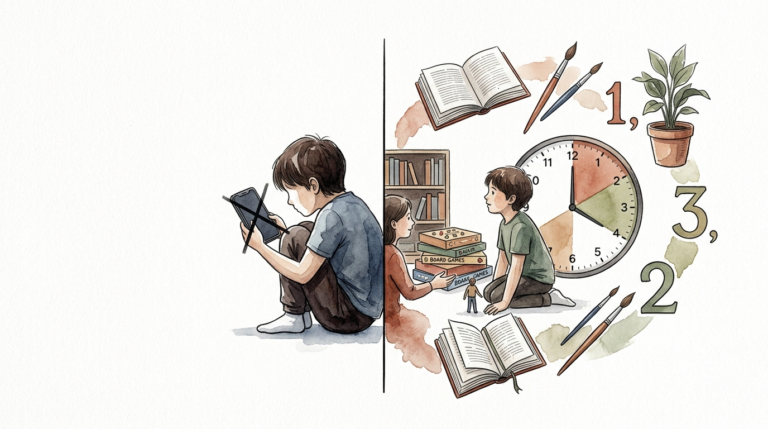
Turn passive scrolling into active household contribution. Screen time becomes a ‘dead’ activity when it is just given. Using a chore chart allows you to turn screen time into a reward for living, active participation in the family’s success.
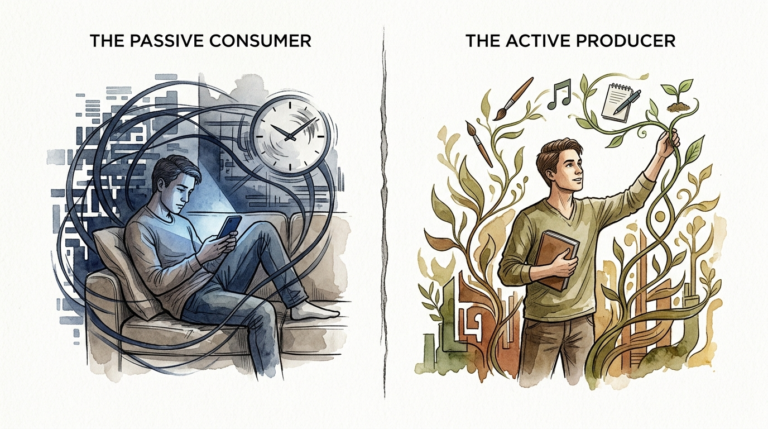
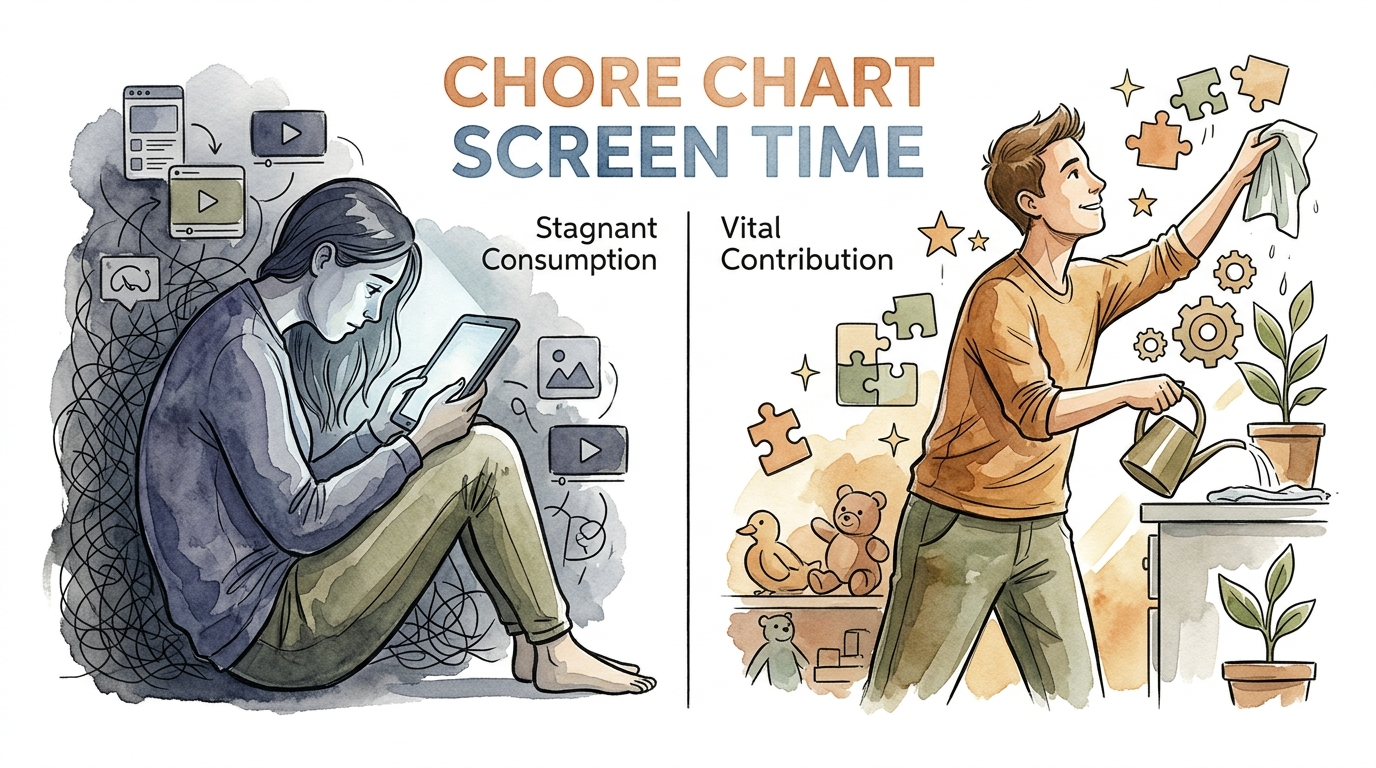
Modern parenting often feels like a constant battle against the “digital vacuum.” Devices exert a powerful pull on children’s attention, frequently leading to a state of stagnant consumption [1.1.4]. You might find yourself caught in a cycle of pleading or yelling to get basic tasks done while your child remains glued to a screen. Shifting this dynamic requires a change in perspective. Instead of viewing electronics as a basic right or a bottomless resource, you can treat them as a “bonus” earned through vital contribution to the home.
Establishing a chore chart screen time system creates a logical bridge between work and play. It teaches children that their effort has tangible value. This article provides a comprehensive guide on how to design, implement, and maintain a reward-based digital system that fosters responsibility while keeping tech use under control.
chore chart screen time
A chore chart screen time system is a structured framework where digital privileges are earned through the completion of household responsibilities. This approach transforms screen access from an expected daily entitlement into a form of “currency” within the family economy [1.3.4, 1.3.9]. In real-world terms, this mirrors how adults earn a paycheck to fund their leisure activities.
Most families use this system to solve the problem of “transactional parenting,” where every request for help ends in a negotiation. By laying out clear expectations on a visual chart, you remove the emotional heat from the daily “Can I play now?” conversation. The answer is always found on the wall or the app: “Check your chart.”
Common applications include:
- Token Economies: Children earn physical tokens or marbles for each task, which they later “spend” on minutes of gaming or TV [1.2.4, 1.3.7].
- Minute-for-Minute: Every 15 minutes of chores earns 15 minutes of digital access [1.1.8, 1.3.9].
- Checklist Requirements: A set of “must-do” tasks (like making the bed and finishing homework) must be checked off before any device can be touched [1.3.4, 1.4.2].
This system exists because screen time is often the highest-value motivator in a modern child’s life [1.1.4]. Using that high value to encourage positive habits—like cleaning, reading, or playing outside—helps balance a child’s developmental needs with their digital interests.
How to Build Your Screen Time Reward System
Creating a functional system requires more than just a list of tasks taped to the fridge. You need a clear process that your children can understand and follow without constant reminders.
1. Define Your Currency
Decide what the “pay” will be. Some parents use “Screen Time Dollars,” while others prefer a simple points system [1.3.6, 1.3.9]. A common successful ratio is one cent or one token equals one minute of screen time. This teaches children the basic principles of budgeting and saving. If they want to watch a two-hour movie on Saturday, they learn they must save their “earnings” throughout the week [1.3.9].
2. Categorize Tasks by Age
Effective charts match the child’s developmental level. Toddlers (ages 2-3) might earn five minutes for putting toys in a bin or placing clothes in a hamper [1.2.6]. Elementary-aged children can handle more complex tasks like unloading the dishwasher or feeding pets [1.2.7]. For teenagers, responsibilities should shift toward higher-level life skills, such as doing their own laundry or preparing a family meal [1.5.3, 1.5.8].
3. Establish the “Pre-requisites”
Many experts recommend a two-tier approach. First, establish a set of daily habits that are non-negotiable and do not earn rewards. These are the “pre-requisites” for living in the house, such as brushing teeth or getting dressed [1.3.4, 1.4.4]. Once these baseline tasks are done, the child “unlocks” the ability to earn screen time through “bonus” chores. This prevents the child from expecting a reward for every single movement they make.
4. Choose Your Format
Visual learners benefit from physical charts with stickers or punch cards [1.2.2, 1.2.4]. Tech-savvy families might prefer digital tools. Apps like Timily or ScreenCoach allow parents to approve tasks remotely and automatically add time to a child’s device once a chore is completed [1.3.2, 1.3.3].
The Benefits of Earning Digital Access
Linking chores to screen time provides several measurable benefits for child development and family harmony.
Development of Life Skills: Regularly completing chores helps children build a solid work ethic, self-reliance, and responsibility [1.2.6, 1.4.7]. They learn that a household functions through collective effort, not just the labor of the parents.
Improved Time Management: When screen time is a finite resource, children must choose how to spend it wisely. This encourages them to prioritize the activities they truly enjoy rather than mindlessly scrolling through videos just to pass the time [1.4.7, 1.5.8].
Reduced Power Struggles: A clear chart serves as the “bad guy.” Instead of you saying “No,” the system says “Not yet.” This shifts the parent’s role from a warden to a coach, helping the child reach their goals [1.5.2, 1.5.7].
Fosters Delayed Gratification: Saving up tokens for a weekend gaming marathon teaches children to work toward long-term rewards. This is a critical skill for academic and professional success later in life.
Challenges and Common Mistakes
While these systems are powerful, they are not without pitfalls. Understanding why certain systems fail can help you avoid common errors.
The Transactional Mindset: One major risk is that chores can start to feel like obstacles to the “real” goal: the screen [1.1.1, 1.4.9]. If everything becomes a bargain (“What do I get for this?”), the child may lose the internal motivation to help just because it is the right thing to do [1.4.3, 1.4.4].
Inconsistency: If you allow screen time on “lazy days” without the chores being done, the system loses its credibility. Children quickly learn to wait for the parent to get tired or distracted so they can bypass the rules.
Vague Instructions: Asking a child to “clean the kitchen” is often too broad. This leads to half-finished jobs and arguments about whether the task was actually completed [1.1.8, 1.2.7].
Over-valuing the Reward: Making screen time the only reward can inadvertently signal to the child that it is the most important thing in their life [1.1.2, 1.4.2]. This can make them even more obsessed with digital access than they were before the system started.
Limitations: When This System May Not Be Ideal
No single parenting strategy works for every family or every child. Recognizing the boundaries of reward-based systems is essential for long-term success.
Certain developmental conditions, such as ADHD or autism, can make transactional rewards difficult to manage. For some neurodivergent children, the “dopamine hit” from a screen is so intense that the “wait” required by a chore chart can cause significant emotional dysregulation [1.5.2]. In these cases, a more routine-based approach without a strict “earning” component might be more effective.
External limitations also play a role. During busy school weeks with heavy homework loads, a child may not have enough time to complete “bonus” chores to earn the relaxation time they need. Strict adherence to the chart during high-stress periods can lead to burnout for both the child and the parent.
Furthermore, if a child is already struggling with a screen addiction, a reward system might simply feed the habit loop [1.1.2, 1.2.8]. Experts suggest that some children may need a total “digital detox” before they can successfully engage with a structured reward system [1.5.9].
Comparing Different Reward Models
Choosing the right model depends on your child’s age and your family’s daily rhythm.
| Model Type | Best For | Complexity | Primary Benefit |
|---|---|---|---|
| Token/Marble System | Ages 3-7 | Low | Visual and tactile feedback for young children. |
| Minute-for-Minute | Ages 8-12 | Medium | Teaches the direct relationship between work and time. |
| Digital App Management | Teens | High | Allows for remote monitoring and automated limits. |
| Pre-requisite Checklist | All Ages | Low | Ensures basic responsibilities are met before leisure begins. |
Practical Tips for Long-Term Success
Sustaining a chore-for-screen system requires careful management and a focus on positive reinforcement.
- Be Hyper-Specific: Instead of “Clean your room,” list “Put clothes in the drawer, pick up toys, and clear the desk.” This removes the ambiguity that leads to arguments [1.1.8, 1.2.7].
- Use Visual Proof: For older kids or when using apps, require a photo of the completed chore before approving the reward [1.4.7, 1.5.5]. This builds accountability and saves you from constantly inspecting their work.
- Rotate Chores: Doing the same task every day leads to boredom. Change the available “bonus” chores every month to keep the system fresh.
- Model Good Behavior: Children are highly sensitive to parental screen use. If they see you on your phone during meals or late at night, they are more likely to resent the restrictions placed on them [1.1.3, 1.5.8].
- Offer Non-Digital Rewards: Prevent screen obsession by including other rewards on the chart, such as a trip to the park, a board game night, or a special treat [1.3.2, 1.4.9].
Advanced Considerations for Teenagers
Managing screen time for teenagers requires a shift toward collaboration and digital literacy. At this age, screens are deeply woven into their social lives and schoolwork [1.5.6].
Instead of a top-down “earning” system, many parents find success with a “Family Tech Pact” or contract [1.5.8]. This document outlines the expected contributions (chores, grades, sports) and the agreed-upon digital boundaries. Involving the teen in the creation of these rules gives them a sense of ownership and reduces rebellion [1.5.1, 1.5.8].
Ownership is a key psychological driver for adolescents. You might allow them “unlimited” access as long as their grades stay at a certain level and their household duties are completed without reminders. If they fail to meet these expectations, the system reverts to a more restrictive “earned” model until trust is rebuilt [1.4.7].
Real-World Scenarios
To visualize how this looks in practice, consider the following examples of a typical family “economy.”
The Elementary Student: 10-year-old Sarah wants to play Minecraft for an hour. Her “pre-requisites” are finishing her math homework and clearing the dinner table. Once those are done, she checks the “Bonus Jobs” list. She chooses to vacuum the living room (worth 30 minutes) and weed the garden for 15 minutes (worth 30 minutes). She earns her hour of play through focused, active contribution.
The High Schooler: 15-year-old Leo has a smartphone and a gaming console. His agreement states that he must maintain a “B” average and handle his own laundry to keep his device privileges. On Saturday, he wants to join an online tournament that lasts three hours. He “pays” for this extra time by spending two hours helping his father wash and detail the family cars, a task that goes above and beyond his normal daily duties [1.4.4].
Final Thoughts
Implementing a chore chart screen time system is about more than just limiting minutes on an iPad. It is a fundamental shift in how your family views effort and reward. Transitioning from stagnant consumption to vital contribution helps children understand that they are essential members of the household whose work truly matters.
Success depends on your ability to remain consistent and specific. While the initial setup takes time, the long-term payoff is a home where responsibilities are met with less friction and digital habits are balanced with real-world participation.
Start small with a few core chores and one clear reward. Observe how your children respond and be willing to adjust the “economy” as they grow and their interests change. By turning screen time into an earned privilege, you are not just managing a device; you are raising a more responsible, capable human being.
Sources
1 substack.com | 2 reddit.com | 3 facebook.com | 4 3blmedia.com | 5 makerkids.com | 6 betterscreentime.com | 7 betterscreentime.com | 8 choreio.app | 9 reddit.com | 10 timily.app | 11 makerkids.com | 12 impact-psych.com | 13 medium.com | 14 medium.com | 15 psychologytoday.com | 16 youtube.com | 17 reddit.com | 18 childdevelopmentinfo.com | 19 mumsnet.com