too much tablet time
It’s not about the minutes; it’s about the mission behind the screen. Screen time isn’t a monolith. Passive scrolling wastes potential, but active creation fuels growth. Shift the balance from ‘zombie mode’ to ‘builder mode’ with these 3 steps.

The digital world is a vast ocean. You can either drown in the shallow waves of infinite scrolls or build a ship and navigate toward mastery. Most people treat their devices like a television from the 1990s, sitting back and letting the content wash over them. This approach turns a powerful supercomputer into a high-tech pacifier.
True digital wellness isn’t just about cutting hours. It’s about changing the nature of those hours. Whether you are a parent trying to guide a child or a professional looking to reclaim your focus, understanding the difference between consumption and creation is the key to unlocking the true value of your tech.
too much tablet time
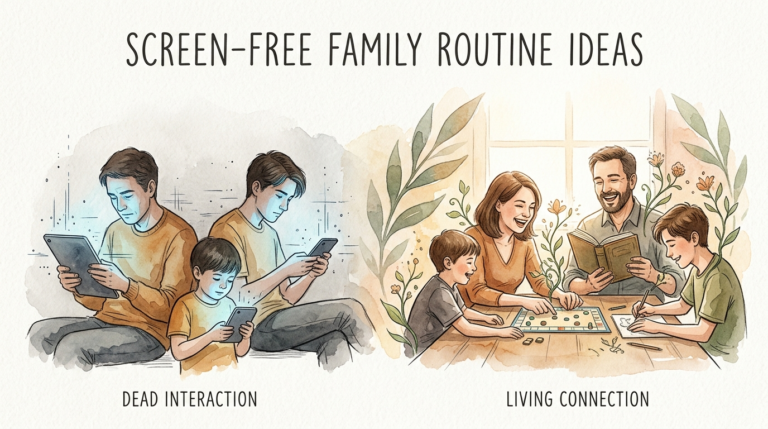
Too much tablet time refers to the state where digital device usage becomes predominantly passive, leading to a “zombie-like” consumption of content. This phenomenon occurs when the user stops interacting with the device as a tool and begins reacting to it as a source of constant, low-effort stimulation.
In real-world situations, this looks like hours spent on short-form video apps, mindless gaming that requires no strategy, or doomscrolling through social feeds. It exists because of the “variable reward system” designed into modern apps. Much like a slot machine, these platforms provide unpredictable hits of dopamine that keep the user engaged without providing any long-term fulfillment or skill development.
For children, excessive passive tablet time can lead to “brain rot”—a popular term for the mental sluggishness and decreased attention span observed after prolonged digital engagement. For adults, it often results in digital amnesia, where the brain stops deeply encoding information because it relies on the device to store and retrieve every small detail.
How to Shift from Consumption to Creation
Transitioning from a consumer to a builder requires a deliberate change in how you approach your device. You can start this process immediately by following these core principles.
First, perform a digital audit. Open your screen time settings and look at which apps claim the majority of your day. If the top three are social media or streaming services, you are in “zombie mode.” Identify one app that you can replace with a creative or educational alternative.
Second, embrace the “Builder’s Rule.” For every 30 minutes of passive consumption, commit to 10 minutes of active creation. This could be writing a journal entry, editing a photo, or practicing code. This small ratio change forces your brain to switch from a reactive state to a generative one.
Third, use tools that bridge the digital and physical worlds. Apps that teach you how to play an instrument, cook a new meal, or identify plants in your backyard turn the tablet into a gateway for real-world action. This ensures the screen is a starting point, not a final destination.
Benefits of the Builder Mode
Choosing an active approach to technology offers measurable advantages for your cognitive health and personal development.
Active screen time encourages neuroplasticity. When you engage with a coding app like Scratch or a music production tool like GarageBand, you are building new neural pathways. You aren’t just watching a story; you are learning the logic required to build one. This builds problem-solving skills and boosts executive function.
Agency is another major benefit. Users who create content feel a sense of control over their digital environment. This reduces the anxiety often associated with social media, where users feel at the mercy of algorithms and social comparison. Instead of feeling inadequate while watching someone else’s highlight reel, you feel empowered by your own progress.
Finally, active tech use leads to higher retention. When you use a tablet to research a specific project or learn a new language through gamified apps like Duolingo, you are deeply encoding that information. Interactive media has been shown to be more effective for learning than passive video watching because it requires constant decision-making and feedback.
Challenges and Common Mistakes
The biggest challenge in reducing “too much tablet time” is the addictive nature of the apps themselves.
Common mistakes include trying to go “cold turkey.” Completely removing devices often leads to a rebound effect where you spend even more time on them once the restriction is lifted. A more effective strategy is to “swap the habit.” Replace the social media icon on your home screen with a microlearning app like Blinkist or Nibble.
Another pitfall is assuming that all “educational” content is active. Many apps marketed as educational are actually just passive videos with a few buttons to click. If an app doesn’t require the user to think, create, or solve a problem, it is still consumption.
Social comparison is also a major hurdle. When you start creating, you might feel discouraged by the professional-level content you see online. Remember that the goal is growth, not viral fame. Shift your focus from “how many likes will this get?” to “what did I learn while making this?”
Limitations and Realistic Boundaries
It is important to acknowledge that technology isn’t the enemy and some passive time is actually beneficial.
Digital downtime is necessary for relaxation. Watching a movie with your family or scrolling through a few memes after a long day isn’t inherently harmful. The problem arises when this becomes the default state of existence. Experts often suggest a two-hour limit for passive entertainment outside of work or school hours to maintain a healthy balance.
Environmental limitations also play a role. You cannot be in “builder mode” 24/7. Factors like eye strain and sedentary behavior are risks regardless of how creative you are being. Even the most productive digital artist needs to follow the 20-20-20 rule: every 20 minutes, look at something 20 feet away for 20 seconds to protect your vision.
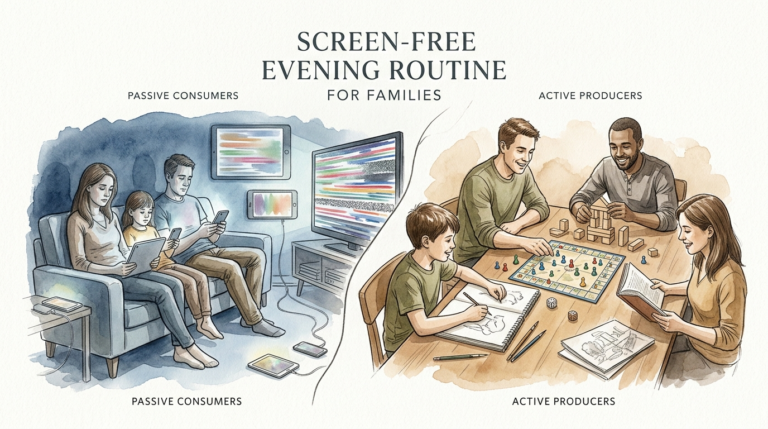
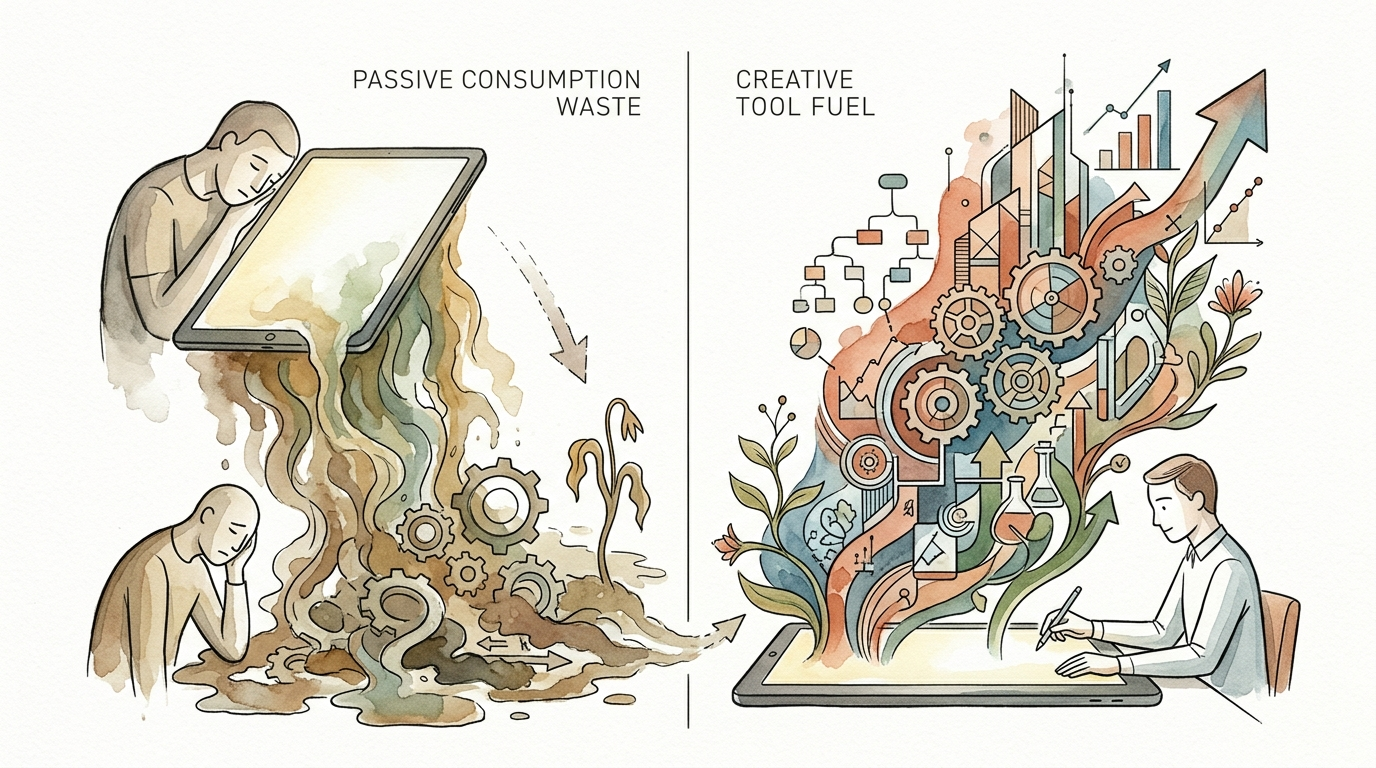
Passive Consumption vs. Creative Fuel
Understanding the difference between these two modes helps you make better decisions about your digital diet.
| Factor | Passive Consumption (Zombie) | Creative Tool Fuel (Builder) |
|---|---|---|
| Cognitive Load | Low; requires little thought. | High; requires problem-solving. |
| Dopamine Source | Variable rewards (infinite scroll). | Sense of accomplishment (completion). |
| Skill Level | Stagnant; no new skills gained. | Growing; mastery of tools/concepts. |
| Long-term Impact | Digital amnesia and fatigue. | Portfolio of work and new abilities. |
Practical Tips for Digital Mastery
You can begin optimizing your device usage today with these best practices.
Turn your screen to grayscale. Most apps use bright, vibrant colors to trigger your brain’s reward centers. By removing the color, the infinite scroll becomes significantly less appealing, making it easier to put the device down and switch to a more productive task.
Set hard boundaries for “Sleep Hygiene.” The blue light from tablets suppresses melatonin and disrupts your circadian rhythm. Establish a “digital sunset” at least 60 minutes before bed. Keep your tablet and phone in a different room to prevent the “morning scroll” habit.
Use the “Tool First” approach. Before you unlock your tablet, state your mission out loud. For example, “I am opening this to learn 10 Spanish words” or “I am opening this to edit one video.” If you don’t have a mission, don’t open the screen.
Advanced Considerations for Serious Practitioners
For those looking to go beyond basic wellness, consider the concept of “Deep Work.” This involves using your digital tools for extended periods of intense focus.
Scale your creative output by integrating different apps. For example, use a research app to collect data, a writing app to draft a script, and a video editor to produce a final product. This “workflow” mentality shifts your perspective from seeing the tablet as a toy to seeing it as a professional workstation.
Serious practitioners also focus on digital minimalism. This doesn’t mean using less tech; it means using only the tech that adds massive value to your life. Delete every app that doesn’t serve your “builder” mission. If an app only exists to kill time, it is killing your potential.
Scenario: From Gaming to Game Design
Consider a teenager who spends four hours a day playing repetitive mobile games. They are in a state of passive engagement, reacting to prompts and seeking quick wins. Their “tablet time” is high, but their growth is low.
Now, imagine that same teenager spends two of those hours using a platform like Scratch or Roblox Studio to design their own level. They have to learn about “if-then” logic, spatial awareness, and user experience. They are still using the tablet for the same amount of time, but they have transitioned from a consumer to a creator.
The result is a tangible project they can share with friends. They have moved from “zombie mode” to “builder mode,” turning a potential waste of time into a foundational lesson in computer science.
Final Thoughts
The transition from passive scrolling to active creation is the single most important shift you can make in the digital age. It is the difference between being a product of the algorithm and being a master of the machine. By auditing your habits, setting clear missions, and choosing tools that fuel your growth, you reclaim your most valuable asset: your attention.
Remember that screens are simply a mirror of your intentions. If you approach them with a “zombie” mindset, they will drain your energy. If you approach them with a “builder” mindset, they will amplify your abilities. Start small, be consistent, and watch how your digital life transforms from a source of fatigue into a source of fuel.
Experiment with one new creative app this week. Whether you are coding your first line of script or sketching your first digital portrait, every act of creation is a victory over the void of the infinite scroll. Your mission is waiting behind the screen—go build it.
Sources
1 ftnys.org | 2 reddit.com | 3 birchwoodcounseling.com | 4 scrolled.eu | 5 starkhelpcentral.com | 6 sparklestories.com | 7 techhealthyfamilies.com | 8 expressable.com | 9 thriveglobal.com | 10 freedom.to | 11 gearbrain.com | 12 nibble-app.com | 13 insightandactiontherapy.com | 14 healthonomix.com | 15 avidopenaccess.org | 16 nih.gov | 17 ulleo.com | 18 thesource.org | 19 thevoiceofearlychildhood.com | 20 medium.com | 21 nerdsip.com | 22 youtube.com | 23 bswhealth.com | 24 devorahheitner.com | 25 rochester.edu | 26 wemadeawish.co.uk | 27 centerforneurowellness.com | 28 youtube.com