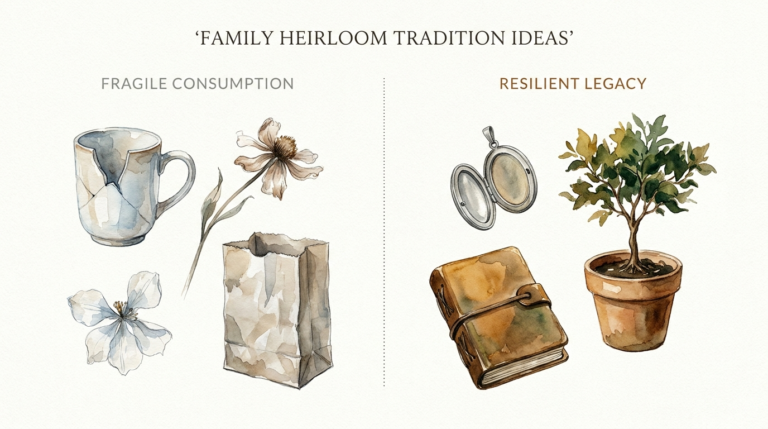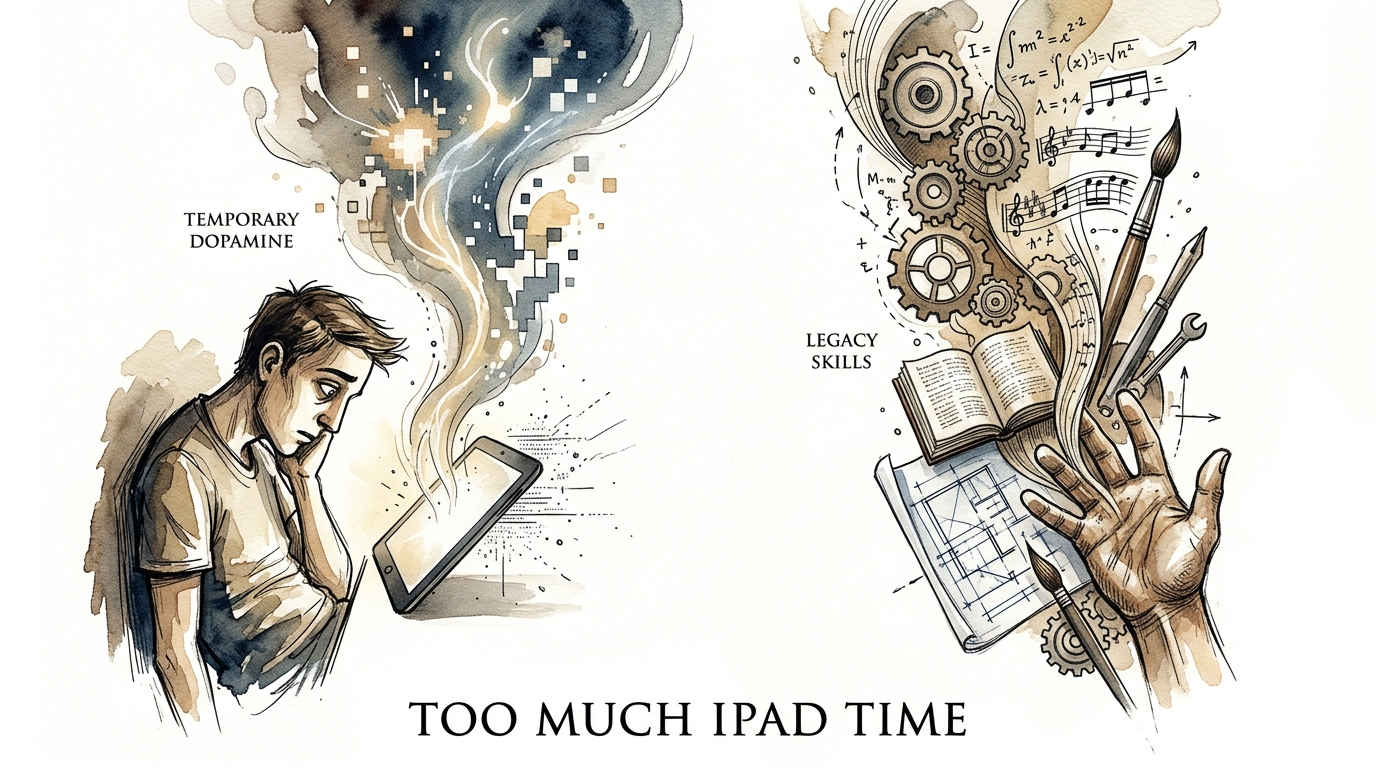
too much ipad time
Exchange 15 minutes of scrolling for 15 minutes of skill-building. Digital entertainment is temporary; the skills learned through focused play are a legacy. If you’re worried about ‘too much iPad time,’ it’s time to pivot the purpose of the device.
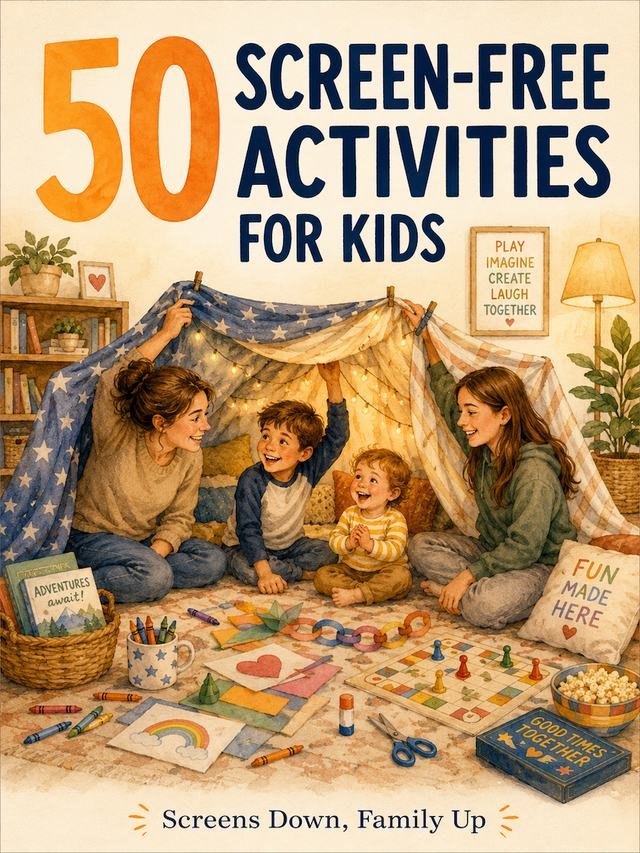
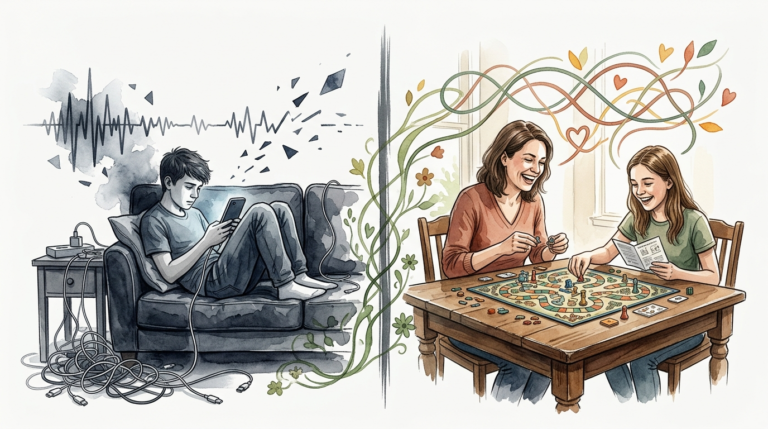
You have probably seen it before. A child sits motionless, eyes glued to a glowing screen while their thumb mindlessly flicks upward. Or perhaps you’ve caught yourself in the same trance, losing an hour to a feed that leaves you feeling more tired than when you started. This is the “iPad zombie” effect, and it’s a symptom of passive consumption.
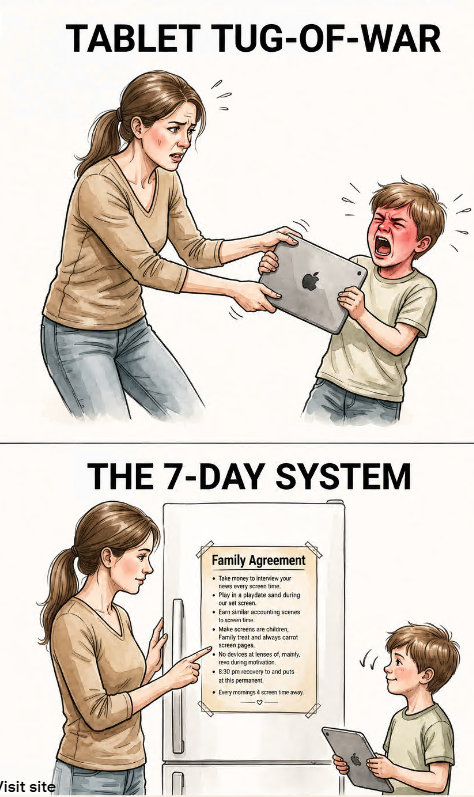
But your iPad is not just a television you can hold. It is a portable recording studio, a digital canvas, and a supercomputer for coding. It is a tool for building a legacy of skills rather than a pile of temporary dopamine. Converting a device from a distraction into a workshop requires a strategic shift in how you view “screen time.”
This guide will show you how to dismantle the passive loops and replace them with active creation. We will explore the latest research, the best tools for 2024 and 2025, and the practical steps to make the iPad a powerhouse for growth.
too much ipad time
Too much iPad time is defined not just by the clock, but by the quality of the interaction. In 2025, research shows that 81% of children under 13 have their own devices, and nearly half of parents rely on them daily to manage household responsibilities. While screens are essential tools, excessive “passive” use creates a digital environment that prioritizes speed over depth.
Passive screen time involves activities where you or your child have little to no role in shaping the experience. Think of scrolling through short-form videos or watching pre-recorded shows. These activities provide “impoverished” stimulation compared to reality, which can crowd out the neural pruning necessary for healthy brain development. Educators now cite excessive screen time as a top barrier to student success worldwide.
In the real world, this manifests as a decline in attention spans and emotional regulation. When a device acts as a “digital babysitter,” it prevents the development of self-soothing skills. This is why many schools are currently facing a “digital reckoning,” scaling back device use for younger students to prioritize human-to-human interaction. Too much iPad time is often just a symptom of a device being used as a toy instead of a tool.
The goal is to move toward “Digital Nutrition.” Just like food, technology can be “junk” or “vitamins.” A healthy digital diet focuses on active engagement—where the user is making decisions, solving problems, or creating something from scratch. By shifting the focus from duration to depth, you can turn a potential distraction into a lifelong asset.
How to Transform the iPad Experience
The transition from a passive viewer to an active creator starts with the “Digital Nutrition” framework. You must audit your device and remove the “junk food” apps that trigger mindless scrolling. Replace them with “vitamin” apps that require input, decision-making, and critical thinking. This is a deliberate act of teaching for kids and a discipline of productivity for adults.
Start by setting clear expectations. Instead of asking for “iPad time,” encourage requests for “Artistic turns,” “Maths turns,” or “Coding turns.” This simple change in language contextualizes the device as a multi-purpose tool. For younger learners, start with the Camera and Markup apps. Taking photos of the real world and drawing over them is the first step toward understanding that the iPad can interact with reality rather than just replacing it.
Use iOS “Focus Modes” to create a dedicated learning environment. You can set up a profile that hides social media and entertainment apps, leaving only tools for creation like Procreate, Swift Playgrounds, or GoodNotes. This reduces the friction of starting a productive session. For children, “Guided Access” can lock the device into a single educational app, preventing them from wandering back into the YouTube rabbit hole.
Finally, co-engagement is the secret sauce. Research suggests that co-viewing or co-playing significantly improves the quality of screen time. Talk about what is happening on the screen. Ask questions. “Why did you choose that color?” or “How does that line of code change the game?” This turns a solitary act into a social and cognitive exercise that reinforces learning.
Top Apps for Active Creation in 2024/2025
- Digital Art: Procreate or Lake Coloring. These tools turn the Apple Pencil into a professional-grade brush, teaching color theory and fine motor skills.
- Coding: Swift Playgrounds. This app uses interactive puzzles to teach the fundamentals of app development in a way that feels like a game.
- Video Editing: LumaFusion or CapCut (Creation Mode). Learning to tell a story through editing develops narrative structure and technical proficiency.
- Knowledge Building: Recall or Nibble. These apps use AI to summarize information and provide bite-sized lessons across 15+ subjects.
- Music Production: Logic Pro for iPad. This allows users to build beats, record instruments, and understand the physics of sound.
Benefits of the Skill-Building Approach
Shifting to active screen time offers measurable cognitive advantages. Studies show that interactive digital play can support critical life skills like resilience, problem-solving, and empathy. When a user creates a digital drawing or solves a coding puzzle, they are engaging in “top-down” attention. This type of focus strengthens executive functions rather than eroding them.
Active use also builds digital literacy, which is a foundational requirement for the modern economy. Learning to navigate complex software like Nomad Sculpt (for 3D modeling) or GoodNotes (for digital planning) prepares users for professional workflows. It transforms the iPad from a consumption device into a “productivity powerhouse.”
Furthermore, the creative output provides a sense of agency. Unlike the passive “hit” of a liked photo, the satisfaction of finishing a digital painting or a music track is long-lasting. This builds a “legacy of skills” that can be shared with others. It encourages a culture of generosity and sharing rather than isolated consumption.
Challenges and Common Mistakes
The biggest challenge is the “babysitter trap.” It is incredibly tempting to hand over an iPad to a child to prevent a meltdown or to get work done. While this works in the short term, 28% of parents admit they use screens to avoid tantrums multiple times a week. This creates a cycle where the device becomes the only tool for emotional regulation.
Another common pitfall is the “Educational App” illusion. Many apps in the App Store are labeled “Educational” but are actually just gamified versions of passive consumption. If an app rewards a child with flashy lights for clicking a button without requiring genuine thought, it is still “digital junk food.” You must vet apps for actual pedagogical value and creative freedom.
Resistance is also a factor. Both children and adults may feel “withdrawal” when moving from high-dopamine scrolling to lower-dopamine creation. The brain has to work harder to create than it does to consume. This initial friction can lead to frustration, making it easy to slide back into old habits. Consistency is the only way to overcome this hurdle.
Limitations and Environmental Boundaries
The iPad is not a magic bullet. Even the most “active” screen time has physical limitations. Excessive use can lead to eye strain, poor posture, and disrupted sleep patterns due to blue light exposure. Research indicates that using screens before bed suppresses melatonin, which can ruin deep REM sleep—the very state required for processing the skills you just learned.
There are also developmental boundaries. The World Health Organization recommends no screen time for children under two. For young children, rich “serve and return” human interaction is the primary driver of brain architecture. No app can replace the cognitive benefit of playing with physical blocks or having a face-to-face conversation.
Cost is another practical boundary. While the iPad itself is expensive, the best creation apps often require subscriptions or one-time purchases. High-end tools like the Apple Pencil and external keyboards also add to the investment. This makes active skill-building a more expensive path than simply using the device for free entertainment apps.
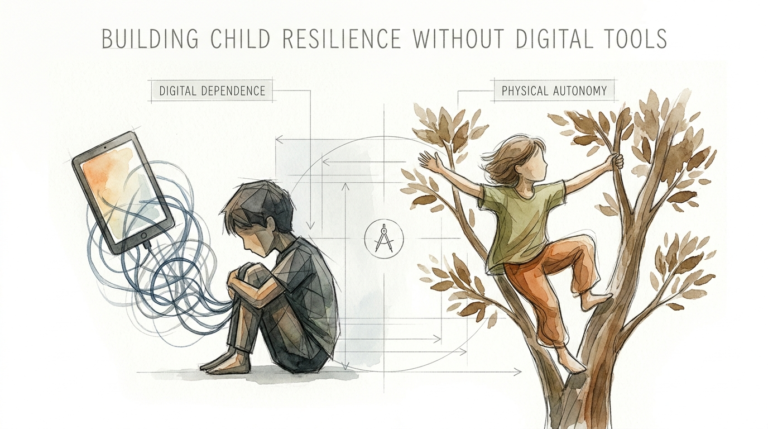
Comparison: Passive Scroll vs. Active Skill
Understanding the difference between these two modes of use is essential for long-term success. The following table highlights the key differences in how they impact the user.
| Factor | Passive Scrolling (Consumption) | Active Skill-Building (Creation) |
|---|---|---|
| Cognitive Load | Low / Minimal Effort | High / Problem-Solving Required |
| Dopamine Type | Quick, Cheap “Hits” | Delayed, Sustained Satisfaction |
| Attention Mode | Bottom-up (Reactive) | Top-down (Controlled) |
| Output | None (Memory fades quickly) | Artifacts (Art, Code, Notes) |
| Real-World Value | Temporary Entertainment | Career & Creative Portfolios |
Practical Tips and Best Practices
Apply the “One-In-One-Out” rule for apps. For every entertainment app you keep, you must install and spend equal time on a creation tool. This ensures the device maintains a balanced “digital diet.” If you find yourself gravitating toward a specific “junk” app, move it off your home screen and into a folder deep in the App Library.
Greyscale your device to make it less addictive. By turning off the bright colors in the Accessibility settings, you reduce the visual “sugar” that keeps your brain hooked on the interface. This makes the iPad feel more like a tool and less like a toy. It is a powerful psychological trick to reset your relationship with the screen.
Establish “Screen-Free Zones” in your home. Mealtimes and bedrooms should be strictly off-limits for devices. This promotes uninterrupted connection with family and protects your sleep hygiene. Designate a specific “Creation Station” where the iPad is used—ideally at a desk with good lighting and ergonomic support.
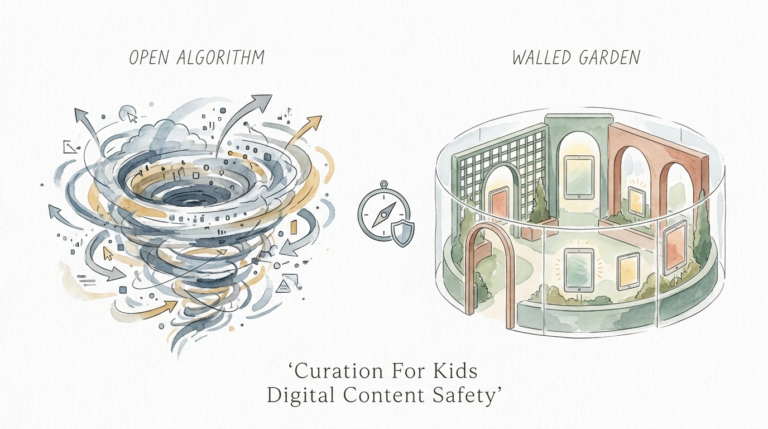
- Prune your algorithm: Spend 30 minutes a week “training” your apps to show you educational and creative content instead of rage-bait or mindless memes.
- Use the Camera: Encourage taking the iPad outside to document nature, which bridges the gap between digital and physical worlds.
- Digital Portfolio: Create a folder in the Files app to save all finished projects. Seeing a collection of work builds confidence.
Advanced Considerations for Practitioners
For those serious about mastering the iPad as a professional tool, hardware integration is the next level. Connect a MIDI keyboard for music production or an external mechanical keyboard for long-form writing. This transforms the ergonomics of the device and opens up “desktop-class” workflows. The iPad Pro with M-series chips is now capable of handling complex 3D rendering and high-resolution video editing.
Consider the role of AI in your creative process. Tools like ChatGPT and Anthropic’s Claude can act as a “collaborator” rather than just a shortcut. Use them to brainstorm story ideas, debug code, or explain complex concepts while you are working in a creation app. The goal is to use AI to enhance your human input, not replace it.
Scaling your skills involves moving from “silos” to “systems.” An advanced practitioner doesn’t just use one app; they build a pipeline. For example, you might take notes in Obsidian, sketch the layout in Procreate, and finalize the presentation in Canva. Understanding how apps “talk” to each other via the Files app and Universal Control is what separates a beginner from a power user.
Example Scenarios
Scenario 1: The 10-Year-Old Animator. Instead of watching cartoons on YouTube, a child spends 30 minutes in an app like Flipaclip. They learn about “squash and stretch,” timing, and frame rates. At the end of the session, they have a 5-second animation of a bouncing ball. They haven’t just consumed a story; they have learned the technical requirements of how stories are told.
Scenario 2: The Adult Knowledge Worker. Instead of scrolling through news headlines during a lunch break, an adult uses the iPad and Apple Pencil to mind-map a complex project in Freeform. They connect disparate ideas, visualize the workflow, and save the result as a PDF. They have used the device to “offload” cognitive strain and gain clarity on their work goals.
Final Thoughts
The conversation around iPads has shifted from “how much time” to “what kind of time.” We are moving past the era where these devices are seen simply as distractions. They are, in fact, the most versatile creative tools ever invented. Turning “too much iPad time” into a legacy of skills is not about restriction; it is about redirection.
By choosing active creation over passive consumption, you are investing in your cognitive health and your future capabilities. Whether it is coding your first app, painting a masterpiece, or organizing your life, the iPad is ready to help you build. The transition might be challenging at first, but the rewards are measurable, practical, and permanent.
Take control of your digital environment today. Start small with a single creative app and a firm set of boundaries. Exchange the temporary dopamine of the scroll for the lasting pride of the craft. Your device is a workshop—it’s time to start building.
Sources
1 thevoiceofearlychildhood.com | 2 monstermath.app | 3 harvard.edu | 4 cesa6.org | 5 gurufocus.com | 6 screensense.org | 7 apnews.com | 8 apple.com | 9 youtube.com | 10 medium.com | 11 opencolleges.edu.au | 12 luriechildrens.org | 13 ipadfamily.com.au | 14 successfulstudyskills4students.com