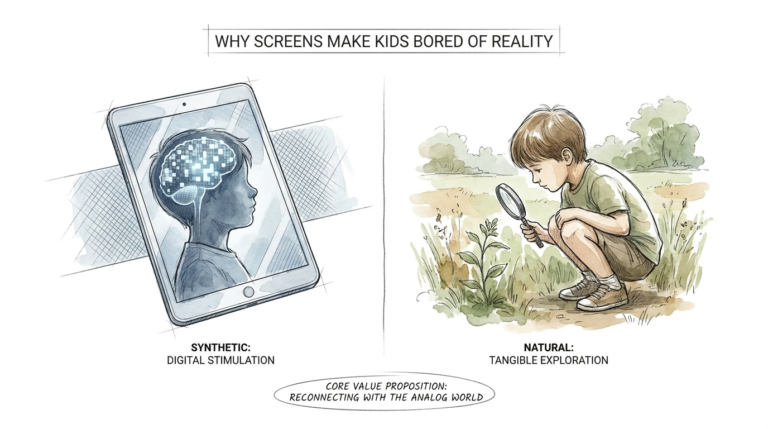
kids screen time chart
Charts are for today. Self-regulation is for a lifetime. The goal isn’t just to stop the screen today; it’s to teach them how to manage their own dopamine for the rest of their lives.
Parenting in a digital world feels like a constant tug-of-war. One minute you are enjoying a quiet cup of coffee while they watch an educational show, and the next, you are facing a level-ten meltdown because the tablet reached 0% battery. You want them to have the skills to navigate technology, but right now, it feels like the technology is navigating them. This is where the concept of a structured system comes into play, but there is a deeper layer to uncover. We are not just looking for a way to turn off the TV; we are looking for a way to build a child’s internal “stop” button.
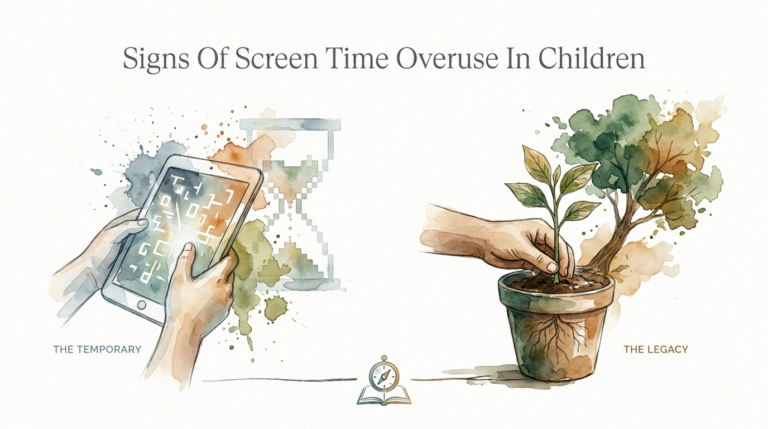
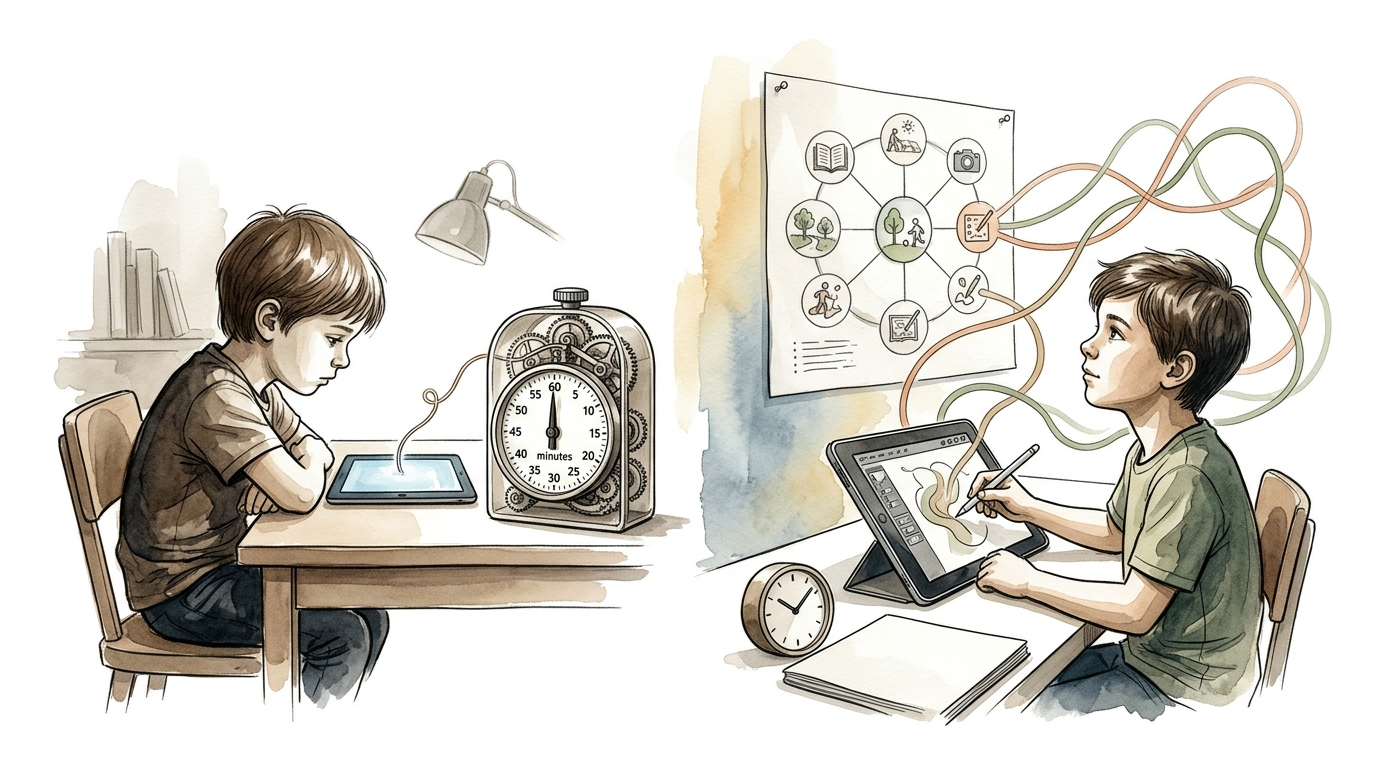
Understanding the difference between a temporary fix and a permanent skill is the first step. You might have heard of The Temporary Timer vs The Legacy of Self-Regulation. A timer tells a child what to do, while self-regulation teaches them how to feel and what to choose. To get there, many families start with a visual guide—a roadmap for the day that includes screens but does not revolve around them. This guide is the bridge between parent-led control and child-led responsibility.
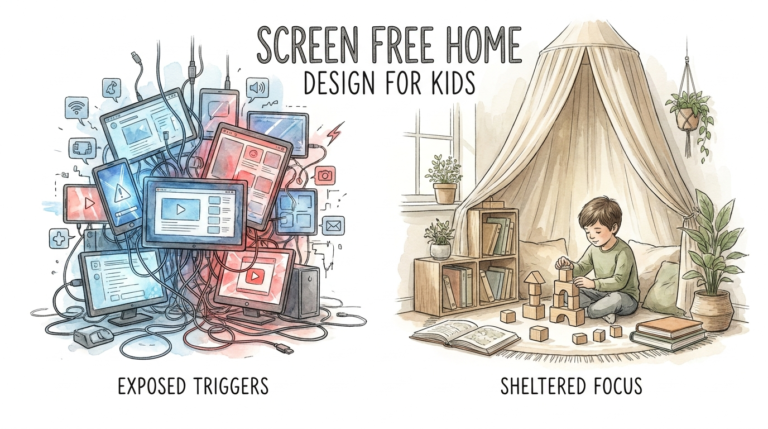
As you read this, think about your daily routine. Is it filled with constant reminders and negotiations? If so, moving toward a more structured approach can provide the breathing room everyone needs. It is about creating a “digital ecosystem” where screens have a place, but they do not crowd out sleep, movement, or connection.
kids screen time chart
A kids screen time chart is a visual tool designed to communicate clear expectations regarding when, how, and for how long a child can use digital devices. It acts as a contract between the parent and the child, removing the “mystery” of when the screen will be turned off. In a real-world setting, these charts often hang on the refrigerator or a bedroom door, serving as a constant reference point that reduces the need for verbal nagging.
The primary reason these charts exist is to provide structure to a child’s developing brain. Young children, specifically those in preschool and early elementary school, do not have a fully developed sense of time. Telling a five-year-old they have “ten minutes left” is often meaningless. A chart, especially one paired with visual icons, helps them see how screen time fits into the broader context of their day—occurring only after chores, homework, or outdoor play are completed.
In many homes, the “kids screen time chart” is used as a gateway to behavior management. For example, a child might “earn” screen minutes by completing non-screen activities. However, the most effective charts are those that focus on balance rather than just rewards. They help kids visualize that life is a “menu” of activities, and while the “digital dessert” is tasty, it cannot be the only thing they eat all day. This visual representation helps ground the child in reality when the high-stimulation world of Minecraft or YouTube tries to pull them away.
How to Design and Implement a Screen Time System
Creating a system that actually works requires more than just a piece of paper and some markers. It requires a strategy that takes into account the child’s age, temperament, and the specific “dopamine loops” they are prone to. If you want a system that sticks, you need to follow a logical progression from external rules to internal habits.
1. Choose Your Chart Style
There are several ways to structure a screen time system. A Checklist Chart requires kids to complete specific tasks—like making their bed, reading for 20 minutes, or playing outside—before they can ask for a device. An Allowance Chart gives them a set amount of time per day or week (e.g., 7 hours a week) and lets them choose how to spend it. A Routine-Based Chart simply slots screen time into a specific hour of the day, making it a predictable part of the schedule.
2. Involve the Child in the Plan
Research suggests that children are much more likely to follow rules they helped create. Sit down with your child and ask them what they think is a fair amount of time. You might be surprised to find that they often suggest stricter limits than you would. Involving them gives them a sense of ownership and agency, which is the foundational seed of self-regulation. When the timer goes off, it isn’t “Mom being mean”; it’s “the plan we made together.”
3. Use Visual Cues and Timers
For younger children who cannot yet tell time, use a visual timer that shows the “red” disappearing as time elapses. This helps the brain prepare for the transition. The “kids screen time chart” should use icons for non-readers: a picture of a book, a soccer ball, and then a tablet. This sequence teaches the brain that screens come *after* other essential developmental needs are met.
4. Establish the “No-Go” Zones
A successful system isn’t just about how much time is spent on screens; it’s about when those screens are strictly prohibited. Common “no-go” zones include mealtimes, bedrooms, and the hour before sleep. According to current pediatric guidelines, removing screens 30–60 minutes before bed is essential because the blue light suppresses melatonin, the hormone needed for deep, restorative sleep. Your chart should clearly mark these times as “Device-Free.”
The Practical Benefits of a Structured Approach
Why go through the trouble of making a chart? Because the benefits extend far beyond just “less noise” in the house. A well-implemented system changes the chemical and emotional environment of the home.
Reduced Decision Fatigue: When the rules are on the wall, you don’t have to make a new decision every time your child asks for the iPad. You simply point to the chart. This saves your mental energy for more important parenting tasks.
Predictable Transitions: Most “screen-time tantrums” happen because of a sudden drop in dopamine. When a child knows exactly when the screen time ends—and what fun activity comes next—the “crash” is less severe. The chart provides the mental map they need to navigate the transition without a total emotional breakdown.
Development of Executive Function: Using a chart requires a child to plan, prioritize, and monitor their own behavior. These are “executive functions” controlled by the prefrontal cortex. Every time a child looks at the chart and decides to do their homework first so they can play their game later, they are literally “leveling up” their brain’s ability to self-regulate.
Common Mistakes and Pitfalls to Avoid
Even the best-looking chart can fail if it is not backed by consistent parent behavior. Avoid these common traps to keep your system from falling apart:
Using Screens as a “Pacifier”: It is incredibly tempting to hand over a phone to calm a fussy toddler. However, longitudinal studies suggest that using digital devices to manage a child’s emotions can lead to increased behavior problems over time. It displaces the opportunity for the child to learn how to soothe themselves. If the chart says “No screens until 4:00 PM,” but you give in at 2:00 PM because they are bored, the system loses its authority.
The “Forbidden Fruit” Effect: If you make screen time the *only* reward for good behavior, you inadvertently make it the most valuable thing in the child’s world. This can backfire by making them obsess over it even more. Instead, try to treat screen time as just one of many enjoyable activities, like playing with LEGOs or going to the park.
Ignoring Your Own Habits: Kids are expert observers. If you have a strict screen time chart for them but you are constantly scrolling through social media during dinner, they will sense the hypocrisy. A family-wide “digital detox” or shared rules can be much more effective than a “kids-only” policy.
When a Chart May Not Be Ideal
While charts are great for many families, they aren’t a universal solution. There are specific environments and situations where a rigid chart might actually cause more stress than it solves.
For children with certain neurodivergencies, such as ADHD or high-functioning autism, the “dopamine crash” from a screen can be so intense that a simple chart isn’t enough to manage the transition. These children may need a more “fluid” approach that focuses on co-regulation—where the parent helps them slowly wind down through physical touch or “bridge” activities—rather than a hard stop dictated by a piece of paper.
Additionally, during periods of extreme family stress, such as a move, a new baby, or an illness, a strict chart might be unrealistic. In these times, it is okay to lean on “The Temporary Timer” and focus on survival. The key is to return to the “Legacy of Self-Regulation” once the environment stabilizes. A chart is a tool, not a cage; it should serve the family’s needs, not the other way around.
The Legacy of Self-Regulation vs. The Temporary Timer
It is helpful to view screen management through two different lenses. One is about immediate control, and the other is about long-term character. Both have their place, but only one leads to a healthy adult relationship with technology.
| Feature | The Temporary Timer | The Legacy of Self-Regulation |
|---|---|---|
| Primary Focus | Stopping the screen now. | Teaching the child how to stop. |
| Internal vs. External | External (The parent/timer is the boss). | Internal (The child’s brain is the boss). |
| Emotional Result | Compliance, but often with resentment. | Autonomy and self-control. |
| Long-Term Goal | Short-term peace in the house. | An adult who can put their phone away. |
Best Practices for Lasting Success
To move from a simple “kids screen time chart” to a lifetime of self-regulation, apply these best practices every day:
- Prioritize Quality Over Quantity: Not all screen time is created equal. One hour of playing a creative game like Roblox with a friend is vastly different from one hour of mindlessly scrolling through short-form videos. Encourage “active” use over “passive” use.
- Use the “Five-Minute Bridge”: Never just turn off the screen. Instead, sit with your child for the last five minutes. Ask them what they are doing in the game. This “co-viewing” helps bridge the gap between their digital world and the real world, making the transition smoother.
- Movement Resets: After the screen goes off, immediately engage the child in a physical activity. Jumping jacks, a quick race to the mailbox, or even just stretching helps reset the dopamine levels in the brain and reduces irritability.
- Open Conversations: Regularly talk about how screens make them feel. “Do you notice how you feel a bit cranky when you play that game for a long time?” Helping them recognize their own physiological responses is the first step in them wanting to change their own behavior.
Advanced Considerations: The Neuroscience of the “Dopamine Loop”
For parents who want to dive deeper, it is essential to understand why screens are so hard to put down. Digital platforms—especially games and social media—are designed with “persuasive design” features like autoplay, endless scrolling, and intermittent rewards. These features tap into the brain’s reward system, specifically the caudate nucleus, releasing bursts of dopamine.
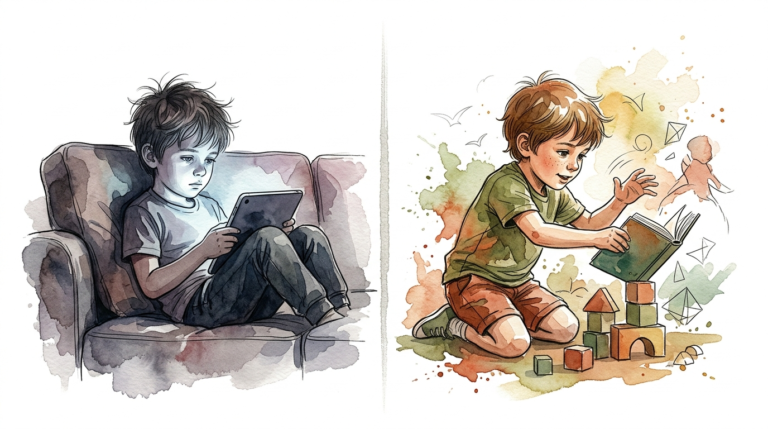
When a child is in a “dopamine loop,” their prefrontal cortex (the part responsible for logic and impulse control) essentially goes offline. This is why a normally sweet child can turn into a screaming monster when the iPad is taken away. They are experiencing a literal chemical withdrawal. Understanding this doesn’t mean you let them keep the screen; it means you approach the transition with more empathy and better strategies, like the movement resets mentioned earlier. You are helping their brain “re-wire” itself to find pleasure in slower, more meaningful real-world activities.
Real-World Example: The “15-Minute Bridge” Scenario
Imagine your seven-year-old, Leo, is playing a building game. The “kids screen time chart” says it’s time for dinner in ten minutes. Instead of yelling from the kitchen, you walk over and sit next to him. You spend two minutes watching him build a castle. You say, “Wow, those towers are tall! You have three minutes left to finish that section, then we are going to do five jumping jacks and head to the table.”
Leo finishes his section, sets the tablet down (with a little sigh), does his jumping jacks, and walks to the kitchen. Because you acknowledged his digital achievement and provided a physical reset, the brain’s “crash” was managed. This is how you use a chart to build a habit. Eventually, Leo will start telling *himself* when he’s reached a good stopping point. That is the goal.
Final Thoughts
The journey from a “kids screen time chart” to a child who can self-regulate is a marathon, not a sprint. A chart is a fantastic starting point because it provides the external structure that a developing brain craves. It sets clear boundaries, reduces daily arguments, and helps prioritize the things that truly matter: sleep, movement, and family connection.
However, always remember that the ultimate objective is to make the chart obsolete. You want to raise a child who can look at a screen, recognize they’ve had enough, and choose to put it down on their own. By focusing on quality, engaging in co-regulation, and understanding the science of the dopamine loop, you are giving your child a gift that will serve them for the rest of their lives. Start today, stay consistent, and lead with connection rather than just control.
Sources
1 healthychildren.org | 2 childrenandscreens.org | 3 kansascitymomcollective.com | 4 peaceathomeparenting.com | 5 uci.edu | 6 mindd.org