what to say when child wants ipad
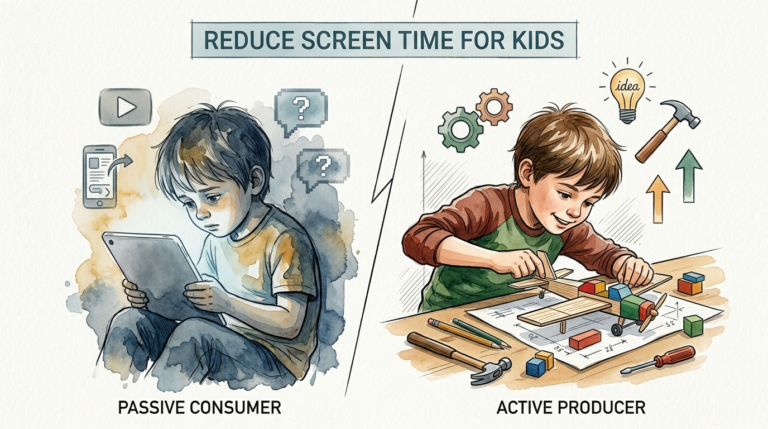
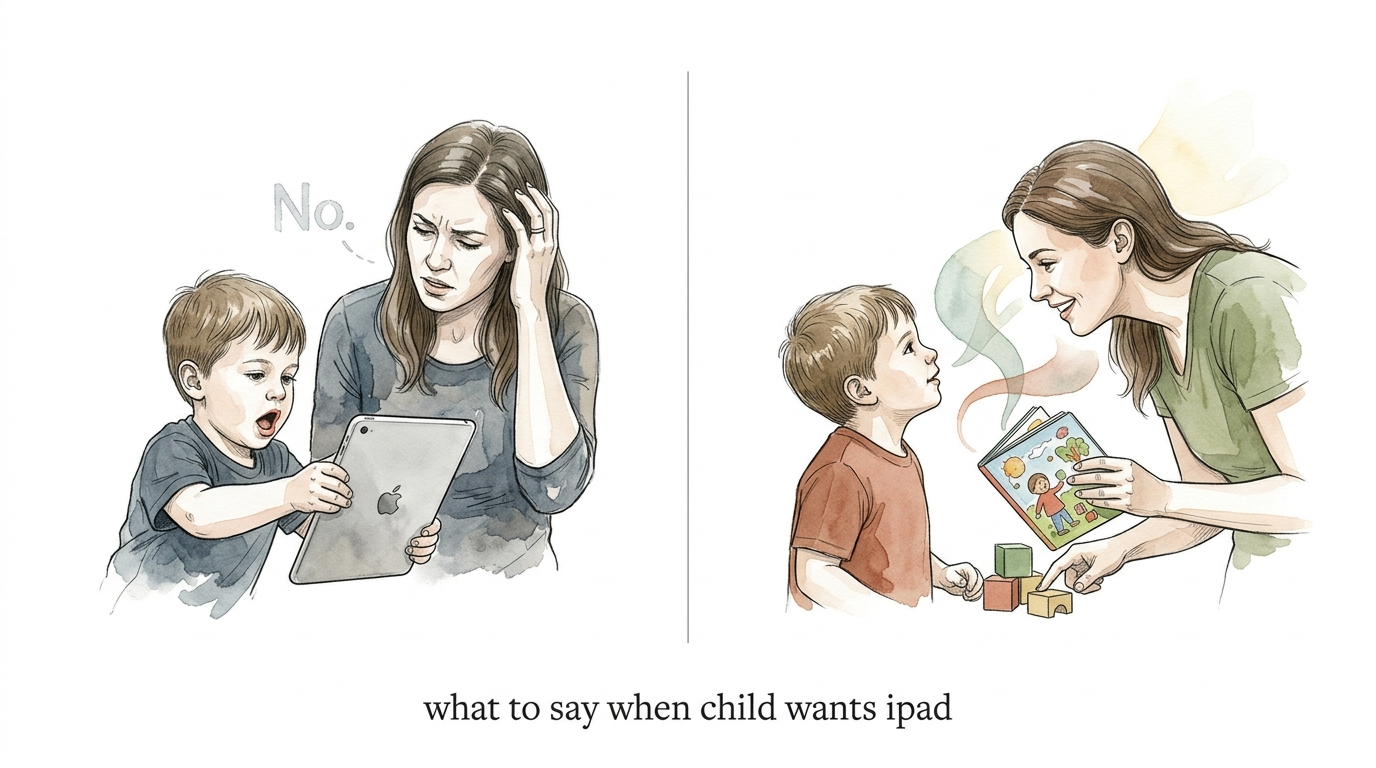
Don’t just say ‘no.’ Say something that sparks a better connection. The ‘Standard’ response leads to a power struggle. The ‘Pro’ response leads to play. Try these 3 scripts the next time they ask for the screen.
When your child asks for the iPad for the tenth time before breakfast, your instinct is to shut it down. You want to say, “No, we’re not doing screens right now!” or “Stop asking me!” But that usually triggers a meltdown.
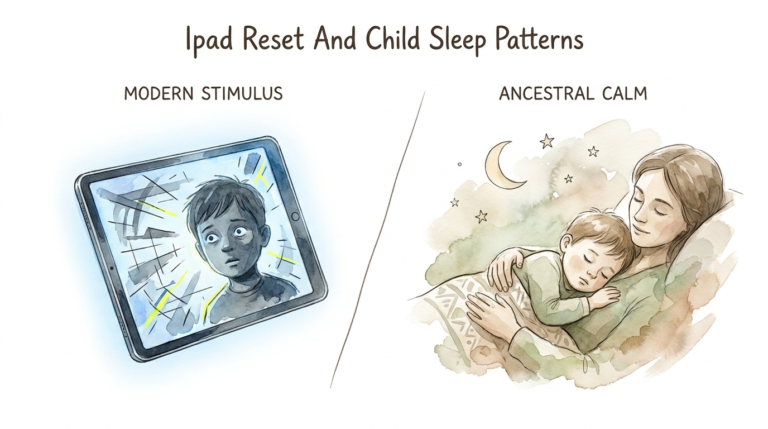
The struggle isn’t actually about the device. It is about their developing brain seeking a hit of dopamine and their struggle to regulate big desires. Transitioning from high-stimulation screens to real-life chores is hard for a child’s nervous system.
Instead of fighting the request, you can use it to build connection. By shifting your response, you move from the “enforcer” to the “partner.” This doesn’t mean you say yes to the screen; it means you say yes to their feelings.
what to say when child wants ipad
Knowing what to say when a child wants the iPad is about validating the feeling without relaxing the boundary. In the real world, children use screens as a quick fix for boredom or a source of intense entertainment. When we abruptly say “no,” we aren’t just denying a toy; we are cutting off a source of emotional regulation.
To handle this like a pro, you need scripts that acknowledge their internal world. Try these three specific scripts to redirect the energy:
1. The “Wish Fulfillment” Script: “You really wish we could watch your favorite show all morning, don’t you? If we had all the time in the world, what would we watch first?” This validates their desire without promising the screen.
2. The “Predictable Boundary” Script: “I hear you! You love the iPad. In our house, the iPad is for after dinner. Right now, it’s resting so it’s ready for later. Should we do Legos or go outside while it rests?” This provides a clear, non-negotiable rule while offering a choice.
3. The “Playful Pivot” Script: “Oh man, the iPad sounds so fun! If you were in the game right now, would you be building a castle or a spaceship? Let’s see if we can build that with these blocks!” This moves the high-energy interest of the screen into a tactile, real-world activity.
How It Works / How to Do It
The “Pro” response works because it addresses the neurobiology of the child. When a child asks for a screen, they are often chasing “fast dopamine.” This is the instant gratification found in video games and fast-paced videos.
When you use redirection scripts, you are helping them transition from a state of high-arousal (the craving) to a state of connection (with you). Here is the step-by-step process for a Pro Redirection:
- Pause before reacting: Don’t snap back with a “no.” Take one breath to stay in your “parent leader” role.
- Validate the “Wish”: Acknowledge that the iPad is fun. This lowers their defensive guard because they feel understood.
- State the Boundary: Use “and” instead of “but.” For example: “I know you want to play, and screens are for later.”
- Bridge to “Slow Dopamine”: Immediately suggest an activity that requires effort and engagement, like building, drawing, or physical play.
Avoiding common pitfalls is key. Don’t lecture them on why screens are “bad.” Their logical brain isn’t online when they are in a state of craving. Keep your words short, warm, and firm.
Benefits / Advantages
Choosing a connection-based script over a power struggle offers immediate and long-term benefits. In the short term, it drastically reduces the frequency and intensity of tantrums. When a child feels heard, their nervous system begins to settle.
In the long term, you are teaching them emotional intelligence. You are modeling how to handle a “no” without it becoming a personal rejection. This builds a foundation of trust where they feel safe coming to you with their big feelings.
Furthermore, this approach encourages “slow dopamine” habits. By bridging the gap between the screen and real-life play, you help their brain learn to find satisfaction in activities that require focus and patience. This is essential for developing a strong attention span and executive function.
Challenges / Common Mistakes
The biggest challenge is consistency. It’s tempting to give in when you are tired or in the middle of a grocery store. This is the “E-babysitter” trap. Using screens to stop a tantrum creates a “vicious cycle” where the child learns that screaming leads to the iPad.
Another common mistake is the “Vague Boundary.” If you say “maybe later” or “in a little bit,” the child will keep asking. Their brain needs a concrete “when.” Without a clear schedule, they stay in a state of anxious anticipation, which makes them more irritable.
Finally, avoid the “Lecture Trap.” Explaining the dangers of blue light or brain development while a toddler is crying will only escalate the situation. They can’t hear your logic when they are in their “downstairs brain.” Save the educational talks for when everyone is calm.
Limitations / When This May Not Be Ideal
Redirection scripts are powerful, but they have limits. If a child is “HALT” (Hungry, Angry, Lonely, or Tired), even the best script may fail. In these moments, their biological needs outweigh their ability to regulate, and you may need to focus on physical comfort before any redirection.
Age is also a factor. For children under the age of two, screen time recommendations are usually “none” except for video chatting. For these very young children, scripts are less effective than physical redirection. You simply move the device out of sight and engage them in a new environment.
Additionally, if a child is already in the middle of a full-blown “digital tantrum,” the time for scripts has passed. In a meltdown, the goal is safety and presence. You hold the boundary, stay nearby, and wait for the storm to pass before attempting to reconnect through play.
Optional Comparison: Standard vs Pro Response
Understanding the shift in approach is easier when you see the two methods side-by-side.
| Factor | Standard Reaction | Pro Redirection |
|---|---|---|
| Immediate Goal | Stopping the asking. | Connecting with the child. |
| Emotional Tone | Reactive and annoyed. | Calm and authoritative. |
| The Boundary | “No! Stop asking.” | “Screens are for [Time]. Right now is [Activity].” |
| Brain Impact | Increases cortisol (stress). | Increases oxytocin (connection). |
| Long-term Result | More power struggles. | Better self-regulation. |
Practical Tips / Best Practices
To make these scripts work, you need to set up your environment for success.
- Use Visual Timers: Kids have a poor sense of time. A visual timer that counts down their screen session helps them prepare for the transition before it happens.
- Establish “Slow Zones”: Create tech-free times like meals, car rides, or the first 20 minutes after school. These “low-stimulation windows” help the nervous system reset.
- The “Bridge” Activity: Always have a specific activity ready for when the screen goes off. A high-protein snack or a favorite puzzle works well to bridge the gap.
- Model the Behavior: If you are constantly on your phone while telling them “no iPad,” they will feel the hypocrisy. Put your own screens away during transition times.
Advanced Considerations
For children who are neurodivergent, such as those with ADHD, the “dopamine drop” after screen time is significantly more intense. Their brains are naturally seeking more stimulation, making transitions much harder. In these cases, you might need a longer “bridge” and more physical activity to help them reset.
Consider also the concept of “Digital Literacy.” Instead of just limiting time, focus on “co-viewing.” Sit with them, ask questions about the game or show, and turn it into a social experience. This moves the screen from a passive “plug-in” to an active tool for learning and conversation.
Lastly, don’t be afraid of boredom. Boredom is the “muscle” that builds creativity. If you always provide a bridge, they may never learn to find their own “slow dopamine” activities. Occasionally, it is okay to say, “The iPad is off, and I can’t wait to see what you find to do!”
Examples / Scenarios
Scenario A: The Morning Ask
Child: “Can I play Minecraft?”
Parent (Pro): “You love Minecraft! I bet you want to finish that castle. Minecraft is for the weekend. Today is a school day. Let’s see if we can build a mini-castle with your cereal boxes while I make coffee.”
Scenario B: The Grocery Store
Child: “I want to watch YouTube!”
Parent (Pro): “I hear you. Grocery shopping is boring compared to YouTube. I need your help, though. Can you find three red apples for me? You’re the best fruit hunter!”
Scenario C: Ending the Session
Child: “One more minute! PLEASE!”
Parent (Pro): “It’s so hard to stop when you’re having fun! The timer says it’s time to stop. Do you want to hop like a frog to the kitchen for your snack or crawl like a bear?”
Final Thoughts
The “Pro” response isn’t about being a perfect parent; it’s about being a connected one. By moving away from the standard “no” and toward scripts that spark connection, you turn a daily frustration into an opportunity for growth.
Remember, the goal is to lead with empathy while holding a firm boundary. This balance creates a “felt safety” for your child, allowing them to accept the limits you set without losing their sense of connection to you.
Experiment with these scripts this week. You might find that when you change what you say, your child changes how they respond. Focus on the relationship, and the screen time battles will naturally begin to fade.
Sources
1 reddit.com | 2 nurture.is | 3 herviewfromhome.com | 4 sf.k12.sd.us | 5 myplinkit.com | 6 drugfree.org | 7 lernerchilddevelopment.com | 8 reddit.com | 9 cedars-sinai.org | 10 reddit.com | 11 childrenandscreens.org