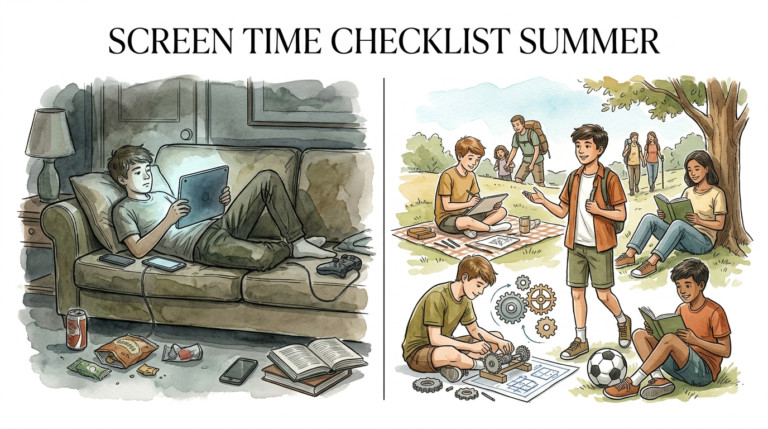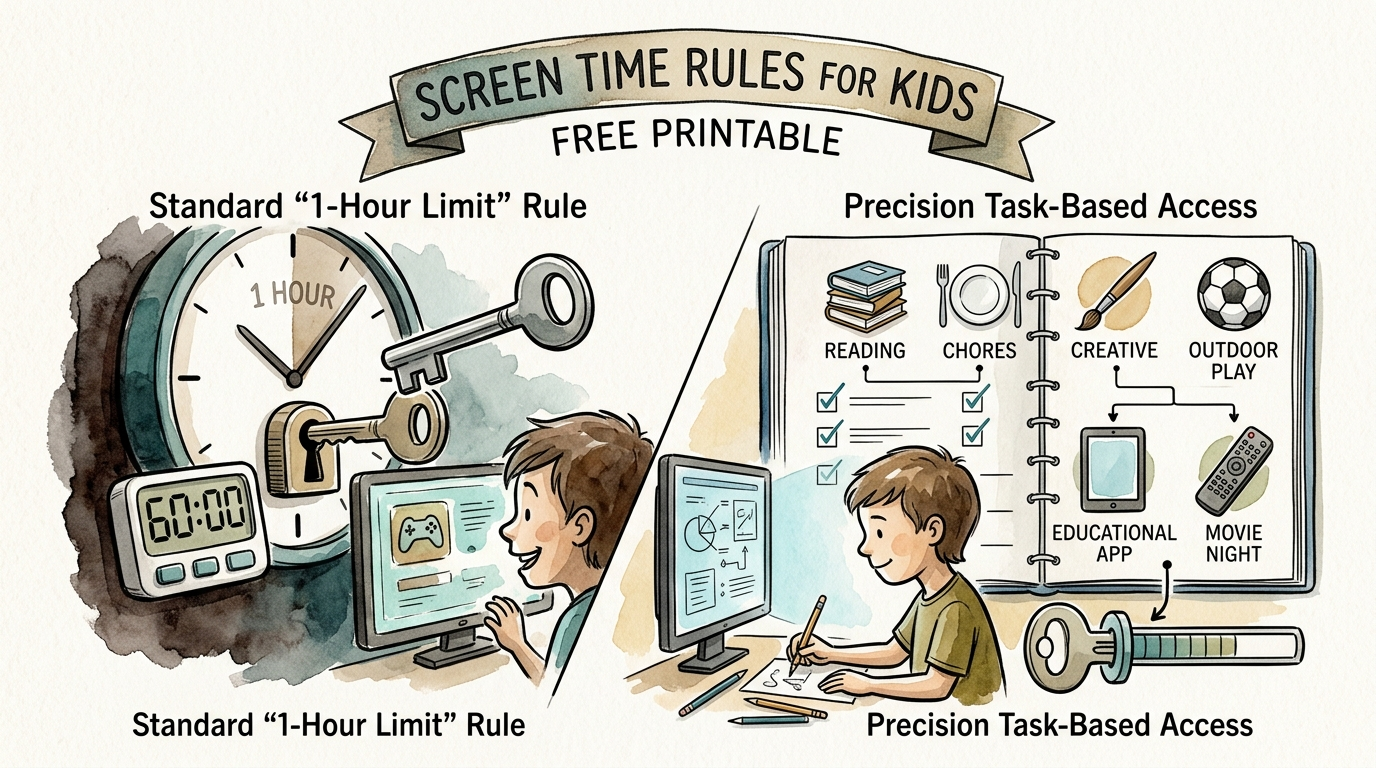
screen time rules for kids free printable
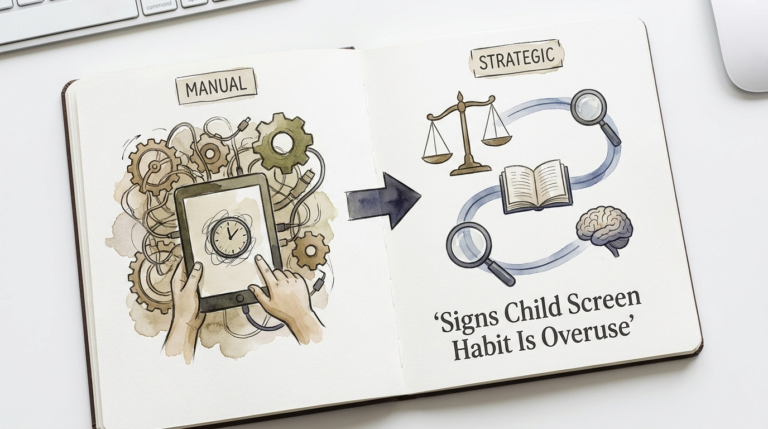
Generic time limits fail because not all screen time is created equal. It’s time for precision. Blanket rules are easy to break. Precision rules—based on what the child is actually doing on the screen—teach them the difference between learning and mindless scrolling. Get the precise template here.
Imagine a world where you don’t have to set a kitchen timer every time your child picks up a tablet. Instead of a daily battle over “five more minutes,” your child understands exactly which activities build their brain and which ones are just “digital candy.” This isn’t a parenting fantasy; it is the shift from time-based restrictions to task-based access.
Most parents rely on a flat one-hour limit because it is easy to track. However, this method treats a child coding a website the same as a child watching mindless “unboxing” videos. By switching to a precision-based model, you empower your child to become a creator rather than just a consumer. This guide will show you how to implement this system using a framework that actually sticks.
screen time rules for kids free printable
A screen time rules for kids free printable is a visual contract between a parent and child that categorizes digital activities based on their value and impact. Unlike a simple timer, this printable serves as a roadmap, helping children identify which apps are “Green Light” (educational/creative), “Yellow Light” (social/interactive), and “Red Light” (passive entertainment).
In the real world, adults don’t have “internet timers”; we have responsibilities. We use screens for work, navigation, and connection. A precision printable replicates this by teaching kids that screens are tools first and toys second. When a child sees their rules laid out visually, it removes the “mean parent” element. The rules aren’t coming from you in a moment of frustration; they are established standards that the child can refer to independently.
For example, a precision printable might allow unlimited time for a language-learning app but strictly limit “infinite scroll” platforms like TikTok or YouTube Shorts. This context-based approach mirrors how we want our children to eventually manage their own digital lives as adults.
How Precision Screen Time Works
Transitioning to precision rules requires moving away from the “stopwatch” mentality and toward a “portfolio” mentality. You aren’t just counting minutes; you are evaluating the cognitive load and the output of the activity.
Step 1: Categorize the Apps
To make this work, you must audit your child’s device and sort every app into one of four buckets:
- Creation (Active): Coding, digital art, video editing, music production, or writing.
- Education (Interactive): Language apps, math games, or interactive documentaries.
- Connection (Social): Controlled video calls with family or collaborative gaming with real-life friends.
- Consumption (Passive): Scrolling social media, watching mindless cartoons, or “auto-play” video loops.
Step 2: Assign Value to Each Bucket
Instead of a flat hour, give each bucket its own “rule set.” You might allow 90 minutes of “Creation” but only 20 minutes of “Consumption.” This naturally incentivizes the child to spend their time on higher-value activities.
Step 3: The “Earn and Burn” System
Many successful parents use the precision printable to create an “Earn and Burn” system. A child can “earn” passive consumption minutes by completing creation or education tasks first. For every 20 minutes spent on a coding app, they might earn 10 minutes of YouTube. This teaches the fundamental life skill of delayed gratification.
The Benefits of Precision Rules
The most immediate benefit of this approach is the end of the “Screen Time Meltdown.” These meltdowns are often caused by the sudden drop in dopamine when a high-stimulation game is turned off. When a child knows they have earned their time and understands the categories, they feel a sense of agency and control, which reduces resistance.
Furthermore, precision rules promote digital literacy. Children start to notice the difference between how they feel after creating a digital drawing versus how they feel after an hour of scrolling. They begin to recognize the “brain fog” associated with passive consumption.
Practically speaking, this method also prepares them for the future workforce. In 2025 and beyond, the ability to focus on creative digital tasks while ignoring the pull of “notification loops” is a top-tier professional skill. By implementing task-based rules now, you are essentially providing early-career training for the digital age.
Challenges and Common Mistakes
The biggest mistake parents make is being too vague with their categories. If you haven’t clearly defined what counts as “Educational,” your child will find the loophole. They might argue that a video game is “educational” because they are “learning the map.” Be specific. If it’s not on the approved education list in your printable, it belongs in the entertainment bucket.
Another common pitfall is “The Homework Loop.” Many parents allow unlimited screen time for homework, but don’t realize their child is multi-tasking with five browser tabs open for Discord or YouTube. Precision rules must apply to the *activity*, not just the device. If the laptop is for homework, it should stay on the school portal.
Finally, avoid the “Set It and Forget It” trap. As your child grows, their interests and the apps they use will change. A precision system requires a monthly “Digital Check-In” to move apps between buckets as their value changes.
Limitations: When Precision Rules Struggle
This method is highly effective but it isn’t a magic bullet. Environmental factors play a huge role. If the rest of the house is screen-obsessed, a child will struggle to stick to their task-based rules. Modeling is still the most powerful form of parenting.
There are also practical boundaries. For younger children (under age 5), the American Academy of Pediatrics still recommends strict time limits regardless of the content. Their developing brains need a high volume of physical, sensory, and three-dimensional play that a screen simply cannot provide. For this age group, “Precision” should mostly mean “Co-viewing”—watching high-quality shows together and discussing the content to bridge the gap between the screen and reality.
Additionally, this system requires more initial effort from the parent. You have to know what the apps are and what they do. You cannot simply hand over a device and walk away. It is an investment of time up front for a massive payoff in the child’s behavior and skill set later.
Standard 1-Hour Rule vs. Precision Task-Based Access
| Feature | Standard 1-Hour Rule | Precision Task-Based Access |
|---|---|---|
| Primary Focus | Quantity (How long) | Quality (What activity) |
| Child’s Motivation | Bargaining for more time | Engaging in high-value tasks |
| Cognitive Impact | Varies; often leads to passive bingeing | Encourages creativity and logic |
| Conflict Level | High (Timer-based anxiety) | Low (Contract-based clarity) |
| Skill Development | Minimal | High (Coding, Art, Literacy) |
Practical Tips and Best Practices
If you are ready to start, here is how to optimize the experience:
- Use “The Bridge”: When moving from a high-dopamine screen activity to a low-dopamine real-life activity (like dinner), use a 5-minute “bridge.” This could be a quick physical game or a conversation about what they just saw. It helps the brain transition without a crash.
- Charge Outside Bedrooms: This is a non-negotiable best practice. Screens in bedrooms are the primary cause of sleep disruption in school-aged children. Create a “Family Charging Station” in the kitchen or living room.
- Focus on “Active Media”: Prioritize games that require problem-solving or strategic thinking over those that just require tapping. Strategy-based gaming has been shown to improve executive function, whereas passive scrolling can diminish attention spans.
- Whitelist, Don’t Just Blacklist: Instead of blocking every “bad” site, create a “Whitelist” of approved creative and educational sites. On most tablets, you can set the device to *only* allow access to these sites during certain hours.
Advanced Considerations: The Neurobiology of Screens
For parents who want to go deeper, it’s important to understand the Dopamine Loop. Many apps use “variable reward schedules”—the same mechanism used in slot machines—to keep users engaged. When a child pulls down to refresh a feed, they don’t know what they will get. This creates a massive spike in dopamine.
A precision approach helps mitigate this by steering children toward Creation-based apps. Unlike social media, where the reward is external (likes/comments), creation apps provide an internal reward (the satisfaction of finishing a project). This builds “Slow Dopamine,” which is more sustainable and less likely to lead to addiction-like behaviors.
Furthermore, a 2024 longitudinal study from Singapore suggested that high volumes of early passive screen time can lead to “thinner” white matter in areas of the brain responsible for executive function. However, the same study noted that active, parent-guided screen use did not show the same negative correlation. This confirms that context and interaction are the true filters for screen safety.
Scenario: The Saturday Morning Routine
Consider two different households on a Saturday morning.
In **Household A**, the rule is “one hour of screens.” The child wakes up and immediately starts watching random YouTube videos. They are hyper-focused for 60 minutes. When the timer goes off, the parent takes the tablet. The child, having just experienced a massive dopamine drop, has a 20-minute tantrum and feels bored for the rest of the morning.
In **Household B**, the screen time rules for kids free printable is on the fridge. The child knows that Saturday mornings start with 30 minutes of a drawing app. After they finish a “project,” they earn 15 minutes of their favorite show. The child spends 30 minutes carefully sketching. They show the parent their work (building social connection). They then watch their 15-minute show and move on to lego play because their brain isn’t in a “consumption loop.”
Final Thoughts
The transition from “Total Minutes” to “Precise Tasks” is a fundamental shift in how we raise children in a digital world. It moves the conversation from “How much did you watch?” to “What did you build today?”
By using a screen time rules for kids free printable, you are giving your child more than just boundaries; you are giving them the tools for self-regulation. You are helping them see that technology is a powerful extension of their own mind, not just a distraction from it.
Start small. Pick three apps to move into the “Creation” category today. Print out your template and hang it where everyone can see it. You might be surprised at how quickly the “screen time wars” end when the rules finally make sense to the kids.
Sources
1 recordablebookbuddy.com | 2 aap.org | 3 psychologytoday.com | 4 aap.org | 5 aap.org | 6 peaceathomeparenting.com | 7 choc.org | 8 swpedi.com | 9 childmind.org