screen time rules for kids at home
Are you solving for the next ten minutes or the next ten years of your child’s digital life? It’s tempting to use the iPad for a moment of peace, but that’s a temporary fix. Building a legacy of self-regulation starts with home rules that teach kids how to manage their own digital diet.
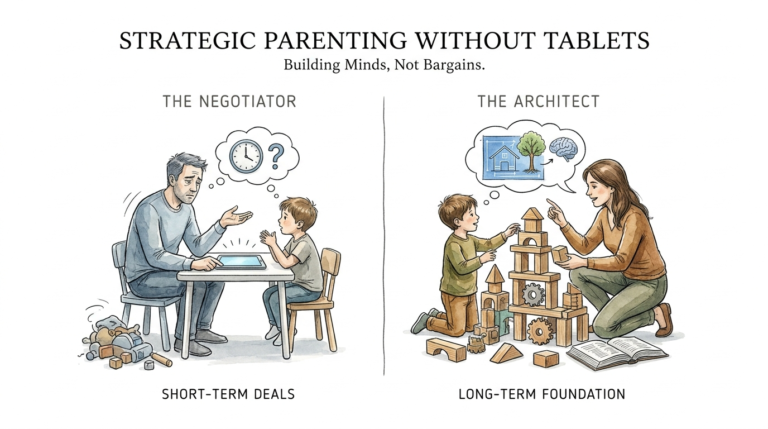
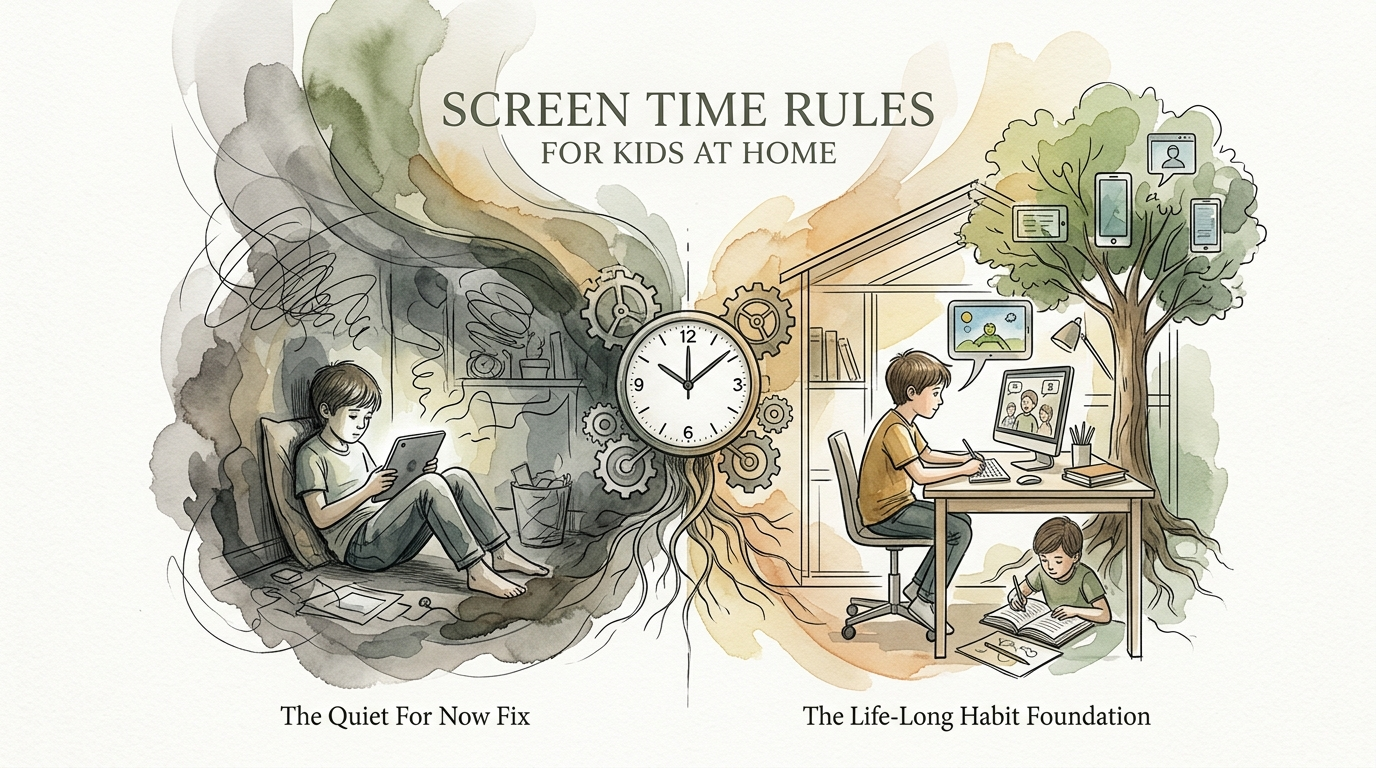
Digital devices are no longer just toys; they are the primary environment where our children learn, socialize, and play. In 2025, over 81% of children under the age of 13 already own their own devices. This shift means that parenting in the digital age requires more than just a “wait and see” approach. It requires a proactive strategy that moves beyond the “Quiet For Now” fix and builds a “Life-Long Habit” foundation.
Parents often feel a mix of guilt and necessity. Nearly half of all parents admit to using screens daily to manage childcare challenges or avoid public meltdowns. While this provides immediate relief, it often skips the crucial step of teaching children how to exist in a world filled with high-dopamine distractions. Understanding how to set effective screen time rules for kids at home is the first step toward reclaiming your family’s time and your child’s focus.
screen time rules for kids at home
Screen time rules for kids at home are a set of family-wide boundaries designed to govern how, when, and why digital devices are used. These rules exist to protect a child’s physical health, mental well-being, and neurological development. In a real-world setting, these rules function as a “digital speed limit” that prevents children from becoming overwhelmed by the infinite scroll of modern apps.
At its core, a good set of rules isn’t about being a “tech-hater.” It’s about being a “focus-protector.” When you set a rule that phones stay out of the bedroom, you aren’t just taking away a toy; you are protecting the biological necessity of deep sleep and melatonin production. When you ban screens at the dinner table, you are prioritizing human connection over a digital feed.
Think of screen time rules like a healthy diet. You wouldn’t let a child eat candy for every meal just because it stops them from crying. Similarly, digital “junk food”—like endless short-form videos or repetitive gaming—can provide a quick hit of pleasure but leaves the brain’s reward system depleted. Effective home rules provide a balanced “digital plate” that includes education, creativity, and rest.
How to Build Your Family’s Digital Blueprint
Creating a system that actually works requires more than just shouting “turn that off!” It requires a collaborative framework. Experts often recommend the “5 Cs of Media Use”: Child, Content, Calm, Crowding Out, and Communication. This approach ensures that your rules are rooted in your child’s specific developmental needs rather than just arbitrary timers.
Step 1: Start with a Family Media Plan
Sit down with your kids and discuss the “why” behind the rules. When children understand that blue light suppresses melatonin and makes it harder to sleep, they are more likely to accept a “no screens after 7 PM” policy. Use a written contract that every family member signs—parents included.
Step 2: Define “Active” vs. “Passive” Time
Not all minutes on a screen are equal. Watching a documentary about space or learning to code is active. Mindlessly scrolling through YouTube Shorts is passive. Your rules should reflect this. You might allow 30 minutes of passive entertainment but two hours of active creation or education.
Step 3: Establish Tech-Free Zones
Physical boundaries are often more effective than digital ones. Common tech-free zones include the dining table, the car, and the bedrooms. Removing the temptation of the device makes the rule much easier to follow.
Step 4: The “Sunset” Rule
Implement a mandatory shut-down time at least 60 to 90 minutes before bed. Research shows that even a few minutes of screen stimulation can delay the body’s sleep signals by several hours. This rule is non-negotiable for biological health.
Step 5: Use Parental Controls as a Safety Net, Not a Crutch
Tools like Apple’s Screen Time or Google Family Link are excellent for enforcing hard stops, but they shouldn’t replace a conversation. Use them to automate the rules you’ve already agreed upon, ensuring that the “human” part of the parenting remains the focus.
The Practical Benefits of Structured Screen Limits
Setting boundaries isn’t just about avoiding “brain rot.” It’s about creating the space for a child’s brain to do what it does best: grow and imagine. When screens are limited, children are forced to encounter boredom. Boredom is the silent precursor to creativity. It is the space where children invent games, pick up books, and discover new hobbies.
Beyond creativity, the physical benefits are measurable. Reduced screen time is strongly associated with lower rates of childhood obesity and better posture. It also protects eye health by reducing the strain caused by “near-work” and encouraging the “20-20-20” rule (every 20 minutes, look at something 20 feet away for 20 seconds).
Psychologically, structured rules build “digital self-regulation.” This is the ability to recognize when a screen is making you feel anxious or tired and choosing to put it down. By providing a framework now, you are training your child’s prefrontal cortex to manage the dopamine hits they will inevitably face as adults in a connected world.
Challenges and Common Mistakes to Avoid
The biggest hurdle for most parents is consistency. If the rule is “no screens at breakfast” on Monday, but you hand over the phone on Tuesday because you’re running late, the rule loses its power. Children are expert negotiators; they will find the cracks in your consistency and exploit them.
The “Digital Pacifier” Trap
Using a device to soothe a tantrum is a common mistake that backfires. When a child uses a screen to regulate their emotions, they fail to learn internal coping skills. Studies show that kids who rely on digital devices for calming are more likely to struggle with emotional reactivity and executive functioning as they get older.
Parental Hypocrisy
You cannot tell your child to put down the phone while you are scrolling through Instagram at the same dinner table. “Technoference”—the interruption of human interaction by technology—hurts the parent-child bond. Children learn through observation more than instruction. If you want them to value focus, you must model it.
The Sudden Ban
Suddenly taking away a device without warning often triggers a “fight-or-flight” response in a child’s brain. The dopamine drop is physical and painful. To avoid this, use “bridge transitions.” Give a 5-minute and 1-minute warning, or ask them to show you what they are doing before they turn it off. This helps “bridge” the gap between the digital world and reality.
Limitations: When the Rules May Need to Flex
Life is messy, and a rigid “one size fits all” approach often fails when reality hits. There are times when your standard screen time rules for kids at home might need to be adjusted. For example, during illness, long-haul travel, or when a child is using a device to connect with far-away family via video chat, the “minutes” matter less than the “connection.”
Environmental constraints also play a role. If you live in an area with limited safe outdoor space or during extreme weather events, screens might become a more prominent tool for indoor activity. In these cases, the focus should shift from “time limits” to “content quality.”
It is also important to recognize that as children enter their teenage years, their social life moves online. A rule that worked for an 8-year-old will likely spark a rebellion in a 16-year-old. The transition from “manager” to “consultant” is a necessary evolution of your family’s digital blueprint.
Comparing Passive vs. Active Screen Use
Understanding the difference between these two categories helps you prioritize the right kind of digital engagement.
| Feature | Passive Screen Time | Active Screen Time |
|---|---|---|
| User Role | Consumer (Watching/Scrolling) | Creator/Participant (Coding/Gaming) |
| Brain Impact | Low engagement, dopamine-driven | Problem-solving, critical thinking |
| Social Aspect | Usually solitary | Can be collaborative or social |
| End Goal | Entertainment/Distraction | Skill-building/Connection |
Practical Tips for Immediate Application
If you want to change your family’s digital culture today, start with these actionable steps:
- The “Charging Station” Rule: All devices, including yours, live in a central charging station in a common area (like the kitchen) after 8 PM. No chargers in bedrooms.
- Implement “Analog Hour”: Set aside one hour every weekend where the entire family engages in a non-tech activity together—board games, hiking, or cooking.
- Ask “The Three Questions”: Before your child starts screen time, ask: What are you going to do? How long will you be on? What will you do when you’re finished? This encourages intentionality.
- Curate the Content: Use resources like Common Sense Media to ensure the games and shows your children access are age-appropriate and add value.
Advanced Considerations for Digital Citizens
For parents of older children and teens, the goal shifts from restriction to “digital literacy.” At this stage, you should be discussing how algorithms work. Explain that apps like TikTok are designed specifically to keep them scrolling by exploiting their brain’s “variable reward” system.
Teaching them about “digital footprints” and the permanence of online actions is also vital. Rather than just banning social media, help them set up their profiles with the highest privacy settings and discuss the ethics of online communication.
Scaling your rules means allowing more autonomy as they show more responsibility. If they can manage their homework and chores without being nagged, they may earn more flexibility with their digital time. This “earned trust” model prepares them for the total digital freedom they will have when they leave home.
Example Scenario: The “Five More Minutes” Battle
Imagine it’s 6:30 PM. The rule is no screens during dinner. You tell your 10-year-old it’s time to stop, and they scream, “Just five more minutes! I’m in the middle of a level!”
The Old Way: You get angry, threaten to take the iPad for a week, and eventually rip it out of their hands. The dinner starts with everyone feeling stressed and disconnected.
The New Way: You give a 5-minute warning at 6:25. At 6:30, you walk over and sit next to them for 30 seconds. You ask, “Wow, what part of the level are you on?” They explain it briefly (bridging the worlds). You then say, “That looks tough! Okay, save your progress or find a stopping point. Dinner is ready, and we’re having your favorite tacos.”
By acknowledging their world before pulling them into yours, you reduce the “dopamine crash” and make the transition smoother. You aren’t just a guard; you’re a guide.
Final Thoughts
Creating screen time rules for kids at home is one of the most significant investments you can make in your child’s future. It is about more than just managing a schedule; it is about protecting the developmental milestones that require quiet, focus, and face-to-face interaction. When you set these boundaries, you aren’t limiting their world—you are expanding their capacity to engage with the real one.
Remember that perfection is not the goal. There will be days when the “Quiet For Now” fix is the only way you get through a flight or a grocery run. That is okay. The goal is to ensure that those moments are the exception, not the rule. Consistency over the long haul is what builds the “Life-Long Habit” foundation.
Encourage your children to see technology as a tool for their creativity rather than a master of their attention. As they grow, they will thank you for the focus and self-regulation skills they developed under your roof. Start small, stay consistent, and watch as your family’s digital chaos turns into a balanced, healthy digital diet.
Sources
1 michiganmedicine.org | 2 aap.org | 3 luriechildrens.org | 4 youtube.com | 5 monstermath.app | 6 screenagersmovie.com | 7 mindfulmamamentor.com | 8 parentingwithfocus.org | 9 expressable.com | 10 potsdam.edu | 11 harvard.edu | 12 instrucko.com | 13 aap.org | 14 youtube.com | 15 nih.gov | 16 kqed.org