kids screen time tracker
Awareness is the first step to digital independence. When kids track their own time, they stop being passive consumers and start becoming active managers of their own lives. We live in an era where the average adolescent spends over seven hours a day on entertainment media. This figure does not even include schoolwork. It is easy to see how screens can become a black hole for a child’s attention.
The goal is not to eliminate technology. Instead, we want to shift the relationship from mindless scrolling to intentional use. This guide explores how a kids screen time tracker can bridge the gap between parental oversight and childhood autonomy. You will learn how to move from a system of restriction to a system of reflection.
Effective tracking creates a transparent environment. It removes the guesswork from daily routines. When you and your child look at the same data, the conversation changes. It is no longer about you saying “no.” It is about the data showing how time was actually spent.
kids screen time tracker
A kids screen time tracker is more than just a digital stopwatch. It is a specialized tool designed to monitor, log, and sometimes restrict the time spent on electronic devices. These tools exist as built-in features on smartphones, standalone mobile apps, or even hardware devices connected to a home router.
In the real world, these trackers serve as “digital training wheels.” Think of them like a speedometer in a car. A driver needs to know how fast they are going to make safe decisions. Similarly, a child needs to see their usage numbers to understand how 15 minutes of gaming turned into two hours.
These trackers are used across various platforms, including iOS, Android, Windows, and gaming consoles like the Nintendo Switch or PlayStation. They provide a high-level view of app categories, such as “Social Media,” “Education,” or “Games.” This categorization helps families distinguish between productive screen time and passive consumption.
How Screen Time Tracking Works
Most modern tracking systems rely on deep integration with the device’s operating system. On an iPhone, for example, the system uses the Family Control API to report usage directly to a parent’s device. On Android, Google Family Link uses similar system-level permissions to track which apps are active in the foreground.
There are three primary ways these systems function:
1. Automated Usage Monitoring
The tracker runs in the background and logs the exact second an app is opened and closed. It creates a daily or weekly report. This report shows a breakdown of time spent per app. It often includes “pickups,” which is how many times the child grabbed the phone and unlocked it.
2. Category-Based Limits
Parents can set a “hard stop” for specific groups of apps. You might allow unlimited access to educational tools but cap social media at 30 minutes. Once the limit is reached, the app icons usually go gray or become unclickable.
3. Scheduled Downtime
This acts as a digital curfew. During downtime, only essential apps like “Phone” or “Messages” remain active. This is primarily used to protect sleep and ensure homework gets done without digital distractions.
Benefits of Active Tracking
Moving from a restrictive model to an active tracking model offers measurable benefits for a child’s development. Research shows that consistent tracking can lead to a 23% reduction in usage within just 30 days.
- Develops Self-Regulation: When kids see their own “time remaining” alerts, they learn to prioritize their favorite activities.
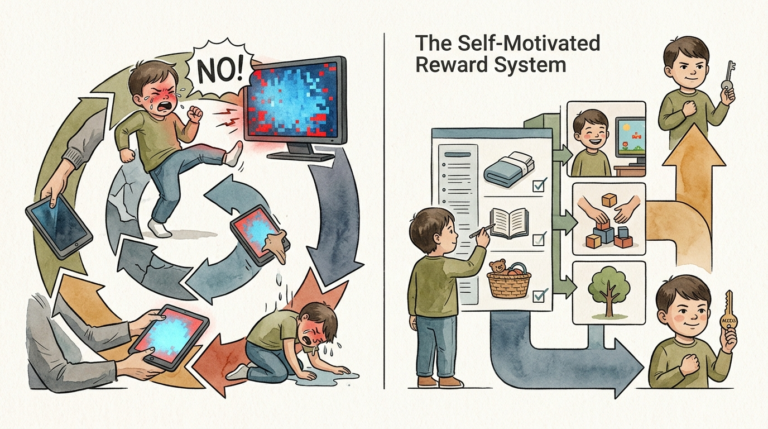
- Reduces Conflict: The “timer” becomes the bad guy, not the parent. The transition away from the screen is handled by the software, which reduces “switch off” arguments.
- Promotes Transparency: Both parent and child have access to the same reports. This builds trust because there are no “secret” bans or hidden monitoring.
- Encourages Balanced Living: Trackers highlight the “opportunity cost” of screens. It becomes easier to see that three hours of TikTok meant zero hours of outdoor play.
Challenges and Common Mistakes
Setting up a kids screen time tracker is not a “set it and forget it” solution. Many parents fall into common traps that lead to frustration or technical failure.
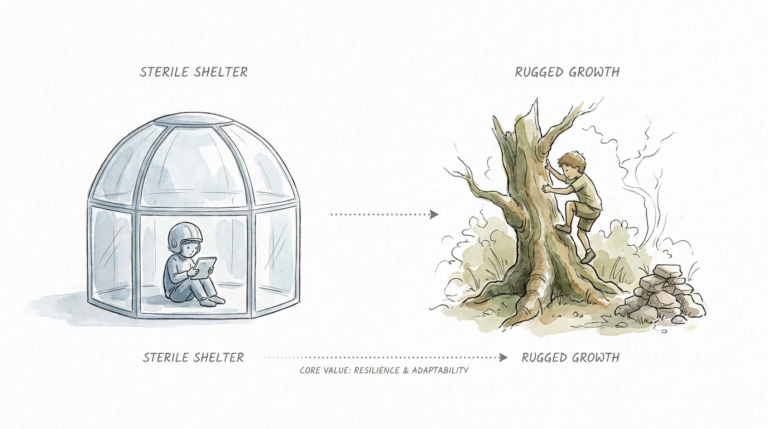
The “Forbidden Fruit” Effect: Over-restriction often backfires. When access is too limited, kids may become obsessed with finding ways to get back online. This can lead to “media hiding,” where children use devices in secret or at friends’ houses.
Technical Workarounds: Modern children are digital natives. They often find ways to bypass trackers. Common methods include:
- Changing the device’s time zone to reset daily limits.
- Using “Incognito Mode” to bypass web filters.
- Watching YouTube through a browser instead of the blocked app.
- Downloading VPNs to scramble IP addresses and bypass network-level filters.
Parental “Technoference”: A tracker cannot replace a present parent. “Technoference” occurs when a parent’s own phone use interrupts interactions with their child. If you are tracking your child’s time but spending five hours a day on your own phone, the child will see the hypocrisy. Lead by example.
Limitations of Screen Time Trackers
It is vital to understand what these tools cannot do. They are not a substitute for active parenting or open communication.
First, trackers struggle with cross-device gaps. If a child has a limit on their phone but switches to an unmonitored tablet or a friend’s console, the tracking data becomes incomplete. True awareness requires looking at the “total digital diet,” not just one device.
Second, trackers can be invasive. Some third-party apps collect significant amounts of personal data, including location history and private messages. You must weigh the benefit of monitoring against the potential loss of privacy for your child.
Finally, trackers cannot judge the quality of content. Five hours of passive scrolling is very different from five hours of learning to code or editing a video. Most trackers treat all minutes the same way, which can lead to unfair restrictions on productive digital work.
Comparing Tracking Approaches
Not all tracking methods are equal. Choosing the right one depends on your child’s age and tech-savviness.
| Feature | Built-in (Screen Time/Family Link) | Third-Party Apps (Aura/Bark/Qustodio) | Manual Log (Paper/Charts) |
|---|---|---|---|
| Cost | Free | Subscription Fee | Free |
| Enforcement | Strong (System-Level) | Moderate (Can be bypassed) | None (Trust-Based) |
| Features | Basic Limits & Reports | Content Filtering & Alerts | Custom Habits |
| Setup Difficulty | Easy | Complex | Easy |
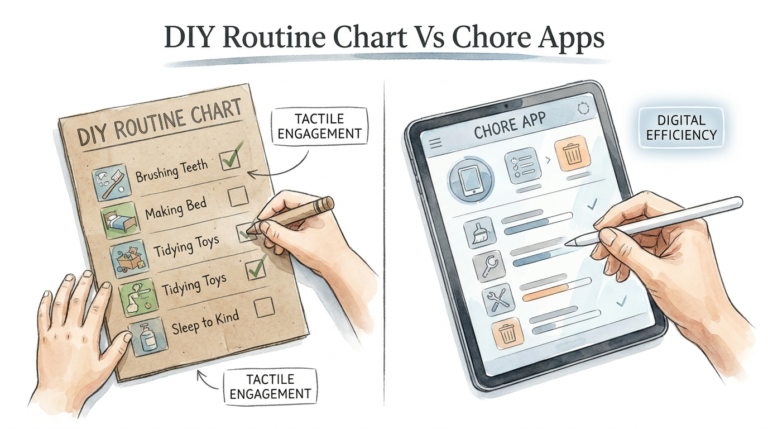
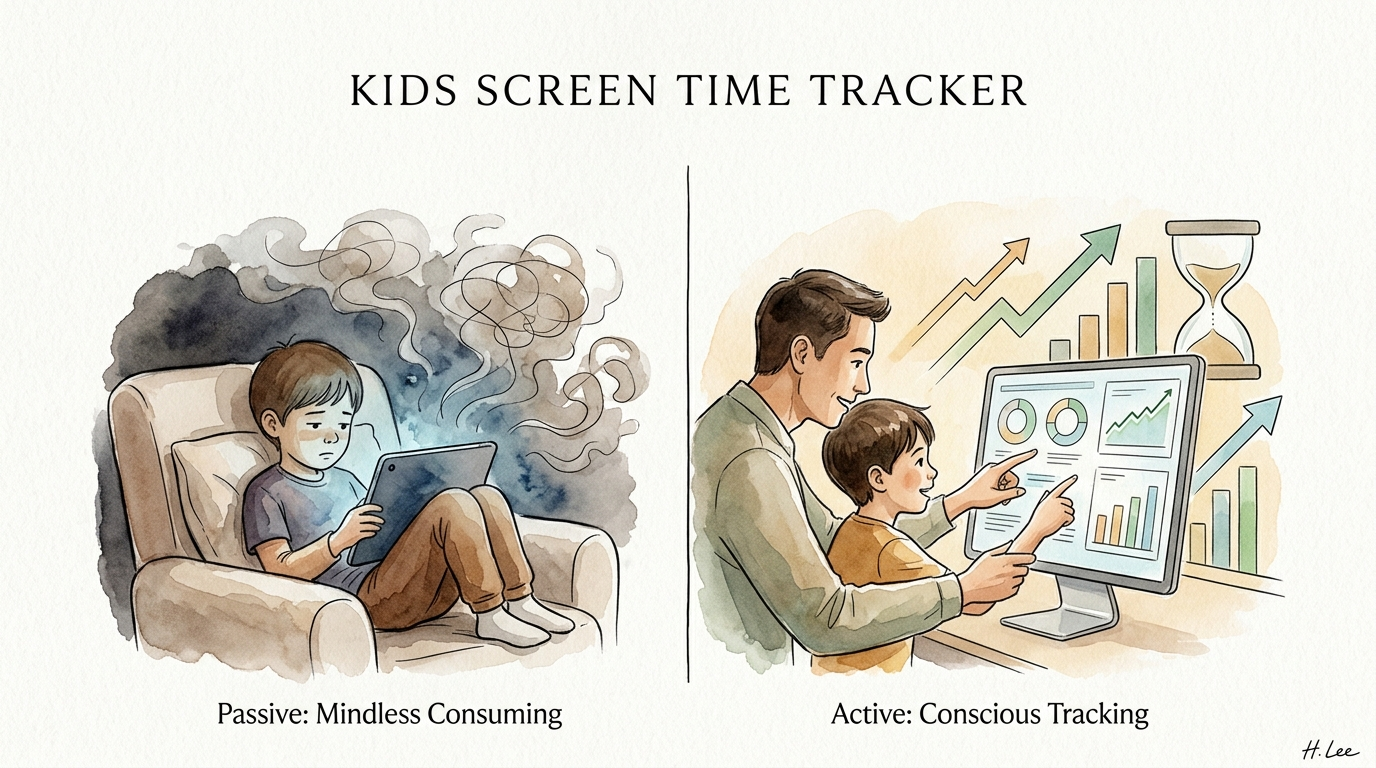
Passive: Mindless Consuming vs Active: Conscious Tracking is a useful framework here. Built-in tools are great for basic limits, while active systems (like “earning” time through chores) encourage kids to think about the value of their time.
Practical Tips for Success
To make a kids screen time tracker work, you need a strategy. Follow these best practices to ensure the tool helps rather than hinders your relationship.
- Set Boundaries Together: Do not impose rules in a vacuum. Sit down with your child and ask, “How much time do you think is fair for gaming?” Negotiating the limits makes them more likely to follow them.
- Use the 5-Minute Warning: Many trackers have built-in alerts. These are crucial for preventing “meltdowns.” They give the child’s brain time to transition out of the high-dopamine state of the screen.
- Follow the SPOIL Approach: Prioritize activities that “spoil” the need for screens. Ensure your child has time for Social interaction, Play, Outdoor time, Independent chores, and Literacy (reading). If these are met, screen time matters less.
- Audit the Reports Weekly: Review the data together every Sunday. Celebrate the “wins,” like a day with low social media use. Use the “pickups” metric to discuss if they are reaching for the phone out of boredom.
Advanced Considerations for Digital Wellness
For serious practitioners of digital well-being, you can go beyond basic time limits. Advanced tracking involves analyzing the emotional toll of specific apps.
Observe your child’s behavior after they use certain platforms. Do they seem irritable after TikTok? Are they energized after playing Minecraft with friends? You can use a tracker to identify “Digital Distress.” If a child is consistently hitting their time limits and requesting “one more minute,” it may be a sign of dependency.
Consider gamifying the system. Some families use apps like “S’moresUp” or “Okee” where kids earn screen minutes by completing real-world tasks. This turns screen time into a reward for productivity, mirroring the “work-play” balance of adult life. It moves the child from a state of mindless consumption to one of active management.
Examples of Tracking in Practice
Consider the “Weekend vs. Weekday” scenario. During the school week, you might set a hard limit of one hour, with all social media blocked after 8:00 PM to protect sleep. The kids screen time tracker ensures this happens automatically, so you don’t have to “nag” them to put the phone away.
On the weekend, you might switch to a more flexible “earned time” model. The child starts with 30 minutes. For every hour spent outside or reading, they earn an additional 30 minutes of gaming. They use the tracker’s dashboard to see their “banked” time. This teaches them the value of their time and rewards active choices over passive scrolling.
In another scenario, a teen might be struggling with focus during homework. You can set up “App Limits” specifically for the hours of 4:00 PM to 6:00 PM, allowing only educational websites and school-related apps. This provides a “friction-less” environment where the temptation to check Discord or Instagram is physically removed.
Final Thoughts
A kids screen time tracker is a powerful instrument for building digital literacy. It provides the data needed to turn a source of family conflict into a teaching moment. By focusing on awareness and autonomy, you help your child develop the internal regulation they will need as adults in a connected world.
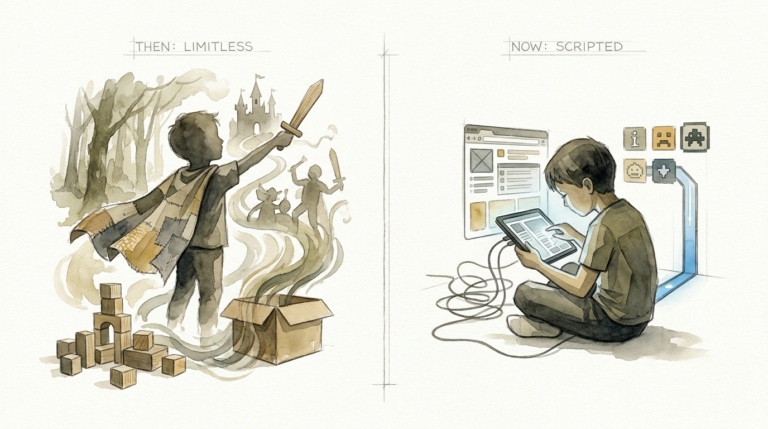
Remember that technology is a tool, not a babysitter or a villain. The goal is to move from passive consumption to active management. Start small, be consistent, and keep the lines of communication open.
Experiment with different apps and settings until you find what fits your family’s unique rhythm. Digital independence is a journey, and with the right tracking system, you can guide your child toward a healthy, balanced future.
Sources
1 useboomerang.com | 2 screentimelabs.com | 3 okee.app | 4 screenbuddyapp.com | 5 slideshare.net | 6 gigabitiq.com | 7 fosterkinship.org | 8 useboomerang.com | 9 useboomerang.com | 10 forbes.com | 11 armswide.org | 12 digitalchildhoodalliance.org | 13 pcmag.com | 14 medlineplus.gov | 15 techlockdown.com | 16 mayoclinic.org | 17 mayoclinic.org | 18 childrenandscreens.org | 19 sassymamasg.com | 20 entirafamilyclinics.com | 21 timily.app | 22 childrenandscreens.org | 23 nih.gov | 24 mindguard.app | 25 youtube.com