summer screen time schedule for kids daily
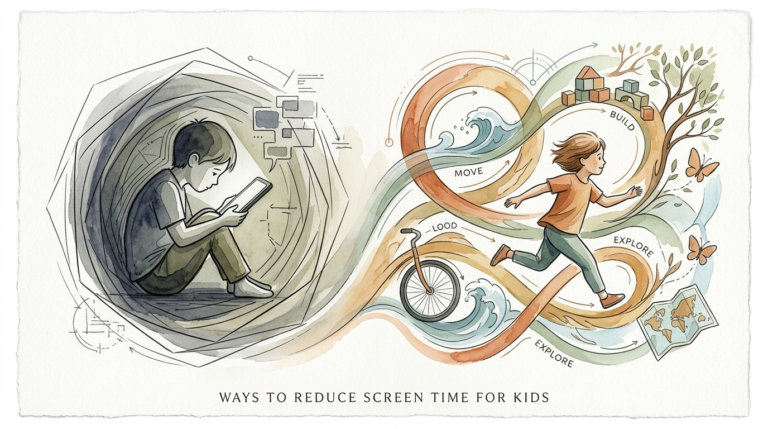
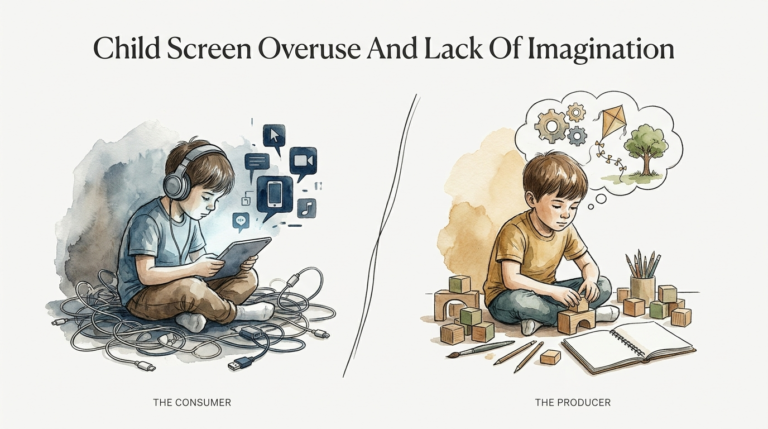
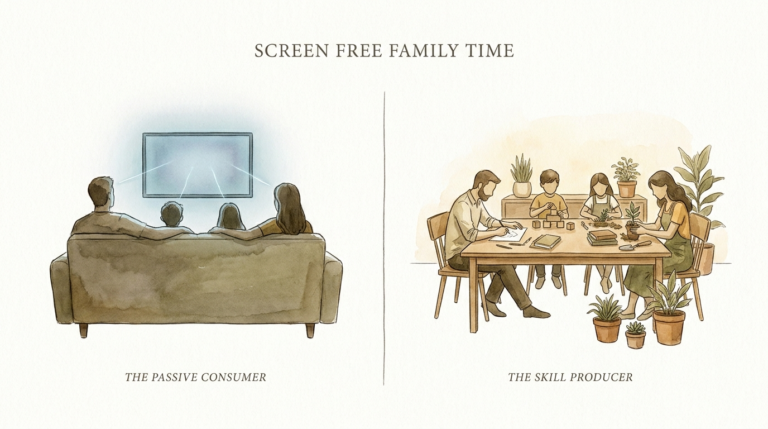
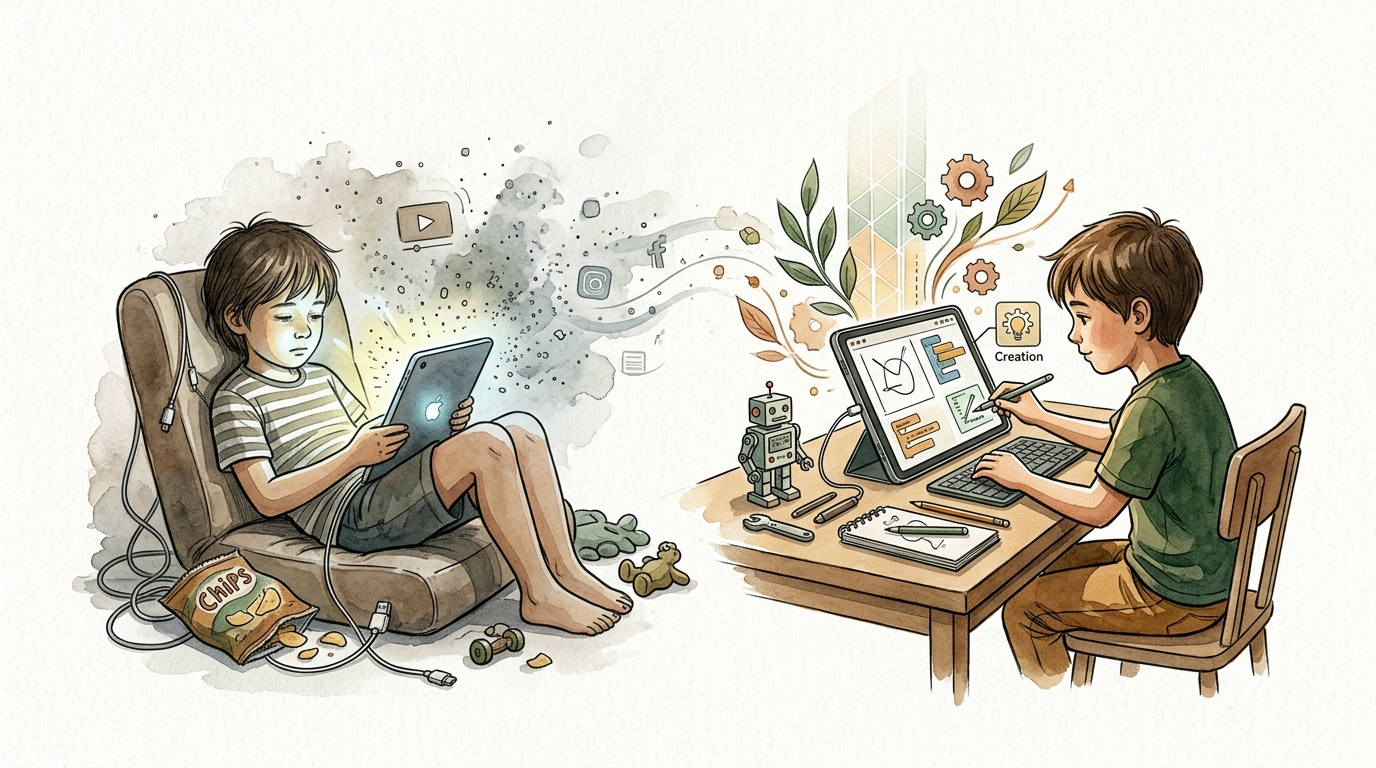
Screens aren’t the enemy; the content is. Turn their summer ‘brain rot’ into a skill-building session. Summer doesn’t have to be a battle against the iPad. Shift from passive consumption (nuisance) to active creation (asset). Our daily schedule prioritizes ‘Creation over Consumption.’
Parents often dread the long, unstructured hours of July and August. Without a plan, the “summer slide” sets in. This is when kids lose academic ground because their brains stay in neutral. Most parents try to fight this by banning devices. They set timers that lead to tantrums. They hide chargers like contraband. This creates a high-friction household where tech feels like a forbidden fruit.
Stop fighting the device and start auditing the activity. Technology is a tool, not a toy. A child watching unboxing videos on YouTube is a passive consumer. A child using that same tablet to edit a stop-motion animation is a creator. One leads to dopamine depletion; the other builds executive function. This guide provides a blueprint to flip the switch. You will learn how to build a routine that values output over input.
summer screen time schedule for kids daily
A successful summer routine provides a “rhythm” rather than a rigid cage. Kids thrive when they know exactly when they can use tech and what they must do to earn it. The “Creation over Consumption” schedule divides the day into logical blocks. It places high-value creative work before the mindless scrolling begins. This ensures that the brain is primed for focus when energy levels are highest.
Creation-focused screen time refers to any digital activity where the child produces something original. This includes coding, digital art, video editing, or music composition. Consumption-focused time is passive. It involves binging shows, scrolling social media, or playing repetitive “clicker” games. The goal of this daily schedule is to ensure the ratio favors the creator. In the real world, these skills translate directly into digital literacy and career readiness.
Use this template as your baseline for a productive summer day:
- 8:00 AM – 9:00 AM: The Morning Launch. Breakfast, chores, and getting dressed. No screens allowed.
- 9:00 AM – 10:30 AM: Physical & Personal Growth. Outdoor play, reading, or skill-building exercises.
- 10:30 AM – 12:00 PM: The Creation Block (Active Tech). This is the time for “Work.” They use screens to build projects.
- 12:00 PM – 1:00 PM: Fuel & Reset. Lunch and screen-free social time.
- 1:00 PM – 2:30 PM: Quiet Time or Open Play. Lego, board games, or drawing. No tech.
- 2:30 PM – 4:00 PM: The Consumption Block (Passive Tech). They “spend” the credits they earned during the Creation Block.
- 4:00 PM – 6:00 PM: Family Interaction. Errands, park visits, or helping with dinner.
- 6:00 PM – 8:00 PM: Evening Wind-Down. Shared family movie or screen-free hobbies.
How to Implement the Creation Over Consumption System
Shifting the household culture requires a clear system of operations. You cannot simply tell a child to “be creative” and expect results. They need a framework. The most effective method is the “1:1 Earned Ratio.” For every hour they spend in the Creation Block, they earn an equivalent amount of time for the Consumption Block. This treats tech time as a currency they must mint through effort.
Start by identifying “Creation Stations.” These are specific apps or software that qualify as creative. For younger kids, this might be ScratchJr or Khan Academy Kids. For older children, it could be Canva, Procreate, or Roblox Studio. Set clear definitions of what “Creation” looks like. Producing a three-minute video qualifies. Scrolling through the “Explore” page on Instagram does not.
Parents must act as the “Project Manager” initially. Sit down on Monday morning and ask, “What are you building this week?” Help them set a goal. Maybe they want to create a digital comic book. Perhaps they want to learn how to code a basic calculator. When the goal is tangible, the screen time becomes purposeful. They aren’t just “on the iPad”; they are working on their portfolio.
Benefits of Active Screen Time
Active screen time engages the prefrontal cortex. This is the part of the brain responsible for planning, decision-making, and problem-solving. When a child codes a game, they are practicing logic and persistence. They are learning that mistakes (bugs) are simply puzzles to be solved. This builds resilience that passive watching can never provide.
Digital creation also fosters a sense of agency. In a world where kids are constantly told what to do, the digital canvas is one of the few places they have total control. Seeing a finished project—like a song they composed or a 3D model they printed—provides a massive boost to self-esteem. They stop seeing themselves as “users” and start seeing themselves as “makers.”
The academic benefits are measurable. Creative tech use prevents the “summer slide” by keeping literacy and numeracy skills sharp. Writing scripts for a YouTube channel improves grammar and narrative structure. Designing game levels involves geometry and spatial reasoning. These are “stealth learning” opportunities that feel like play but function like school.
Challenges and Common Mistakes
The biggest pitfall is failing to define the “Gray Areas.” Many parents get stuck when a child says, “But I’m watching a tutorial on how to draw!” Is that consumption or creation? Usually, if they are actively following along and producing work simultaneously, it is creation. If they are just watching the video while lying in bed, it is consumption. Be specific about these rules before the summer begins.
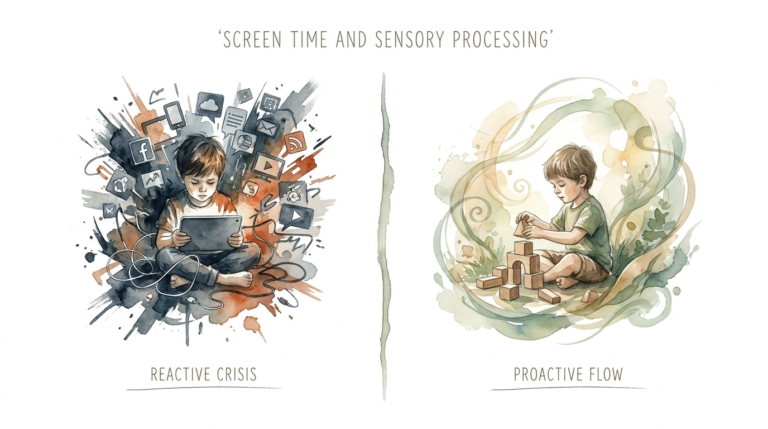
Underestimating the “Dopamine Hangover” is another frequent error. Passive consumption, especially short-form video like TikTok or YouTube Shorts, overstimulates the brain. When the timer goes off, the sudden drop in dopamine leads to irritability and “screen rage.” Transitioning from a high-stimulation app to a low-stimulation task like chores is a recipe for a tantrum. Use “buffer activities” like 10 minutes of physical movement to reset the brain.
Avoid being too rigid with the schedule on weekends or vacations. The goal is to build a healthy relationship with technology, not to create a military barracks. If you are at a hotel and it’s raining, an extra hour of a movie won’t ruin their development. Focus on the weekly average rather than the minute-by-minute count. Consistency in the “Creation Block” is what matters most.
Limitations and Realistic Constraints
Access to hardware and high-speed internet is a real constraint for some families. Not every child has a high-end laptop for video editing. However, creation can happen on any device. A smartphone can be used for photography or mobile coding apps. A basic tablet can run digital art software. Work within the tools you have rather than waiting for the “perfect” setup.
Age appropriateness is the primary boundary. A five-year-old cannot be expected to sit and code for 90 minutes. Their “Creation Block” might be 20 minutes of drawing on an iPad followed by a transition to physical blocks. Tailor the duration and complexity to their developmental stage. The American Academy of Pediatrics (AAP) suggests that for kids under 6, co-engagement—where you create with them—is essential for learning.
Physical health must always take priority over any digital activity. No amount of “creative” screen time justifies a sedentary lifestyle. If a child is suffering from eye strain, poor posture, or lack of sleep, the system is failing. Ensure that the schedule includes mandatory “Analog Hours” where all devices are docked in a common area to prevent the tech from bleeding into their rest cycles.
Comparison: Passive Consumption vs. Active Creation
Understanding the difference between these two modes of engagement is critical for a parent. Use this table to audit your child’s current digital diet.
| Activity Type | Passive Consumption (The Nuisance) | Active Creation (The Asset) |
|---|---|---|
| Mental State | Zombie-like, reactive, dopamine-seeking. | Focused, proactive, problem-solving. |
| Primary Goal | To be entertained or “kill time.” | To produce something or solve a puzzle. |
| Examples | Scrolling TikTok, watching streamers, Netflix. | Coding Scratch, editing video, digital art. |
| Long-term Value | Low. Content is forgotten quickly. | High. Builds skills and a portfolio. |
| Brain Impact | Overstimulates reward centers. | Strengthens executive function. |
Practical Tips for a Skill-Building Summer
Start by curating the home screen. Move all consumption apps (YouTube, Disney+, Games) into a folder on the second page titled “Spending.” Move all creation apps (Canva, Scratch, Swift Playgrounds) to the front page and keep them outside of folders. Visual cues matter. When they unlock the device, the first thing they should see are the tools for building.
Invest in accessories that facilitate work. A cheap stylus for a tablet turns it into an art studio. A basic tripod for a phone makes it a movie camera. A Bluetooth keyboard turns a tablet into a writing station. These small investments signal to the child that the device is for serious production. It changes the “vibe” from a toy to a workstation.
Establish a “Friday Showcase.” Every Friday evening, let each child present what they created during their Creation Blocks that week. This provides external motivation and a deadline. When they know they have an audience, they are more likely to polish their work. It also gives you a chance to praise their effort and the specific skills they are developing.
- Download “Offline-First” Apps. This prevents them from getting distracted by notifications or “recommended” sidebars.
- Use Visual Timers. Seeing the time “disappear” helps kids with transitions better than an abrupt alarm.
- Set Up a Charging Station. All devices should sleep in the kitchen or living room, never the bedroom.
- Model the Behavior. If you are scrolling your phone during their “Creation Block,” they will notice. Use that time to read a book or do your own creative work.
Advanced Considerations for Teens
For teenagers, the “Creation Block” can evolve into a professional development session. Encourage them to look into certifications or deep-dive courses. Platforms like Coursera or specialized YouTube tutorials can teach them industry-standard software like Adobe Premiere, Python programming, or 3D modeling in Blender. These are skills that lead to high-paying internships and jobs.
Consider the “Digital Side Hustle.” If your teen is skilled at digital art, help them set up a safe way to showcase their work or even take commissions from family friends. If they love gaming, encourage them to build their own levels in Roblox or Unreal Engine rather than just playing. Turning a hobby into a project with a “customer” teaches them about deadlines, feedback, and value creation.
Discuss the ethics of AI and digital citizenship. As they use more advanced tools, talk to them about how to use AI responsibly as a “co-pilot” rather than a replacement for their own thinking. This is the ultimate skill-building session for the modern world. Understanding how to leverage technology to amplify human creativity is the most valuable trait they can develop this summer.
Scenario: A Day in the Life of a Digital Creator
Meet Leo, a 10-year-old following this schedule. On Tuesday morning, after finishing his reading and taking the dog for a walk, he opens his “Creation Block” at 10:30 AM. He doesn’t open YouTube. Instead, he opens Stop Motion Studio. He spends 90 minutes setting up Lego figures, taking 200 individual photos, and learning how to adjust the frame rate to make the movement smooth.
He hits a snag. He wants the character to “fly,” but he doesn’t know how. He spends 15 minutes researching “green screen Lego” techniques. He finds a solution and applies it. By noon, he has a 20-second clip of a Lego spaceship taking off. He feels exhausted but incredibly proud. He has “earned” his 90 minutes of Minecraft for the afternoon.
When 2:30 PM rolls around, Leo plays Minecraft with his friends. Because he already spent his morning “building his brain,” his parents don’t feel guilty. There are no arguments when the timer goes off at 4:00 PM because the rules were clear and the “work” was done first. This is a friction-free afternoon that results in a finished creative project and a happy kid.
Final Thoughts
The goal of a summer screen time schedule isn’t to eliminate technology. It is to civilize it. By prioritizing “Creation over Consumption,” you stop being the “screen police” and start being a mentor. You are helping your child navigate the most powerful tools in human history. This shift transforms a potential nuisance into a lifelong asset.
Remember that the first week will be the hardest. There will be resistance as their brains adjust to the lower-dopamine environment of creating vs. consuming. Stay consistent. Once they finish their first project, the “Creator High” will take over. They will start asking for their Creation Block because they want to see what they can build next. That is the moment you win the summer.
Encourage experimentation. Let them try coding one week and digital painting the next. The specific skill matters less than the habit of being a producer. In a world of endless scrolling, the people who know how to build are the ones who will lead. Start building that foundation today.
Sources
1 stillwareltd.com | 2 childmind.org | 3 stayfitmom.com | 4 tts.co.nz | 5 teachercreatedmaterials.com | 6 eduresearch.com | 7 ftnys.org | 8 skoolofcode.us | 9 lelycee.org | 10 devorahheitner.com | 11 thescreenguardians.com | 12 drsharonsaline.com | 13 techhealthyfamilies.com | 14 instituteofchildpsychology.com | 15 c4l.net