screen time limits
Don’t just limit time; limit the specific apps that drain you. A 2-hour total limit is a blunt instrument. Precision limits allow for creative work and learning while cutting off the mindless scrolling. Learn the difference.
Most of us feel like we are losing the battle against our own devices. We pick up the phone for a “quick check” and suddenly forty-five minutes have vanished into a void of short-form videos and infinite feeds. The problem isn’t just that we use our phones; it is how we use them. Total screen time metrics often lie because they group your banking app, your Kindle reading, and your doomscrolling into one giant, terrifying number.
Precision is the only way to reclaim your focus. Instead of setting a broad “one-hour limit” for the whole device, you need to target the specific triggers that hijack your dopamine. By shifting your strategy from a hard cutoff to a surgical strike on distracting apps, you protect your productive energy while still keeping the tools you actually need.
In this guide, you will learn how to move beyond basic digital wellbeing and start using precision app limits to build a high-performance relationship with technology. We will dive into the science of why your brain craves the scroll and give you the exact steps to shut down distractions for good.
screen time limits
Screen time limits are digital boundaries designed to control how much time you spend on your devices or within specific applications. In 2025, the average American spent roughly 5 hours and 16 minutes on their phone every single day, a massive 14% increase from previous years. For Gen Z, that number climbs even higher, averaging 6 hours and 27 minutes of daily usage. These limits exist because our brains were never designed to handle the infinite, variable rewards provided by modern software.
At its core, a screen time limit is a self-imposed speed bump. It serves as a reminder that your “budget” for a specific activity is running out. These tools are now built directly into the operating systems of almost every smartphone, tablet, and computer. They work by tracking active usage and triggering a notification—or a hard lockout—once you hit your pre-set duration.
In the real world, these limits are used by professionals to protect deep work sessions, by parents to manage their children’s development, and by students to avoid the “brain rot” that comes from overstimulation. Think of it like a nutritional label for your digital life. You wouldn’t eat from an infinite buffet without a plan, and you shouldn’t enter the digital world without a limit.
How Precision App Limits Work
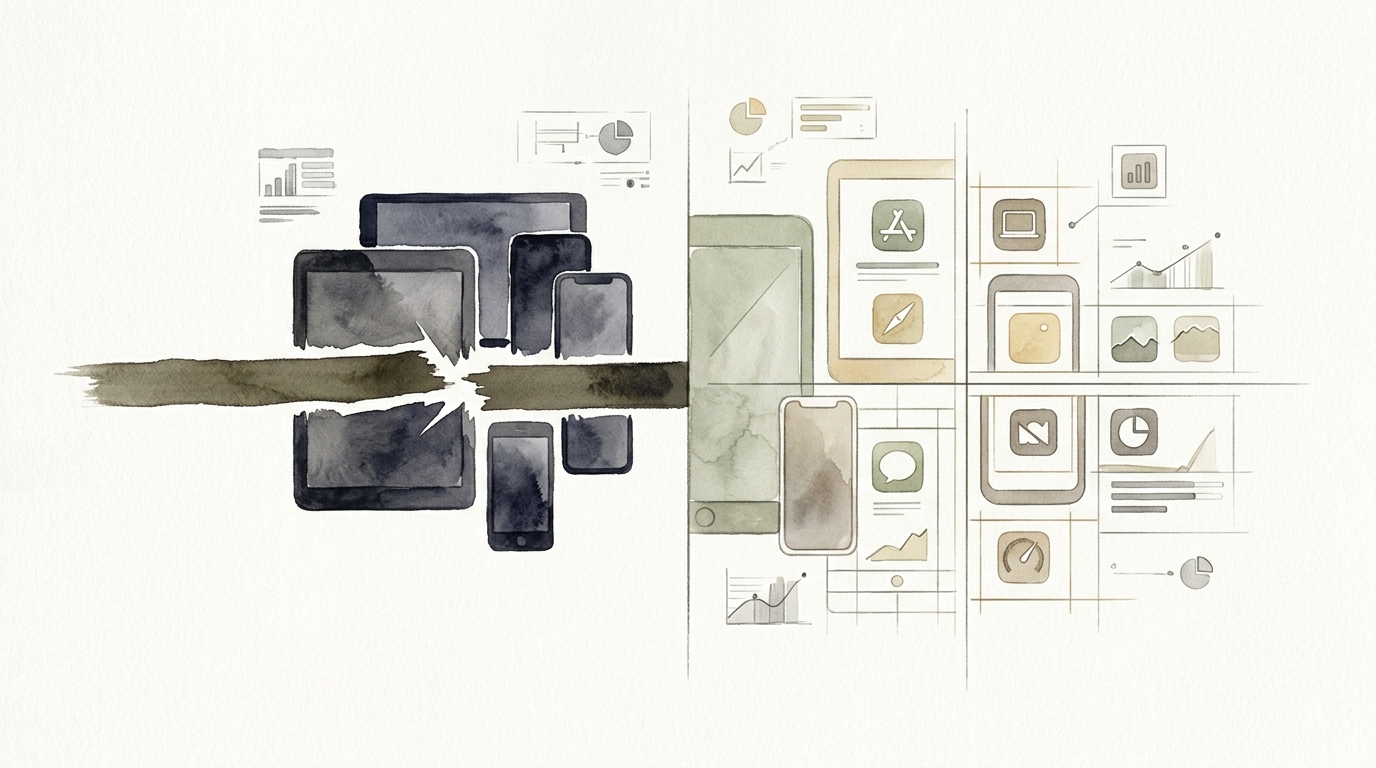
Precision app limits differ from general timers because they target the individual source of distraction. Instead of telling your phone to shut down after three hours, you tell it that Instagram gets 15 minutes, LinkedIn gets 10, and YouTube gets 30. This allows you to keep your “utility” apps—like Maps, Notes, or Music—active all day without interference.
On modern devices, these systems function through a combination of background monitoring and UI overlays. For example, on iOS 18 or 26, the system tracks which app is in the “foreground.” Once the timer for that specific bundle of code expires, the system greys out the app icon and presents a splash screen that prevents further interaction without a passcode or a “one more minute” override.
The underlying principle here is the prefrontal cortex vs. the reward system. Your prefrontal cortex handles impulse control, but it is easily exhausted. By automating your limits, you stop relying on “willpower” and start relying on “systems.” You make the decision once—at 8:00 AM when you are fresh—so you don’t have to fight the temptation at 9:00 PM when you are tired.
Setting Up Limits on iOS
- Open Settings and tap on Screen Time.
- Select App Limits and tap Add Limit.
- Choose specific apps rather than entire categories. This is the “precision” part.
- Set the time for each app based on its value. High-value apps get more time; low-value scroll-holes get less.
- Turn on Block at End of Limit to ensure the boundary is firm.
Setting Up Limits on Android
- Navigate to Settings and select Digital Wellbeing & Parental Controls.
- Tap on Dashboard to see your usage.
- Tap the Hourglass Icon next to the app you want to restrict.
- Set your daily allowance and tap OK.
- The app icon will turn greyscale once you’ve reached your limit, providing a visual cue to stop.
Benefits of Targeted Limits
The primary advantage of precision limits is the preservation of deep focus. Research shows that every time you are interrupted by a notification or a “quick check” of an app, it can take up to 23 minutes to fully regain your concentration. Precision limits stop these interruptions before they start by ensuring the most tempting apps are simply unavailable during your peak hours.
Another major benefit is the rewiring of your dopamine receptors. Our brains crave the “variable reward” of social media—the chance that the next scroll will show us something amazing. By capping that time, you lower your reward threshold. Over time, this makes offline activities like reading a book or going for a walk feel more satisfying because your brain isn’t being flooded with high-speed digital dopamine.
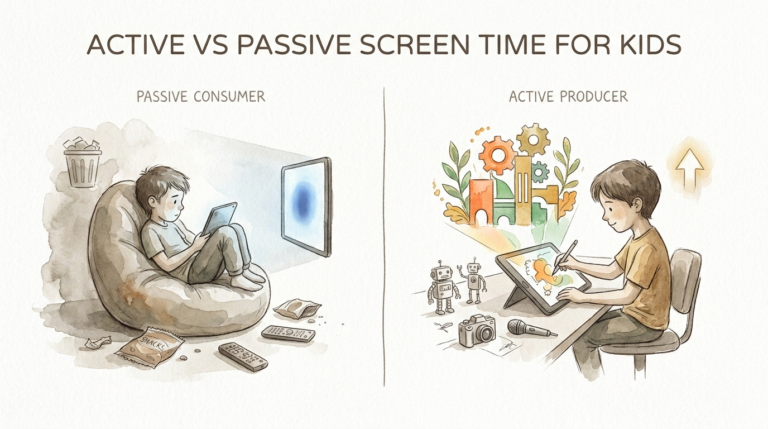
Finally, these limits provide transparency. Most people are shocked when they see their actual usage stats. By setting limits, you force yourself to confront the data. You move from “passive consumption” to “intentional usage.” This shift in mindset is the difference between being a tool of the technology and making the technology a tool for you.
Challenges and Common Mistakes
The biggest pitfall is the “One More Minute” trap. Both Apple and Google provide a button to ignore the limit temporarily. For many users, this becomes a reflex. They hit “ignore” without even thinking, completely defeating the purpose of the limit. To fix this, you should ideally have a “Screen Time Partner”—someone else who sets the passcode so you cannot override it yourself.
Another mistake is setting unrealistic goals. If you currently spend four hours on TikTok, setting a 5-minute limit starting tomorrow is a recipe for failure. You will likely experience a “dopamine crash” and find a way to bypass the system entirely. A better approach is the 10% rule: reduce your usage by 10% each week until you reach your target.
A frequent error is also limiting categories instead of apps. If you limit “Social Media,” the system might block your messaging apps (like WhatsApp) which you actually need for communication. This creates frustration and leads people to turn off Screen Time entirely. Always take the extra thirty seconds to select individual apps to ensure your “utility” apps remain open.
Limitations of Screen Time Tools
Even the best screen time limits cannot solve a lack of fundamental purpose. If you don’t have a compelling activity to do instead of scrolling, you will eventually find a way around your limits. These tools are “nudges,” not unbreakable cages. Environmental cues still matter; if your phone is sitting on your desk, it is still a cognitive drain even if the apps are locked.
Remote work presents another boundary challenge. Statistics from 2026 show that remote workers now log an average of 13 hours of daily screen time across all devices. In this environment, “app limits” on a phone might not be enough if you are still spending ten hours staring at a laptop. The “Digital Exhaustion” often comes from the sheer volume of glowing rectangles, not just one specific app.
There is also the “Scramble Effect.” Some research from the University of Michigan suggests that hard lockouts can actually make people more frantic. If a user is in the middle of a task and the app suddenly closes, they may “scramble” to bypass the timer, which can lead to even more phone use than if the limit hadn’t existed. In these cases, “soft” limits—like making the phone slightly more annoying to use—can sometimes be 16% more effective.
Standard Hard Cutoff vs Precision App Limits
It is important to understand the mechanical differences between a broad limit and a targeted one. The table below breaks down why precision is almost always the superior choice for high-performers.
| Factor | Standard Hard Cutoff | Precision App Limits |
|---|---|---|
| Focus | Broad/Blunt | Surgical/Targeted |
| Flexibility | Low (blocks everything) | High (allows utility apps) |
| Frustration | High (interrupts utility) | Low (blocks only “junk”) |
| Psychological Impact | Feeling of restriction | Feeling of intentionality |
| Success Rate | Medium (often bypassed) | High (sustains long-term) |
Practical Tips and Best Practices
If you want to maximize your digital wellbeing, don’t just set a timer and walk away. Use Greyscale Mode in conjunction with your limits. Removing the color from your screen makes the “variable rewards” of apps like Instagram or TikTok significantly less appealing. Your brain stops getting that hit of visual excitement, making it much easier to put the phone down when the limit hits.
Apply the 20-20-20 Rule to manage digital eye strain. Every 20 minutes, look at something 20 feet away for at least 20 seconds. This is critical because digital exhaustion is a physical reality; Americans lose roughly $151 billion annually in productivity and health costs due to screen-related fatigue. Combining physical breaks with digital limits protects both your mind and your body.
Create Screen-Free Zones. Designate your bedroom and dining table as phone-free areas. Charging your phone in another room overnight is one of the highest-leverage moves you can make. It prevents the “first thing in the morning” scroll, which sets a reactive tone for your entire day. If your phone isn’t the first thing you see, your precision limits won’t have to work as hard later in the day.
Advanced Considerations for High-Performers
For those who need absolute control, consider the “Annoyance Strategy.” Recent research suggests that interfering with swiping and tapping functions—making the app feel “laggy” or less responsive—is often more effective than a hard lockout. While native OS tools don’t always support this, third-party “Focus” apps often use these friction-based methods to break the autopilot habit.
Think about Context-Aware Limits. Your needs at 10:00 AM during a workday are different from your needs at 7:00 PM on a Sunday. Use “Focus Modes” (on iOS) or “Work Profiles” (on Android) to change your app limits dynamically based on the time of day or your location. You might allow 30 minutes of news in the evening but zero minutes during your core work block.
Finally, leverage Hardware Solutions. If software limits aren’t enough, physical timed lockboxes are becoming popular for a reason. Placing your phone in a physical “jail” for two hours during deep work removes the “reachability” factor. Even if you haven’t hit your digital limit, the physical distance reduces the cognitive load of having to resist the device in the first place.
Example: The Social Media Audit
Let’s look at a practical scenario. Imagine a freelance designer named Sarah. Sarah noticed she was spending 4 hours a day on her phone, mostly on “inspiration” apps that turned into mindless scrolling. Here is how she applied precision limits:
First, she identified her Drain Apps: Instagram, Pinterest, and News. These apps were capped at 15 minutes each. Second, she identified her Utility Apps: Spotify, Calendar, and Slack. These were set to “Always Allowed” so she never felt “blocked” from her work tools. Finally, she set a Downtime Schedule starting at 9:00 PM to ensure her brain could wind down before sleep.
The result? Sarah’s total screen time dropped by 50% in the first week. Because she didn’t block Slack or Spotify, she didn’t feel the urge to “Turn Off Screen Time” when she was busy. She only felt the restriction when she was actually wasting time. This is the power of precision over blunt force.
Final Thoughts
Reclaiming your time in a world designed to steal it is an act of rebellion. You don’t need to throw your phone in a lake to be productive; you just need to be more intentional than the algorithms trying to keep you hooked. Precision app limits are the bridge between the digital tools we need and the focus we deserve.
Start small. Pick the one app that you know is your biggest time-sink and set a limit for it today. Don’t worry about the rest of the phone yet. Just win that one battle. Once you feel the mental clarity that comes from being in control, you can expand your system to the rest of your digital life.
The goal isn’t to use your phone less just for the sake of it. The goal is to free up your attention for the things that actually matter—your work, your family, and your own peace of mind. Every minute you save from a mindless scroll is a minute you can invest back into yourself.
Sources
1 medlineplus.gov | 2 pcmag.com | 3 harmonyhit.com | 4 peaceathomeparenting.com | 5 apple.com | 6 apple.com | 7 youtube.com | 8 google.com | 9 cnet.com | 10 speakwiseapp.com | 11 umich.edu | 12 meetzario.com