screen time limit hacks
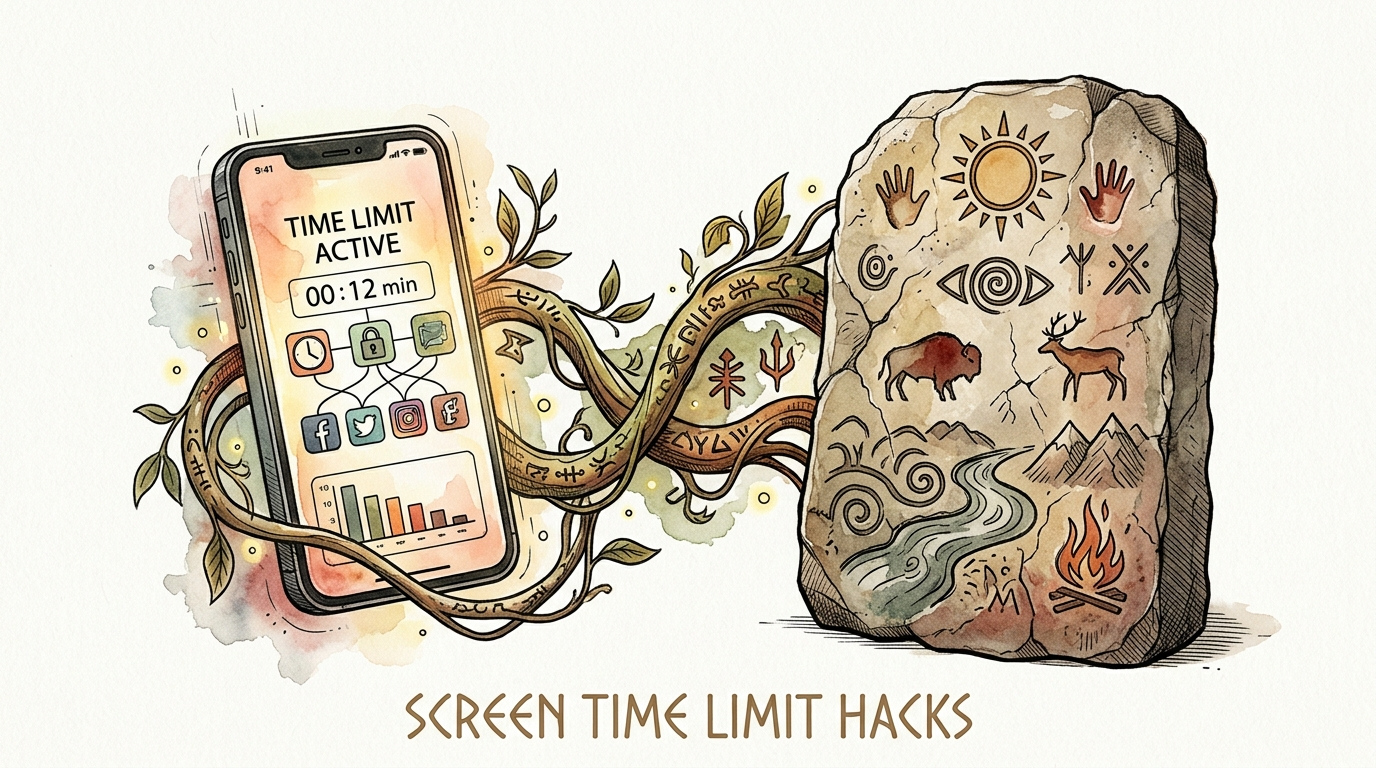
The brain understands physical limits better than digital locks. Use the sand. Digital timers are invisible until they beep. Physical timers give a child a sense of time passing. Here’s why the ‘old’ way works better for tech.
When you tell a child they have five minutes left, you are speaking a language they don’t yet understand. To a developing brain, “five minutes” is an abstract concept. It is a number floating in space. Digital locks and internal iPad timers reinforce this confusion. They stay hidden in the background, only to suddenly “attack” with a lock screen or a loud beep. This abruptness triggers the brain’s fight-or-flight response, leading to the dreaded screen-time meltdown.
Physical timers change the game. They turn an invisible concept into a tangible reality. Whether it is a sliding red disk or sand falling through glass, your child can see their time disappearing. This visual feedback allows the brain to prepare for the transition. It replaces the “Modern Software” approach of hard stops with an “Ancestral Visual” method that respects how humans actually perceive the world.
screen time limit hacks
A screen time limit hack is any strategy that uses physical or environmental cues to manage digital habits. Most parents rely solely on parental control apps. While these apps are helpful, they often fail because they don’t teach self-regulation. A hack, in this context, is about moving the “limit” from the digital world into the physical room.
These hacks exist to bridge the gap between a child’s desire for high-dopamine stimulation and their limited executive function. In the real world, we see this everywhere. Gas gauges in cars tell us when we are running low. Hourglasses in board games show us the pressure of a ticking clock. Using these same principles for tablets and gaming consoles makes the “off” switch a natural conclusion rather than a parental punishment.
Common examples include using a Time Timer with a disappearing red disk, using color-coded sand glasses, or implementing a physical “token economy.” These methods work because they provide a constant, peripheral reminder of the boundary. The child doesn’t have to check a menu to see how much time is left. They just have to look at the table.
How the Visual-Physical Method Works
The primary reason physical timers work better than digital alerts is the way the brain processes spatial information. Children, especially those with ADHD or “time blindness,” struggle to track elapsed time internally. This is often because the prefrontal cortex—the part of the brain responsible for planning and time management—is still under construction.
When a child uses a physical timer, they are utilizing the parietal lobe. This area of the brain handles spatial awareness. By seeing a red disk get smaller or sand pile up at the bottom of a glass, the child is essentially “seeing” time as a physical object. This makes the countdown feel real and inevitable.
To implement this, you start by placing the timer in the child’s direct line of sight, but not so close that it becomes a distraction from their task. When the screen time begins, the child (not the parent) should be the one to set the timer. This small act of agency creates a “contract” between the child and the tool. As the visual cue disappears, the brain begins a process called “anticipatory transition.” It slowly prepares to switch gears, making the final “beep” much less of a shock to the system.
The Benefits of Physical Transition Cues
Switching to physical timers offers measurable improvements in household harmony. One of the most immediate benefits is the reduction in “negotiation fatigue.” When the limit is digital or verbal, children often feel they can bargain for “one more minute.” When the sand has run out, the limit is a physical fact of nature. It is hard to argue with a gravity-based timer.
Another advantage is the development of independence. Children who use visual timers learn to pace themselves. If they see they only have a sliver of red left on their clock, they might choose to finish a level rather than starting a new one. This is the beginning of true executive function.
Furthermore, physical cues reduce the cortisol spike associated with sudden transitions. Digital locks are “hard stops.” They feel like a door slamming in your face. Physical timers provide a “soft landing.” The child has been watching the end approach for twenty minutes, so the actual stop feels like the natural end of a cycle.
Challenges and Common Mistakes
The biggest mistake parents make is using the timer as a threat. If you say, “When that sand is gone, I’m taking the iPad,” you have turned the timer into a villain. Instead, the timer should be a neutral “third party.” You are both just observers of the time. When it ends, it isn’t you taking the tablet; it is simply the “time being up.”
Another challenge is consistency. If you use a sand timer on Monday but forget it on Tuesday, the system breaks down. The child’s brain will revert to testing boundaries because the “physical law” of the timer is no longer reliable. You must ensure the timer is present for every single session.
Finally, avoid placing the timer too far away. If the child has to turn their head or get up to see the remaining time, they won’t use it. It needs to be in their peripheral vision. This allows the brain to monitor the time subconsciously without breaking the flow of their play.
Limitations of the Physical Approach
Physical timers are not a magic bullet for every situation. For instance, they do not work well for “open-ended” digital tasks like research or homework. In those cases, the focus should be on the completion of the task rather than the ticking of a clock. Forcing a child to stop a productive essay just because the sand ran out can be counterproductive.
Environmental factors also play a role. If you have a very young child, glass sand timers can be a safety hazard. If you have a child with extreme sensory sensitivities, the ticking or the “beep” of a mechanical timer might be overstimulating. You have to match the tool to the child’s specific profile.
There is also the “digital native” factor. Some older children may find physical timers “childish” and reject them. In these cases, you may need to move toward a hybrid system, like a dedicated “Focus” mode on their device that includes a persistent on-screen visual countdown.
Comparing Timer Methods
| Feature | Digital Lock / App | Mechanical Visual Timer | Sand Glass / Hourglass |
|---|---|---|---|
| Visibility | Hidden until the end | Highly visible (Red Disk) | Constant movement |
| Child Agency | Low (Parent controls) | High (Child sets it) | Medium (Child flips it) |
| Emotional Friction | High (Sudden stop) | Low (Anticipated stop) | Very Low (Natural end) |
| Durability | N/A (Software) | Medium (Battery/Spring) | Low (Breakable) |
Practical Tips for Implementation
Start by choosing the right tool for the age group. For toddlers and preschoolers, sand timers are excellent because the movement is mesmerizing and easy to follow. For elementary-aged children, a “Time Timer” or a similar visual disk clock is better because it introduces the concept of minutes and hours in a spatial format.
Use the “Five-Minute Warning” in conjunction with the timer. Even with a visual cue, a verbal check-in helps. Go over, look at the timer with them, and say, “I see the red is almost gone. What’s your plan for finishing up?” This forces the child to engage their planning brain while they are still in the “play” state.
Establish a “Device Parking Lot.” When the timer goes off, the device doesn’t just go on the couch. It goes to a specific physical location—a charging station in the kitchen or a basket on a high shelf. This creates a clear physical boundary between “screen time” and “life time.”
Advanced Considerations for Long-Term Success
For parents looking to go deeper, consider the “Token Economy” system. Instead of just giving screen time, allow your child to earn “Time Tokens.” Each token represents a specific physical amount of time (e.g., a 20-minute sand timer). The child must “spend” their token by placing it next to the physical timer.
This introduces the concept of opportunity cost. If they spend all their tokens in the morning, they have nothing left for the evening. This moves the conversation from “Can I have the iPad?” to “Do I want to spend my tokens now or save them for later?” This is a high-level executive function skill that will serve them well into adulthood.
You should also be aware of the “Dopamine Loop” of modern apps. Fast-paced videos (like TikTok or YouTube Shorts) train the brain to expect a new hit of stimulation every 15 seconds. If your child is consuming this type of content, even the best physical timer will face resistance. Consider pairing physical timers with “High-Quality Content” rules, prioritizing slow-paced games or long-form videos that don’t fry the brain’s reward system.
A Realistic Example: The Minecraft Transition
Imagine 8-year-old Leo is playing Minecraft. In the past, his mom would shout from the kitchen, “Five minutes!” Leo would grunt, keep playing, and then scream when the iPad was taken away. He felt like he was “in the middle of something” because his brain had no way to measure that five-minute warning against the complexity of his digital building project.
Now, they use a 30-minute visual disk timer. Leo sets it himself before he opens the app. Twenty minutes in, he glances at the timer and sees only a small slice of red left. He realizes he won’t have time to finish the roof of his castle. Instead of starting the roof, he spends the last ten minutes taming a wolf and saving his game.
When the timer beeps, Leo is already “done.” He has finished his self-assigned task. He puts the iPad in the “Parking Lot” and walks to the kitchen. There is no screaming, no negotiation, and no stress. The physical limit made the digital world manageable.
Final Thoughts
The transition from digital screens to the real world is one of the hardest tasks we ask a modern child’s brain to perform. Digital locks and verbal warnings often make this harder by adding an element of surprise and power struggle. By introducing physical, visual timers, you are giving your child the tools they need to understand time, manage their own impulses, and develop a healthy relationship with technology.
Start small. Buy a simple sand timer or a visual disk clock and use it for one specific activity this week. Don’t frame it as a new rule; frame it as a new tool to help them see their time. You will likely find that when the “old” way meets the “new” tech, the results are nothing short of transformative for your family’s peace of mind.
Remember that the goal isn’t just to stop the screen. The goal is to build a brain that knows when to stop itself. Physical limits provide the scaffolding for that internal strength to grow. Experiment with different types of timers, stay consistent, and watch as the screen-time battles slowly become a thing of the past.
Sources
1 schoolhealth.com | 2 adayinourshoes.com | 3 timetimer.com | 4 timetimer.com | 5 timetimer.com | 6 timetimer.com | 7 adayinourshoes.com | 8 lifeskillsadvocate.com | 9 forbrain.com | 10 nurtureandthriveblog.com | 11 ahealthysliceoflife.com | 12 useboomerang.com | 13 psychologytoday.com | 14 timetimer.com | 15 wellspringprevention.org