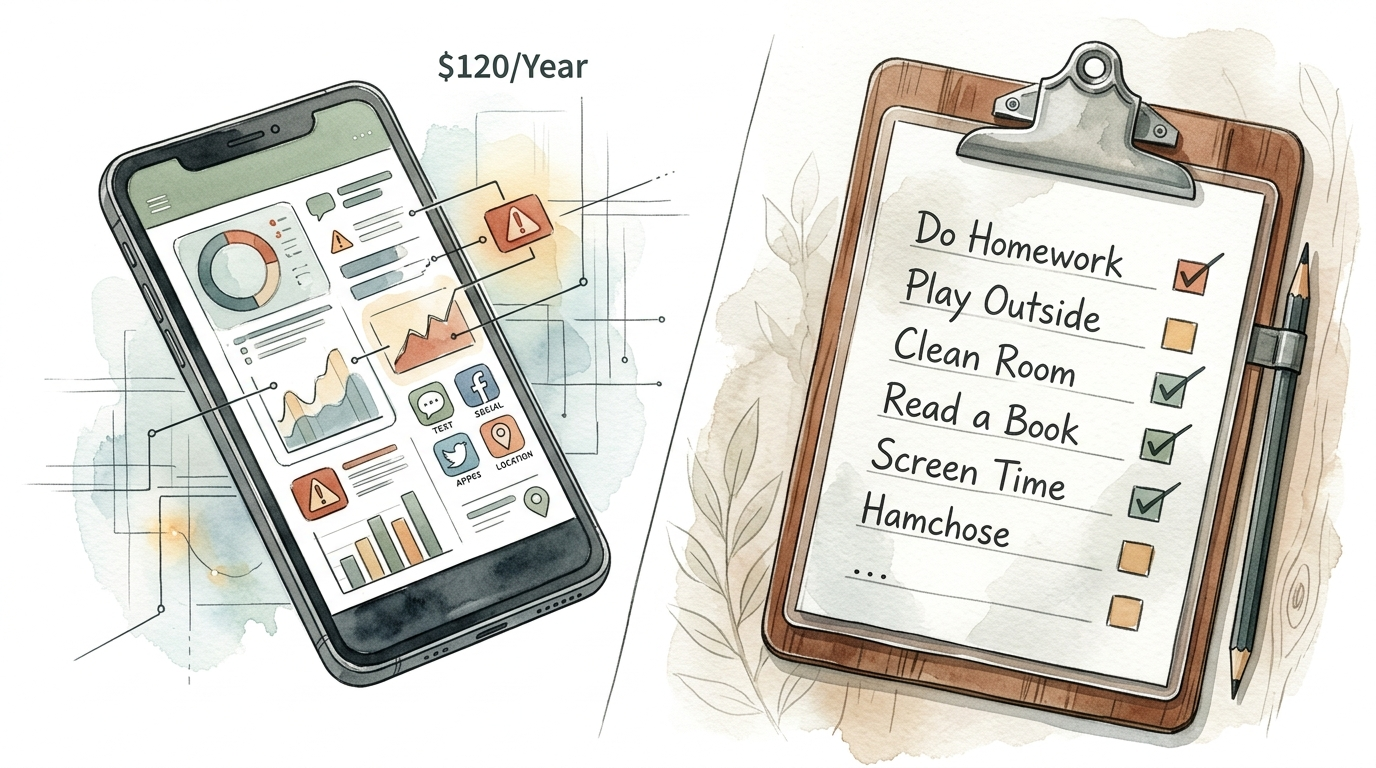
screen time checklist for kids
Stop paying for apps to parent your kids—this $0 paper system works better than any subscription. Parental control apps often lead to tech workarounds and monthly fees. Our free printable checklist teaches self-regulation by making ‘screen tokens’ something kids earn through chores and reading. High-tech isn’t always high-impact.
Digital parenting has become a billion-dollar industry. We are told that we need sophisticated AI algorithms and $120-a-year subscriptions just to make our kids put down the iPad. This approach often creates a digital arms race where children spend their time looking for exploits rather than learning to manage their own impulses.
True discipline comes from within. A physical, tactile system changes the conversation from “the app locked me out” to “I have used the time I earned.” This shift in perspective is the secret to ending the daily screen time battle for good.
screen time checklist for kids
A screen time checklist for kids is a physical framework that gamifies daily responsibilities in exchange for digital access. It acts as a visual contract between the parent and the child. Instead of a hidden algorithm making decisions, the child sees a clear path to their reward.
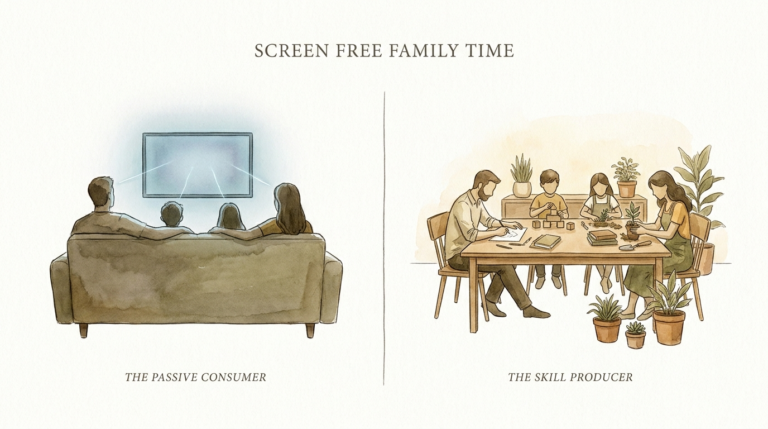
This system exists to solve the problem of “passive consumption.” In many modern homes, screen time is the default state. Kids wake up and reach for a device because it is the path of least resistance. A checklist flips this script, making screen time an “earned” privilege rather than an “automatic” right.
Real-world implementation usually involves a laminated sheet or a magnetic board. It lists high-priority tasks like reading, outdoor play, and chores. Once these are checked off, the child receives a physical token or “tech ticket” representing a specific block of time.
This method is used in households that value executive function and self-regulation. It mirrors adult life where we must finish our work before we enjoy our leisure. By making the process visual and tactile, you remove the “black box” of digital parental controls and replace it with a transparent, fair system.
How the Token Economy Works
The core of this system is the “Token Economy.” This is a proven psychological method used to reinforce positive behavior through immediate, tangible rewards. You aren’t just giving them a checklist; you are giving them a currency.
Step 1: Define Your Values
Start by deciding what behaviors are most important for your family. For most parents, the goal is a balance of physical activity, academic progress, and household contribution. Your checklist should reflect these “non-negotiables.”
Step 2: Create the “Earn Menu”
Assign a token value to various tasks. For example, 20 minutes of independent reading might earn a 15-minute screen token. Cleaning a bedroom might earn 30 minutes. This teaches kids to “budget” their effort and their time.
Step 3: Establish the “Spending Rules”
Decide when tokens can be redeemed. Common rules include “No screens before school” or “No screens during meal times.” This prevents the child from hoarding tokens and spending them all at 6:00 AM on a Tuesday.
Step 4: Use Physical Tokens
Print and laminate small cards that say “15 Minutes” or “30 Minutes.” Physical tokens are crucial because they make the “cost” of screen time visible. When a child hands over a physical card, they feel the loss of that currency. This creates a psychological barrier to mindless scrolling that an app simply cannot replicate.
Benefits of the Paper System
Switching from an app to a paper checklist offers measurable benefits for both brain development and family harmony. High-tech solutions often address the symptom of screen addiction, while paper systems address the cause.
Teaches Self-Regulation
Apps do the “regulating” for the child. When the timer hits zero, the app shuts down. The child hasn’t learned to stop; they have just been stopped. A paper system requires the child to watch the clock and decide when to stop so they don’t “overspend.” This builds the prefrontal cortex, the part of the brain responsible for impulse control.
Eliminates the “Digital Arms Race”
Tech-savvy kids are experts at finding workarounds. They change time zones, use VPNs, or find hidden browsers in apps like Spotify to bypass digital limits. You cannot “hack” a piece of laminated paper on the refrigerator. The rules are physical and absolute.
Reduces Parental Decision Fatigue
One of the hardest parts of parenting is the constant negotiation. “Can I have five more minutes?” becomes a daily mantra. With a checklist, the answer is always, “Do you have a token?” If the answer is no, the conversation is over. The system becomes the “bad guy,” not the parent.
Challenges and Common Mistakes
While a $0 paper system is highly effective, it requires more initial consistency from the parent than a “set it and forget it” app. Understanding these hurdles is the first step to overcoming them.
Inconsistency in Token Collection
The system fails if you let the kids have screens without collecting the tokens. If you get busy and forget to ask for the “payment,” the child quickly learns that the rules are optional. You must be as disciplined as you want them to be.
Making the Bar Too High
If a child has to work for three hours just to get 15 minutes of iPad time, they will lose motivation. The “exchange rate” must feel fair. Start with easy wins to get them “bought in” to the system, then gradually adjust the difficulty as they develop better habits.
Losing the Physical Tokens
Kids are notorious for losing small items. If tokens go missing, it creates frustration. Use a dedicated “Token Jar” or a magnetic board in a central location. Make it clear that lost tokens will not be replaced, which adds another layer of responsibility.
Limitations of the Paper System
This approach is not a universal panacea. There are specific scenarios where a physical checklist may fall short of a parent’s needs.
Older Teens and Autonomy
For a 16-year-old, a “chore chart” and “tokens” can feel infantalizing. While the principles of earning time still apply, the delivery must change. Teens often need more focus on digital literacy and safety rather than just time management.
Remote Monitoring
If you are a working parent and your kids are home with a sitter or alone, you cannot physically collect tokens from the office. In these cases, you might need a hybrid approach where a basic app enforces a hard stop, while the paper system dictates how they earn the right to turn that app off.
Complex Content Filtering
A paper checklist cannot block pornography or predators. It only manages “time.” You still need to use built-in, free tools like Apple’s Screen Time or Google Family Link to filter content. Use the paper system for behavior management and the free built-in tech for safety.
$120/Year Screen Monitoring App vs Free DIY Checklist
| Feature | Paid Monitoring App | DIY Paper Checklist |
|---|---|---|
| Annual Cost | $60 – $150+ | $0 (Paper/Ink) |
| Skill Taught | Obedience to Software | Self-Regulation & Budgeting |
| Reliability | Glitches/Workarounds Possible | Un-hackable physical system |
| Data Privacy | Risk of data collection/leaks | 100% Private |
| Parental Involvement | Low (Passive) | Medium (Active Engagement) |
Practical Tips for Success
A successful screen time checklist for kids is built on clarity and consistency. Use these best practices to ensure your new system doesn’t end up in the trash after a week.
- Laminate Everything: A flimsy piece of paper won’t survive a week. Laminating the checklist and the tokens makes them feel official and durable.
- Include “Brain Building” Tasks: Don’t just list chores. Include tasks like “Build a LEGO set,” “Draw a picture,” or “Play outside for 30 minutes.” This encourages high-quality non-screen play.
- Set a “Screen-Free Day”: Designate Sunday or Saturday as a “token-free” day where everyone, including parents, focuses on family activities. This models the behavior you want to see.
- Keep it Visible: The refrigerator is the classic choice for a reason. If the checklist isn’t visible, it doesn’t exist in the mind of a child.
- Audit the “Exchange Rate”: If your child is constantly frustrated or has too many tokens, adjust the values. The system should be a living document that evolves with your child.
Advanced Considerations: The Psychology of Dopamine
Digital devices are designed to trigger dopamine release. This is the “reward” chemical in our brains. Apps use “variable rewards” like likes, new levels, or autoplay to keep kids hooked. This creates a high baseline for stimulation.
A paper checklist helps reset this baseline. When a child has to perform a “low-dopamine” task like folding laundry or reading a book to get to the “high-dopamine” screen time, they are training their brain to value delayed gratification.
Serious practitioners of this method often notice a “detox period.” For the first 3 to 7 days, kids may be irritable or resistant. This is a physiological response to lower dopamine levels. Once they adjust, you will likely see an increase in creative play and a decrease in “tech tantrums.”
Example Scenario: The Thompson Family
The Thompson family has two children, aged 7 and 10. They were spending nearly 6 hours a day on screens, primarily YouTube and Roblox. Arguments were constant, and homework was always a struggle.
They implemented a “Screen Token System” with the following rules:
- Morning Routine (Dressed, Bed Made, Breakfast): Earns 15 Minutes.
- Reading (30 Minutes): Earns 30 Minutes.
- Outside Play (30 Minutes): Earns 15 Minutes.
- Daily Chore (Dishes or Trash): Earns 15 Minutes.
Within two weeks, the kids were self-policing. The 10-year-old began “saving” tokens during the week to have a “gaming marathon” on Saturday afternoon. The parents stopped shouting because they simply pointed to the empty token jar when asked for more time. The household tension dropped significantly, and the children started discovering old toys they hadn’t touched in years.
Final Thoughts
The tech industry wants you to believe that parenting is a problem that can be solved with a subscription. In reality, the most effective tools are often the simplest ones. A screen time checklist for kids provides a clear, fair, and un-hackable way to manage digital consumption.
By shifting the focus from “monitoring” to “earning,” you are teaching your children life skills that will serve them long after they leave your home. They aren’t just learning to put down the phone; they are learning the value of work, the importance of balance, and the power of self-control.
Start small. Print a basic list. Get some tokens. You might be surprised to find that the best way to handle high-tech problems is a low-tech solution. Experiment with different “exchange rates” and see what resonates with your family. The goal isn’t to eliminate screens, but to ensure that screens don’t eliminate the rest of childhood.
Sources
1 aacap.org | 2 teachbesideme.com | 3 homestoriesatoz.com | 4 cleanbrowsing.org