Curation For Kids Digital Content Safety
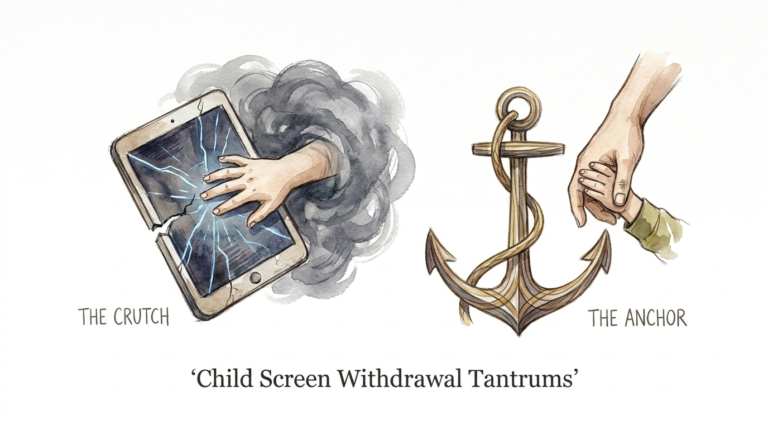
The hardest parenting days are made worse by the wrong algorithm; here’s how to build a digital walled garden. The wrong kind of screen time is like feeding your child pure sugar when they’re already tired—the crash is coming. On your hardest days, don’t just give them ‘the screen.’ Give them a sheltered environment that protects their focus and your sanity by removing the infinite scroll.
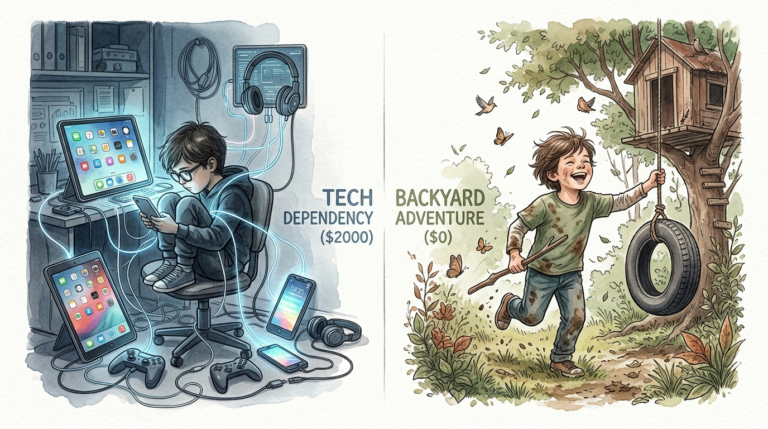
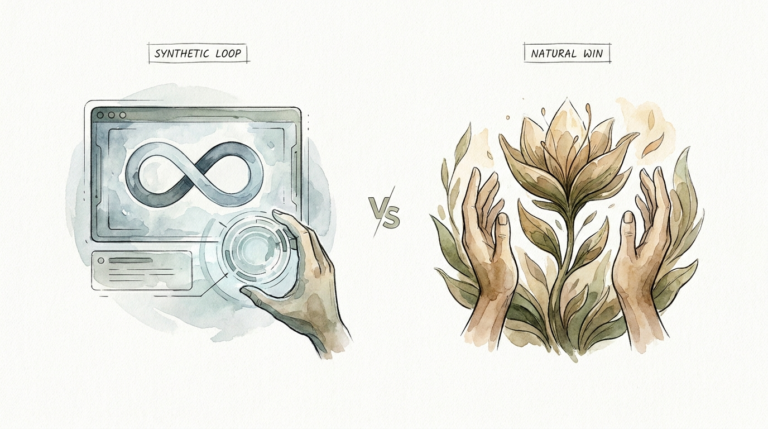
The modern internet is a wild frontier. It is designed to keep eyes glued to glass for as long as possible. For a child with a developing brain, this isn’t just entertainment. It is a biological hijack. Most platforms use a feedback loop that rewards the brain with dopamine for every swipe. This creates a cycle of “just one more” that ends in meltdowns and brain fog.
Building a digital walled garden is about taking back control. It means moving from a reactive state to a proactive one. You aren’t just blocking “bad” things. You are intentionally inviting “good” things. This article will show you exactly how to build a curated digital space that serves your family rather than the tech giants.
Curation For Kids Digital Content Safety
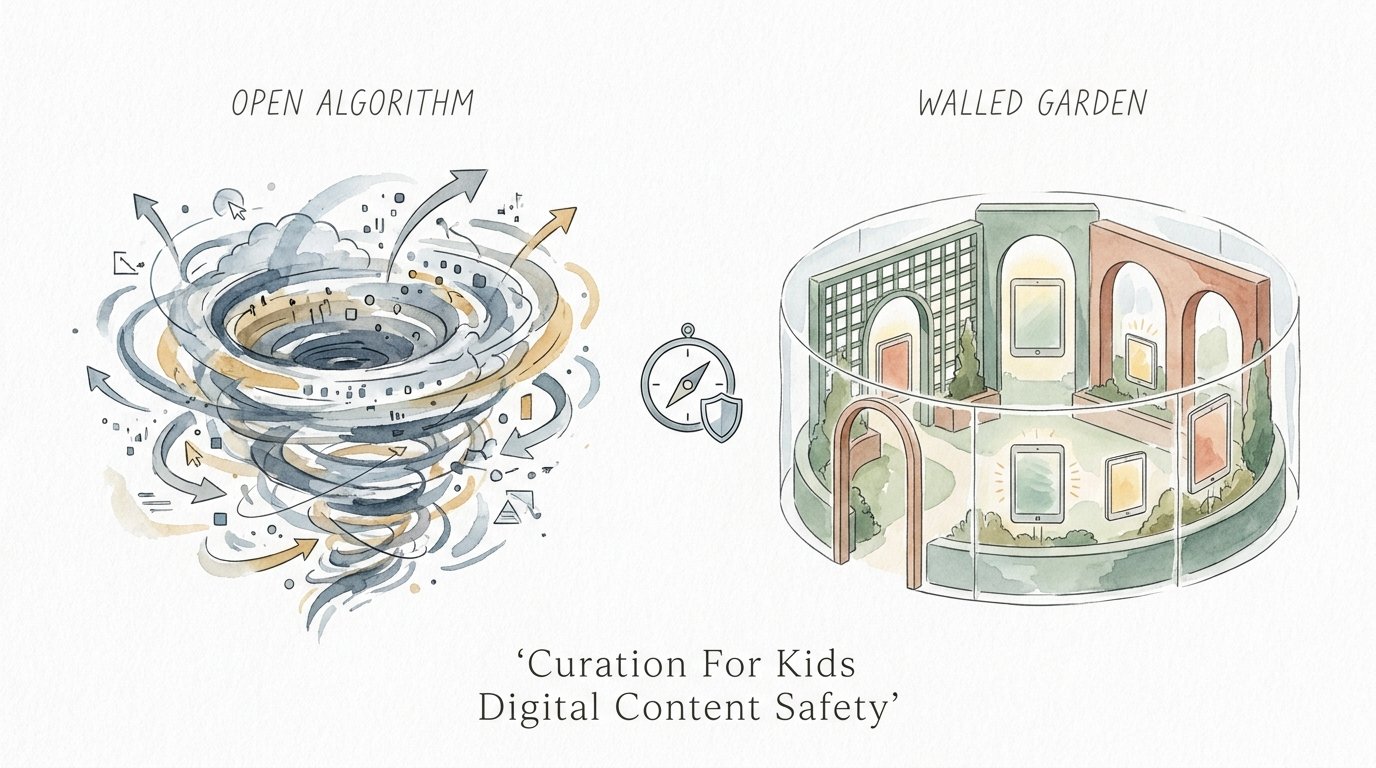
Curation for kids digital content safety is the process of hand-selecting every piece of media your child consumes. It is the opposite of an open-access model. In an open model, the algorithm decides what comes next. In a curated model, you decide. This approach ensures that every video, app, and game aligns with your family’s values and your child’s developmental stage.
This concept exists because the “safety filters” on major platforms often fail. AI is good, but it isn’t a parent. It can’t distinguish between a wholesome Minecraft tutorial and a “creepy-pasta” horror video that uses the same thumbnail style. Curation removes the “suggested for you” sidebar and replaces it with a library of trusted content.
Think of it like a physical playroom. You wouldn’t let a stranger dump a truckload of random toys into your house every five minutes. You choose the toys. You check for small parts. You make sure the toys are age-appropriate. Digital curation is simply applying that same parental intuition to the pixels on the screen. It creates a finite, predictable, and safe environment.
How to Build Your Digital Walled Garden
Building a walled garden requires a shift in how you set up devices. You have to move away from “Restricted Mode” and toward “Whitelisting.” Whitelisting means everything is blocked by default except for what you specifically allow.
1. Lockdown the Hardware
Start with the device itself. If you are using an iPad, use “Guided Access” to lock the child into a single app. This prevents them from wandering into the settings or switching to an unapproved browser. For Android users, set up a dedicated “Kids Profile” through Google Family Link. This allows you to approve or block every single app download from your own phone.
2. Master the YouTube Whitelist
YouTube is the biggest source of “algorithmic drift.” To stop this, use the “Approved Content Only” setting in the YouTube Kids app. This is the gold standard for video safety. When you enable this, the search bar disappears. Your child can only see the specific channels or videos you have manually added. Search for creators like “Mark Rober” or “Art for Kids Hub” and hit the plus button. Now, the infinite scroll is gone.
3. Use Dedicated Curation Tools
Native controls are a start, but specialized tools like WhitelistVideo or browser extensions can offer more granular control. These tools allow you to sync settings across desktops and tablets. They ensure that even if a child tries to use a browser, they can only access the URLs you have pre-approved.
4. Curate Offline Libraries
The ultimate walled garden is one that doesn’t need the internet at all. Consider downloading videos and using a local media player. Apps like VLC or Plex (with a managed kids’ library) allow you to host your own “Netflix” where you own every file. No ads, no tracking, and zero chance of an algorithm suggesting something inappropriate.
Benefits of a Curated Digital Environment
The most immediate benefit is the end of the “screen time meltdown.” When a child knows exactly what is available and that the content will eventually end, their brain stays in a calmer state. They aren’t being constantly overstimulated by rapid-fire edits and “Up Next” countdowns.
Emotional Regulation
Curated content usually follows a narrative arc. A 20-minute show has a beginning, middle, and end. This helps children develop a sense of closure. Algorithmic content, like YouTube Shorts, has no end. This keeps the brain in a state of constant “seeking,” which leads to irritability when the screen is finally turned off.
Focused Learning
When you remove the distractions, children actually engage with what they are watching. They might watch a science experiment and then want to try it in real life. In an open environment, they would have been three videos deep into a “surprise egg unboxing” before they even finished the first lesson. Curation protects their attention span.
Privacy and Data Protection
Walled gardens often block the trackers that follow your child across the web. By limiting them to specific, vetted apps, you reduce their digital footprint. You are protecting them from predatory advertising that is designed to exploit their lack of impulse control.
Challenges and Common Mistakes
The biggest challenge is the “Curation Fatigue.” It takes time to watch a video or vet an app before saying yes. Many parents start strong but eventually give in to the “just this once” pressure. Consistency is the only way a walled garden works.
Mistake: Relying on AI Filters
Many parents think “Restricted Mode” is enough. It isn’t. AI filters catch explicit content, but they miss “weird” content. There are thousands of videos that are technically “clean” but are psychologically unsettling or just plain brain-rot. Only human eyes can catch these nuances.
Mistake: Setting It and Forgetting It
Kids grow fast. A walled garden that works for a 4-year-old will be boring for a 6-year-old. If the garden is too small or too “babyish,” the child will look for ways to jump the wall. You must regularly update the content to match their evolving interests and maturity.
Mistake: Neglecting the “Why”
If you build a wall without explaining it, your child will view it as a prison. Talk to them about why the algorithm is designed to be addictive. Explain that you want them to have the best videos, not just the loudest ones. Turning it into a collaborative effort makes the boundaries much easier to maintain.
Limitations of the Walled Garden Approach
A walled garden is not a permanent solution for all ages. As children enter their teens, they need to learn how to navigate the “open forest” of the internet. If you keep them in a garden for too long, they won’t develop the critical thinking skills needed to spot misinformation or online grooming.
Maintenance Requirements
This approach is high-maintenance. It requires a parent to be the “Chief Content Officer” of the home. If you don’t have the time to vet new channels or apps, the system breaks down. It is a trade-off: you spend time upfront to save your sanity later.
The “Forbidden Fruit” Effect
Total restriction can backfire. If your child is the only one in their peer group who has never heard of a popular (but safe) game, they might feel isolated. This can lead to them sneaking access on friends’ devices. A walled garden should be flexible enough to include popular culture when it is safe to do so.
Comparison: Open Algorithm vs. Walled Garden
| Feature | Open Algorithm (Standard YouTube/TikTok) | Digital Walled Garden (Curated) |
|---|---|---|
| Content Source | AI-generated recommendations. | Parent-approved whitelist. |
| Stopping Point | Infinite scroll; auto-play. | Finite playlist; manual selection. |
| Dopamine Hit | High/Frequent (Slot machine effect). | Low/Steady (Intentional consumption). |
| Setup Effort | Zero (Just open the app). | High (Initial vetting required). |
| Safety Level | Unpredictable; requires supervision. | High; allows for independent play. |
| Long-term Focus | Weakened by constant switching. | Strengthened by sustained engagement. |
Practical Tips for Success
Start small. Don’t try to curate 100 channels on day one. Pick five high-quality creators and stick to them. This makes the management feel less overwhelming.
- The “One In, One Out” Rule: When your child wants to add a new app or channel, they have to remove an old one. This keeps the digital environment clean and manageable.
- Use Physical Remotes: If you are using a TV, use a remote with a limited number of buttons. Avoid giving them a tablet where they can swipe through everything at once.
- Scheduled Resets: Every Sunday night, spend 10 minutes reviewing the “Approved” list. Remove anything they haven’t watched in a month.
- Shared Tablets: Instead of giving each child their own device, use a “Family Tablet” that stays in the living room. This naturally limits usage and makes co-viewing easier.
Advanced Considerations for Practitioners
For the tech-savvy parent, you can take the walled garden to the network level. This ensures that every device in your house follows the same rules, regardless of individual settings.
Network-Level Filtering
Use a service like NextDNS or a Pi-hole. These tools allow you to block entire categories of websites (like “Social Media” or “Gambling”) at the router level. You can also block specific domains that serve ads within apps. This creates a “clean” pipe of internet for the whole house.
Self-Hosting with Plex
If you want total control, start a media server. Buy the digital versions of movies and shows. Rip your old DVDs. Put them on a server and use the Plex app. You can create a “Kids” user profile that only has access to specific folders. Your kids get the “Netflix experience” without the Netflix algorithm.
Whitelisting via DNS
You can set your child’s device to use a specific DNS server that only resolves a handful of domains. For example, you could set it to only allow `pbskids.org`, `nationalgeographic.com`, and `khanacademy.org`. If they try to go anywhere else, the page simply won’t load. This is the most “bypass-proof” method for older children.
Scenario: The “Saturday Morning” Setup
Imagine it’s a rainy Saturday morning. In an open-algorithm house, the child grabs an iPad, opens YouTube, and starts watching “Skibidi Toilet” or random “Toy Review” videos. Within an hour, they are overstimulated, loud, and demanding more. When the parent takes the tablet away, a massive tantrum ensues.
In the Walled Garden house, the parent has set up a playlist on the TV with three episodes of “Bluey,” a “Mark Rober” science video, and an “Art for Kids Hub” tutorial. The child watches the shows, follows the art tutorial to draw a dragon, and then moves on to playing with their actual blocks. Because the “screen” had a clear end point and didn’t provide rapid-fire dopamine hits, the transition back to the real world is seamless.
Final Thoughts
Building a digital walled garden is an act of love. It is a recognition that our children’s minds are precious and that the current internet is not built with their best interests at heart. By taking the time to curate their content, you are giving them the gift of focus and emotional stability.
This approach doesn’t mean you have to be a “tech-hater.” It just means you are a “tech-curator.” You are choosing the tools and stories that will shape your child’s worldview. Start today by locking down one device or whitelisting one app. You will be amazed at how much calmer your home becomes when the infinite scroll is gone.
As your child grows, the walls of the garden will naturally expand. Eventually, they will step out into the open world. Because you gave them a sheltered space to develop their focus and values, they will be much better equipped to handle the noise of the algorithm on their own. Experiment with these tools, find what works for your family, and reclaim your digital peace.
Sources
1 medium.com | 2 manhattanpsychologygroup.com | 3 americanspcc.org | 4 neurokidsdoc.com | 5 eset.com | 6 pluggedin.com | 7 reddit.com | 8 whitelist.video | 9 whitelist.video | 10 scholastic.com | 11 familyitguy.com | 12 ssa-digital.com | 13 improvado.io | 14 raccoongang.com | 15 raisingdigitalcitizens.com | 16 mgid.com | 17 youtube.com