Physical Effects Of Ipad Reset On Kids
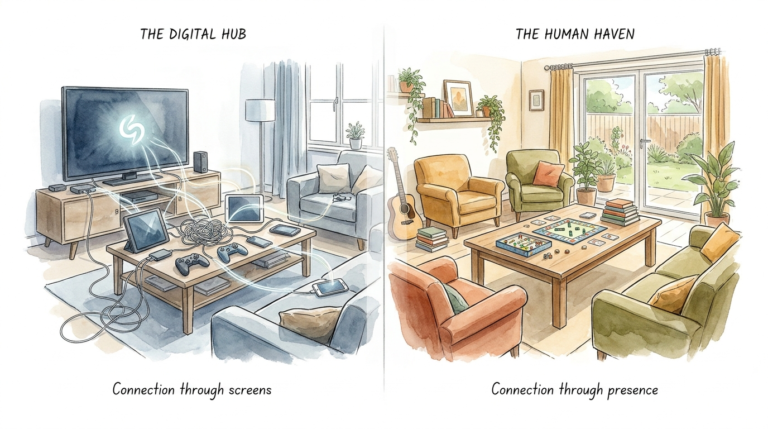
Digital light traps energy in the eyes; real-world play moves it through the soul. We noticed our son’s posture was changing—shoulders hunched, eyes glazed, body stagnant. The 7-day reset wasn’t just about his mind; it was about his metabolism. Watch how his physical confidence exploded when he was forced to move his body to find his own fun.

We live in an era where the average child spends seven to nine hours daily in front of a digital glow. This shift from physical playgrounds to pixelated ones has created a silent epidemic of physical stagnation. Most parents focus on the behavioral outbursts that happen when the iPad is taken away. They miss the deeper, structural changes happening to their child’s growing skeleton and internal systems.

Taking a deliberate break from screens allows a child’s physiology to reboot. This process is more than just a “time out” for the brain. It is a biological recalibration that impacts everything from spinal alignment to insulin sensitivity. Understanding the “iPad Reset” means looking at the child as a kinetic machine that requires movement to function correctly.
Physical Effects Of Ipad Reset On Kids
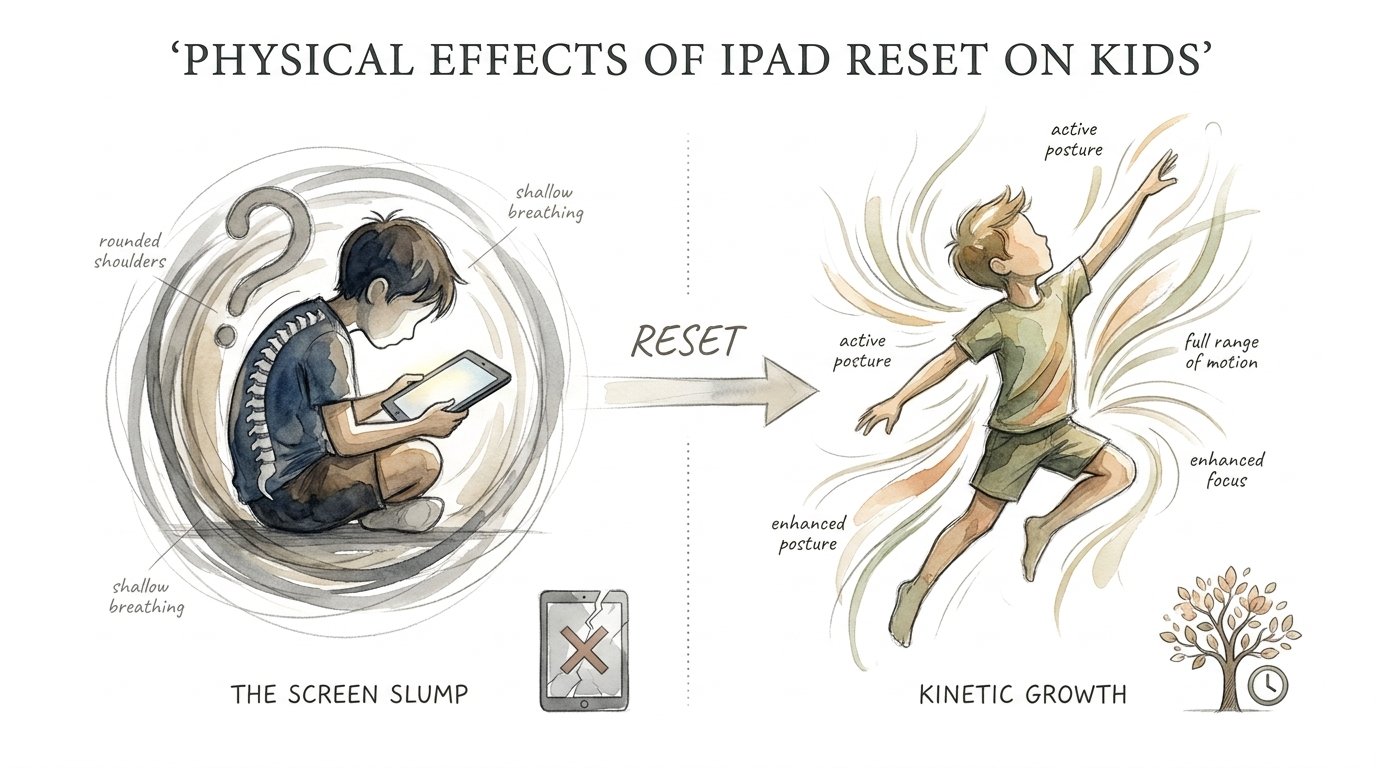
An iPad Reset is the intentional, temporary removal of handheld digital devices to allow a child’s body to recover from the stresses of sedentary screen use. This practice addresses “The Screen Slump,” a state where the body remains fixed in a restricted, low-energy posture for hours on end.
When a child stares at a tablet, they typically adopt a forward-leaning posture. This is known as “Tech Neck” or “Text Neck.” The human head weighs about 10 to 12 pounds. Tilting it forward at a 60-degree angle to see a screen can place up to 60 pounds of pressure on the cervical spine. Over time, this causes the chest muscles to tighten and the back muscles to weaken.
The metabolic impact is equally profound. Constant screen use is linked to a decrease in cardiorespiratory fitness (CRF). Studies show that even when children get some exercise, those with high screen time remain at a higher risk for metabolic syndrome. This includes issues like high blood sugar, elevated cholesterol, and excess weight around the waist.
Visual health also takes a hit. Digital eye strain causes headaches, blurred vision, and dry eyes. Constant near-work on small screens is a leading contributor to the rapid progression of myopia (nearsightedness) in school-aged children. A reset stops this constant strain and forces the eyes to focus on varying distances in the real world.
How the 7-Day Reset Works
Implementing a reset requires more than just hiding the charger. It involves a systemic shift in the household environment. You must prepare for the initial friction that occurs when the dopamine source is removed.
Phase 1: The Cold Turkey Cut
Remove all handheld devices from the immediate environment. This eliminates the visual cue that triggers the “craving” for screen time. You should clear out iPads, Nintendo Switches, and even your own smartphones during family hours.
Phase 2: Introducing Environmental Friction
Create barriers to sitting still. Rearrange the living room to prioritize open space rather than the television. Put away the comfy beanbags that encourage slouching. Replace them with floor cushions or standing activity stations.
Phase 3: The Kinetic Replacement
Fill the time gaps with high-movement activities. Boredom is the catalyst for kinetic growth. When a child is bored, they eventually begin to pace, climb, and jump. This movement is the body’s way of seeking sensory input.
Phase 4: Modeling the Behavior
Children mimic the posture and habits of their parents. You cannot expect a child to fix their “Tech Neck” if they see you hunched over your phone at the dinner table. Put your own devices in a central “charging station” during the reset.
Benefits of the Physical Reset
The most immediate benefit is the restoration of proper spinal alignment. Once the constant downward gaze is removed, children begin to pull their shoulders back and lift their chins. This opens up the chest cavity and improves breathing efficiency.
Metabolic Ignition
Movement restarts the metabolic engine. Sitting for long periods suppresses an enzyme called lipoprotein lipase, which is responsible for breaking down fats in the bloodstream. Standing and playing outdoors reactivates this process, helping the child’s body process energy more effectively.
Improved Sleep Architecture
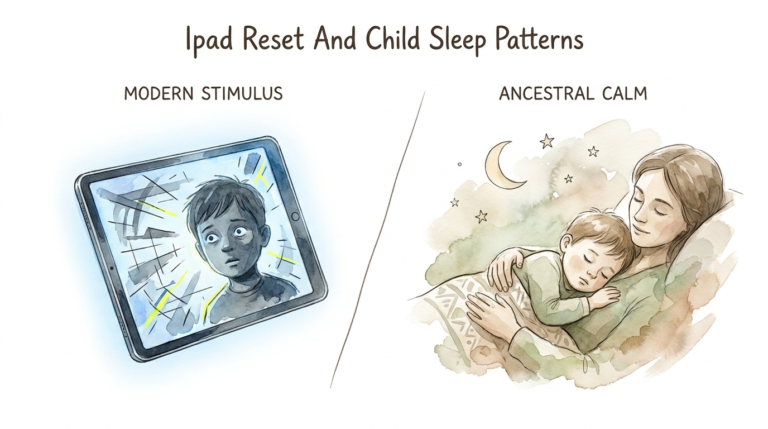
Blue light from screens suppresses melatonin production. Removing screens for seven days allows the natural circadian rhythm to take over. You will notice the child falling asleep faster and reaching deeper stages of REM sleep, which is critical for physical growth and tissue repair.
Enhanced Motor Coordination
Real-world play requires “varied movement.” Climbing a tree or playing catch involves complex spatial awareness and balance. These activities build “kinetic confidence” that digital games simply cannot replicate.
Challenges and Common Mistakes
The biggest challenge is the “Withdrawal Meltdown.” For the first 48 hours, children may be irritable, lethargic, or aggressive. This is a physiological response to the drop in dopamine. Many parents give in during this phase, thinking the reset is “hurting” the child.
Another mistake is replacing the iPad with another sedentary activity, like heavy reading or drawing for hours. While these are better for the brain, they still involve the “slumped” posture. You must prioritize movement-based alternatives to see the physical benefits.
Failing to plan for the “Dopamine Gap” is also a common pitfall. If you take away the screen but offer no other sensory input, the child will likely become destructive. You need to have “action kits” ready—balls, jump ropes, or outdoor scavenger hunts.
When This May Not Be Ideal
The reset is a tool, not a permanent ban. It may not be ideal during periods of intense academic pressure where digital tools are required for research. Forcing a total reset during a final exam week can add unnecessary stress to a child’s central nervous system.
Children with specific sensory processing disorders may also require a more gradual transition. A “Cold Turkey” approach can lead to sensory overload in some cases. Always consult with a pediatric specialist if your child has diagnosed developmental needs.
Comparison: The Screen Slump vs. Kinetic Growth
| Feature | The Screen Slump | Kinetic Growth |
|---|---|---|
| Posture | Head forward, rounded shoulders, weak core. | Upright spine, engaged core, open chest. |
| Eye Health | Digital strain, near-focus fatigue. | Natural light exposure, distance tracking. |
| Metabolism | Low LPL enzyme activity, insulin resistance risk. | Active fat metabolism, improved CRF. |
| Movement | Fine motor only (fingers/thumbs). | Gross motor development and coordination. |
Practical Tips for Success
Start the reset on a Friday evening. This allows the worst of the withdrawal to happen over the weekend when school stresses are low. It also gives you more time to engage in physical activities with the child.
* Use the 20-20-20 rule even for “educational” screen time after the reset: every 20 minutes, look at something 20 feet away for 20 seconds.
* Set up an “Indoor Obstacle Course.” Use pillows, chairs, and blankets to force the child to crawl, jump, and balance.
* Prioritize Outdoor Light. Exposure to natural sunlight for at least two hours a day is a powerful protector against myopia.
* Introduce “Proprioceptive” Play. Activities like “heavy work” (carrying groceries, pushing a full laundry basket) help ground the child’s nervous system.
Advanced Considerations
Long-term postural health requires more than just a one-week reset. You should look into ergonomic setups for when the screens return. Using a tablet stand that brings the device to eye level can prevent the return of “Tech Neck.”
Monitoring the child’s “Gait” can also provide clues. Sedentary children often develop a “shuffling” walk because their hip flexors are tight and their glutes are weak. Incorporating lunges and leg-swinging games can help restore a healthy walking pattern.
Pay attention to “Peripheral Vision.” Screens narrow the visual field to a small box. Real-world play—like tag or sports—requires the use of peripheral vision. This is essential for safety, balance, and spatial awareness.
Scenario: The “Backyard Safari” Example
One family noticed their 8-year-old was complaining of daily headaches and back pain. They implemented a 7-day reset and replaced his tablet time with a “Backyard Safari” project. He was given a magnifying glass and a notebook and tasked with finding ten different types of insects.
Instead of sitting on the couch for three hours, he spent that time squatting, crawling through grass, and climbing over rocks. By day four, his headaches had vanished. His posture shifted from a “C-shape” to a straight line. His parents noted that his appetite for healthy food increased because his body was actually burning energy rather than just storing it.
This shift proves that the child’s body was not “broken”—it was just starving for movement. The physical symptoms were a cry for kinetic input. Once that input was provided, the symptoms resolved without the need for medical intervention.
Final Thoughts
The iPad Reset is a powerful physiological intervention. It addresses the structural and metabolic damage caused by modern digital habits. By removing the “Digital Light Trap,” you allow your child’s natural energy to flow back into their limbs and muscles.
This process builds physical confidence and long-term health. It moves the child from a state of passive consumption to active exploration. Watching your child rediscover their body’s capabilities is the ultimate reward for the initial struggle of the reset.
Commit to the 7-day process and observe the changes. You will likely find that the child you thought was “lazy” or “clumsy” was simply stuck in a digital slump. Real-world play is the only way to move that energy through the soul and build a body that is strong, resilient, and ready for life.
Sources
1 mayoclinichealthsystem.org | 2 stlouischildrens.org | 3 critusa.org | 4 jaimedicalsystems.com | 5 encompassfss.net | 6 luskinoic.org | 7 psychologytoday.com | 8 webmd.com | 9 ophthalmologytimes.com | 10 nirvanahealthcare.com | 11 nih.gov | 12 frontiersin.org | 13 rockwoodprep.com