Visual Schedule For Adhd Kids
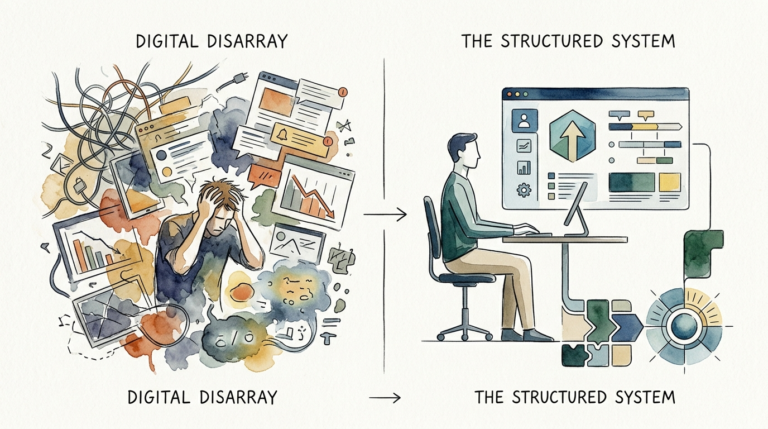
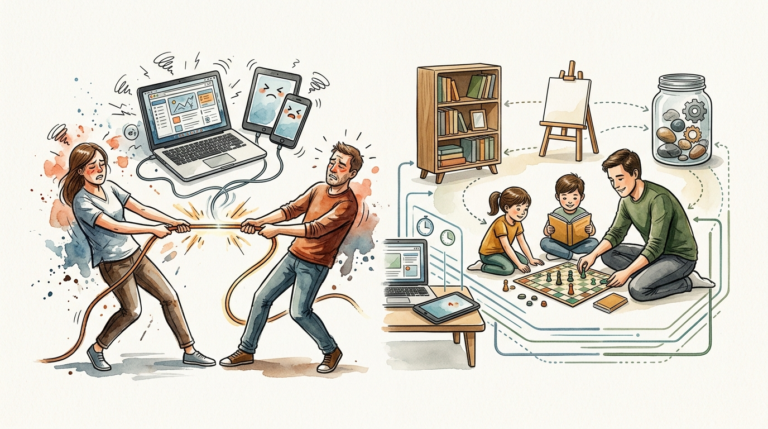
Your child isn’t ‘difficult’—their environment is just speaking a language they can’t understand. Visual chaos in the environment leads to mental chaos in the child. By stripping away the noise and providing a ‘Success Station’ with a 3-step visual anchor, you eliminate the cognitive load that leads to 8 AM meltdowns. Subtraction is the ultimate parenting hack.
When you transition from a loud, demanding morning to a structured, visual-first environment, you aren’t just “fixing” a routine. You are re-wiring the way your child interacts with the world. Parents often feel like they are broken records, repeating the same three instructions until they are blue in the face. The reality is that verbal instructions are often lost in the “static” of an ADHD brain.
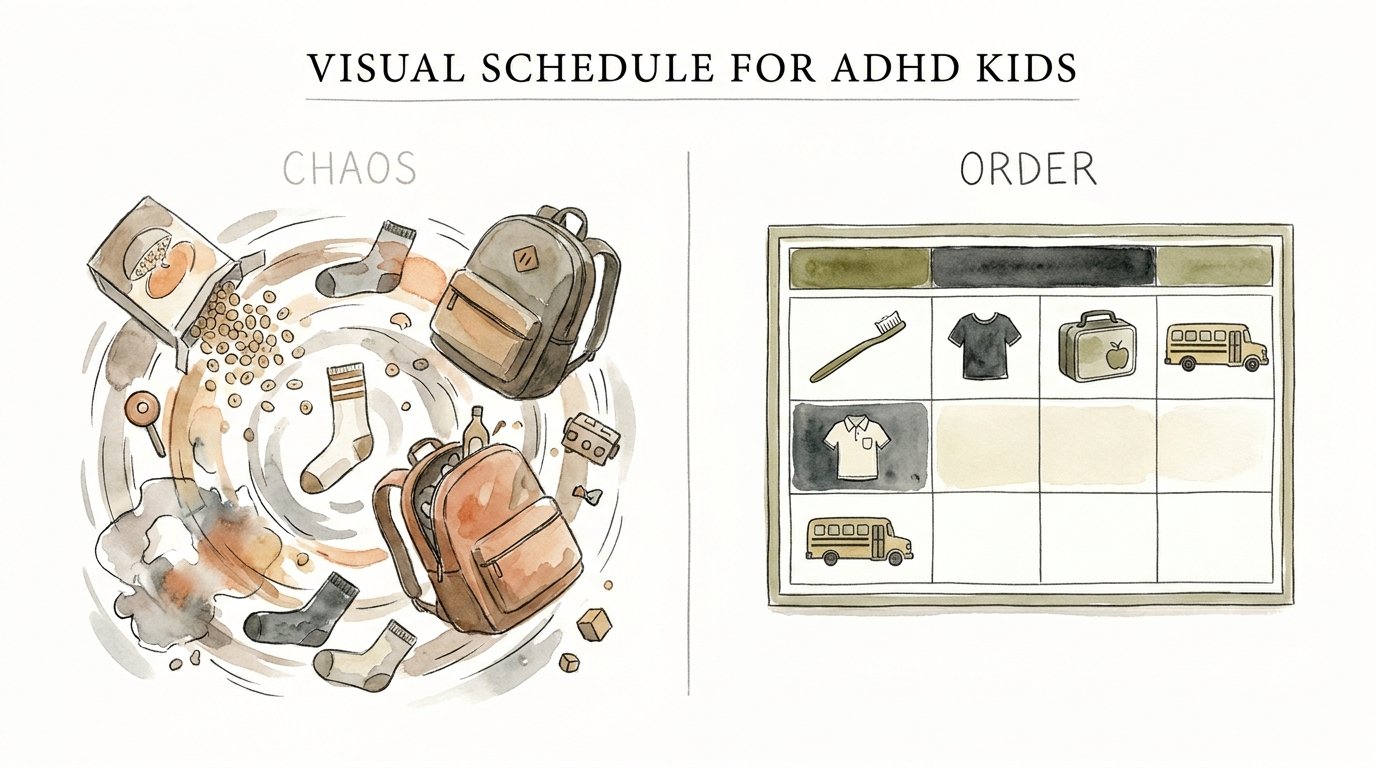
Visual schedules act as a physical bridge between an abstract thought—like “get ready for school”—and the actual physical steps required to make it happen. They provide a permanent reference point that doesn’t lose patience, doesn’t change its tone, and doesn’t disappear when a distraction flies by. This guide will help you move from the stress of MORNING CHAOS to the calm of VISUAL ORDER.
Visual Schedule For Adhd Kids
A visual schedule for ADHD kids is a tool that translates temporal concepts—time, sequence, and duration—into concrete, visible cues. Traditional schedules rely on executive functions like working memory and self-initiation, which are often the exact areas where neurodivergent children struggle. A visual schedule externalizes these functions, placing the “to-do list” on the wall rather than requiring the child to hold it in their mind.
Research indicates that over 75% of children with ADHD respond significantly better to visual cues than verbal instructions alone. This is because the ADHD brain often experiences “hypoactivation” in the prefrontal cortex, the area responsible for holding sequences of information. When you tell a child to “get dressed, brush your teeth, and find your shoes,” the first instruction often displaces the third. A visual schedule keeps all three instructions present and active.
In real-world terms, these schedules serve as a “roadmap” for the day. They are used in classrooms, therapy centers, and homes to reduce the anxiety of the unknown. For a child with ADHD, transitions between activities are often the most difficult moments. A visual schedule softens these transitions by showing exactly what is coming next, making the world feel predictable and safe.
The Success Station: How to Build Your First Visual Anchor
Building a “Success Station” is about more than just hanging a piece of paper on the fridge. It is about creating a dedicated physical location where the environment does the thinking for the child. This station acts as the central hub for the most difficult transitions of the day, usually the morning launch or the bedtime wind-down.
To create an effective Success Station, you must follow the 3-step visual anchor method. This method prevents the child from being overwhelmed by a “wall of text” or too many images.
Step 1: Choose Your Anchor Point
Select a location where the transition actually happens. If the morning struggle is about getting out the door, the Success Station belongs in the entryway. If the struggle is about morning hygiene, it belongs on the bathroom mirror. The visual cue must be physically present at the point of performance.
Step 2: Implement the 3-Step Sequence
Limit the initial schedule to three major steps. An ADHD brain can easily become “blind” to a list of ten items. Use high-contrast images or bold icons that represent the most critical tasks. For example: 1. Shoes on. 2. Backpack packed. 3. Water bottle in hand. Once these are mastered and become “automatic,” you can slowly rotate in new tasks.
Step 3: Establish the “Check-In” Habit
The goal is to move from you prompting the child to the schedule prompting the child. Instead of saying “Put your shoes on,” you ask, “What does the station say?” This shifts the authority from the parent to the system. It reduces power struggles because the “boss” is now a neutral, unmoving visual aid.
Why Visual Orders Outperform Verbal Prompts
The benefits of moving to a visual-first parenting style are both neurological and emotional. Every time you repeat a verbal command, you are adding to the “noise” in your child’s environment. Visual orders, however, provide a silent, steady stream of information that allows the child’s brain to process at its own speed.
Reduced Cognitive Load
Cognitive load refers to the amount of mental effort being used in the working memory. Because ADHD brains often have a smaller “storage tank” for immediate instructions, verbal prompts can quickly lead to overflow. Visual schedules keep the information “frozen” in time, meaning the child doesn’t have to use energy just to remember what they were supposed to be doing.
Increased Independence and Self-Efficacy
Completing a task without a parent hovering creates a sense of mastery. When a child looks at their board, finishes a task, and moves the magnet to the “Done” column, they receive a hit of dopamine—the very chemical the ADHD brain is constantly seeking. This positive feedback loop encourages them to look for the next task independently.
Lowered Anxiety and Emotional Regulation
Unpredictability is a major trigger for meltdowns. If a child doesn’t know when a preferred activity (like gaming) will end or when a non-preferred activity (like homework) will begin, they stay in a state of high alert. A visual schedule provides a “Time Map” that makes the day feel finite and manageable.
Avoid These 5 Common Mistakes
Even the best-intentioned parents often see their visual schedules fail within the first week. Most of the time, the failure isn’t because the child can’t do it, but because the system was designed for a neurotypical brain.
- Making the schedule too long: Loading 15 steps onto a morning chart is a recipe for “task paralysis.” Keep it to the essentials.
- Being too rigid: If the schedule doesn’t allow for “buffer time” or the occasional change, the child will learn to view it as a prison rather than a tool.
- Adding unmastered tasks: If your child doesn’t actually know how to tie their shoes yet, putting “Tie Shoes” on a visual schedule will only cause frustration. Teach the skill first, then add it to the board.
- Forgetting the “Fun Stuff”: A schedule that is only chores and work will be ignored. Always include a “reward” or “break” icon to keep motivation high.
- Setting and forgetting: A visual schedule is a living document. If it stays the same for six months, it becomes “wallpaper” that the child no longer sees. Update it regularly to keep it novel.
Where Visual Schedules Fall Short
While visual schedules are transformative, they are not a magic wand. There are specific environmental and developmental limitations that parents must acknowledge to maintain a balanced perspective.
The effectiveness of a visual schedule is highly dependent on the child’s current “emotional baseline.” If a child is already in the middle of a sensory meltdown or an emotional crisis, pointing to a board will likely escalate the situation rather than solve it. In those moments, the brain’s logical center is offline, and the visual aid becomes just more “noise.”
Environmental changes can also break the system. Travel, illness, or a change in the school calendar can make a static board feel irrelevant. Furthermore, as children age into their teenage years, they may begin to reject “childish” picture boards. For older kids, the system must evolve into digital tools or more sophisticated planners to avoid the “stigma” of being managed by a chart.
Analog vs. Digital: Choosing Your Tool
The “best” schedule is the one you and your child will actually use. Both formats have distinct advantages depending on the age of the child and the complexity of your family life.
| Feature | Analog (Physical Boards) | Digital (Apps/Tablets) |
|---|---|---|
| Visibility | Always on. No “opening” required. | Requires device to be unlocked/charged. |
| Tactile Feedback | Moving magnets or velcro is satisfying. | Lacks physical “done” sensation. |
| Customization | Requires printing, cutting, or drawing. | Instant updates and easy to change. |
| Distraction Level | Zero. It only does one thing. | High. Notifications can pull focus away. |
| Cost | Low. Paper, pens, and magnets. | Medium/High. Subscriptions and hardware. |
For younger children (ages 3–10), physical boards are almost always superior. The tactile sensation of moving a “brush teeth” icon to the “done” side provides a concrete sense of progress. For teenagers, digital apps that sync with their phones can provide the necessary structure while respecting their growing need for privacy and maturity.
Practical Tips for Long-Term Consistency
Consistency is the heartbeat of any ADHD support system. If the schedule is only used on “good days,” it will never become the anchor it needs to be on “bad days.”
Use color-coding to group similar activities. For example, all “Self-Care” items (teeth, hair, face) could be blue, while “School Prep” (backpack, lunch, shoes) could be green. This helps the brain categorize tasks at a glance without having to read every word.
Pair the visual schedule with a visual timer. Time is an abstract concept that ADHD children often struggle to “feel.” An analog disk timer that shows a shrinking red wedge gives a physical representation of how much time is left for a specific task. This pairing turns the schedule from a “what” into a “when.”
Offer choices within the structure. Instead of a rigid “Math first, then Reading,” allow the child to choose the order of two tasks. Placing two magnets on the board and saying, “Which one do we do first?” gives the child a sense of autonomy. This small shift can drastically reduce oppositional behavior.
Advanced Strategies: Externalizing Time
For parents who have mastered the basics, the next level involves “fading” the prompts and externalizing more complex executive functions. The ultimate goal is for the child to manage themselves using the tools you’ve built.
Fading Verbal Prompts
Start by replacing full instructions with “pointing.” If the child is stuck, simply point to the schedule. Later, move to a “check-in” question like “Where are we at on the board?” Eventually, the goal is to enter the room and find the child already following the sequence without any input from you.
The “First-Then” Logic
This is a powerful tool for building task endurance. Use a simple two-square board. The “First” square holds the non-preferred task (e.g., Homework), and the “Then” square holds the high-interest reward (e.g., 15 minutes of LEGO). This makes the delay of gratification visible and creates a “light at the end of the tunnel” that the brain can see.
Transition Warnings
Use a “Next Up” card that sits on the corner of the current activity. If the child is playing, place the “Wash Hands for Dinner” card in their peripheral vision five minutes before the transition. This allows the brain to begin disengaging from the current high-dopamine task before the actual demand is made.
A Day in the Life: Morning Launch Walkthrough
To understand how this looks in practice, let’s walk through a typical Tuesday morning using a 3-step visual anchor at a Success Station.
The child wakes up and walks into the kitchen. Instead of being greeted by a parent shouting, “Did you get your socks on yet?” they see a small magnetic board next to the breakfast table. The board has three simple icons: A bowl (Eat), a shirt (Get Dressed), and a backpack (Pack).
The child eats breakfast and moves the “Bowl” magnet to the “Done” column. They feel a small sense of accomplishment. They look at the board again—no verbal prompting needed—and see the “Shirt” icon. They head to their room, get dressed, and return to move the second magnet.
Finally, they see the “Backpack” icon. They check their bag, zip it up, and move the final magnet. The parent, seeing all three magnets in the “Done” column, provides specific praise: “I saw you followed your Launch Sequence all by yourself today. That was really independent.” The total verbal output from the parent was zero instructions and one piece of positive reinforcement.
Final Thoughts
Visual schedules are not about “controlling” a child or making them follow a rigid set of rules. They are about providing the clarity and support their brains need to navigate a world that feels overwhelmingly fast and chaotic. By externalizing the steps of a routine, you are giving your child the gift of a quieter mind.
Success with these systems doesn’t happen overnight. It requires a commitment to simplicity and a willingness to adjust when things aren’t working. Remember that the goal is progress, not perfection. A morning that is 10% quieter is a win. A transition that happens without a meltdown is a victory.
Start small. Pick one routine, build one Success Station, and watch how the environment begins to speak a language your child can finally understand. You are building skills that will last a lifetime, far beyond the morning rush. Encourage your child to take ownership of their board, and soon, the “Success Station” will be a place of pride rather than a point of friction.
Sources
1 sascoriver.com | 2 k12.com | 3 everblog.com | 4 lifestance.com | 5 teachercreatedmaterials.com | 6 harkla.co | 7 bondinghealth.com | 8 handspringhealth.com | 9 ot4adhd.com | 10 instituteofchildpsychology.com | 11 posterstudioexpress.com | 12 carolinaadhdcoaching.com | 13 additudemag.com | 14 nspt4kids.com | 15 educatingjacob.com