Diy Routine Chart Vs Chore Apps
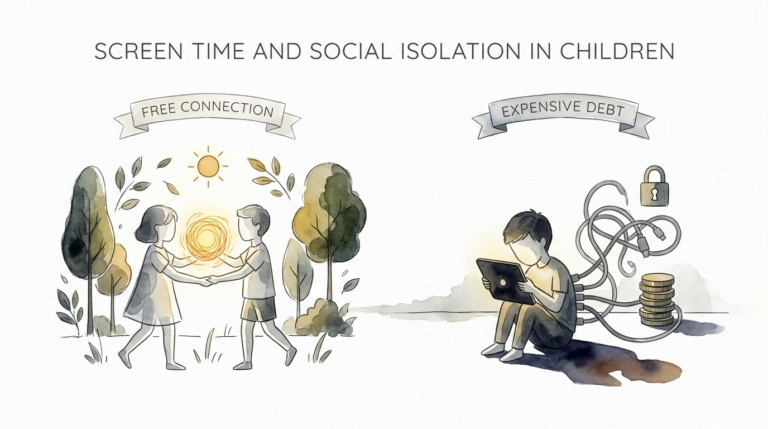
Why pay a monthly fee for digital noise when your recycling bin holds the key to a focused mind? The tech industry wants you to believe that a $15/month app is the only way to organize your child’s life. But digital rewards disappear when the screen turns off. A physical, recycled chart has weight, texture, and permanence. It costs $0 and teaches your child that they can build their own systems of success using what’s already in their hands.
Building a routine isn’t just about ticking boxes. It is about creating a visual map of the day that a child can touch, feel, and own. When we outsource this to an app, we lose the tactile connection that helps a young brain cement new habits. Using a cereal box and some bottle caps transforms a mundane chore into a project of creation. This is where the magic of “DIY” meets the science of habit formation.
You are about to learn why the simplest tools often produce the most profound results. We will explore how to reclaim your kitchen walls from the tyranny of the “premium subscription” and replace them with something far more valuable: a system built on creativity and connection.
Diy Routine Chart Vs Chore Apps
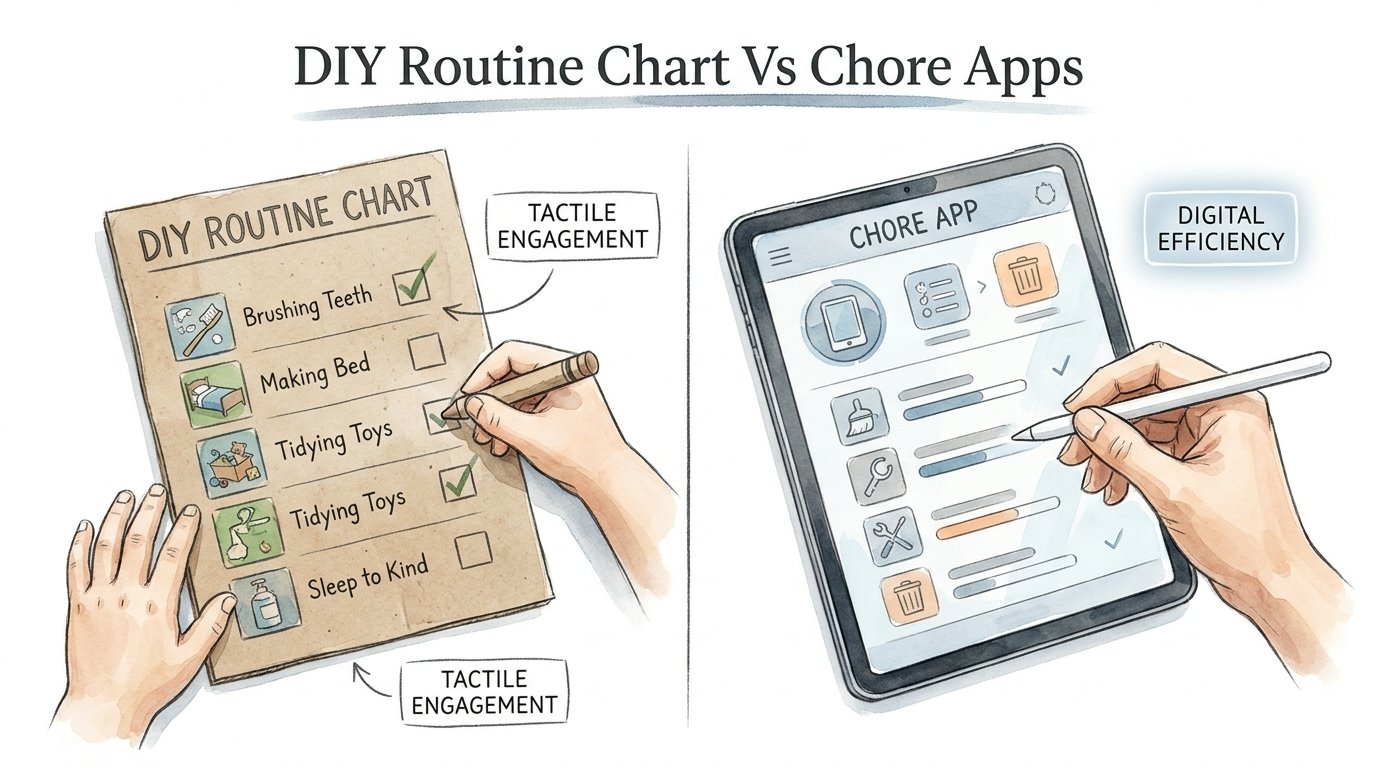
A DIY routine chart is a physical tool built from everyday materials to track daily tasks and habits. It usually lives on a wall, fridge, or door. It relies on tactile interaction, such as moving a magnet, flipping a card, or placing a sticker. A chore app, by contrast, is a software-based system that lives on a smartphone or tablet. It uses notifications, digital badges, and sometimes monetary transfers to motivate behavior.
The DIY chart exists in the real world. It does not require a battery. It never has a “server down” error. It serves as a constant, passive visual reminder that stays in your child’s peripheral vision. You do not have to unlock a device to see what comes next. This visibility is crucial for children under 10, whose working memory is still developing.
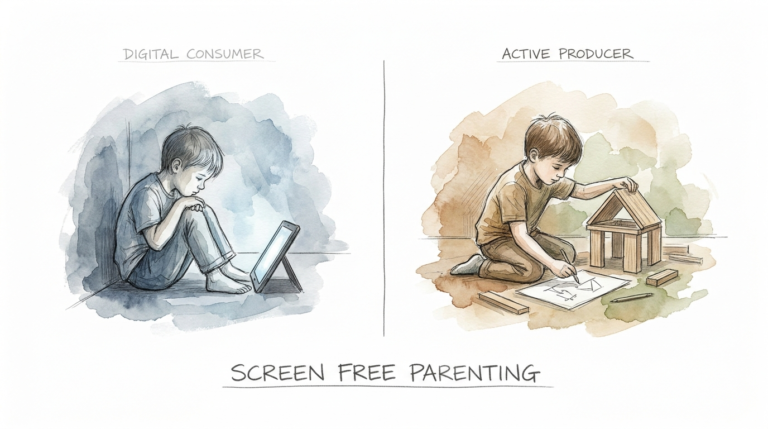
Chore apps thrive on “gamification.” They use the same psychological hooks as mobile games to keep kids engaged. While this works for some, it often tethers a child’s sense of accomplishment to a screen. A physical chart is a tool for life; an app is a tool for the device. One encourages resourcefulness, while the other reinforces digital dependency.
How It Works: Building Success from Scraps
Building a recycled routine chart is a three-step process: sourcing, structuring, and activating. You start by looking at your trash with new eyes. An empty pizza box is a canvas. A handful of plastic bottle caps are your “done” tokens.
To start, gather your base material. Corrugated cardboard from a shipping box works best because it is sturdy. Cut a large rectangle. Use markers to divide the board into time-of-day zones: Morning, After School, and Evening. This spatial division helps a child visualize the passage of time.
Next, create the interactive elements. This is the most important part. Children need to “do” something physical to register completion. You can use clothespins with task names written on them that move from one side of the box to the other. Or, try “folding flaps.” Tape small rectangles of paper over a picture of the task. When the task is done, the child folds the flap up to reveal a star or the word “DONE.”
Finally, activate the system by placing it at the child’s eye level. A chart on top of the fridge is useless if a five-year-old cannot reach it. Use Command strips or magnets to secure it where the child naturally spends time. The physical act of moving a piece or flipping a flap triggers a sensory feedback loop that a screen tap simply cannot match.
Benefits of the Physical, Recycled Approach
The advantages of a DIY recycled chart go far beyond saving a few dollars a month. The primary benefit is sensory engagement. When a child peels a sticker or moves a wooden peg, they are engaging their fine motor skills and their sense of touch. Research shows that tactile learning helps bridge the gap between abstract concepts (like “responsibility”) and concrete actions.
Visibility is the second major win. A phone in a pocket is invisible. A tablet on a charger is silent. A large, colorful chart on the bathroom door is a loud, constant reminder. It acts as an external “executive function” for the child. It reduces the need for “nagging” because the chart, not the parent, is the authority.
Financial freedom is a clear perk. Most high-quality chore apps now cost between $60 and $120 per year. Over five years of a child’s development, you could spend $600 on a digital checklist. A recycled chart costs nothing. It also teaches environmental stewardship. You are showing your child that “problems” do not always need a “purchase” to be solved.
There is also the “Screen-Free” factor. Most parents are trying to reduce device time. Introducing an app to manage life often feels counterproductive. It creates another reason for a child to ask for the iPad. A physical chart keeps the focus on the task and the home environment, not the digital world.
Challenges and Common Mistakes
The biggest challenge with DIY charts is the “Novelty Fade.” In the first week, the child is excited to move the pegs. By week three, the chart might collect dust. This happens because the system becomes static. To avoid this, you must treat the chart as a living document. Rotate the stickers. Change the colors. Let the child “upgrade” their chart every month.
Another common mistake is overcomplicating the layout. Parents often try to track 15 different tasks. This leads to “choice paralysis.” A child’s brain can handle about 3 to 5 tasks per routine block. If the chart looks like a spreadsheet, the child will treat it like work. Keep it simple. Use icons or photos of the child actually doing the task instead of long sentences.
Neglecting the “Reset” is a frequent pitfall. A chart only works if it is ready for the next day. If the “Done” flaps are still up from Monday, Tuesday morning will be a failure. Make the “Reset the Chart” the final task of the evening routine. This closes the loop and prepares the child’s mind for the next day.
Finally, do not forget to involve the child in the construction. If you build it for them, it is your system. If they help tape the cardboard and choose the markers, it is their system. Buy-in starts at the construction phase.
Limitations: When the App Might Win
While physical charts are superior for early childhood development, they have limitations. They are not portable. If you spend your weekends between two different houses or travel frequently, a cardboard box is hard to lug around. Apps sync across devices, making them ideal for co-parenting situations or families on the move.
Physical charts also lack automated reminders. They cannot “ding” at 7:00 PM to remind a child to brush their teeth. They require a parent to be the secondary trigger until the habit is fully formed. If you have a child who truly ignores visual cues and needs an auditory nudge, a digital notification might be a necessary evil.
Complexity is another boundary. If you are tracking a complex system of “points” that translate into monetary interest rates or stock market simulations—features some premium apps offer—a paper chart will become a math nightmare. Apps are better for data-heavy tracking and long-term history. For basic daily habits, however, the DIY route remains the king of the kitchen.
Comparison Table: DIY vs. Digital
| Feature | DIY Recycled Chart | Digital Chore App |
|---|---|---|
| Cost | $0 (Recycled Materials) | $5–$15/month subscription |
| Sensory Feedback | High (Tactile, Physical) | Low (Screen Taps) |
| Visibility | Always Visible on Wall | Hidden behind Lock Screen |
| Set Up Time | 30–60 Minutes (Crafting) | 10 Minutes (Data Entry) |
| Maintenance | Manual Daily Reset | Automatic Daily Reset |
| Screen Time | Zero | Adds 5–10 mins per day |
Practical Tips and Best Practices
The most effective charts use “The Power of Three.” Focus on three main times of day: the Morning Launch, the After-School Bridge, and the Bedtime Wind-down. Trying to track everything from “drinking water” to “being kind” dilutes the impact. Pick the pain points. If mornings are a struggle, build the chart specifically for the morning.
Use high-contrast colors. Children’s brains process high-contrast visuals faster. A black marker on white cardboard is better than pastels. If the child cannot read yet, use symbols. A small drawing of a shoe or a toothbrush is an universal language.
Incorporate “The Reset Ritual.” At the end of the day, sit with your child and look at the chart together. Do not just bark orders. Ask them, “How did the morning feel today?” This builds self-reflection. Then, let them manually reset the chart for tomorrow. This small act signals to the brain that the day is done and a new one is coming.
Consider a “Bonus” section. Leave a small space at the bottom for “The Extra Mile.” This is for tasks the child did without being asked. It rewards initiative, not just compliance. Compliance is following the routine; initiative is seeing what needs to be done.
Advanced Considerations for Neurodiverse Families
For children with ADHD or Autism, a physical chart is often a medical necessity rather than a lifestyle choice. Digital notifications can sometimes trigger “pathological demand avoidance” or sensory overload. The chime of a phone can be perceived as an intrusion. A silent, static wall chart allows the child to approach the information on their own terms.
Use “First-Then” logic. This is a common strategy in occupational therapy. The chart should clearly show: First [Unpleasant Task], Then [Pleasurable Task]. For example, “First: Shoes On, Then: 5 Minutes of Play.” This structure helps with task initiation, which is a major hurdle for neurodiverse brains.
Add a “Proprioceptive” element. This is a fancy term for body awareness. If a child is struggling to focus, make the chart interactive in a “heavy” way. Instead of a light sticker, use heavy magnets or velcro that requires a firm “rip” to pull off. This physical resistance provides sensory input that can help ground a child’s nervous system.
Consistency across environments is key. If the child has a routine at school, try to mirror the visual style of their classroom charts at home. Using the same icons and colors reduces the cognitive load of switching between “School Mode” and “Home Mode.”
Real-World Example: The “Cereal Box Slide”
Let’s look at how one family replaced a $10/month app with a single box of Cheerios. The parents were tired of “reminding” their six-year-old to get dressed. They cut the front panel off a cereal box. They cut five vertical slits into the cardboard, about three inches long.
They took five strips of scrap cardboard and wrote a task on each: Brushing Teeth, Dressing, Making Bed, Packing Bag, and Shoes. They slid these strips through the slits. On the “top” side of the strip, they drew a red “X.” On the “bottom” side, which would be revealed when pulled down, they drew a green checkmark.
Every morning, the child would go to the wall. After brushing teeth, they would “slide” the strip down. The physical movement of the slide was satisfying. It felt like a game. The parents stopped shouting from the kitchen because they could glance at the wall and see how many green checks were visible. Total cost: $0. Total time saved: 15 minutes of morning stress. This is the power of the “low-tech” solution.
Final Thoughts
The journey toward a more organized home does not have to begin with a credit card transaction. We have been conditioned to believe that every problem has a digital solution, but the human brain is an analog organ. It craves the physical, the tangible, and the visible. By choosing a DIY recycled chart over a subscription app, you are choosing presence over distraction.
You are giving your child more than a list of chores. You are giving them a sense of agency. They see that their environment can be shaped by their own hands. They learn that success is a sequence of small, physical actions. This builds a foundation of confidence that lasts far longer than a digital badge or a virtual coin.
Experiment with the materials in your recycling bin today. Grab a box, find a marker, and start building. The system you create together will be uniquely yours, perfectly tailored to your family’s rhythm. You might find that the most effective “life hack” was in your trash all along. It is time to turn off the notifications and turn on the creativity.
Sources
1 printablechorechart.com | 2 snipits.com | 3 diy.org | 4 smarterparenting.com | 5 apa.org | 6 7daysofplay.com | 7 kiddikash.com | 8 thetoday.app | 9 thecanary.co | 10 eset.com | 11 3blmedia.com | 12 verizon.com | 13 family-checklist.com | 14 lemonblessings.com | 15 kiwico.com