how to limit screen time
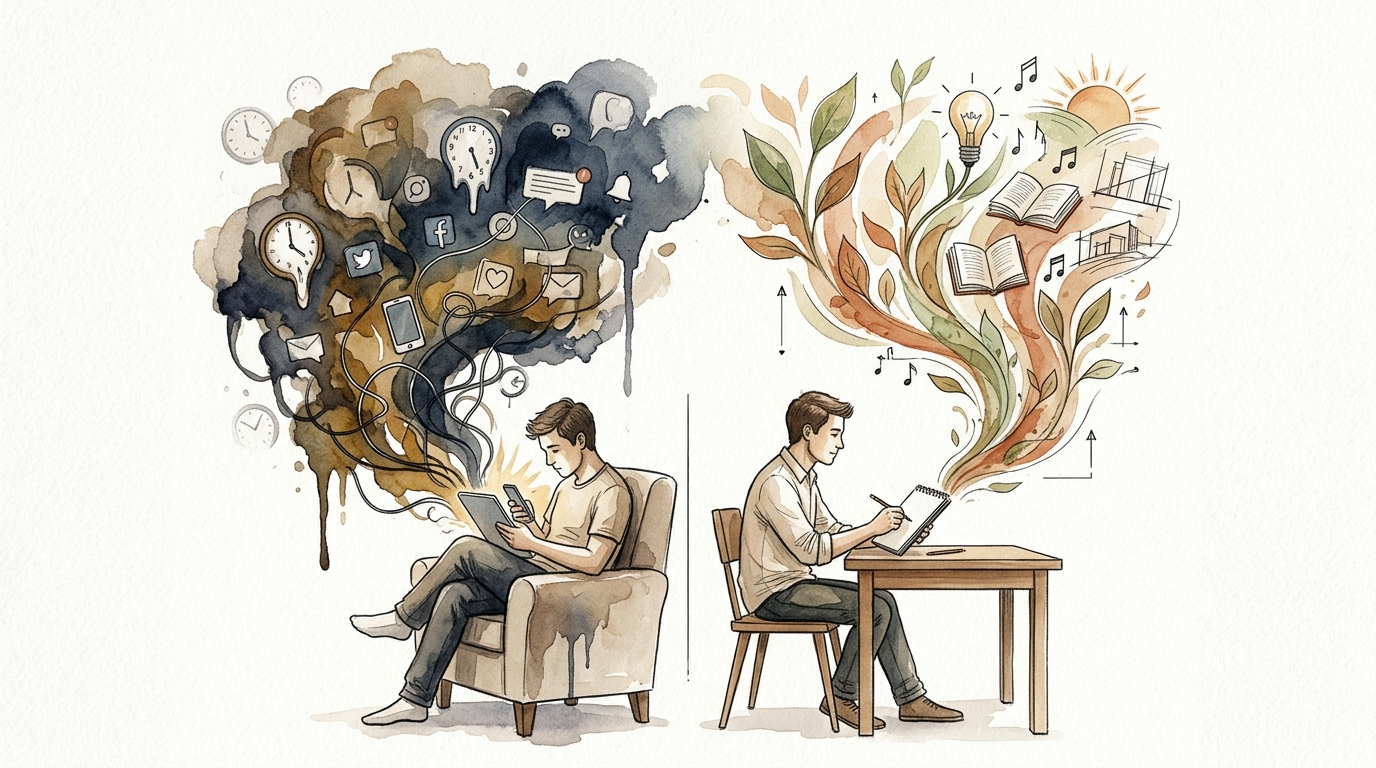
What could they build with 2 hours of ‘found’ time? Screen time isn’t just ‘time’—it’s a resource. Stop wasting it on mindless scrolls and start fueling their natural creativity and development.
Every minute spent in a passive dopamine loop is a minute stolen from potential innovation. Imagine your child trading a YouTube marathon for a DIY science experiment or a backyard fortress. That shift isn’t just possible—it is essential for long-term focus and cognitive health.
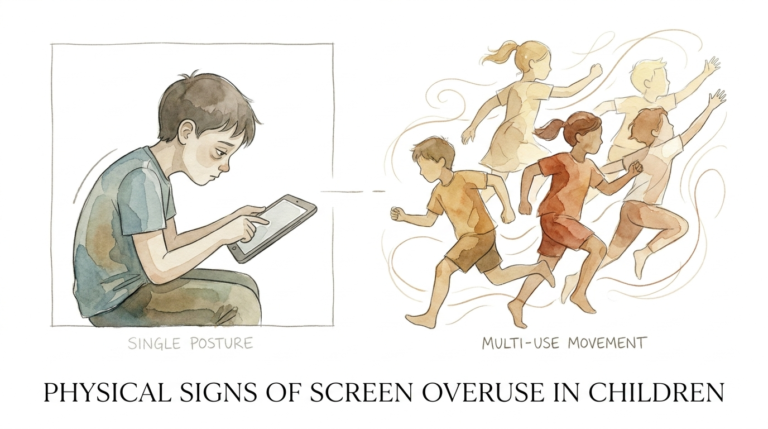
We live in an age where the average teenager clocks between seven and nine hours of screen time daily. Even younger children, aged zero to eight, are averaging nearly two and a half hours every single day. This is “Time Waste” in its purest form, and it often comes at the expense of “Creative Fuel.”
This guide is your roadmap to reclaiming that lost time. We will walk through the technical setups, the psychological shifts, and the practical routines that turn screens from masters into tools.
how to limit screen time
Limiting screen time is the intentional practice of setting boundaries on when, where, and for how long a person uses digital devices. This includes smartphones, tablets, gaming consoles, and computers. It is not about a total ban on technology; it is about creating a healthy digital diet that prioritizes real-world interaction and deep work.
In a real-world setting, these limits act as “digital speed bumps.” They force a user to stop and consider whether they really want to keep scrolling or if they are simply operating on autopilot. Without these boundaries, the addictive nature of “infinite scroll” algorithms makes it nearly impossible for the human brain, especially a developing one, to self-regulate.
Examples of limiting screen time include setting a hard cut-off for Wi-Fi at 9 PM, using app-specific timers that lock social media after 30 minutes, or designating the dinner table as a “tech-free zone.” These actions create the physical and mental space required for other activities, like reading, hobbies, or face-to-face conversation.
How the Mechanics of Control Work
Effective screen time management operates on two primary levels: device-level software and network-level hardware. Understanding both allows you to create a “fail-safe” environment that is much harder to bypass.
Device-Level Controls (iOS and Android)
Most modern smartphones have built-in systems to track and restrict usage. For Apple users, “Screen Time” is the native tool. It allows you to see real-time reports on how much time is spent in specific categories like “Social” or “Productivity.” You can set “App Limits” that trigger a block once a certain threshold is reached.
Android users utilize “Digital Wellbeing” and the “Family Link” app. These tools provide similar functionality, allowing parents to lock devices remotely or set “Bedtime” schedules where the phone becomes a grayscale brick. These are the most common starting points because they require no extra hardware.
Network-Level Controls (Routers)
When kids become tech-savvy, they often find ways to bypass device-level blocks—like changing the device clock or using “Guest” accounts. This is where router-level control becomes the gold standard. Most modern routers (like those from TP-Link, Netgear, or Eero) have a dedicated app.
From this app, you can “Pause” the internet for specific devices with a single tap. You can also create profiles for each family member and assign their devices to a specific schedule. If the router doesn’t have the internet, the app won’t work, no matter what settings are changed on the phone itself.
Psychological Triggers and Friction
Beyond technical blocks, you can limit time by adding “friction” to the user experience. Friction makes it slightly more annoying to use the device. For example, moving social media apps off the home screen and into a deep folder breaks the “muscle memory” of opening them. Turning off all non-human notifications (alerts that aren’t from a real person) reduces the number of times you are pulled back into the screen.
The Measurable Benefits of Reducing Screen Time
The rewards of reclaiming time are almost immediate and cover every aspect of development.
1. Restored Attention Spans
Constant switching between short-form videos trains the brain to expect instant gratification. By limiting these bursts of dopamine, you allow the brain to settle into “deep work” or long-form play, which is where real skill-building happens.
2. Drastic Improvements in Sleep Quality
Blue light from screens suppresses melatonin, the hormone that tells your body it is time to sleep. Removing screens at least 60 minutes before bed leads to faster sleep onset and deeper REM cycles. This results in better mood regulation the following morning.
3. Boosted Creative Output
Boredom is the birthplace of creativity. When a child cannot reach for a screen to cure a moment of boredom, they are forced to innovate. This “found time” often leads to drawing, building, or imaginative role-play that builds neural pathways screens simply cannot touch.
4. Stronger Social Intelligence
Real-world social skills—like reading body language, tone, and eye contact—are muscles that must be exercised. Reducing screen time creates more opportunities for face-to-face interactions, which are essential for developing empathy and conflict-resolution skills.
Challenges and Common Pitfalls to Avoid
Even with the best intentions, families often hit roadblocks. Recognizing these early can prevent the “relapse” into old habits.
The “Void” Problem
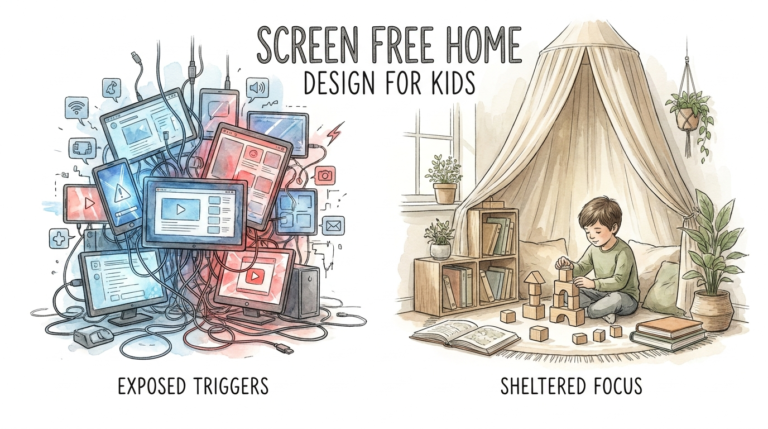
The biggest mistake people make is taking away the screen without providing a replacement activity. If you remove two hours of gaming but don’t have books, art supplies, or a planned outing ready, the “void” will be filled with whining and frustration. You must proactively fill the space with “Creative Fuel.”
Inconsistency in Enforcement
If the rules only apply when the parents are “tired of the noise,” they won’t stick. Boundaries must be predictable. If “No screens after 8 PM” is the rule, it must apply every single night, including weekends, to become a subconscious habit.
Ignoring Your Own Habits
Children are master observers. If you tell them to put their tablet away while you are simultaneously scrolling through a newsfeed, the message is lost. Modeling healthy digital behavior is the most powerful tool in your arsenal.
Over-Reliance on Software
No software is 100% foolproof. Tech-savvy kids are often one YouTube tutorial away from learning how to reset a MAC address or use a VPN to bypass filters. Hardware and software should be the backup, not the entire strategy. The primary strategy must be communication and trust.
Limitations: When the Standard Rules Fail
There are situations where strict time limits may not be practical or even beneficial.
School-Mandated Technology
Many schools now require laptops or tablets for homework. This blurs the line between “productive screen time” and “recreational screen time.” In these cases, you cannot simply look at the total hours. You must focus on *what* is being done on the screen rather than just the clock.
Digital Literacy Requirements
We cannot raise children in a vacuum. They need to understand how to navigate the digital world, use software, and even code. A total ban prevents them from developing the skills they will need for future careers. The goal is balance, not abstinence.
Age-Appropriate Complexity
A rule that works for a 7-year-old (e.g., “Only 30 minutes of cartoons”) will be met with massive resistance and failure with a 16-year-old. Older children need more autonomy and “negotiated” limits rather than dictated ones.
Comparing Passive vs. Creative Screen Use
Not all screen time is created equal. Understanding the difference helps you decide what to limit and what to encourage.
| Feature | Passive Consumption (Time Waste) | Creative Production (Creative Fuel) |
|---|---|---|
| Activity | Scrolling TikTok, YouTube Shorts | Video editing, Coding, Digital Art |
| Brain State | Reactive / Low Engagement | Active / High Problem Solving |
| Output | None | A finished project or new skill |
| Dopamine Type | Cheap, fast, addictive | Slow-burn, rewarding “earned” dopamine |
Practical Tips for Immediate Implementation
Start today with these low-friction adjustments that make a high-impact difference.
- The Grayscale Hack: Go into your phone’s accessibility settings and turn the screen to grayscale. This removes the “candy-colored” allure of apps like Instagram and TikTok, making them significantly less addictive to the human eye.
- Charge Outside the Bedroom: Make it a house rule that all devices—parents’ included—charge in a central location (like the kitchen) overnight. This prevents the “just one more video” trap at 11 PM.
- Use a Visual Timer: For younger kids, use a physical kitchen timer or a visual countdown clock. Seeing the time “disappear” helps them transition away from the screen more peacefully than a sudden “Time’s up!”
- Create a Family Media Contract: Sit down as a group and write out the rules. Let the children have a say in the consequences. When they feel like they helped build the rules, they are much more likely to follow them.
- “Buy Back” Time: Create a system where chores, outdoor play, or reading “earns” screen time. This teaches that digital entertainment is a reward for real-world productivity.
Advanced Considerations for Tech-Savvy Households
If your family is deep into the tech world, you may need more robust solutions to maintain boundaries.
DNS Filtering (NextDNS or Cloudflare)
You can set up your home network to use a custom DNS service. This allows you to block entire categories of websites (like pornography, gambling, or specific social networks) at the source. This is incredibly powerful because it works across every device in the house, including guest devices.
Pi-hole Network Ad-Blockers
A Pi-hole is a small device (usually a Raspberry Pi) that acts as a black hole for advertisements and trackers. By removing ads from the user experience, you make the internet less distracting and less manipulative.
MAC Address Filtering
For kids who try to “hide” their devices from the router, you can set up a “Whitelist” on your router. This means only devices with pre-approved MAC addresses can access the internet. Any new or “spoofed” device will be automatically blocked.
Examples: From “Time Waste” to “Found Time”
Let’s look at a typical Saturday scenario to see how these limits transform a day.
Scenario A: The Unregulated Saturday
A child wakes up and grabs a tablet. They spend 4 hours on YouTube, mostly watching “unboxing” videos. By noon, they are irritable, have a headache, and don’t want to go outside. They have produced nothing and learned very little. This is a day lost to Time Waste.
Scenario B: The “Found Time” Saturday
The tablet is locked until 2 PM. The child wakes up and, out of boredom, starts building a “marble run” out of cardboard boxes and tape. They spend 3 hours engineering the track, testing gravity, and iterating on the design. At 2 PM, they use their 1 hour of screen time to watch a tutorial on how to build a more complex marble elevator. By the end of the day, they have a physical project, a sense of accomplishment, and an improved understanding of physics.
The difference isn’t the presence of the screen; it’s the *boundary* around it that forced the creativity to happen.
Final Thoughts
Reclaiming “found time” is one of the most significant gifts you can give to yourself and your family. By treating screen time as a finite resource rather than an infinite entitlement, you shift the focus from what you are losing (the screen) to what you are gaining (the world).
The goal is not to reach a state of perfection where no one ever scrolls mindlessly. The goal is to ensure that the mindless scroll is the exception, not the rule. Start with one small change—perhaps a tech-free dinner or a grayscale screen—and watch how the natural curiosity of your household begins to return.
As you implement these strategies, remember that the initial resistance is normal. It is a sign that the “digital speed bumps” are working. Stay consistent, stay curious, and keep fueling the creativity that only happens when the screens go dark.
Sources
1 monstermath.app | 2 rittercommunications.com | 3 gabb.com | 4 upandupaba.com | 5 demandsage.com | 6 techmonitorpro.com | 7 familysafe.com | 8 aacap.org | 9 digitalwellnessday.com | 10 google.com | 11 northeastohioparent.com | 12 blankspaces.app | 13 explodingtopics.com | 14 critusa.org | 15 sunshine-parenting.com | 16 cookchildrens.org | 17 aap.org | 18 inspirechildren.com | 19 awiredfamily.org | 20 screenwiseapp.com