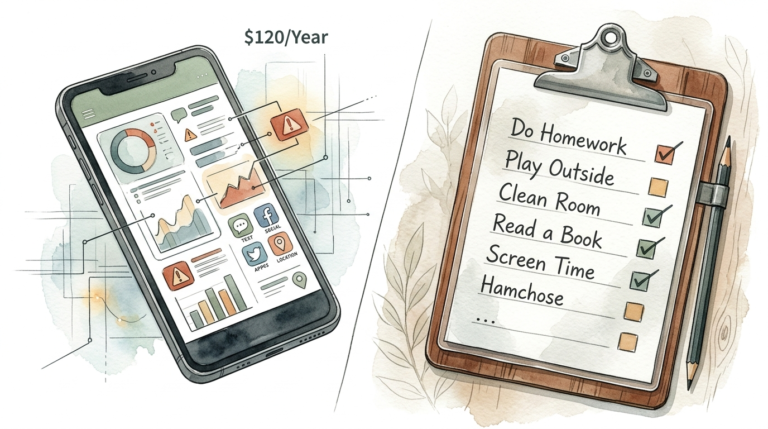
screen time problems
Screen time problems usually start with a lack of systems. Most screen time problems aren’t about the content—they’re about the chaos. No boundaries, no bedtime, no ‘home’ for devices. Here is how to create a structured system that brings peace back. #HomeOrganization #DigitalWellness #HealthyHabits

You wake up and the first thing you touch isn’t your morning coffee or your partner’s hand—it is your smartphone. Within seconds, your brain is flooded with emails, headlines, and social media notifications. This reactive state sets the tone for the rest of your day, leaving you feeling mentally drained before you’ve even started work.

Creating a structured system for technology isn’t about being “anti-tech.” It is about intentionality. When you lack a system, your devices dictate your schedule. When you implement a structured system, you reclaim your most valuable resource: your attention. This guide will show you how to move from digital disarray to a lifestyle of digital wellness.
screen time problems
Screen time problems are more than just “using your phone too much.” They represent a fundamental misalignment between our biological needs and our digital environments. In 2025, Americans spend an average of 5 hours and 16 minutes per day on their phones alone, which is a 14% increase from the previous year [1.1.8]. This doesn’t even account for time spent on computers or televisions.
At its core, the problem exists because modern apps are designed to hijack our neural mechanisms. Bundles of neurons in our brains associated with short-term motivation “vote” for actions based on expected rewards [1.4.1]. Apps like TikTok or Instagram use machine learning to provide an “artificially consistent and pure reward experience,” making the “pick-up-the-phone” vote almost impossible to resist without a system in place [1.4.1].
In the real world, these problems manifest in several critical areas:
- Socioemotional Issues: Increased screen time is linked to anxiety, depression, and behavioral problems like aggression or hyperactivity, especially in children [1.1.1, 1.1.5].
- Physical Health: Excessive use contributes to sedentary lifestyles, obesity, and digital eye strain [1.1.3, 1.6.3].
- Sleep Disruption: Blue light exposure suppresses melatonin, but more importantly, “scrolling loops” keep the brain alert long after it should be resting [1.3.6, 1.4.4].
- The Vicious Circle: Children often turn to screens to cope with existing emotional problems, which in turn worsens those very problems [1.1.1].
Whether you are a parent managing a household or a professional trying to maintain focus, these problems are a direct result of “tech creep”—the slow, unmanaged integration of devices into every corner of our lives [1.5.1].
How to Build a Structured Screen Time System
To move from chaos to order, you need a system that removes the need for constant willpower. Willpower is a finite resource; a system is an automated environment. Here is how to build one step-by-step.
Step 1: The Digital Audit
You cannot manage what you do not measure. Use your device’s built-in tracking tools to see your daily average, pick-ups, and most-used apps [1.6.5]. Look for “problematic” use—times when you are scrolling just to relieve boredom or anxiety rather than for a specific purpose [1.6.7]. Identify your “trigger situations,” such as scrolling in the bathroom or while waiting for coffee.
Step 2: Establish “Device-Free Zones”
Create physical boundaries in your home. Designate specific areas, like the dining room table or bedrooms, as “tech-free zones” [1.5.4, 1.5.5]. The kitchen island is often an ideal candidate for this, as it serves as the central hub for family conversation and meal preparation [1.5.5]. By physically removing the device from these spaces, you reinforce the boundary without needing to think about it.
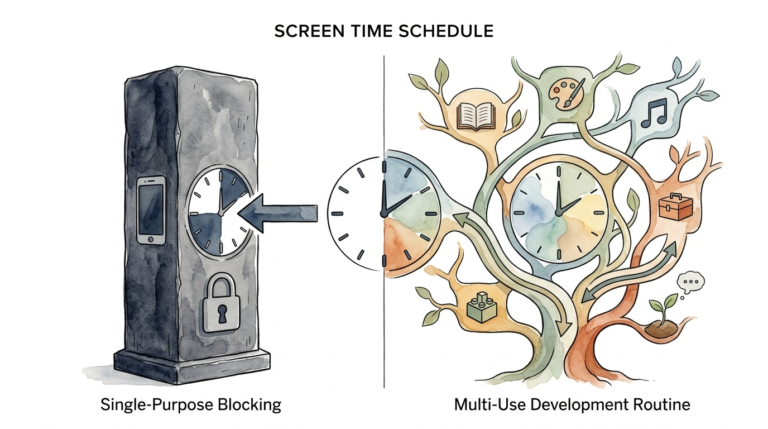
Step 3: Implement a “Device Hotel”
Devices should have a “home” that isn’t your pocket or your nightstand. Set up a communal charging station in a central location, like the mudroom or a kitchen corner [1.5.3]. At a set time every evening—perhaps 8:00 PM—all devices go to the “hotel” for the night. This prevents the “just one more check” habit that ruins sleep hygiene [1.4.4, 1.5.3].
Step 4: Use “Hard” Constraints
For many, self-regulation isn’t enough. Use app blockers or parental control software to automate your boundaries. Tools like Aura, Qustodio, or Boomerang allow you to set “hard” daily limits and per-app schedules [1.2.1, 1.2.5, 1.2.8]. If you are a professional, consider “Focus” modes that block distracting notifications during deep work hours [1.6.5].
Step 5: The Replacement Strategy
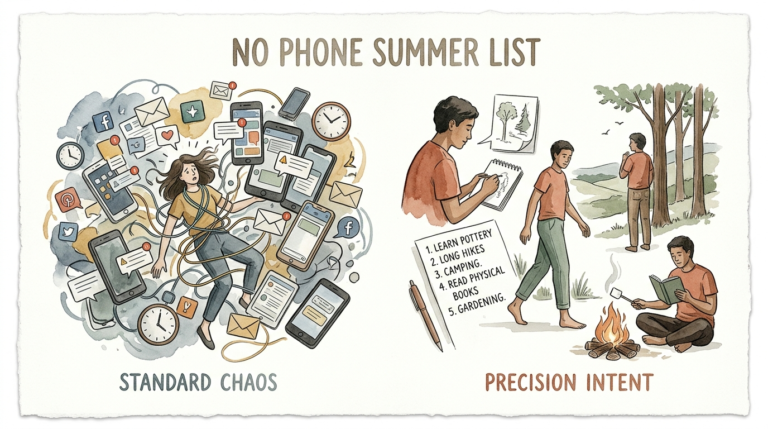
A system that only says “no” will eventually fail. You must pair a harmful phone activity with an off-screen one. Instead of scrolling TikTok when bored, have a book or a crossword puzzle ready [1.6.7]. If you usually scroll on public transport, bring a physical magazine. Replacing the digital “dopamine hit” with a tactile activity helps satisfy the brain’s need for engagement [1.6.7].
The Practical Benefits of Structured Systems
Why go through the effort of building these systems? The measurable benefits extend to every area of your life. Consistent digital wellness practices help you “harness technology’s benefits while protecting your psychological health” [1.3.6].
Mental Clarity and Reduced Burnout: Constant notifications keep your brain in a reactive “state of alert,” leading to irritability and mental fatigue [1.3.2, 1.3.4]. A structured system allows your nervous system to downshift, reducing the risk of technology burnout [1.3.2].
Improved Focus and Productivity: Multitasking across apps fragments your attention. By scheduling specific times to check emails or social media, you can engage in “Deep Work,” completing tasks more efficiently and with higher quality [1.3.2, 1.4.7].
Restorative Sleep: Creating a technology cutoff time supports deeper, more restorative sleep cycles [1.3.2]. This isn’t just about blue light; it’s about avoiding the emotional overstimulation that comes from news or social comparison right before bed [1.3.6].
Stronger Relationships: When devices compete for attention, in-person connections suffer. Being “fully present” during meals and conversations strengthens communication and improves emotional regulation within families [1.3.2, 1.5.1].
Challenges and Common Mistakes
Building a system is simple, but maintaining it is difficult due to societal and psychological pressures. Understanding these pitfalls is the first step toward avoiding them.
One of the biggest mistakes is trying to reach a goal too quickly. If you currently have 8 hours of screen time, trying to drop to 2 hours in a single week often leads to failure [1.6.7]. Instead, aim for a gradual reduction—perhaps 30 to 60 minutes per week—until you reach a stable, sustainable level [1.6.7].
Another common pitfall is the “Trap of Saying Yes.” We often feel obligated to respond to work messages or social pings immediately. This leads to an “overwhelming schedule” where you are always on call [1.6.1]. Learning to decline requests or setting clear “off-line” hours is essential for system integrity.
Finally, many parents fall into the “Babysitter Trap.” In 2025, 49% of parents rely on screens daily to manage childcare challenges [1.1.6]. While screens provide temporary relief, using them to avoid tantrums can create a “vicious circle” where the child loses the ability to self-regulate without a device [1.1.1, 1.1.6].
Limitations and Realistic Constraints
A structured system must be flexible enough to handle the complexities of modern life. There are situations where a rigid system may not be ideal or even possible.
Job Requirements: Many professionals work in roles that require on-call availability or frequent digital communication. In these cases, a “blackout” system might be career-suicide. The solution is “selective availability”—using tools to allow only urgent work-related notifications while blocking social distractions [1.6.5].
Emergency Accessibility: Parents or caregivers often fear being unreachable during an emergency. This fear can lead to “phone tethering.” Modern “Focus” modes solve this by allowing “Emergency Bypass” for specific contacts while keeping the rest of the phone’s distracting features locked down [1.6.5].
Social Pressure: Our culture often equates “slow response” with “rude behavior.” Choosing a structured system may mean navigating social friction with friends or family who expect instant replies. Transparency is key here—letting people know your “checked-in” hours can mitigate these misunderstandings.
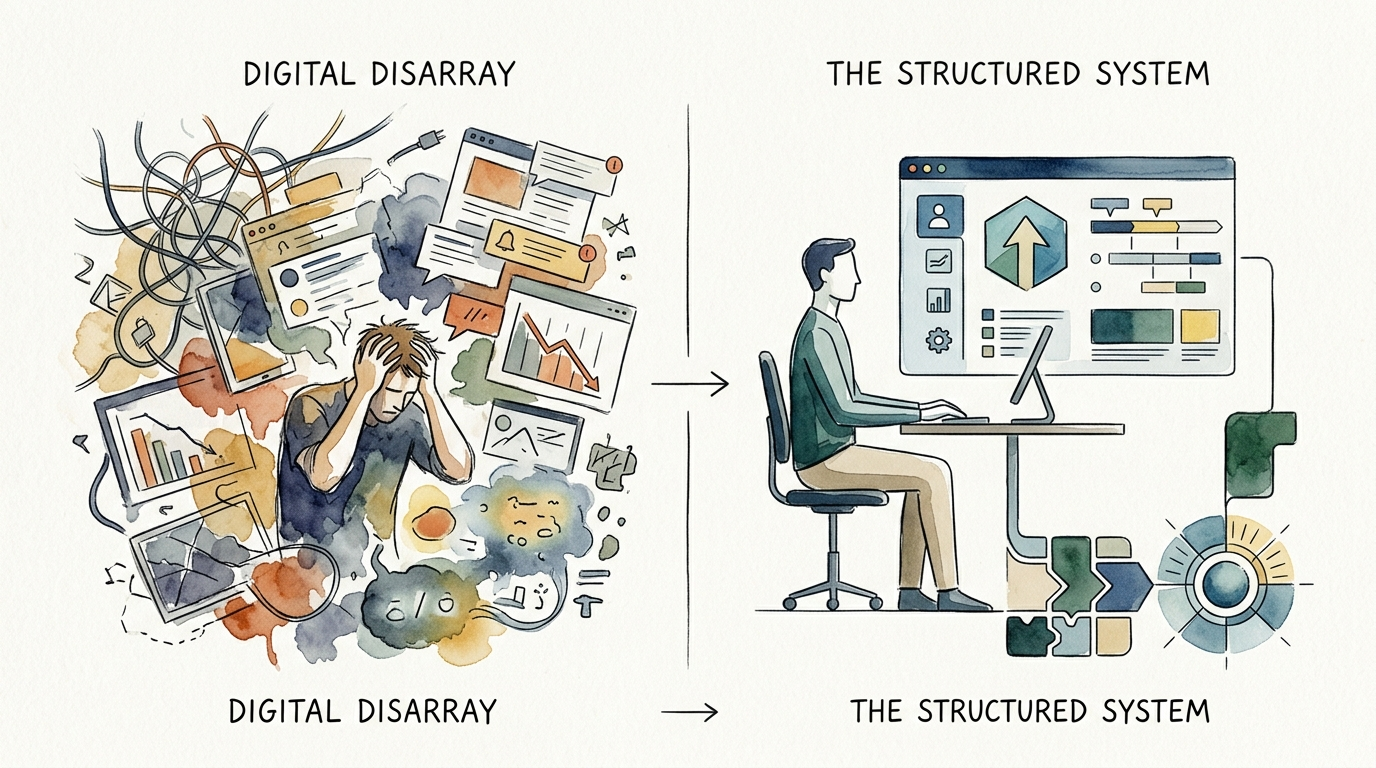
Digital Disarray vs. The Structured System
To help visualize the difference, consider how these two approaches handle common daily scenarios. A system moves you from being a “consumer” to being a “user.”
| Feature | Digital Disarray | The Structured System |
|---|---|---|
| Morning Routine | Immediate scrolling in bed. | Phone stays in the “hotel” until breakfast. |
| Notification Management | All alerts enabled; constant interruptions. | Minimal alerts; scheduled “checking” times. |
| Physical Boundaries | Phone at the dinner table and in the bedroom. | Dedicated “tech-free zones” like the kitchen island. |
| App Usage | Passive, algorithm-driven scrolling. | Intentional use with hard time limits. |
| Maintenance Level | None (Reactive). | Moderate (Requires initial setup and weekly review). |
Practical Tips and Best Practices
Implementing a system doesn’t have to be overwhelming. You can start with these high-impact “micro-adjustments” today.
- Use Grayscale Mode: Most of the “gratification” from a smartphone comes from the vibrant colors. Switching your phone to grayscale removes the visual reward, often reducing usage by an average of 37 minutes per day [1.6.5].
- Delete “Infinite Scroll” Apps: If you find yourself losing hours to specific social media apps, delete them from your phone and only access them via a desktop computer. This adds a “friction point” that discourages mindless use [1.4.2, 1.6.5].
- The “One-In, One-Out” Rule: For every new digital habit or app you adopt, find an analog equivalent to cultivate. This ensures your life stays grounded in the physical world [1.4.3].
- Visual Reminders: Use physical signs or designated baskets to remind family members where the tech-free zones are. A basket at the front door for visitors’ phones can help preserve “IRL” (In Real Life) time for play and connection [1.5.3].
Advanced Considerations for Serious Practitioners
For those who want to go beyond basic limits, the philosophy of “Digital Minimalism” offers a deeper framework. Popularized by Cal Newport, this approach suggests that you should only use a digital tool if its benefits significantly outweigh its costs [1.4.3, 1.4.6].
Consider the concept of “Slow Productivity.” This involves doing fewer things, but doing them with more care and focus [1.4.5]. A structured screen time system is the infrastructure that makes slow productivity possible. It protects your “Deep Work” hours from the “shallows”—the low-value, distracting tasks that fill a disorganized digital life [1.4.2, 1.4.7].
Furthermore, serious practitioners look at the “Biohacking” aspect of screen time. This includes using blue-light blocking glasses or software like f.lux, but more importantly, aligning device use with circadian rhythms. High-stimulation apps should be avoided in the “wind-down” hours before sleep to ensure optimal brain recovery [1.3.2, 1.3.6].
Real-World Scenarios
The “Digital Reset” Family: A family of four noticed that their evenings were spent in silence, with everyone on separate devices. They implemented a “Device Hotel” in the kitchen. At 7:30 PM, all phones were “checked in.” For the first week, there was irritability (digital withdrawal). By the third week, the family began playing board games and talking about their days. Their system didn’t ban tech; it simply gave it a “bedtime.”
The “Focused” Professional: A remote software engineer felt his productivity slipping due to constant Slack pings and news alerts. He moved his social media apps to a “Tablet Only” rule—no social apps on his work phone or laptop. He used “Focus” mode to block all but urgent calls from 9:00 AM to 12:00 PM. By creating these “walled gardens” of time and space, his output doubled without increasing his working hours.
Final Thoughts
Reclaiming your life from screen time problems isn’t a one-time event; it’s a structural shift. Screen time problems usually start with a lack of systems, but they end with intentional design. By creating physical homes for your devices, setting hard boundaries with tools, and replacing digital loops with meaningful analog activities, you can move from a state of constant distraction to one of deep focus and peace.
Remember that the goal isn’t to reach a “perfect” number of minutes. The goal is to ensure that your technology serves your values, rather than your impulses. Start with one zone or one “hotel” rule tonight. The mental clarity and restorative sleep that follow will be all the motivation you need to keep building.
Experiment with these systems and see what fits your lifestyle. Digital wellness is a journey of “deep intentionalism”—choosing the life you want over the one the algorithm wants for you [1.4.6].
Sources
1 qustodio.com | 2 apa.org | 3 starkhelpcentral.com | 4 psychologytoday.com | 5 verizon.com | 6 luriechildrens.org | 7 harmonyhit.com | 8 calnewport.com | 9 danabehavioralhealth.org | 10 mayoclinic.org | 11 screensense.org | 12 womentech.net | 13 jomo.so | 14 thebereacitizen.com | 15 calnewport.com | 16 holmeandhadfield.com