summer screen time schedule
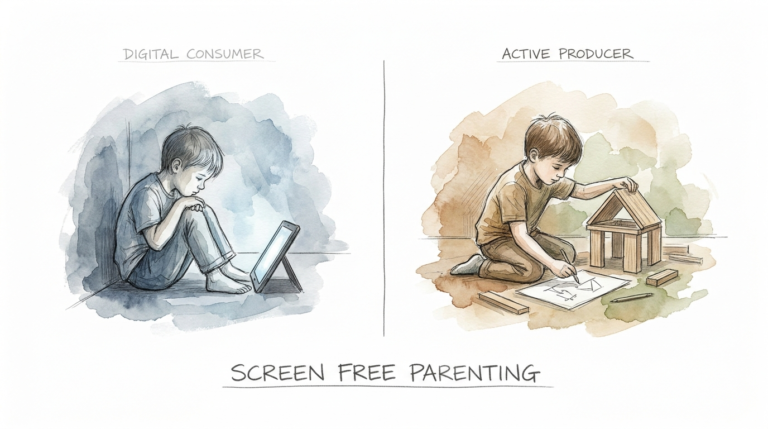
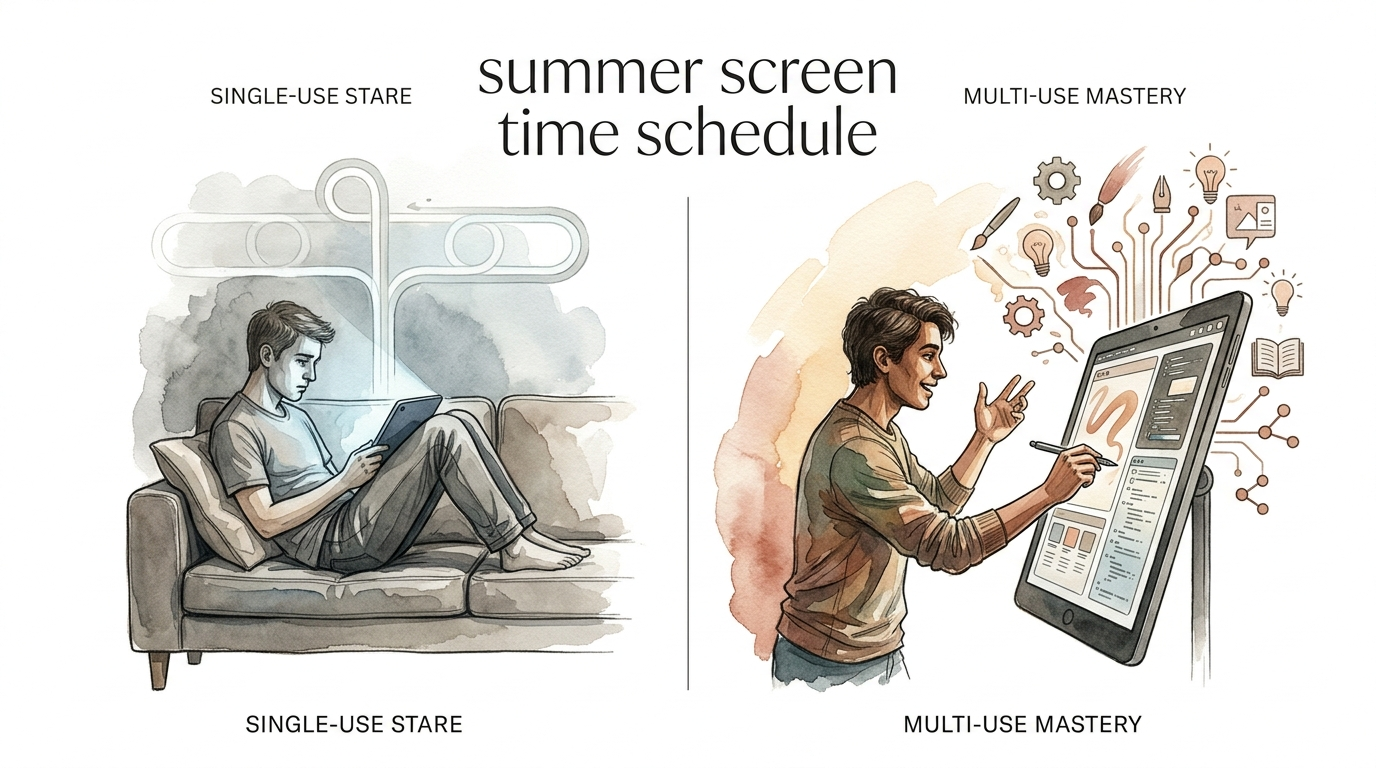
Is their summer a single loop or a broad horizon? A screen serves one purpose: distraction. A balanced summer schedule serves their body, mind, and spirit. Use this template to ensure your kids are getting a full-spectrum experience.
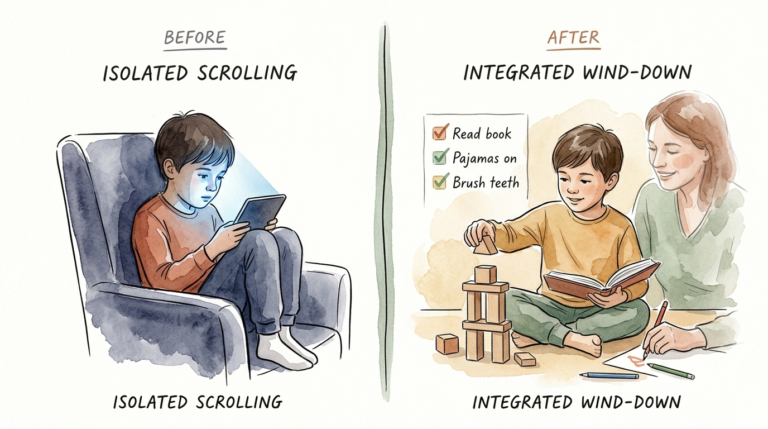
Summer break arrives with a promise of freedom, but without a plan, that freedom quickly dissolves into a digital fog. You see it every year. The backpacks are dropped, the sun stays out later, and suddenly, the “Single-Use Stare” takes over. This is the blank, glazed expression of a child caught in an infinite scroll or a mindless gaming loop.
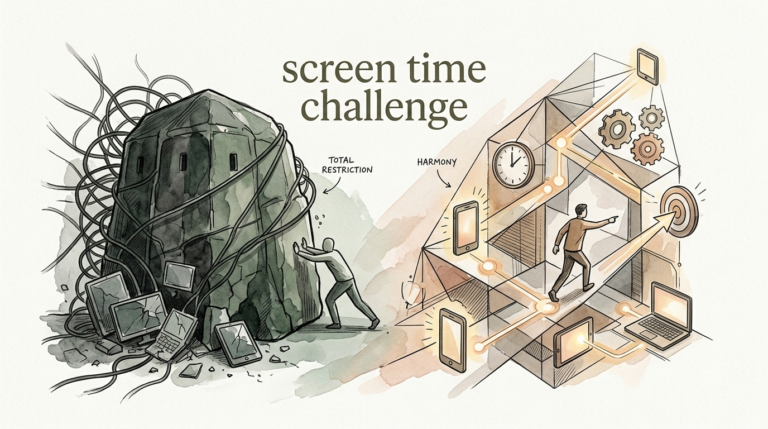
You do not need to ban devices to win the summer. You simply need a framework. A thoughtful summer screen time schedule replaces aimless consumption with intentional action. It shifts the focus from “how much time” to “what is being displaced.” When you protect the essentials—sleep, movement, and connection—screens naturally find their proper place.
Think of this as a roadmap for “Multi-Use Mastery.” Instead of the screen being the destination, it becomes one of many tools in a vibrant summer toolkit. This guide will help you build a rhythm that respects their autonomy while guarding their development.
summer screen time schedule
A summer screen time schedule is a flexible management framework designed to balance digital engagement with physical, social, and cognitive activities. Unlike rigid school-year rules, this schedule accounts for the unique lack of structure during the months of June, July, and August. It acts as a set of guardrails to prevent “screen creep,” where device usage slowly expands to fill every empty moment.
Research shows that during the summer, daily screen use among children can spike significantly, with some teens spending upwards of four hours a day on devices. Nighttime messaging often doubles during these months, directly impacting sleep quality and emotional regulation. A schedule exists to mitigate these risks by defining when screens are appropriate and what must happen before they are turned on.
In the real world, this looks like a “rhythm” rather than a strict timetable. It prioritizes “Green Time” (outdoors) over “Screen Time” and ensures that the “Single-Use Stare” doesn’t replace meaningful human interaction. It is about creating a “Digital Nutrition” plan where high-quality, interactive content is preferred over passive, looping consumption.
How to Build Your Summer Rhythm
Creating a successful system requires moving away from the role of “Tech Police” and toward the role of “Digital Mentor.” Start by involving your children in the planning process. When kids have a voice in the rules, they are more likely to respect the boundaries. Use the “First, Then” principle as your foundation.
Step 1: Identify the Non-Negotiables
Before any device is touched, the “basics of being human” must be met. These are the activities that screens often displace if left unchecked. Your list should include hygiene, household contribution, physical movement, and “brain work.”
Step 2: Create a Visual Checklist
Vague instructions like “go play outside” rarely work. Use a physical checklist or a “Screen Time Earned” chart. The list might include:
- Making the bed and tidying their room.
- Completing 30 minutes of reading or a summer workbook page.
- Spending 60 minutes in active “Green Time” outdoors.
- Doing something creative (drawing, building, or writing).
- Assisting with a household chore (dishes, laundry, or pets).
Once the boxes are checked, the “digital gate” opens.
Step 3: Define Tech-Free Zones and Times
Establish firm boundaries that are independent of the checklist. The strongest research suggests that any screen use within one hour of bedtime negatively impacts the developing brain. Make the dining table and bedrooms “Device-Free Zones” to protect sleep and face-to-face connection.
The Benefits of a Structured Summer
A balanced summer screen time schedule offers measurable advantages for a child’s neurological and emotional health. By preventing excessive passive consumption, you are protecting their dopamine receptors from the “over-stimulation” common in high-speed digital environments. This leads to better focus and a lower threshold for boredom-induced irritability.
Physical health improves as sedentary behavior is replaced by movement. Studies have linked excessive summer screen time to increased risks of obesity and poor posture. A schedule naturally encourages the “Goldilocks” amount of tech—enough to stay connected and learn, but not so much that it interferes with physical development.
Cognitive growth is another major win. “Multi-Use Mastery” allows kids to use screens for creation—like coding a game, editing a video, or researching a hobby. This type of active engagement has been associated with better executive function compared to mindless scrolling. You are essentially teaching them to be creators rather than just consumers.
Challenges and Common Mistakes
The biggest challenge you will face is the “Boredom Crisis.” When kids lose the high-intensity stimulation of a screen, they often feel a sense of withdrawal. They may groan, complain, or hover around you. This is actually a sign that the schedule is working. Boredom is the necessary precursor to creativity, but most parents cave at the first sign of a child’s frustration.
A frequent error is using screen time as a primary reward or punishment. This gives the device “forbidden fruit” status and increases its perceived value. Instead, frame screen time as a natural part of the day that follows other responsibilities. It shouldn’t be the “prize” for living; it should be one activity among many.
Consistency is the other major hurdle. If the rules are enforced on Monday but forgotten by Thursday, the system collapses. Children thrive on predictability. If they know the rules don’t change based on your mood or workload, the “negotiation battles” will eventually fade.
Limitations and Realistic Constraints
No schedule survives contact with reality 100% of the time. There will be rainy days, long car rides, or days when you are working from home and need a quiet environment. In these moments, a rigid schedule can become a source of stress rather than a solution. It is okay to have “Emergency Protocol” days where screen limits are relaxed.
Environmental factors also play a role. If you live in an area with extreme heat or limited safe outdoor spaces, the “60 minutes of Green Time” might be impossible. In these cases, you must pivot to “Active Indoor Play” like obstacle courses, dancing, or indoor “brain games” to fill the gap.
Parental burnout is a real boundary. If managing the schedule becomes a full-time job that leaves you exhausted, it isn’t sustainable. The goal is to build a system that eventually runs itself through habit. If a child is neurodivergent or has specific sensory needs, the standard checklist might need significant modification to avoid meltdowns and ensure true wellness.
Passive vs. Interactive Screen Time
Not all digital minutes are created equal. Understanding the difference between “Single-Use Stare” and “Multi-Use Mastery” is the key to a sophisticated summer screen time schedule.
| Factor | Passive (Single-Use Stare) | Interactive (Multi-Use Mastery) |
|---|---|---|
| Brain Activity | Low; mostly observational. | High; requires problem-solving. |
| Examples | YouTube Shorts, TikTok, Netflix. | Minecraft, Coding, Digital Art, Duolingo. |
| Social Impact | Isolating; parasocial. | Collaborative; requires communication. |
| Dopamine Loop | Rapid, “Cheap” hits from scrolling. | Delayed gratification through building. |
Your goal is to tilt the scales toward the right-hand column. While a 30-minute show is fine, two hours of Minecraft building with a friend is often more cognitively “nutritious” for an older child.
Practical Tips for Success
Start small. If you are moving from a “free-for-all” to a structured schedule, do not implement a 10-point checklist overnight. Begin with one or two “must-dos” before tech is allowed. This builds the habit of “earning” digital time without triggering massive resistance.
Model the behavior you want to see. If you are constantly checking your own phone during “Green Time” or at the dinner table, your children will view your rules as hypocritical. Create a “Family Tech Dock” where everyone—parents included—leaves their devices at a certain time of night.
Use technology to manage technology. Screen time settings on iOS and Android allow you to set “Down Time” and “App Limits” automatically. This removes you from the role of the “bad guy” and puts the responsibility on the device. When the iPad locks, it’s the system’s rule, not yours.
Advanced Considerations for Digital Wellness
As children grow, the schedule should evolve from “time limits” to “attention management.” Teach them about the “Economy of Attention.” Explain how algorithms are designed to keep them scrolling and why they feel “tired-but-wired” after a long session. This builds critical thinking skills that will protect them long after they leave your house.
Content curation is more important than the clock. A child watching 20 minutes of high-stimulation, low-value “unboxing” videos may be more agitated than a child spending an hour watching a detailed tutorial on how to build a birdhouse. Focus on the quality of the “Digital Nutrition.”
Consider the physiological impact of blue light. Summer provides an abundance of natural light, which is essential for setting a child’s circadian rhythm. Ensure they get “Bright Light” exposure early in the morning. This naturally offsets some of the sleep-disrupting effects of evening screen use.
Example Summer Scenarios
Scenario A: The “Rhythm” Day (School-Age Child)
7:00 AM – 9:00 AM: Natural wake-up, breakfast, and morning chores (Bed made, laundry to bin).
9:00 AM – 11:00 AM: Creative & Mind Time (30 mins reading, 30 mins Lego/Art, 60 mins outdoor play).
11:00 AM – 12:30 PM: First Tech Block (Interactive games or educational apps).
12:30 PM – 4:00 PM: Lunch and “The Boredom Zone” (Unstructured time, errands with parents, or swimming).
4:00 PM – 5:30 PM: Second Tech Block (Passive shows or social gaming).
6:00 PM: Dinner (Devices in the dock).
8:00 PM: Digital Sunset (All screens off for a 9:00 PM bedtime).
Scenario B: The “Work-From-Home” Pivot (Teenager)
Teens require more autonomy. Instead of a minute-by-minute schedule, use a “Daily Contribution” list. Before the “Main Tech Access” is granted, they must:
- Complete one “Deep Work” task (Volunteering, online course, or hobby mastery).
- Perform 30 minutes of high-intensity physical activity.
- Manage one major household responsibility (Mowing the lawn, cooking dinner).
Once met, their screen time is largely self-managed, provided they maintain a healthy sleep schedule.
Final Thoughts
A summer screen time schedule is not about restriction; it is about preservation. You are preserving their ability to be bored, their drive to create, and their need to move. By setting these boundaries, you are giving them the gift of a summer they will actually remember—not just a blur of glowing pixels.
Experiment with different rhythms. Some weeks will be heavy on tech due to travel or heatwaves, and other weeks will be entirely unplugged at a campsite. Both are valid. The key is the intentionality you bring to the process. When you stop viewing screens as the default state, you open up a broad horizon of possibilities for their body, mind, and spirit.
Start today. Print a simple checklist, sit down with your kids, and define what success looks like for your family this summer. You aren’t just managing devices; you are mentoring the next generation of digital citizens.
Sources
1 tanagerplace.org | 2 betterscreentime.com | 3 stayfitmom.com | 4 stayfitmom.com | 5 northwestfamilyclinics.com | 6 northwestfamilyclinics.com | 7 cbsnews.com | 8 cbsnews.com | 9 raisingkidswithpurpose.com | 10 thepragmaticparent.com | 11 envisionpartnerships.org | 12 union.health | 13 asu.edu | 14 asu.edu | 15 idtech.com | 16 reconnect-families.com | 17 thescreenguardians.com | 18 childmind.org | 19 childmind.org | 20 harvard.edu | 21 youtube.com | 22 harvard.edu | 23 fscamps.com | 24 childmind.org | 25 cedars-sinai.org | 26 jcsri.org