summer schedule for kids to earn screen time
Stop bribing them with screens for five minutes of peace. Teach them the legacy of earning their rewards. When kids ‘earn’ their screen time through a summer schedule, they value it more. You aren’t just managing their summer; you’re building a legacy of work ethic and self-discipline.
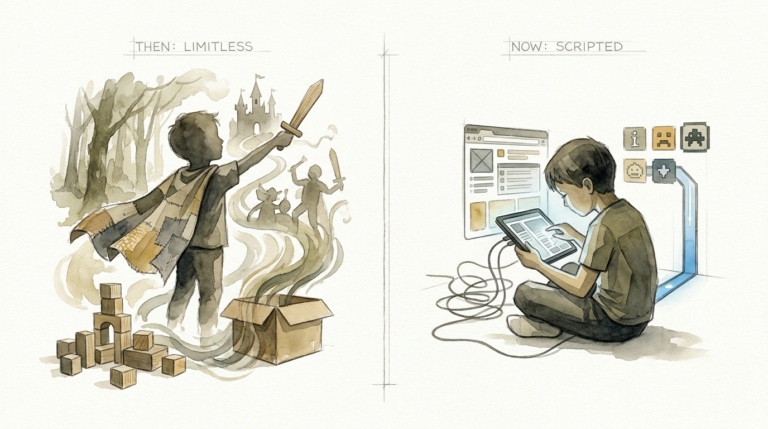
Every parent knows the summer “screen creep.” It starts as a quiet morning movie and ends with a 12-hour YouTube marathon that leaves your children glassy-eyed and irritable. The solution isn’t a total ban, which often leads to rebellion and secret device use. The solution is structure.
Transforming your home from a digital free-for-all into a merit-based environment changes the family dynamic. You move from being the “No” police to being a mentor of time management. This article will guide you through creating a summer schedule that turns screen time into a hard-earned reward rather than a default entitlement.
summer schedule for kids to earn screen time
A summer schedule for kids to earn screen time is a structured system where digital entertainment is the result of completed responsibilities. Instead of waking up and reaching for a tablet, children follow a clear roadmap of “must-do” tasks. Only after these tasks are finished—and verified—does the digital world unlock.
This system exists because unstructured summer days often lead to the “summer slide” in both academic skills and behavioral discipline. In the real world, adults work before they play. We earn a paycheck before we buy a vacation. By implementing an earn-to-play system, you are teaching your children the foundational principle of delayed gratification.
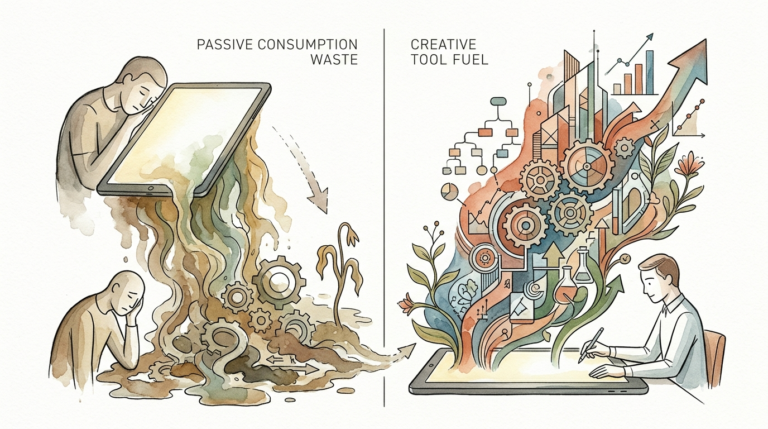
Think of it like a professional workflow. Your home becomes a training ground for life skills. Whether it is reading, physical activity, or household chores, these requirements ensure that the child’s mind and body are stimulated before they dive into the dopamine-heavy environment of video games and social media. It creates a balanced “play diet” that protects their mental health and cognitive development.
The Psychology of Earned Rewards
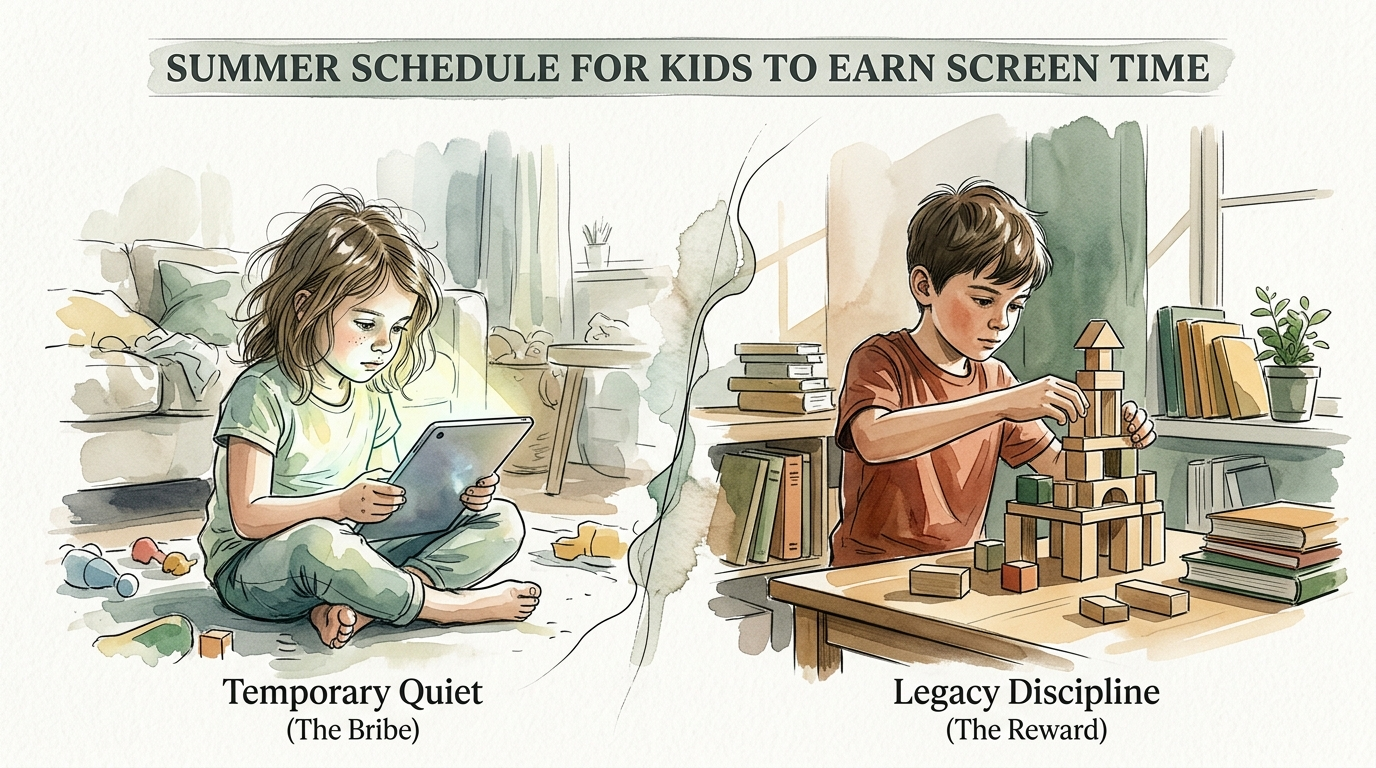
When a child is handed a screen to keep them quiet, they learn that whining or “being bored” is a currency that buys them entertainment. This is the “Temporary Quiet” trap. In contrast, “Legacy Discipline” happens when a child looks at a list, completes a task they didn’t particularly want to do, and feels the genuine satisfaction of a job well done. The screen time that follows isn’t just fun; it is a trophy.
How to Implement a Screen Time Reward System
Building a successful system requires more than just a handwritten note on the fridge. It needs clear categories, measurable goals, and ironclad consistency. There are three primary methods most families use to manage this transition.
1. The Checklist Method (The “Must-Do” Daily Flow)
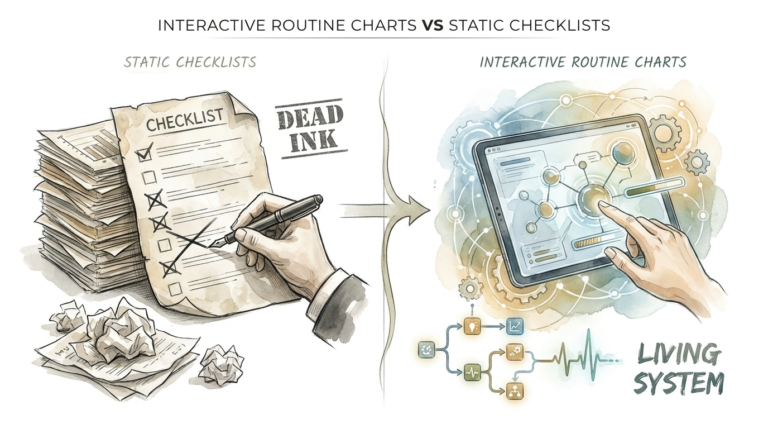
This is the most popular and straightforward approach. Your children have a daily “Unlock Checklist.” They cannot touch a screen until every item on the list is checked off. This works best for younger children who need a visual reminder of their daily rhythms. Common items include:
- Making the bed and tidying their room.
- Completing 30 minutes of independent reading.
- Spending 60 minutes playing outside (weather permitting).
- Practicing an instrument or a craft for 20 minutes.
- Finishing one “Heavy” chore (like unloading the dishwasher).
2. The Token or “Screen Bucks” Method
For parents who want to teach financial literacy alongside discipline, the token system is elite. Each chore or positive behavior is assigned a value in “points” or “tokens.” Screen time then has a “cost.” For example, 15 minutes of Fortnite might cost 10 tokens. This teaches kids to budget their time and decide if they want to “spend” their points now or save them for a longer movie night on the weekend.
3. The Time-for-Time Method
This system creates a direct 1:1 or 1:2 ratio. For every minute spent doing something productive, the child earns a corresponding amount of screen time. If they read for 30 minutes, they earn 15 minutes of screen time. This is highly effective for older children and teens who are motivated by a clear “if-then” transaction. It encourages them to go deeper into their hobbies to “buy” more digital freedom.
Benefits of a Merit-Based Summer Schedule
Moving to an earned-reward system offers measurable benefits that extend far beyond a quieter afternoon. You are essentially rewiring how your child views their time and their responsibilities within the household.
Develops Internal Motivation: Instead of waiting for you to tell them what to do, children begin to look for ways to earn their rewards. They start to understand that their effort directly controls their outcome. This is the spark of initiative that every employer looks for in the future.
Reduces Entitlement: When screen time is a right, any attempt to limit it feels like an attack or an unfair punishment. When screen time is a reward, the child knows exactly why they have it (or why they don’t). The “negotiation” stops because the rules are objective.
Promotes Healthy Brain Development: High-dopamine activities like gaming and scrolling can impair a child’s ability to focus on “slower” tasks like reading or puzzles. By forcing the slow tasks to come first, you ensure the brain remains plastic and capable of deep focus before the high-stimulus digital world takes over.
Teaches Basic Life Skills: Summer is the perfect time for “Home Economics 101.” By tying screens to chores, you ensure your kids learn how to do laundry, cook basic meals, and maintain a living space. These are skills they will carry with them for the rest of their lives.
Challenges and Common Mistakes
Even the best-designed summer schedule for kids to earn screen time can fail if you fall into these common traps. Discipline is a two-way street; it requires parental follow-through as much as child compliance.
The “Checklist” Without Verification
The fastest way to kill your system is to take their word for it. If you allow them to start their screen time before you have verified that the room is actually clean and the reading was actually done, the system loses all authority. You must inspect what you expect. A 30-second walkthrough is often all it takes to maintain the integrity of the schedule.
Inconsistency in the “Start” Time
If you have a rule that screens start after lunch, but you give in at 10:00 AM because you have a phone call, you have just taught your child that your rules are negotiable. Use “Focus Timers” for yourself if needed, but stick to the established “Unlock” times. If you must deviate, explain that it is a one-time exception due to a specific circumstance, not a change in the law of the land.
Making the Chores Too Complex
The goal is completion and habit-building, not professional-grade cleaning. If you give a 7-year-old a “Red” chore (a deep-clean task) that takes two hours, they will likely become discouraged and give up on the reward altogether. Keep the daily requirements manageable. The “Green, Yellow, Red” system—where chores are categorized by time—is a great way to keep things moving.
Limitations and When This May Not Be Ideal
While an earned-reward system is powerful, it isn’t a universal “easy button.” There are certain contexts where you may need to adjust your expectations or abandon the strict meritocracy for a day.
Travel and Vacations: When you are on a road trip or sitting in an airport, the traditional schedule usually goes out the window. It is okay to have “Travel Rules” where screen limits are relaxed. Trying to enforce a chore list in a hotel room often causes more stress than it’s worth. Just be clear that “Normal Rules” resume the moment you get home.
Neurodivergent Considerations: For children with ADHD or PDA (Pathological Demand Avoidance), a rigid checklist can sometimes trigger intense pushback or “task paralysis.” These children may thrive better on a “Flow” or “Rhythm” rather than a hard schedule. Instead of a list of 10 things, focus on two or three “Non-Negotiables” and offer high-frequency praise for small wins.
Sick Days: If your child is genuinely ill, the priority is rest and recovery. This is a time for “Grace Days” where the screen can be a comfort tool. The legacy you are building is one of discipline, but also of empathy and understanding of human limits.
Comparison: Temporary Quiet (The Bribe) vs. Legacy Discipline (The Reward)
It is helpful to see the long-term trade-offs between the quick-fix approach and the structured approach. While the “Bribe” offers immediate relief, the “Reward” builds a lasting foundation.
| Feature | The Bribe (Temporary Quiet) | The Reward (Legacy Discipline) |
|---|---|---|
| Timing | Given reactively to stop a tantrum. | Given proactively after tasks are done. |
| Control | The child controls the parent via behavior. | The child controls their time via effort. |
| Long-Term Result | Increases entitlement and negotiation. | Increases work ethic and self-regulation. |
| Parental Effort | Low in the moment, high later (conflict). | High at first (setup), low later (routine). |
| Child’s Value | Screen time is cheap and expected. | Screen time is earned and appreciated. |
Practical Tips and Best Practices
To make your summer schedule stick, you need to set your environment up for success. Use these “pro-level” adjustments to keep the momentum going through July and August.
- Create “No-Screen Zones”: Designate the kitchen table and bedrooms as tech-free areas. This forces kids to engage with the physical world even after they have earned their time.
- Use a Visual Timer: Many children struggle with transitions. A visual countdown (like a red-disk timer) helps them see how much of their “earned” time is left, reducing the shock when it’s time to log off.
- Involve the Kids in the Planning: Sit down with your calendar and let them help choose the chores or the rewards. When they feel like they helped build the “law,” they are much more likely to obey it.
- Categorize Chores by Color: Use “Green” for 5-minute tasks (brushing teeth), “Yellow” for 15-minute tasks (vacuuming a room), and “Red” for 30-minute tasks (cleaning the bathroom). Ask them to pick one from each color per day.
- Lead by Example: If you are constantly scrolling while telling them to earn their screen time, the hypocrisy will undermine your authority. Try having “Family Tech Breaks” where everyone—parents included—puts their phones in a basket.
Advanced Considerations for Serious Practitioners
Once your basic system is running smoothly, you can add layers of complexity that further enhance the learning experience. This moves from simple management to high-level character development.
Educational Multipliers
Not all screen time is equal. You can create a “Multiplier” for educational content. For example, watching a documentary or using a coding app like Scratch might count for double time, while mindless scrolling on YouTube Shorts is a 1:1 exchange. This encourages them to seek out high-quality digital engagement.
The “Bonus” Work Economy
Create a list of “Extra Credit” chores that aren’t part of the daily requirement but can be used to “buy” extra screen time or special outings. This simulates the experience of overtime or side hustles in the professional world. It teaches kids that if they want something above the baseline, they have to put in effort above the baseline.
Digital Citizenship Training
Use their earned screen time as an opportunity to teach safety and ethics. Discuss what they are watching, who they are playing with, and how to handle online conflict. The “Legacy” you are building isn’t just about discipline; it’s about raising competent, ethical digital citizens who know how to use technology as a tool rather than being used by it.
Examples and Realistic Scenarios
How does this actually look on a Tuesday in July? Let’s look at two different age groups to see how the “Earned Reward” system functions in practice.
Scenario A: The 7-Year-Old (The Checklist Approach)
Leo wakes up at 7:30 AM. He knows he cannot touch his iPad until the “Morning 5” are done. He makes his bed, eats breakfast, brushes his teeth, gets dressed, and puts his pajamas in the hamper. After breakfast, he spends 30 minutes on his summer workbook and 45 minutes playing with LEGOs. At 11:00 AM, he checks his list with his mom. She verifies the room is tidy. Leo has now “unlocked” his first hour of screen time, which he uses after lunch.
Scenario B: The 14-Year-Old (The Time-for-Time Approach)
Maya wants to spend the afternoon playing Valorant with her friends. Her summer agreement is that for every 60 minutes of “Productive Effort,” she earns 60 minutes of gaming. Maya spends two hours doing yard work (mowing the lawn and weeding). She spends another hour reading a novel for her AP English summer assignment. She logs these 3 hours in her “Time Bank.” At 3:00 PM, she logs on to play, knowing she has 3 hours of “budgeted” time that she feels good about using.
Final Thoughts
The “summer of screens” doesn’t have to be your reality. By implementing a summer schedule for kids to earn screen time, you are giving them something far more valuable than a high score or a viral video: you are giving them the gift of self-regulation. You are teaching them that boredom is the birthplace of creativity and that hard work is the prerequisite for leisure.
The first week will be the hardest. There will be pushback, there will be complaints, and there will be attempts to negotiate. Stay the course. Once the rhythm is established, the arguments will fade, replaced by a predictable flow that benefits everyone. Your children will grow more independent, your home will stay cleaner, and the “Legacy Discipline” you instill today will pay dividends for decades.
Start small. Pick three non-negotiables for tomorrow morning. Print out a simple checklist. Explain the “Why” to your kids—that you love them enough to help them manage their time. By the end of the summer, you won’t just have managed their screen time; you will have built a stronger, more disciplined family culture.
Sources
1 lifebyleanna.com | 2 lifebyleanna.com | 3 raisingkidswithpurpose.com | 4 thepragmaticparent.com | 5 reddit.com | 6 childmind.org | 7 loveandrenovations.com | 8 charlestonmoms.com | 9 charlestonmoms.com | 10 treehouseschoolhouse.com | 11 familytechzone.com | 12 thisroutinelife.com | 13 internetmatters.org | 14 makerkids.com | 15 stayfitmom.com | 16 stayfitmom.com | 17 uvpediatrics.com | 18 teacherspayteachers.com | 19 empoweringparents.com | 20 merricksart.com | 21 abcpediatrictherapy.com | 22 abcpediatrictherapy.com | 23 abcpediatrictherapy.com | 24 thesandstc.com | 25 time.com