kids screen time videos
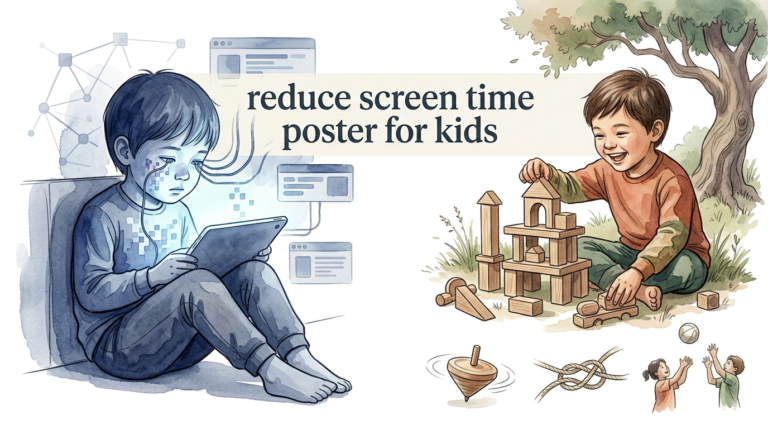
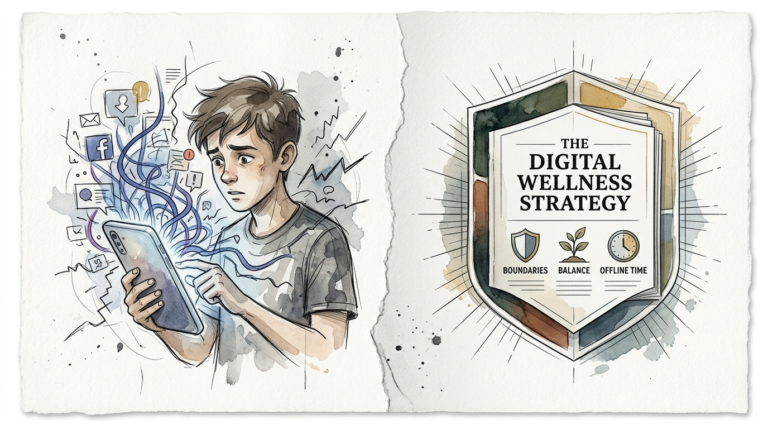
Is their screen a window to the world or a wall in front of it? Not all ‘screen time’ is created equal. One drains the brain; the other builds a toolkit for life. Here is how to swap mindless scrolling for mastery.
Imagine a child sitting on the sofa, eyes glazed, scrolling through short-form clips of bright colors and loud noises. This is the “wall.” It blocks curiosity. It shuts down critical thinking. It offers a quick dopamine hit but leaves the mind empty once the screen goes dark.
Now, imagine that same child watching a former NASA engineer explain the physics of a giant squirrel-proof bird feeder. Their eyes are bright. They are asking questions. They want to go to the garage and build something. This is the “window.” This is active screen time.
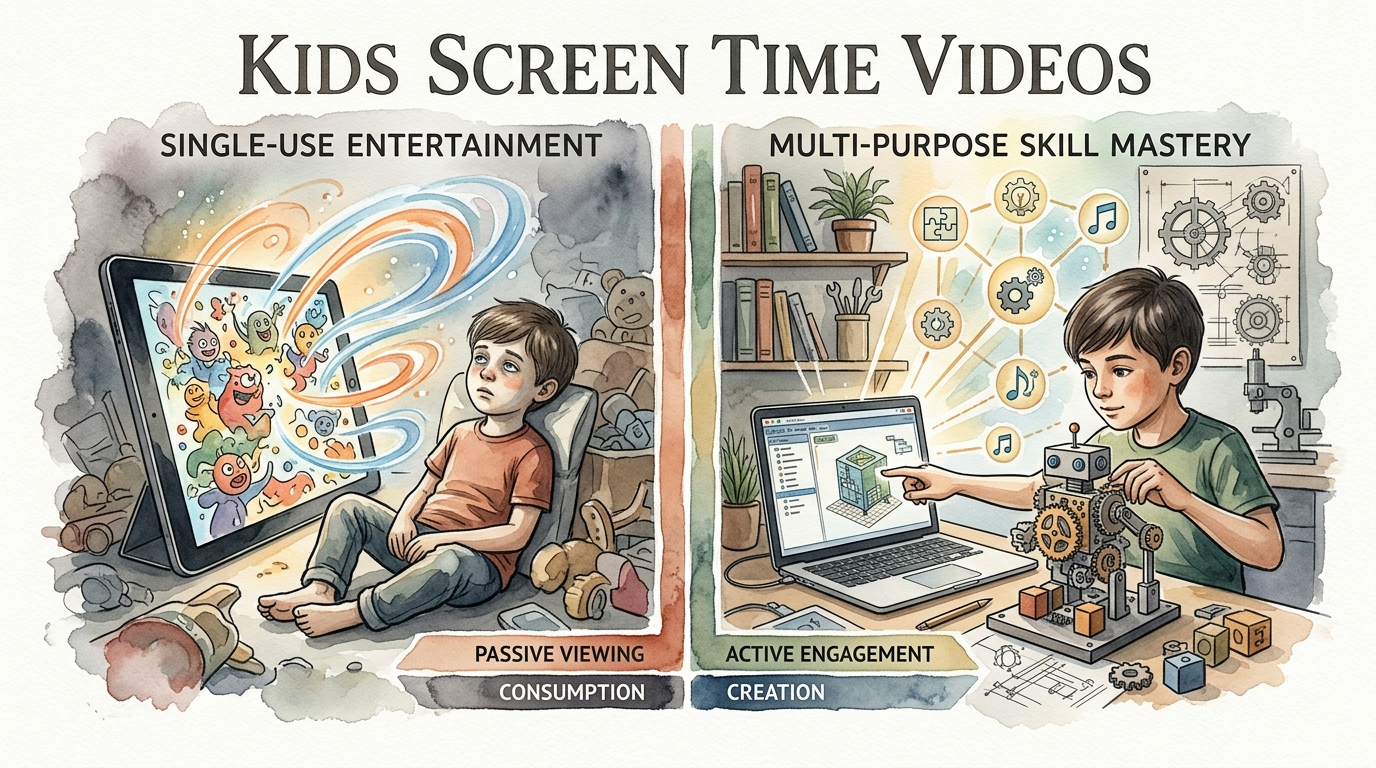
Shifting the focus from consumption to creation is the most powerful move a parent can make in the digital age. It is not about banning the tablet. It is about curating the content. It is about moving from “Single-Use Entertainment” to “Multi-Purpose Skill Mastery.”
kids screen time videos
Quality kids screen time videos are more than just digital babysitters. They are intentional, high-value visual resources designed to stimulate a child’s brain rather than numb it. These videos range from step-by-step science experiments and coding tutorials to emotional intelligence lessons and historical deep dives.
Think of these videos as a digital apprentice program. In the real world, we use videos to learn how to fix a sink or bake a cake. For children, the right video content functions the same way. It provides a visual roadmap for a skill they can apply offline.
The difference lies in the engagement level. Passive content, like “unboxing” videos or mindless cartoons, requires zero effort from the viewer. Active educational videos, however, invite the child to participate. They ask questions, offer challenges, and encourage the viewer to “pause and try this at home.”
In today’s landscape, these videos live primarily on platforms like YouTube Kids, PBS Kids, and specialized apps like Khan Academy Kids. When used correctly, they bridge the gap between abstract concepts and practical reality. They turn a passive observer into an active participant.
How to Transform Screen Time into Mastery
Moving from mindless scrolling to mastery requires a shift in strategy. You cannot simply hand over a device and hope for the best. Algorithms are designed for retention, not education. You must be the curator of their digital library.
Step 1: Curate the Feed
Start by clearing the slate. Unsubscribe from channels that offer low-value “brain rot.” Instead, seek out creators who focus on “The How” and “The Why.” Look for channels like Mark Rober for engineering or SciShow Kids for biology. These creators treat their audience with respect and assume a level of natural intelligence.
Step 2: Create Active Playlists
Organization is your best friend. Create specific playlists labeled by skill. You might have a “Saturday Science” playlist or a “How to Draw” collection. By grouping videos together, you create a cohesive learning path. This prevents the “what’s next” spiral that leads back to mindless content.
Step 3: The ‘Pause and Do’ Method
Encourage your child to treat the video as a manual. If they are watching a woodworking tutorial, the video should be paused every few minutes. The goal is to replicate a step in the real world. This physical movement breaks the hypnotic state of the screen and anchors the learning in the physical world.
Step 4: Use Co-Viewing for Deep Learning
Research shows that children learn significantly more when an adult is present. You do not have to watch every second, but sitting with them for ten minutes to discuss the video makes a massive difference. Ask open-ended questions like, “What do you think happens next?” or “How would you solve that problem differently?”
Benefits of Skill-Based Viewing
Switching to high-quality kids screen time videos offers measurable developmental advantages. It changes the neural pathways being activated during device use. Instead of just stimulating the pleasure centers, you are activating the prefrontal cortex—the area responsible for planning and logic.
Cognitive Growth: Active viewing improves sustained attention. Research indicates that educational apps and videos can actually improve performance on attention tasks. This is because the child is required to follow a sequence of logic rather than just reacting to flashes of light.
Digital Literacy: By teaching children to seek out specific information, you are training them to use the internet as a tool. This is a foundational life skill. They learn that the web is a library, not just a playground. They become creators who use technology to solve problems.
Real-World Application: The best educational content leads to offline activity. Whether it is learning a new dance move, a coding language, or a recipe, the screen serves as the spark for real-world mastery. This builds confidence and fine motor skills simultaneously.
Challenges and Common Mistakes
The road to digital mastery is full of distractions. Many parents fall into the trap of “Edutainment.” This is content that looks educational—it has numbers and letters—but the pacing is so fast that no actual learning occurs. It is essentially a cartoon wearing a math suit.
The Autoplay Trap: One of the biggest mistakes is leaving autoplay on. Even if you start with a great video, the algorithm will eventually lead the child toward more addictive, lower-quality content. This “rabbit hole” effect is designed to keep eyes on the screen, not to educate the mind.
Lack of Follow-Up: If a child watches a 20-minute video on volcanoes and then immediately jumps to a game, the information is rarely retained. Knowledge needs “hooks.” Without a conversation or a related activity, the video remains “Single-Use Entertainment.”
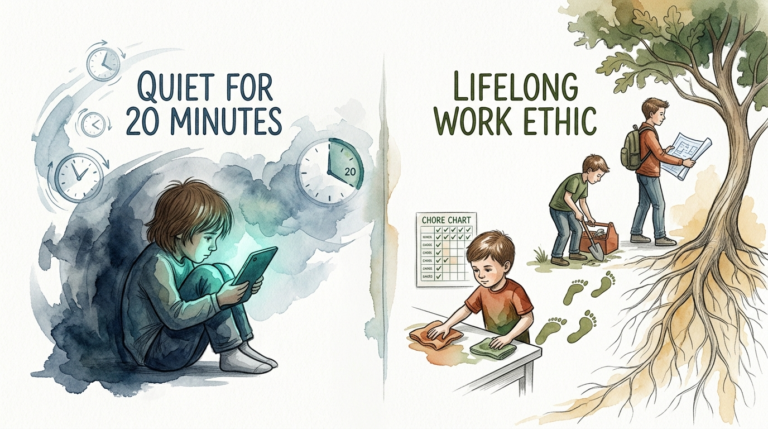
Passive Parenting: It is tempting to use the tablet as a quiet-time tool. While everyone needs a break, using it as a consistent “babysitter” often leads to a decline in quality. Monitoring the history and discussing the content is essential for maintaining the mastery mindset.
Limitations and Realistic Boundaries
Even the best kids screen time videos cannot replace physical reality. There are hard limits to what a screen can do for a child’s development. For children under 18 months, research suggests that background TV can actually hinder language development because parents tend to talk less when it is on.
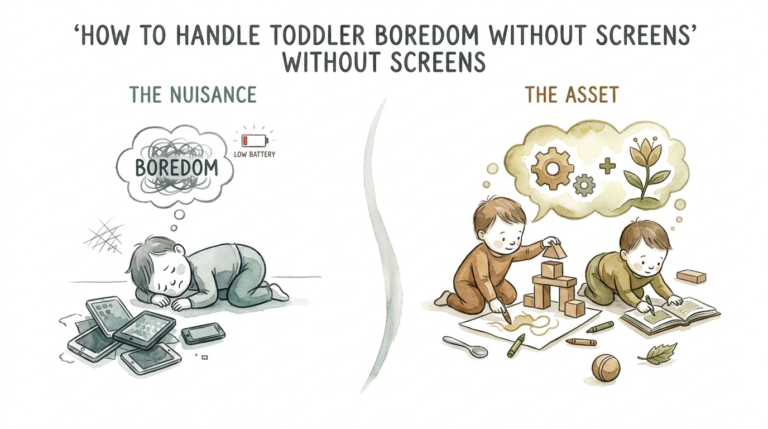
The ‘Video Deficit’ Effect: Younger children, especially toddlers, often struggle to translate 2D video actions into 3D real-world actions. This is known as the video deficit. For these ages, physical blocks and face-to-face interaction will always outperform the most expensive educational app.
Physical Health: No matter how educational the content is, too much screen time leads to sedentary behavior. Eye strain and poor posture are real concerns. Experts suggest the “20-20-20” rule: every 20 minutes, look at something 20 feet away for 20 seconds. This protects developing vision.
Social Skills: Mastery of a skill is great, but social mastery is equally important. Screens are inherently isolating. If a child spends all their time “learning” from a screen, they miss the subtle cues of human interaction, turn-taking, and empathy that occur during group play.
Single-Use Entertainment vs. Multi-Purpose Skill Mastery
To understand the shift, we must look at the “Intent” behind the content. Not all videos serve the same goal. Use the table below to evaluate what your child is currently watching.
| Feature | Single-Use Entertainment | Multi-Purpose Mastery |
|---|---|---|
| Primary Goal | Keep viewer watching (Retention) | Teach a concept or skill |
| Viewer State | Passive / Hypnotic | Active / Questioning |
| Post-Video Action | Wants more videos | Wants to try the activity |
| Brain Stimulation | Dopamine (Reward) focus | Executive Function focus |
| Example | Toy unboxing, repetitive songs | DIY builds, science logs, coding |
Practical Tips for Better Screen Habits
Implementing a new system doesn’t have to be a battle. Small, consistent changes create a new “normal” for the household. Use these actionable steps to begin the transition today.
- The ‘One for One’ Rule: For every 20 minutes of entertainment, the child must watch 20 minutes of a “mastery” video. This balances fun with growth.
- Cast to the Big Screen: Encourage watching educational content on the living room TV rather than a private tablet. This naturally invites conversation and co-viewing.
- Set a Project Goal: Ask the child what they want to *make* this week. Then, find the kids screen time videos that will teach them how to do it.
- Use Digital ‘Bedtimes’: Set devices to lock automatically an hour before bed. This prevents blue light from disrupting sleep and allows the brain to wind down from the high stimulation of learning.
Advanced Considerations for Digital Learners
For parents who want to take it a step further, consider the transition from Consumer to Creator. Once a child has mastered the art of learning from a screen, the next level is using the screen to express their own ideas. This is the ultimate form of mastery.
Introduce them to simple video editing software or coding platforms like Scratch. Instead of just watching a drawing tutorial, they can record their own and explain it to a friend. This requires a deep understanding of the subject matter. It forces them to organize their thoughts and communicate clearly.
Scaling this up involves moving into specialized hardware. If they love stop-motion animation videos, get them a basic tripod and a clay kit. The screen then becomes a professional tool, similar to how an architect uses a computer or a musician uses a recording suite. This is how “screen time” becomes a career foundation.
Example Scenario: The Saturday Swap
Let’s look at how this works in a real-world home. Meet the Thompson family. Their 8-year-old usually spends Saturday morning watching “Let’s Play” videos of other people playing video games. This is passive and offers low educational value.
The Thompsons decide to try a Saturday Swap. They find a video titled “How to Build a Backyard Obstacle Course” by a popular DIY creator. They watch it together over breakfast. The video explains physics concepts like leverage and balance in a fun, high-energy way.
After the video, the family goes to the backyard. They use old tires, planks of wood, and ropes. The 8-year-old is now measuring distances, testing stability, and iterating on their design. The “screen time” lasted 15 minutes, but the “active mastery” lasted 3 hours. The screen was the window to a more exciting physical world.
Final Thoughts
Technology is not the enemy; passivity is. By curating kids screen time videos that focus on mastery, you are giving your child the ultimate competitive advantage in a digital world. You are teaching them that they are the masters of their tools, not the victims of their algorithms.
Start small. Swap one mindless show for one “how-to” video this week. Watch the change in their eyes. Observe the questions they ask. You will soon find that the screen is no longer a wall—it is a launchpad for a lifetime of curiosity and skill.
Encourage your child to experiment, fail, and try again. The goal isn’t a perfect result; it’s the development of a mind that knows how to learn. Once they have that, the world—and the window—is wide open.
Sources
1 thenesavu.com | 2 expressable.com | 3 idtech.com | 4 greenlight.com | 5 kalakaram.com | 6 sparkandstitchinstitute.com | 7 choc.org | 8 frontiersin.org | 9 thelandscapeoflearning.com | 10 vidcove.io | 11 bainhwc.com | 12 srcd.org | 13 childrenandscreens.org