screen time rules for kids
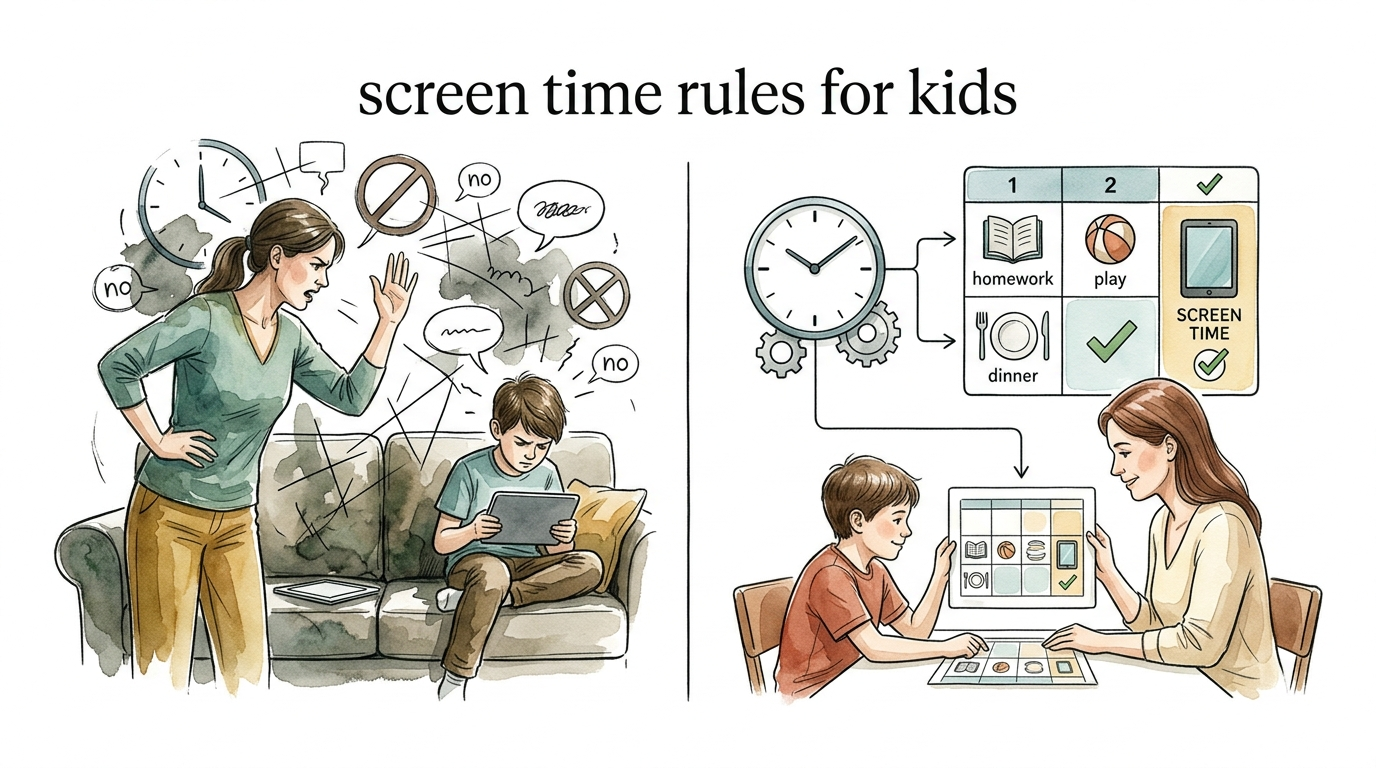
If you are the one always watching the clock, your system is broken. Let the chart do the work. Manual parenting is exhausting. Strategic parenting uses systems that allow kids to manage themselves. Transition from the ‘nagging’ phase to the ‘system’ phase with these proven screen rules.
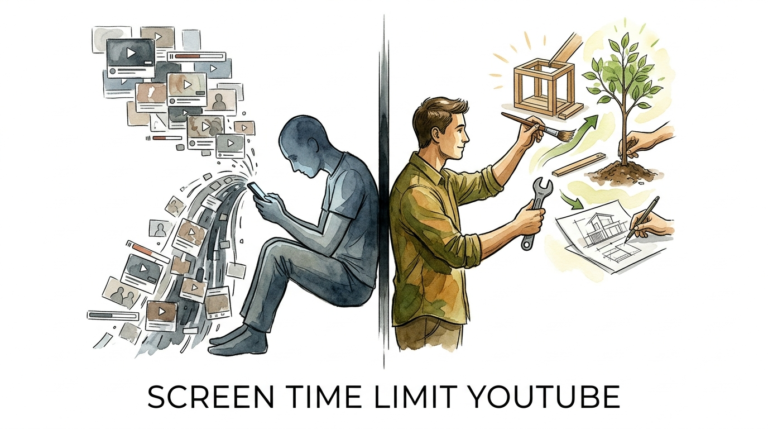
Most parents live in a cycle of constant negotiation. You set a timer, the timer goes off, and the battle begins. This is the “Manual Nagging Method,” and it is the fastest way to burn out. When you are the enforcer, you are the villain. When the system is the enforcer, you are the coach.
Strategic parenting shifts the burden of responsibility from your shoulders to a visual framework. By the time you finish this guide, you will understand how to build a digital ecosystem that teaches self-regulation rather than just compliance. We are moving past the era of “no tablets at the table” and into the era of intentional digital literacy.
screen time rules for kids
Screen time rules for kids are the boundaries and systems parents establish to govern how children interact with digital devices. In the modern world, these rules have evolved from simple “time limits” into a complex framework of quality, context, and displacement. Experts now emphasize that what a child is doing on a screen is often more important than how long they are doing it.
In 2026, the American Academy of Pediatrics (AAP) shifted its stance significantly. Rather than focusing on strict hour-based limits for all ages, the updated guidelines prioritize “quality, context, and conversation.” This means a child video-calling a grandparent or using a purposeful learning tool is viewed differently than a child passively scrolling through algorithmic short-form videos.
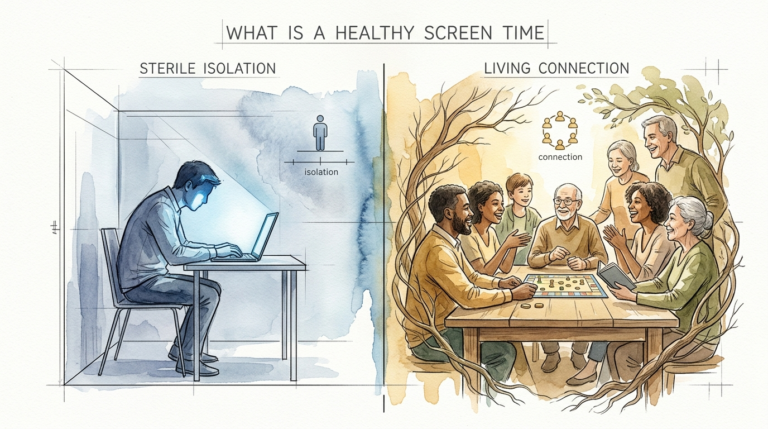
Effective rules act as a “digital dessert” policy. Just as you wouldn’t allow a child to eat cake for every meal, you shouldn’t allow passive media to replace the “nutritional” activities of childhood. These activities include deep sleep, physical movement, face-to-face social interaction, and independent play. When screens begin to “displace” these essentials, the system has failed.
Rules typically fall into three categories:
Time-based: “You have 60 minutes today.”
Task-based: “You can use screens once your chores and reading are done.”
Zone-based: “No screens in bedrooms or during mealtimes.”
How to Implement a Strategic Visual System
The goal is to stop being the “human timer” and start using a system that kids can see, touch, and manage. A visual system provides a clear roadmap that removes the “mystery” of when screens are allowed.
Step 1: The Visual Chart
Create a physical chart and place it in a common area like the kitchen. This chart should list the “pre-screen requirements.” These are non-negotiable tasks that must be completed before any device is turned on. A common list includes:
- Making the bed and tidying the room.
- Completing 20-30 minutes of independent reading.
- Spending 30 minutes playing outside or doing physical activity.
- Finishing all homework or learning modules.
- Completing a daily “contribution” (chore) to the household.
Step 2: The Token Economy
Instead of giving “infinite” access until you yell “time’s up,” use a token system. Give your child a set number of tokens at the start of the day or week. Each token represents 15 or 30 minutes of screen time.
When the child wants to use a device, they must “pay” you with a token. This teaches them to budget their time. If they use all their tokens in the morning, they have nothing left for the evening. This moves the “blame” for no screen time from you to their own choices.
Step 3: The “Stoplight” Content Filter
Not all content is created equal. Categorize apps and games into three tiers:
Green Light: Educational tools, creative software (like digital art or coding), and video calls with family. These may have more flexible time limits.
Yellow Light: High-quality entertainment shows or games that require strategy. These are timed and monitored.
Red Light: Infinite-scroll apps, platforms with aggressive algorithms (like certain short-form video sites), and games with “loot boxes” or addictive mechanics. These are restricted or highly limited.
Benefits of a System-Based Approach
Moving to a strategic system offers immediate, measurable benefits for both the parent and the child. It transforms the home environment from a battlefield into a learning center.
Reduced Power Struggles: When the rules are visual and consistent, there is less room for negotiation. The “Manual Nagging Method” relies on your mood and memory; a system relies on the chart. If the chart says “No screens until reading is done,” you don’t have to argue. You simply point to the chart.
Development of Self-Regulation: Children who manage tokens or checklists are practicing executive function skills. They are learning to prioritize tasks, delay gratification, and manage a limited resource. These are the exact skills they will need as adults in a world filled with digital distractions.
Protection of Brain Development: Latest research, including a landmark 13-year brain scan study out of Singapore, suggests that early, excessive screen exposure can impact brain structure, specifically areas related to attention and complex memory. A system ensures that screens do not crowd out the sensory-rich, real-world experiences that build healthy neural pathways.
Clearer Expectations: Kids thrive on predictability. When they know exactly what is required to earn their “digital dessert,” their anxiety decreases. They no longer have to “ask and see” if they can have the iPad; they know they can have it as soon as their checklist is checked off.
Challenges and Common Mistakes
Even the best systems can hit roadblocks. Understanding where most parents go wrong can help you avoid a total system collapse.
Inconsistency: The biggest killer of any system is the “exception.” If you let them skip the checklist because you are tired or busy, the child learns that the rules are flexible. They will go back to nagging because they know they can break you. Consistency is the currency of a successful system.
Using Screens as a “Pacifier”: It is tempting to hand over a phone during a tantrum or a long wait. While sometimes necessary for survival, doing this frequently teaches the child that “big emotions” result in “digital rewards.” This bypasses the child’s opportunity to learn how to self-soothe or handle boredom.
The “Ultimate Reward” Trap: If you treat screen time as the only thing worth working for, you accidentally reinforce that everything else (reading, chores, playing) is a chore to be endured. Try to frame screens as just one of many fun activities available, rather than the “holy grail” at the end of the day.
Ignoring the “Digital Hangover”: Some children experience intense irritability or “meltdowns” immediately after turning off a screen. This is often due to the high dopamine levels of modern gaming. If your child cannot transition away from screens without a total breakdown, the content might be too stimulating, or the system needs a “buffer” activity (like a snack or a quick walk) to help them transition back to reality.
Limitations of Screen Time Systems
A chart cannot solve every problem. There are realistic constraints that every practitioner must acknowledge.
Environmental Factors: If your child is in a school where every assignment is on a Chromebook, “total time” tracking becomes nearly impossible. You must differentiate between “school screens” and “recreational screens.” The displacement of physical activity still matters, but you cannot strictly limit “educational necessity.”
Age-Appropriate Degradation: A token system that works for a 6-year-old will be laughed at by a 14-year-old. As kids get older, the system must shift from “earning” time to “managing” health. For teenagers, the focus should be on sleep hygiene and digital reputation rather than just “minutes allowed.”
The “Modeling” Boundary: A system will fail if the parents do not follow it. If you have a “no phones at the table” rule but you are checking your email during dinner, the system loses all credibility. You are the “Lead Digital Citizen” of your home; the rules apply to you, too.
Practical Tips and Best Practices
Apply these techniques immediately to see a change in your household dynamic.
- Laminate the Chart: Use a dry-erase marker so kids can physically check off tasks. The tactile sensation of “checking a box” provides a small dopamine hit that rivals the screen.
- Use “Hardware” Limits: Apps like Aura, Qustodio, or Bark can act as the “automated enforcer.” Set the “bedtime” on the app so the device simply stops working at 7:30 PM. This takes the “bad guy” role away from you.
- The “Transition Warning”: Don’t just yell “turn it off.” Give a 10-minute and 5-minute warning, or use a visual countdown timer. This allows the child’s brain to prepare for the dopamine drop.
- Co-Viewing: Whenever possible, watch or play with your child. The AAP 2026 guidelines emphasize that “conversation” during screen use significantly mitigates the negative effects of passive consumption.
- Audit the Content: Regularly check what they are watching. Algorithms are designed to keep kids scrolling by showing increasingly sensational content. Use tools like Common Sense Media to verify if an app is truly educational.
Comparison: Manual Nagging vs. Strategic Visual System
| Feature | Manual ‘Nagging’ Method | Strategic Visual System |
|---|---|---|
| Enforcer | The Parent (The Villain) | The Chart/System (The Law) |
| Consistency | Low (Depends on parent’s mood) | High (Visible and fixed) |
| Kid’s Role | Passive/Resistant | Active/Responsible |
| Transitioning Off | Arguments and “Five more minutes!” | Budgeted via tokens or timers |
| Skill Built | Negotiation/Manipulation | Self-Regulation/Budgeting |
Advanced Considerations for Digital Literacy
Once you have the basics down, you can move toward deeper digital literacy. This is for the serious practitioner who wants to raise children who can thrive in a tech-saturated world.
Consider the concept of “Digital Architecture.” This involves looking at how apps are designed to be addictive. Teach your older children about “infinite scrolls,” “red notification dots,” and “streaks.” When kids understand that a team of engineers is working to “steal” their attention, they often become more protective of their time.
You should also look into “Safe Gaming” ecosystems. Apps like Aura now offer monitoring for in-game voice and text chats on platforms like Roblox and Discord. This is vital because the “context” of screen time often involves social interaction with strangers. A high-level system includes both time management and “safety-net” monitoring to alert you to bullying or predatory behavior without you having to “spy” on every conversation.
Real-World Example: The Saturday Morning System
Consider a typical Saturday morning. In a “Manual” house, the kids wake up, grab their tablets, and stay on them until the parent gets frustrated and starts yelling about the beautiful day outside. This results in a fight.
In a “System” house, the Saturday rule is: “No screens until 10:00 AM, and only after the Checklist is done.”
The kids know the devices are off-limits until then. They spend their morning playing with Legos, eating breakfast, and maybe even helping with the laundry. At 10:00 AM, they present their completed checklist and “spend” their first 30-minute token. Because the expectations were clear from the moment they woke up, there is no battle. They have already “earned” their time, and the parent can enjoy their coffee in peace.
Final Thoughts
If you are tired of the daily “screen time struggle,” it is time to admit that manual parenting isn’t scaling with the digital age. Your kids aren’t the problem; the lack of a transparent, visual system is. By shifting the responsibility to a chart or a token economy, you give your children the tools they need to manage their own digital consumption.
The 2026 landscape of parenting requires us to be more than just “limit setters.” We must be “system architects.” Focus on what screens are displacing. Ensure that sleep, movement, and real-world connection come first. When those pillars are in place, screen time becomes a harmless dessert rather than a destructive main course.
Start small. Print a checklist today. Buy some tokens. Let the system do the heavy lifting so you can get back to being the parent you want to be. Your future self—and your child’s developing brain—will thank you.
Sources
1 nurtureandthriveblog.com | 2 pcmag.com | 3 activeforlife.com | 4 teachbesideme.com | 5 youtube.com | 6 choc.org | 7 choc.org | 8 tokensfor.com | 9 fsu.edu | 10 heyotto.app | 11 jfcs.org | 12 youtube.com | 13 youtube.com | 14 homestoriesatoz.com | 15 aacap.org | 16 youtube.com | 17 osfhealthcare.org | 18 gentleparentinginstitute.com | 19 harvard.edu | 20 aap.org | 21 youtube.com | 22 betterscreentime.com | 23 youtube.com | 24 ahealthysliceoflife.com | 25 kidtherapy.org