screen time management
The end of the digital tug-of-war starts with a system. Without a plan, screen time becomes a source of daily conflict. Bring order to the chaos with a management system that sets clear expectations.
Most people feel like their devices are in the driver’s seat. Research from 2025 shows that Americans spend an average of 5 hours and 16 minutes on their phones every single day. That is a 14% increase from just a year prior. We are not just using tech; we are often drowning in it.
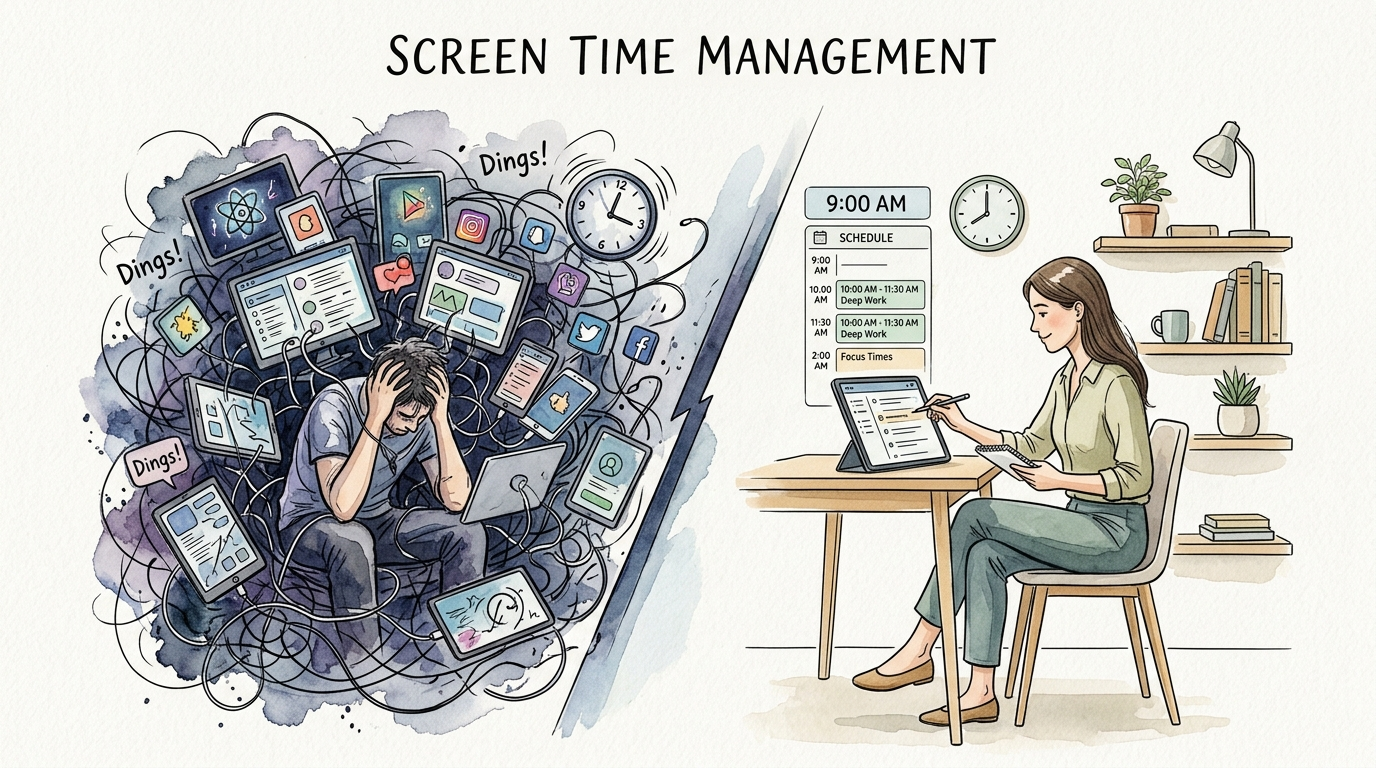
Living without a strategy leads to “Screen Chaos.” This is a state where notifications dictate your mood and scrolling consumes your goals. Transitioning to “Managed Order” requires more than just willpower. It requires a repeatable framework that works for your specific lifestyle.
This guide will walk you through the architecture of a successful management plan. You will learn how to set boundaries that stick and how to use technology to actually improve your life. Let’s move from reactive scrolling to intentional living.
screen time management
Screen time management is the practice of setting intentional boundaries around how, when, and why we use digital devices. It is not about a total “digital detox” or living in a cave. Instead, it is about ensuring that technology serves you rather than the other way around.
In the real world, this system looks different for everyone. For a parent, it might mean using tools like Google Family Link to ensure a child finishes their homework before opening YouTube. For a professional, it might mean “intermittent fasting” for screens to boost deep work productivity.
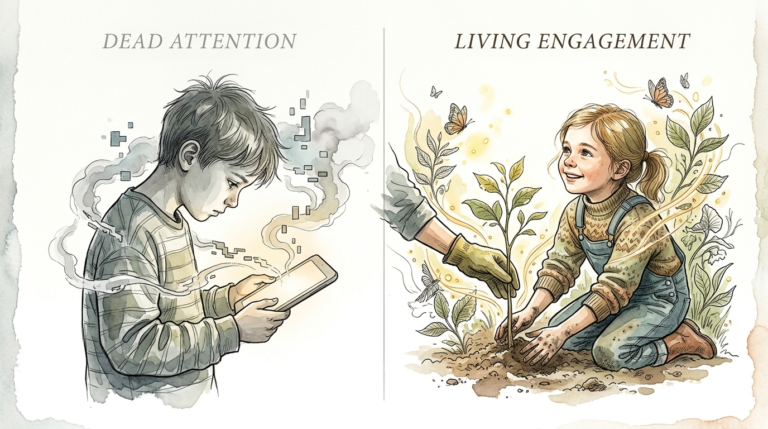
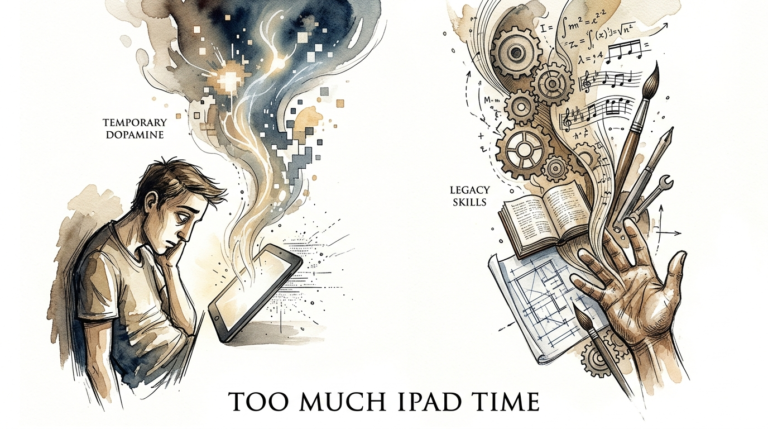
The goal is to move away from “passive screen time,” like aimless scrolling, and toward “active screen time,” like learning a new skill or connecting with loved ones. When you manage your screen time, you are essentially managing your attention. And your attention is the most valuable resource you own.
Building Your System: How to Implement Order
Creating a system starts with an audit. You cannot manage what you do not measure. Most individuals underestimate their daily phone usage by 30% to 50%. Check your built-in activity reports on iOS or Android to see the cold, hard data.
Once you have the data, follow these steps to build your framework:
1. Define Your “Must-Dos” First
Successful systems prioritize real-life requirements before digital rewards. Establish a list of non-negotiables that must be completed before screens are turned on. This includes hygiene, physical exercise, chores, and reading.
2. Create Physical Boundaries
Environment often beats willpower. Designate “Screen-Free Zones” in your home, such as the dining table and bedrooms. Charging devices outside of the bedroom is one of the most effective ways to improve sleep quality and morning focus.
3. Use Selective Automation
Leverage the technology to fight the technology. Set “Downtime” schedules that automatically gray out non-essential apps at a certain hour. This creates a “soft barrier” that forces you to be mindful of your choice to keep scrolling.
- Grayscale Mode: Removing color makes the screen less stimulating and reduces the “hit” of dopamine.
- App Timers: Set hard limits on social media apps that you find particularly addictive.
- Notification Culling: Turn off all non-human notifications. If it is not a message from a real person, it probably does not need your immediate attention.
The Ripple Effect: Benefits of Managed Order
The benefits of a structured system are measurable and immediate. When you reclaim those five hours of daily phone time, your mental and physical health begins to shift. Research shows that reducing screen time can significantly lower symptoms of anxiety and depression.
For children, the stakes are even higher. High screen time in toddlers has been correlated with a 12% lower vocabulary. Conversely, children with managed limits see improvements in sleep, academic performance, and social behavior.
Adults experience a “productivity windfall.” Without the constant buzz of notifications, you can enter “flow states” more easily. This allows you to finish tasks faster and with higher quality, leaving more time for hobbies that actually fulfill you.
Friction Points: Common Management Mistakes
Most people fail because they rely on “total bans” rather than sustainable systems. A sudden “digital detox” often leads to a “screen binge” once the detox ends. This is the “yo-yo dieting” of the tech world.
Another common error is the “Inconsistent Enforcer” trap. If you set a rule but ignore it when you are tired, the system loses all credibility. This is especially true for parents using screens as “digital babysitters.” While convenient, it teaches children that rules are negotiable based on a parent’s mood.
Finally, many people forget to model the behavior they want to see. You cannot expect a child or a spouse to put their phone away if you are constantly checking emails at the dinner table. Leadership in digital wellness starts with your own screen habits.
Realistic Constraints: Limitations of the System
A management system is not a magic bullet. In 2025, screens are often a necessity for work and education. You cannot simply “turn off” the tools you need to earn a living or complete a degree. This creates a “gray area” where work-related screen time can easily bleed into leisure time.
Environmental factors also play a role. If your entire social circle communicates through a specific app, “quitting” that app might lead to social isolation. The system must be flexible enough to allow for necessary connection while preventing mindless consumption.
Lastly, digital tools are designed to be addictive. They use “variable reward systems” similar to slot machines to keep you engaged. Even the best system will face constant pressure from billion-dollar algorithms designed to break your focus.
Screen Chaos vs. Managed Order
Understanding the difference between these two states is crucial for long-term success. Managed order is not about restriction; it is about freedom.
| Feature | Screen Chaos | Managed Order |
|---|---|---|
| Primary Driver | Notifications and Algorithms | User Values and Goals |
| Mental State | Reactive and Fragmented | Proactive and Focused |
| Impact on Sleep | Disrupted by Blue Light | Protected by Curfews |
| Social Interaction | Distracted by Devices | Fully Present and Engaged |
| Long-term Skill | Dependency | Self-Regulation |
Tactical Wins: Practical Tips for Immediate Implementation
You can start bringing order to your digital life today. You do not need to wait for a Monday or a New Year’s resolution. Small, tactical changes often produce the biggest results over time.
- The 1-Hour Rule: Commit to no screens for the first hour after waking and the last hour before sleep.
- The “Out of Sight” Strategy: Put your phone in a drawer when you need to focus. If you have to stand up to check it, you are less likely to do so reflexively.
- Manual Tracking: For one week, write down why you are picking up your phone every time you reach for it. This builds “metacognition”—the ability to think about your thinking.
- Alternative Lists: Keep a physical book or a puzzle nearby. When the “boredom itch” hits, reach for the physical object first.
Advanced Strategies for Digital Sovereignty
Serious practitioners take it a step further by changing their digital identity. This moves beyond “managing time” to “curating a lifestyle.” This level of sovereignty involves deeply auditing the content you consume.
Consider the “16-8 Screen Fast.” Just like intermittent fasting for food, you only engage with non-essential screens during an 8-hour window. The remaining 16 hours are dedicated to sleep, work, and offline life. This creates a powerful mental boundary that simplifies decision-making.
Another advanced technique is “Manual Enforcement.” Instead of relying on apps to lock you out, use a physical kitchen timer. When the timer dings, you manually close the app. Research suggests that manual limits double habit retention compared to automated lockouts because they build internal self-regulatory muscle.
Real-World Example: The “Life-First” Shift
Consider a family struggling with “Screen Chaos.” The parents feel guilty about using tablets as babysitters, and the kids have meltdowns every time a device is taken away. They decide to implement a “Managed Order” system.
They start by creating a “Must-Do” checklist for the kids: get dressed, brush teeth, read for 30 minutes, and play outside for one hour. Only after these are checked off do the kids get 45 minutes of screen time. For the parents, they implement a “Phone Garage”—a decorative box in the kitchen where phones stay from 6:00 PM to 8:00 PM.
Within three weeks, the “tug-of-war” disappears. The kids know exactly when they get their time, so the meltdowns stop. The parents feel more connected because they are actually looking at their children during dinner. The system brought peace because it replaced “negotiation” with “predictability.”
Final Thoughts
The transition from chaos to order is not a one-time event. It is a continuous process of adjustment and refinement. Technology will continue to evolve, and your system must be resilient enough to evolve with it.
Start small. Focus on one zone or one hour of the day where you feel the most “tugged” by your devices. Master that small territory before trying to reclaim your entire digital life. Success builds on itself, and soon, you will find that you have more time and energy than you ever thought possible.
Remember that the goal is not to be perfect. The goal is to be intentional. When you take control of your screen time, you are taking control of your story. Move forward with the confidence that a system, not just willpower, is the key to lasting change.
Sources
1 harmonyhit.com | 2 starkhelpcentral.com | 3 pnwtkitsap.com | 4 alibaba.com | 5 raisingkidswithpurpose.com | 6 timeshighereducation.com | 7 parentingnow.org | 8 glosso.fr | 9 blankspaces.app | 10 iastate.edu | 11 luriechildrens.org | 12 utma.com | 13 habyts.com | 14 harvard.edu | 15 nih.gov | 16 screenagersmovie.com | 17 reconnect-families.com | 18 wellbeingpeople.com | 19 centerstone.org | 20 checkupnewsroom.com | 21 magnushealth.com | 22 youtube.com | 23 georgetown.edu | 24 mdanderson.org | 25 mayoclinichealthsystem.org | 26 inspirahealthnetwork.org | 27 youtube.com